We install and support smart systems across Dubai, from Palm Jumeirah villas to Business Bay apartments, and we have done so since 2016. This guide is written from the install side. Every hard number carries a named source, and the fixes are ordered by how much they actually protect you.
You do not need to be technical to follow it. Start at the top, do the first six fixes today, and work down the list when you have time. The goal is simple: make your home a harder target than the next one.
Can a smart home be hacked?
Short answer: yes, but almost every real breach traces back to a fixable habit, not a flaw you cannot control. The usual cause is a default password left in place, one password reused across many accounts, or firmware that never got updated.
The proof is on record. In 2016, malware called Mirai took over more than 600,000 home devices using a list of just 61 factory-default passwords[5]. No clever trick. Just logins that owners never changed. Mirai is malware that hunts the internet for cameras and routers still using their out-of-the-box password.
The risk is current, and it is local. In September 2025, the UAE Cyber Security Council warned that 70 percent of smart home devices are vulnerable to attack if they are not properly protected[6]. It named voice assistants, cameras, smart lighting, AC controls, and baby monitors as the devices most at risk.
So the honest framing is this. A smart home is not unsafe by nature. It is only as safe as the weakest habit in the house. Fix the habits and you close most of the door.
How smart homes actually get hacked
Most smart homes get hacked by automated scans, not personal targeting: bots looking for an easy way in through a known password, an open port, or an old bug that was never patched. Here are the routes that show up again and again, with a real case for each and the fix.
| Attack vector | How it happens | Real example | The fix |
|---|---|---|---|
| Default or reused passwords | A device ships with a public factory login, or you use one password everywhere | Mirai used 61 default logins to take over 600,000+ devices in 2016[5] | Change every default password. Use a unique one per account. |
| Unpatched firmware | A security fix ships, but the device never receives it | A 2025 Mirai variant hit DVRs through a bug that was already a year old[3] | Turn on automatic updates. Retire devices that no longer get them. |
| Router takeover | The router sees all your traffic, so it is the top target | Routers made up over 75 percent of observed IoT attacks in 2025[3] | Update firmware, set WPA3, change the admin password. |
| Cloud account takeover | An attacker reuses a leaked email and password against your camera app | Password reuse is behind many camera and baby-monitor breaches[1] | A unique password plus 2FA on every account. |
| Phishing your email | A fake "verify your account" message steals the login to the inbox tied to your apps | Dubai Police warned residents in 2026 not to share passwords with unverified callers[7] | Secure your email first: unique password and 2FA. |
| Camera and baby-monitor breach | A weak camera password gives a stranger live video and two-way audio | The FTC case against Ring ended in 5.6 million dollars of refunds after account takeovers[4] | Unique password, 2FA, and a brand that updates. |
| Botnet recruitment | Your device is quietly enrolled to attack others; you rarely notice | Mirai used its 600,000+ devices to knock out Amazon and Twitter for hours in 2016[5] | The same password and firmware fixes above. |
| Cheap no-name hardware | Budget devices skip encryption and lose updates fast | Some cheap Wi-Fi cameras were found sending video over unencrypted connections | Buy brands with a real update record. |
| Shared tower network | On a building network, a neighbour's infected device can reach yours | Researchers showed nearby units can leak activity data on shared networks | Use your own router, and a separate network for devices. |
Do this first: the six highest-impact fixes
Do this first: six steps stop the large majority of attacks, and each takes about five minutes. Do them before anything else on this page.
- Change every default password before the device goes online. This one step defeats Mirai's entire method[5].
- Use a unique password for each account, stored in a password manager. A reused password turns one unrelated leak into a hacked camera[1].
- Turn on two-factor authentication (2FA) everywhere it is offered. This is CISA's number-one consumer tip, because it blocks account takeover even if your password leaks[2]. An app or a hardware key beats an SMS code.
- Put smart devices on their own network, away from your laptop and phone. If one cheap device is compromised, it stays boxed in[2].
- Turn on automatic firmware updates. A 2025 attack still worked through a bug that was a year old, on devices no one updated[3].
- Set your router to WPA3 (or WPA2/WPA3 Transitional if you have older devices). WPA3 is the current Wi-Fi security standard, and it blocks attempts to crack your Wi-Fi password offline.
Want this done right the first time? Book a free home security audit →
The full smart home security checklist
Quick take: the six fixes above cover most of the risk. This checklist covers the rest, grouped so you can work through it by area: your accounts, your network, your devices, and your cameras.
| Area | What to do | Why it matters |
|---|---|---|
| Accounts | A unique password per account, in a password manager | Stops one leaked password becoming many hacks[1] |
| Accounts | 2FA on every account, especially your email | The email that resets your app passwords is the real prize[2] |
| Accounts | Review and remove app permissions you do not use | Fewer open doors, fewer risks[1] |
| Network | WPA3, plus a new router admin password and network name | A default name tells an attacker exactly what to target[2] |
| Network | Disable UPnP | Malware uses it to open ports on its own[2] |
| Network | Turn off remote router management and WPS | Closes a remote door and a crackable PIN[2] |
| Network | A separate network or VLAN for smart devices | Contains a compromised device to its own lane[6] |
| Devices | Automatic updates on; retire devices that cannot update | Updates patch the exact bugs attackers scan for[3] |
| Devices | Buy brands with a real update record | No-name devices lose support after one product cycle |
| Devices | Learn the warning signs (devices acting alone, reset emails, unknown devices on the router) | Turns a vague worry into a checklist |
| Cameras | Unique password and 2FA on every camera account | The FTC Ring case was about account access, not the hardware[4] |
| Cameras | Wire cameras where you can; keep them on their own segment | Removes Wi-Fi interception and cloud dependence |
| Cameras | Switch off cameras in private rooms when not needed | Named by Dubai Police and the UAE Cyber Security Council[7] |
Your Wi-Fi and network: the layer that protects everything
Short answer: harden the router and separate your devices, and you protect everything behind it at once. Zscaler found routers made up over 75 percent of observed IoT attacks in 2025, because all your traffic passes through them[3].
Start with the router. Change its admin password and its default network name (SSID). A default name often reveals the exact model, which tells an attacker which known bugs to try[2]. Then set the Wi-Fi to WPA3. If you have older devices, use WPA2/WPA3 Transitional, so newer gear gets full WPA3 and nothing else stops working.
Turn off three convenience features that attackers abuse. UPnP lets devices open ports on the router by themselves, and malware uses the same trick to spread[2]. Remote management lets someone reconfigure the router from outside your home if they get the login. WPS uses a short PIN that can be cracked in hours. CISA recommends switching all three off[2].
Next, separate your devices. A guest network is the easy version: put every smart device on it, and keep your laptops and phones on the main one. If one cheap plug is compromised, it cannot see the computer with your banking app.
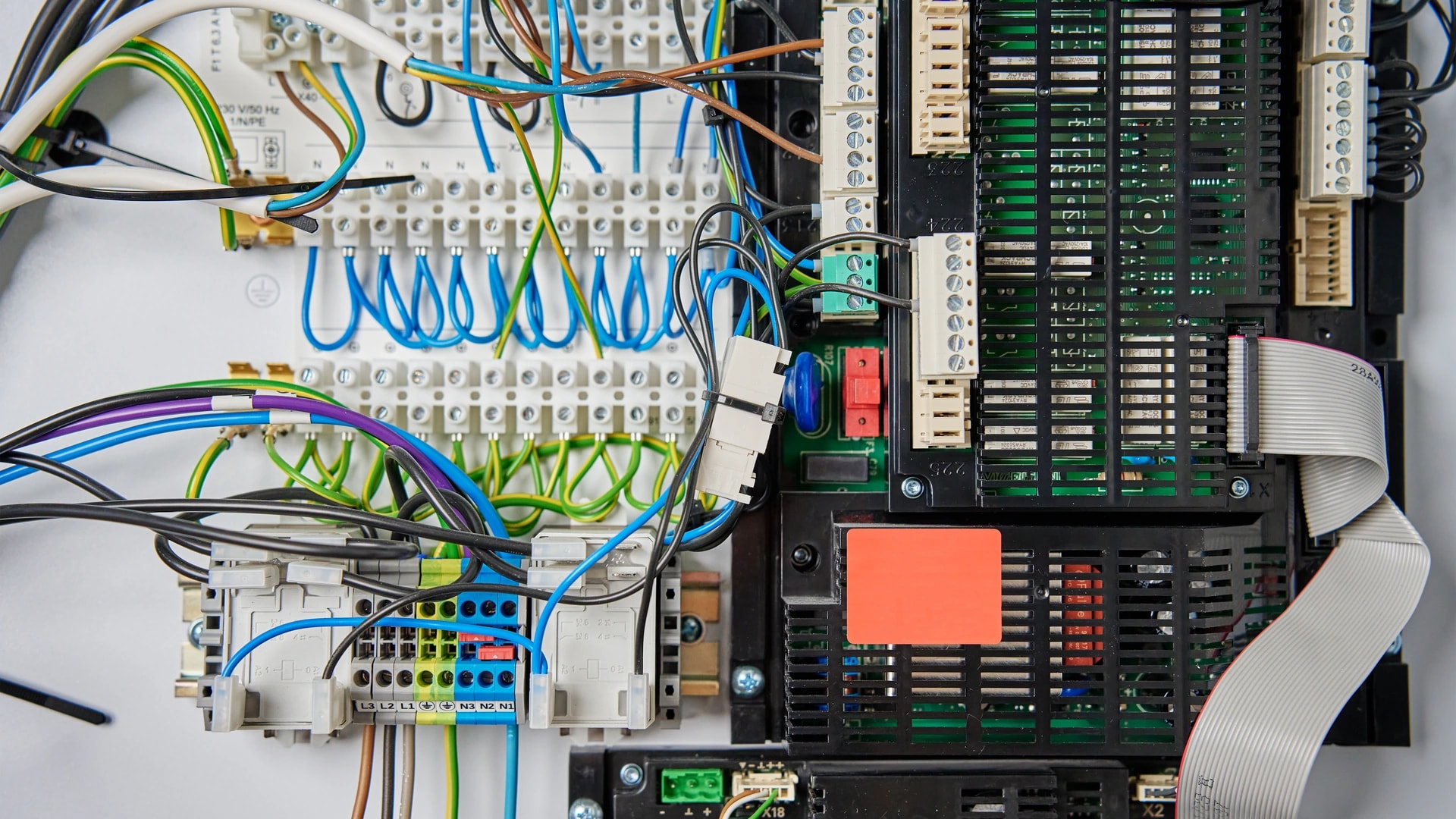
From our installs: across our Dubai projects since 2016, the villa version of this is a managed switch with real VLANs, not a single guest toggle[10]. A VLAN is a separate lane on the same wiring. We set a rule that smart devices can reach the internet but can never start a connection to your computers. Our home networking and IT work sets this up on a wired Cat 6A backbone, and our guide to smart home protocols in Dubai explains local versus cloud in more depth.
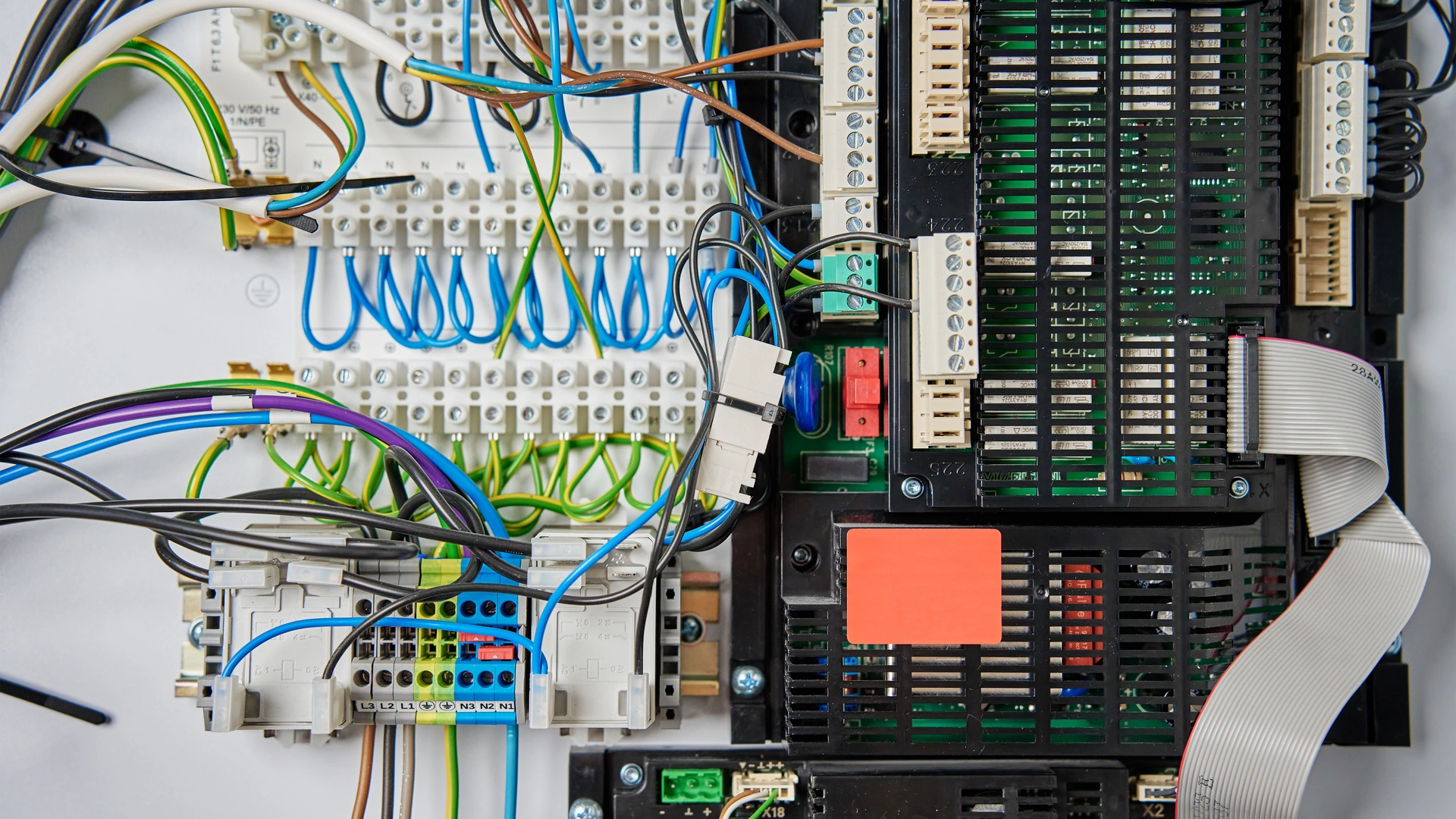
The Dubai catch: in an apartment tower, the building's shared network can be the weak point. On an unsegmented shared network, a neighbour's infected laptop can, in theory, reach devices in other units. Where your building allows your own router and connection, use them, and apply the same separation. Our renter and apartment guide covers what works in a flat.
Cameras and privacy: the most breached device, done right
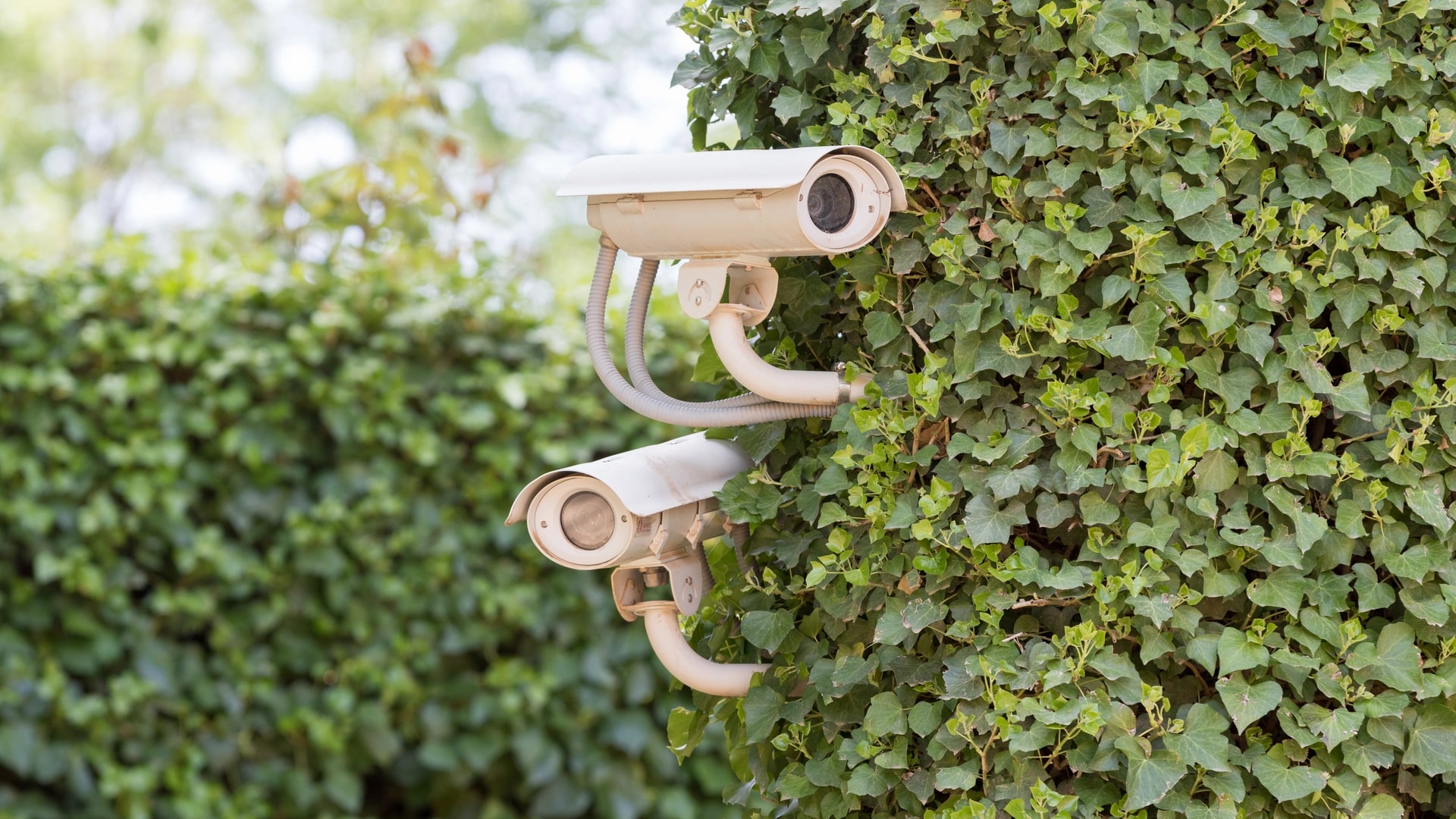
Short answer: cameras are the highest-value security feature and the most breached device on record, so secure the account, not just the camera. The FTC case against Ring ended with 5.6 million dollars in refunds to customers after hackers took over accounts and used two-way audio to harass people, including children, in their bedrooms[4].
The failure in that case was account access, not the camera hardware. So the fix starts with the account: a unique password, 2FA turned on, and a quick check of which devices are logged in. Do this for every camera, and first for any camera in a child's room.
Then decide where the video lives. Cloud recording sends footage to the maker's servers, which is how you view it from anywhere, but it also means your video sits on a company's systems and depends on your account staying safe. Local recording keeps footage inside the house on a network video recorder (NVR). A wired camera on its own network segment, with no internet route, means the feed never leaves the building. Look for "end-to-end encryption" in writing, not just the word "encrypted".
In Dubai, SIRA sets the technical bar: cameras should be 1080p HD at a minimum, with 31 days of stored footage[9]. SIRA is Dubai's security regulator. A private villa or apartment owner does not need a SIRA permit for a personal home camera, so ignore any claim that you must register one or fit 4K. The 1080p and 31-day figures are simply the quality benchmark worth matching. Our security and surveillance work builds to that standard, and the SIRA CCTV guide explains what applies to a private home.
The Dubai catch: point cameras at your own property only. UAE data protection law (PDPL) treats faces and voices as personal data and expects consent[9]. In practice, that means no camera aimed at a neighbour's garden, a shared corridor, or a domestic worker's room, and staff should be told a camera is present. Community rules often bite first: Nakheel allows cameras only on the inner side of your boundary wall, and DAMAC wants any view of communal areas reviewed. Our guide to smart home laws in Dubai covers PDPL and consent in full.
Voice assistants and always-listening mics
Short answer: a smart speaker is only as safe as the account behind it, so secure that account and mute the mic when you want a guaranteed off. The UAE Cyber Security Council named leaving voice assistants always on as a risky habit[6].
Every major smart speaker has a hardware mic-mute button that cuts the microphone circuit, not just a software setting. Use it during a private conversation or when you are away. In the app, you can review your voice history and set recordings to auto-delete, and you can turn off voice purchasing, which NIST suggests for homes with children[1].
The account matters more than the device. Whoever controls your Google, Amazon, or Apple login controls the speaker, so that account needs a unique password and 2FA like any other. If you want the detail on how the three platforms handle your data, our Alexa versus Google Home versus HomeKit guide compares them for Dubai homes. On a professional setup, voice sits as a convenience layer over the wired system through our voice control and AI work, so the sensitive functions do not depend on it.
Smart locks and access control
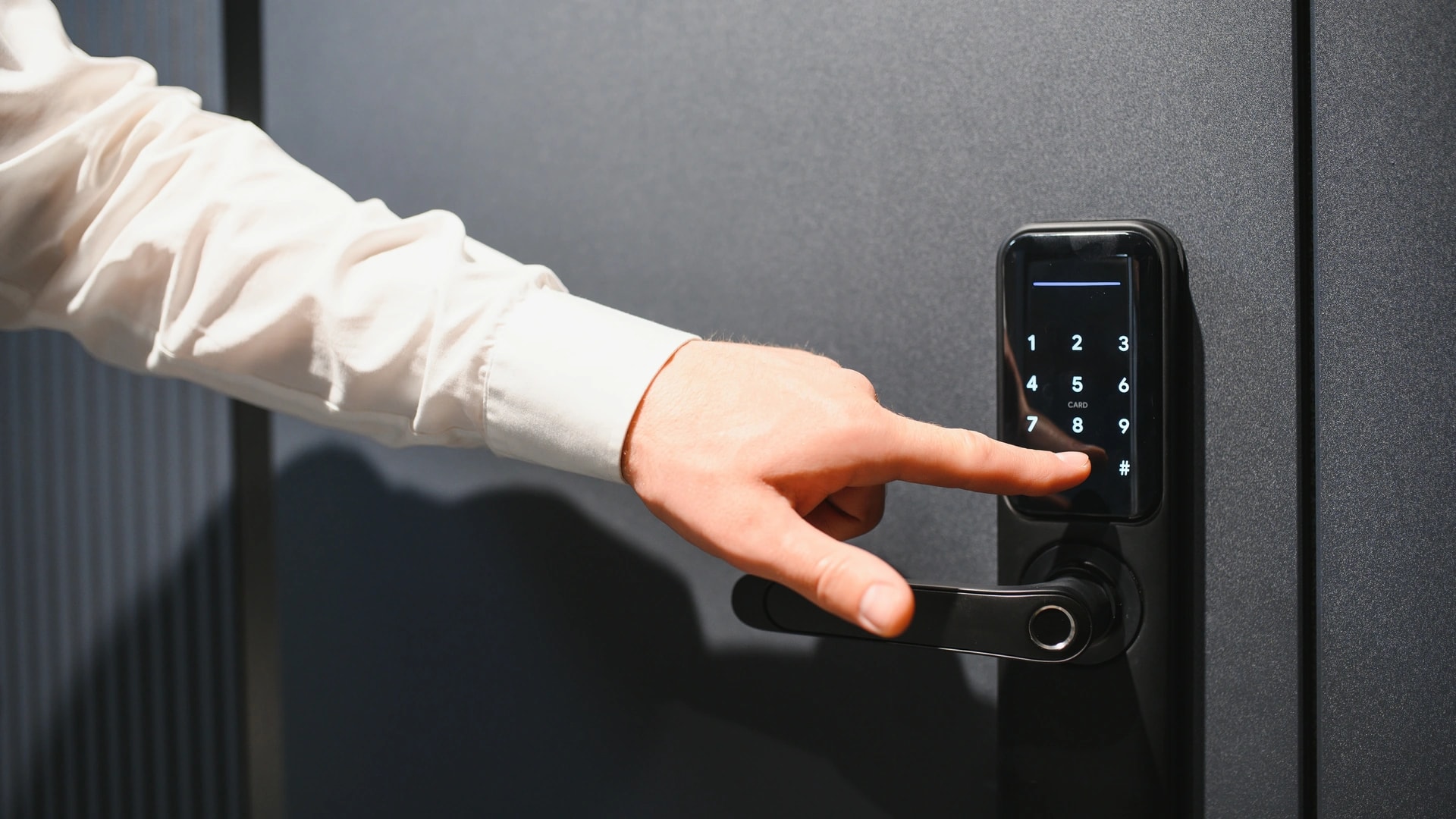
Short answer: a smart lock from an established brand is generally safer than a normal key against everyday break-ins, and the real risk is not the lock but the phone, email, or router linked to it. Secure those first.
Brute-forcing a good smart lock takes real skill, so few thieves bother. The weak points are the accounts around it. If someone phishes the email tied to the lock's app, they can reset its password and open the door from afar. So the account rules from the checklist apply here first: a unique password, 2FA, and a secured inbox.
For locks and gates, prefer local control where you can. A lock that runs on a local hub still works when the internet drops, and there is no cloud account to phish for its core function. Give domestic staff their own PIN codes rather than sharing yours, so you can see who came and went and remove a code in seconds. Our smart gate and access control work covers gates, locks, video intercom, and staff PINs on that model.
Local versus cloud control: why local shrinks the risk
Short answer: local control keeps your most important functions off the internet, which removes the cloud account and remote server an attacker would target. That is the honest answer to "which smart home is most secure": the one with the smallest cloud-dependent attack surface, not one brand name.
KNX is a wired system that runs without the internet, which is why we use it as the backbone for villas. Zigbee and Z-Wave are wireless systems that use AES-128 encryption and a local hub, so automations keep running offline. Matter, the newer cross-brand standard, is also designed to run over your local network rather than a vendor's cloud. None of this means you cannot have remote access. It means the sensitive parts, like a door lock or a gate, do not have to depend on it.
| Factor | Local control (KNX, or Zigbee/Z-Wave with a local hub) | Cloud control (Wi-Fi devices via an app and vendor server) |
|---|---|---|
| How core functions run | On a local hub or wired bus, inside the house | Through the maker's servers over the internet |
| Works if the internet drops | Yes: lights, AC, and locks keep working | Often no, or it loses remote features |
| Attack surface | Small: no cloud login for the base function | Larger: vendor servers, your account, and the connection |
| Remote access | Optional, and can be limited or off | Built in, and always exposed |
| Best for | Villas, new builds, sensitive functions (locks, gates) | Renters, quick retrofits, low-risk devices |
You do not have to pick one for the whole house. Most Dubai homes we build are a mix: a local backbone for the parts that must always work and stay private, with cloud convenience layered on top for the parts where it does not matter much if a smart plug needs the internet.
Buying smart devices safely in Dubai
Short answer: buy from brands with a real update track record, and check that any wireless device carries UAE TDRA type approval before you buy or import it. The cheapest no-name camera is usually the riskiest device in the house.
Reviewers keep landing on the same conclusion: unbranded marketplace cameras and plugs are the highest-risk category. Some send video over unencrypted connections, and many stop getting firmware updates after a single product cycle, so known bugs stay open forever. An established brand costs a little more and is worth it, because it keeps patching.
The Dubai catch: any Wi-Fi, Bluetooth, or wireless device sold or imported into the UAE must carry TDRA type approval, and that covers routers, hubs, and IoT modules[8]. TDRA is the UAE's telecom and digital regulator. A device that skipped type approval was never tested to a baseline safety standard, let alone a security one, and it can be seized at customs. Buying through an installer who only stocks approved, established brands (we support 12 systems, including KNX, Lutron, Control4, and Aqara) is a security decision, not just a quality one.
The Dubai and UAE angle: what the authorities actually say
Short answer: two UAE authorities issued smart-home security warnings within eight months, so this is a live local concern, not one imported from abroad. The UAE Cyber Security Council flagged it in September 2025, and Dubai Police followed in April 2026.
The UAE Cyber Security Council warned that 70 percent of smart home devices are vulnerable if they are not properly protected[6]. It named the risky habits directly: leaving voice assistants always on, connecting devices to unsecured networks, and sharing your main Wi-Fi password with guests. Its fixes match this guide almost exactly: strong passwords, regular updates, a single hub to manage devices, and a separate network for smart devices.
Dubai Police then warned that weak device settings can lead to hacking, privacy violations, and cyber extortion[7]. Their five steps: change default passwords, keep systems updated, do not share passwords with unverified callers, switch off cameras in private spaces when not needed, and avoid suspicious links. They direct residents to the e-Crime Hub, or to call 901 for non-emergencies[7].
On data, UAE PDPL (Federal Decree-Law 45 of 2021) treats camera footage, faces, and voices as personal data and expects consent[9]. Fines run from AED 50,000 to AED 5,000,000, scaled to how serious the breach is[9]. For a homeowner who keeps cameras pointed at their own property, the realistic risk is a neighbour dispute, not a large fine.
Prefer to talk it through with a local team? Message us on WhatsApp →
AI features and your data: what leaves the house
Short answer: the AI features that recognise faces, read number plates, or answer questions usually send data to the cloud to work, so treat that data like any other account: know what is stored, and keep it to your own property. Under UAE PDPL, a face is personal data and needs consent[9].
Smart cameras keep adding AI: person, face, and vehicle recognition, and summaries that describe what the camera saw. Useful, but each of these usually processes video in the cloud, so a clip or a face print can leave your home. Where a device offers on-device or local AI processing, prefer it, because the data stays inside the house.
The same account rules protect this data. A unique password and 2FA keep the AI history behind your login. Point any face-recognition camera at your own entrance only, not at a shared corridor, so you are not storing your neighbours' faces without their consent[9]. Our guide to AI-powered smart homes in Dubai covers what these features do with your data.
Myths and mistakes to avoid
Common myth: that smart homes are unsafe by nature. They are not. The tech is not the weak point; the habits are, and the habits are fixable.
- "A strong Wi-Fi password is enough." It helps, but it does nothing against a reused account password, a phishing email, or unpatched firmware. Security is a stack of small habits, not one setting.
- Ignoring firmware updates. This is the most common mistake we see. A 2025 attack still worked through a year-old bug on devices no one updated[3]. Turn on automatic updates.
- One flat network for everything. Put a cheap bulb on the same network as your laptop, and a hacked bulb becomes a path to your files. Separate them.
- No-name cameras to save money. The saving is small and the risk is large: unencrypted streams and abandoned updates. Buy a brand that patches.
- Sharing the main Wi-Fi password. The UAE Cyber Security Council named this directly[6]. Use a guest network instead.
How Dubai Smart Home hardens a home network
We build homes to be secure from the wiring up, not patched together afterwards. Our engineers are in-house and based in Dubai, we do not subcontract, and every system works in English and Arabic.
The core of a secure setup is the network. We separate smart devices onto their own VLANs on a managed switch, block them from reaching your computers, and run cameras on a wired Cat 6A backbone rather than Wi-Fi where we can. We stock established, TDRA-approved brands, and our 24/7 support means firmware and settings get checked over time, not set once and forgotten. Since 2016 we have done this across 100+ Dubai homes, and we are rated 4.9/5 by homeowners[10].
If you are building or renovating, this is the cheapest time to do it right, because the wiring is open. If you already live there, we can audit what you have and segment it properly. You can read the full smart home guide for Dubai for the bigger picture, or start with Dubai Smart Home to see what we install.
Want your home checked by a local team? Book a free security and network audit → or message our engineers on WhatsApp →. Enquiries are answered within 2 hours.