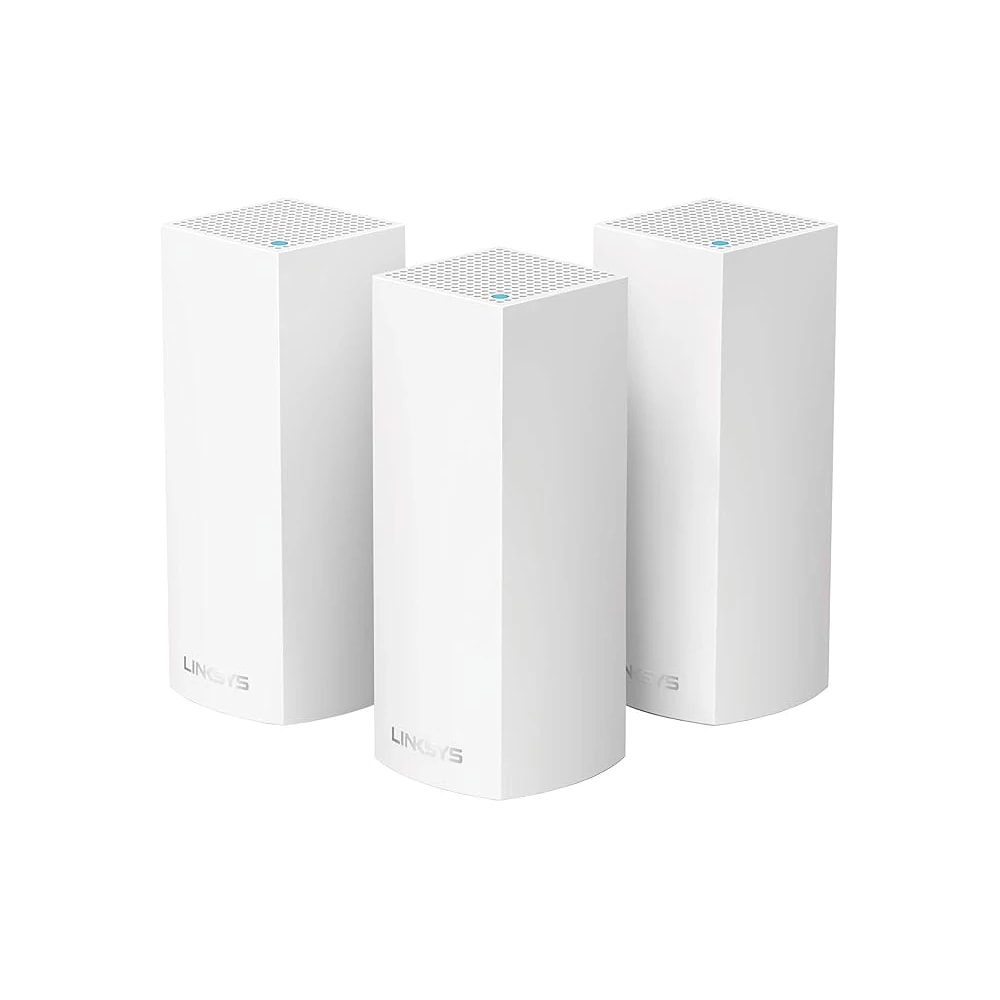
A single router rarely covers a Dubai villa. A mesh system with one node per floor removes dead spots, and for a large or three-storey home a wired network cable to each node is what makes it truly reliable. Renters use plug-in mesh; owners should run cabling during a fit-out.
What we specify most often, and the case each one is right for.
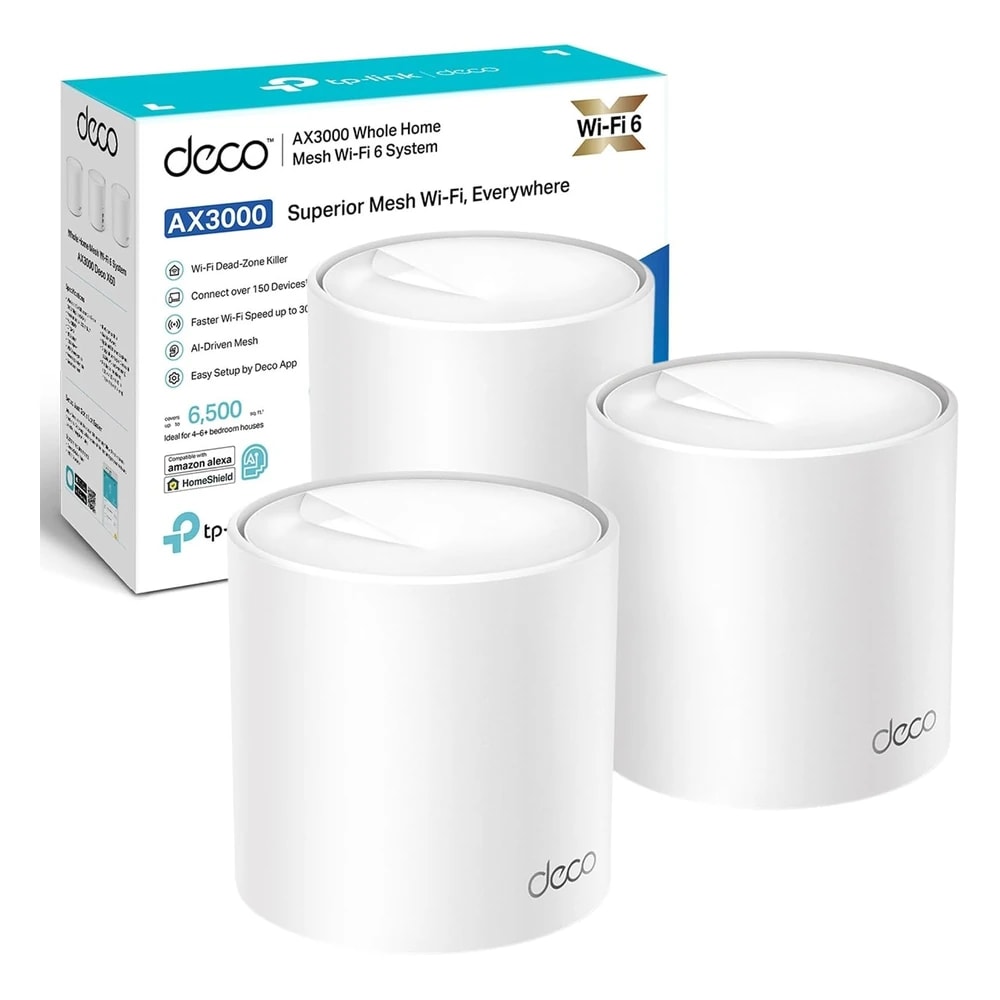 Top pick
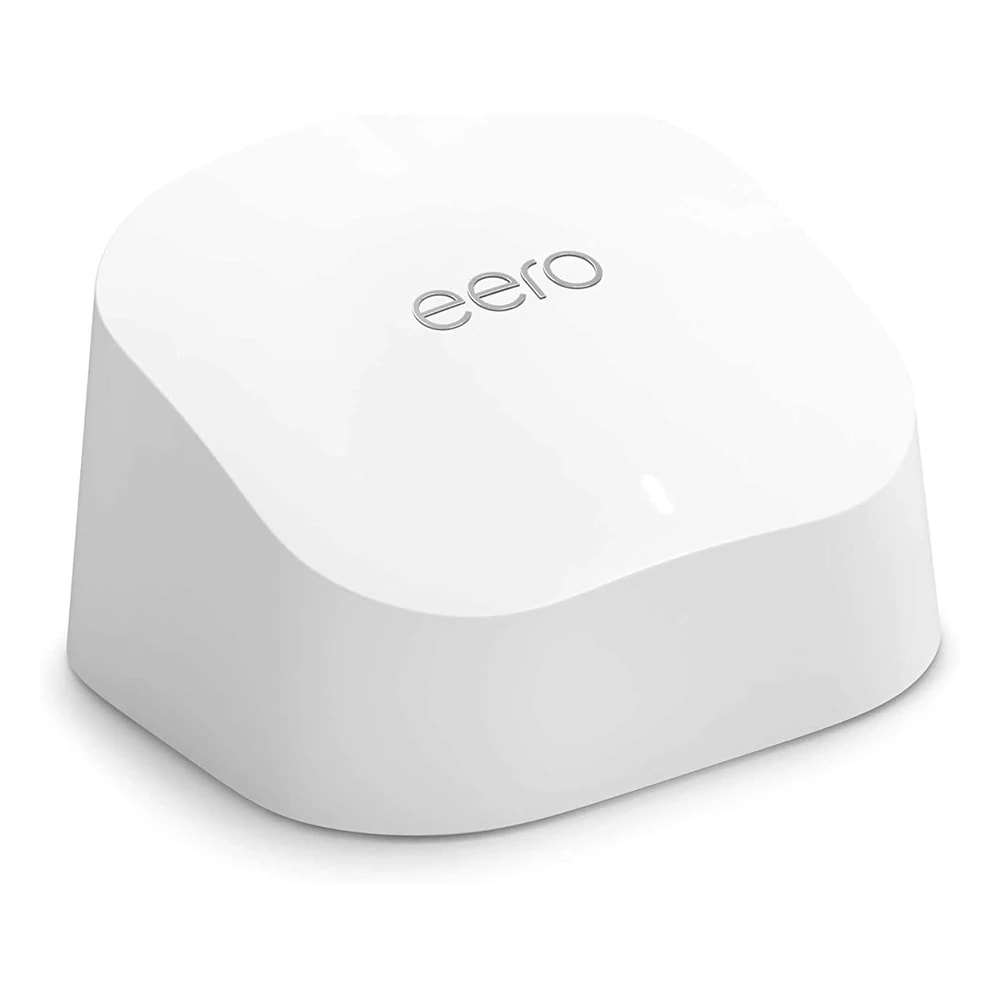 Simplest, with a built-in hubAmazon eero 6 Mesh Wi-Fi RouterA single-unit Wi-Fi 6 mesh router that also works as a Zigbee smart-home hub, ideal for a Dubai apartment or a smaller villa.AED 499
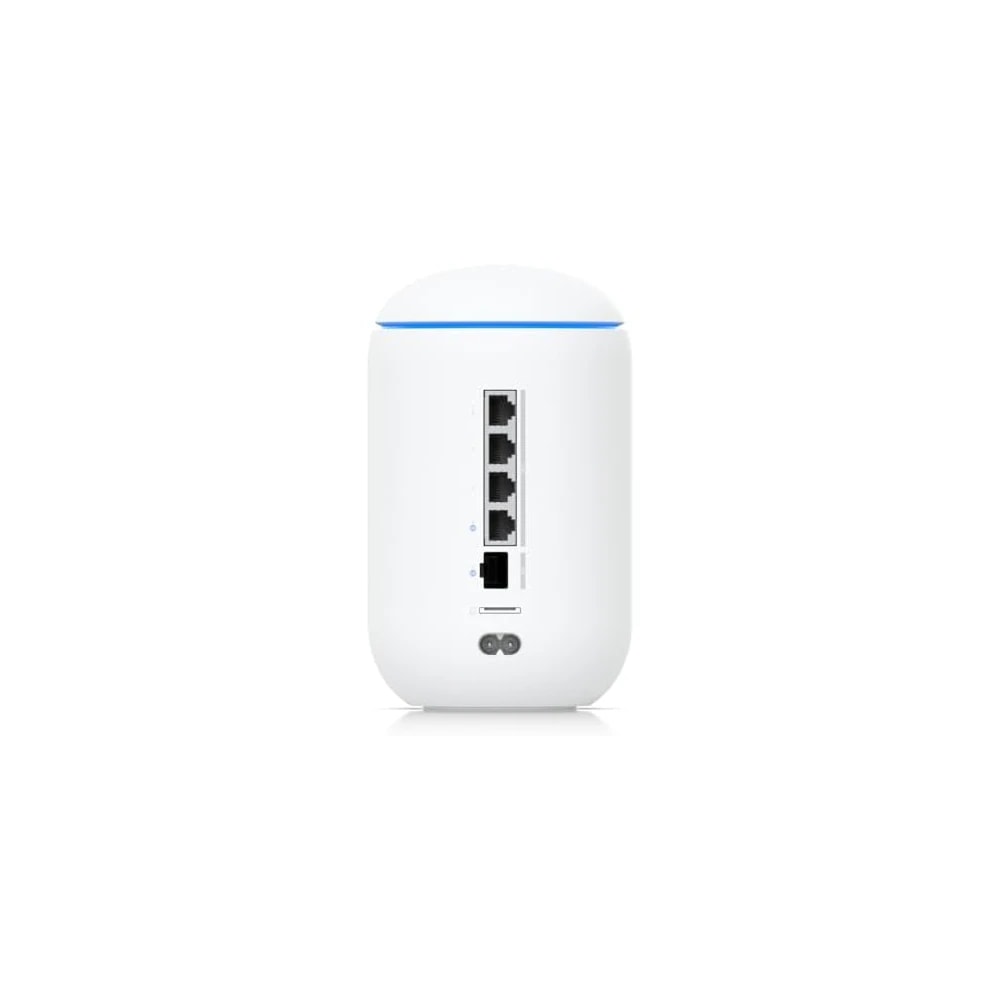 Best for power usersUbiquiti UniFi Dream Router 7 (UDR7)An all-in-one Wi-Fi 7 router and UniFi cloud gateway for Dubai home-network and smart-home enthusiasts who want cameras, access points and switches under one system.AED 1,132
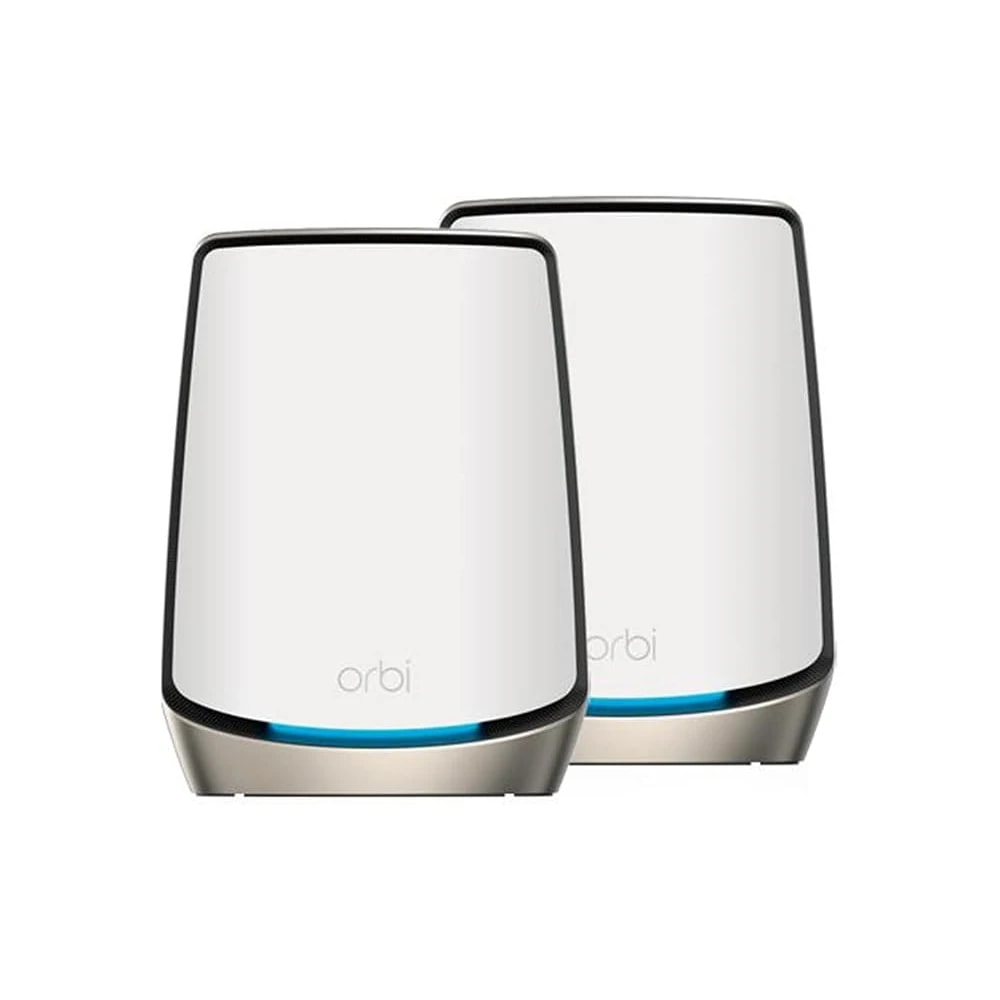 Best for a large villaNETGEAR Orbi WiFi 6 Mesh System (RBK862S)A premium tri-band WiFi 6 mesh system that blankets a large Dubai villa in fast, stable Wi-Fi, made for owners and long-term tenants who want no dead spots.AED 1,174
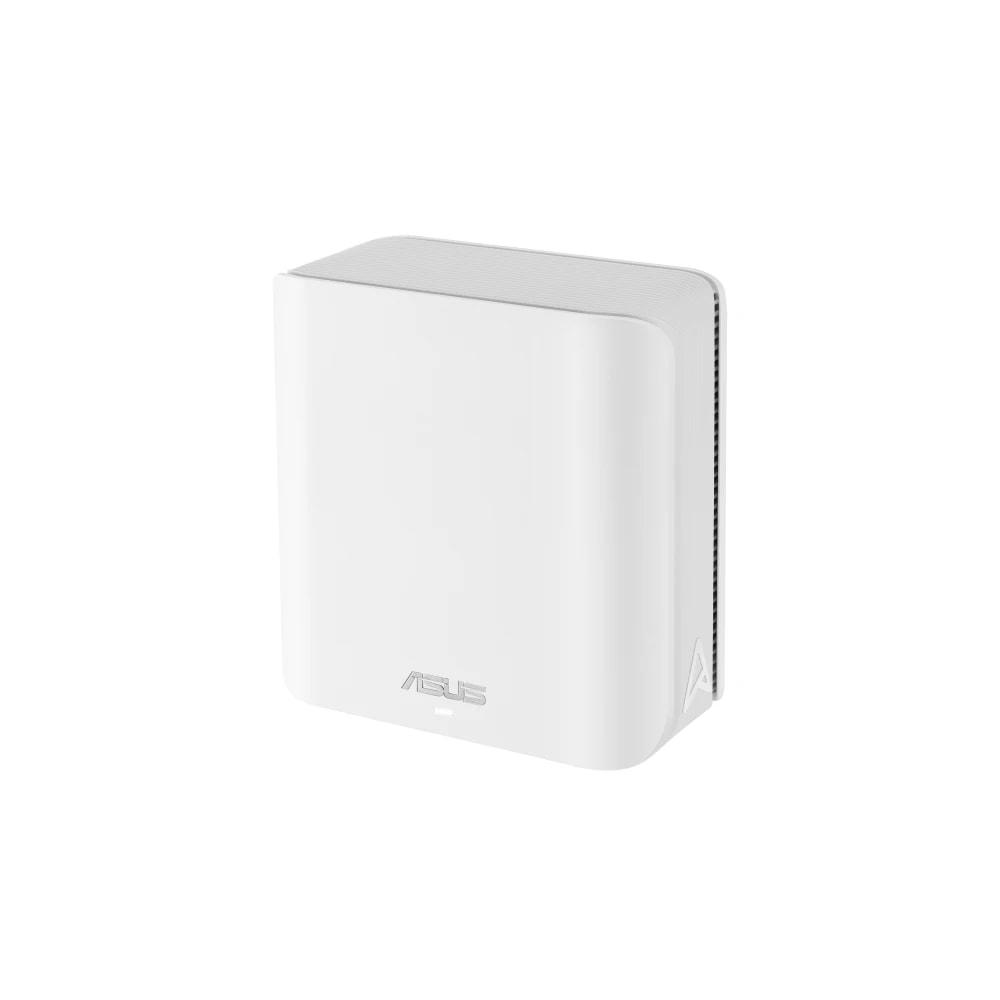 Best controls and featuresASUS ZenWiFi BD4 WiFi 7 Mesh SystemA two-piece WiFi 7 mesh system that covers a Dubai apartment or mid-size villa with one fast Wi-Fi network, with free parental controls and security built in.AED 670
The most common smart-home complaint in Dubai is not a device, it is the Wi-Fi. Villas are large, often over three floors, and built with concrete and block that kill a single router's signal. The gate camera drops, the upstairs lock goes offline, the AC controller loses connection. A mesh Wi-Fi system fixes this by placing several nodes around the home that hand your phone between them as you move, all under one network name. Wi-Fi 6 is plenty for most homes; Wi-Fi 7 is the newer, faster standard worth it on large or heavily loaded networks. The real quality jump, in a villa, comes from wiring the nodes back to the router with network cable rather than relying on wireless between them. That is a fit-out decision worth making early.
| Rank | Product | Best for | Price | Works over | Works with |
|---|---|---|---|---|---|
| 1 | TP-Link Deco X50 Mesh Wi-Fi (3-Pack) | Best value villa mesh | AED 769 | Wi-Fi, Wired | Amazon Alexa, Google Home, Manufacturer app |
| 2 | Amazon eero 6 Mesh Wi-Fi Router | Simplest, with a built-in hub | AED 499 | Wi-Fi, Zigbee, Bluetooth, Wired | Amazon Alexa, Manufacturer app |
| 3 | Ubiquiti UniFi Dream Router 7 (UDR7) | Best for power users | AED 1,132 | Wi-Fi, PoE, Wired | Manufacturer app |
| 4 | NETGEAR Orbi WiFi 6 Mesh System (RBK862S) | Best for a large villa | AED 1,174 | Wi-Fi, Wired | Amazon Alexa, Google Home, Manufacturer app |
| 5 | ASUS ZenWiFi BD4 WiFi 7 Mesh System | Best controls and features | AED 670 | Wi-Fi, Wired | Amazon Alexa, Google Home, Manufacturer app |
Size the system to the property, not the price. A two-bedroom apartment is usually fine on a two-pack; a standard villa wants a three-pack, one node per floor plus the ground; a large or three-storey villa often needs four or more. Guessing low is the usual mistake, and it leaves the exact dead spots you bought the system to fix.
Decide wired or wireless backhaul. Wireless mesh is what a renter can set up in an afternoon and take when they leave. But in a big villa the link between nodes becomes the bottleneck, so if you own the home, running a network cable to each node location during a fit-out or renovation gives every room full speed and a rock-solid smart-home backbone. This is the single biggest reliability upgrade available.
Then pick the tier. Wi-Fi 6 systems like TP-Link Deco or Amazon eero are the value sweet spot and more than enough for streaming, work and smart devices. Wi-Fi 7 and prosumer gear like Ubiquiti UniFi suit large homes, heavy users and anyone who wants proper controls, guest networks and camera integration. You keep your Etisalat or du router, usually bridged so the mesh runs the network.

Every product here comes as part of a working system: checked against your property first, fitted properly, and set up with the automations that make it worth having. Ask us for a site visit before you decide on anything.