Ubiquiti

Ubiquiti UniFi Dream Router 7 (UDR7)

An all-in-one Wi-Fi 7 router and UniFi cloud gateway for Dubai home-network and smart-home enthusiasts who want cameras, access points and switches under one system.

Wi-FiPoEWiredMid-range
Works with
Manufacturer app
AED 1,132

Typical Amazon.ae price for the device, checked 10 Sept 2026. See the listing Installation is quoted separately after we check your property.

Enquire on WhatsApp
Enquire on WhatsApp

Supplied, fitted and configured by our own Dubai team. We check compatibility with your property before you commit to anything.

Overview

What it is and where it fits

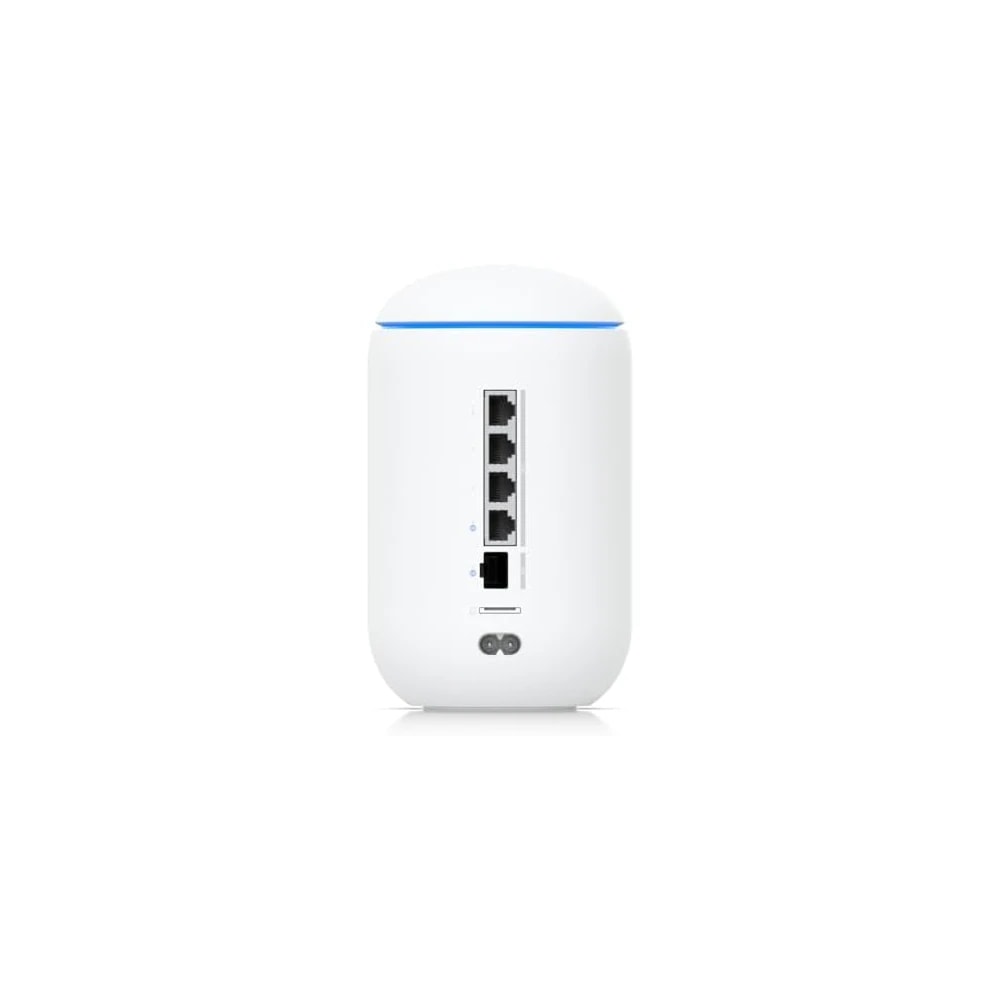
The Ubiquiti UniFi Dream Router 7, or UDR7, is a single box that acts as your internet gateway, your main Wi-Fi 7 router, and the brain that runs Ubiquiti's UniFi software. Instead of buying a separate router, a network controller and a camera recorder, you get all three in one egg-shaped desktop unit. It puts out tri-band Wi-Fi 7 across 2.4GHz, 5GHz and 6GHz, and has a five-port multi-gig switch with a 10G SFP+ port and 2.5GbE ports, so fast internet and wired devices are covered. You set it up and manage it from the UniFi app on your phone, or from a browser at unifi.ui.com. It handles 30 or more UniFi devices and 300 or more Wi-Fi clients, so it grows as you add access points, PoE cameras and switches. Who does it suit in Dubai? It fits an owner or longer-term tenant in a villa or larger apartment who wants one tidy system and is happy to learn the UniFi way. A microSD slot with a 64GB card included records UniFi Protect cameras with no cloud fee. Honest limits: it is not plug-and-forget like a mesh kit, and one 2x2 unit will not blanket a big multi-floor villa on its own, so you will likely add UniFi access points. It is also not a smart-home hub, and it does not speak Zigbee, Z-Wave, Thread or Matter.

  • Three boxes in one: internet gateway, Wi-Fi 7 router and UniFi controller, so your shelf stays tidy.
  • Tri-band Wi-Fi 7 with a 6GHz band, plus 10G SFP+ and 2.5GbE ports for fast fibre and wired links.
  • Records UniFi Protect cameras locally on the included 64GB microSD card, with no monthly video fee.
  • One UniFi app runs network, cameras and access, handling 30+ devices and 300+ clients as you grow.
Technical

Specifications

Model UniFi Dream Router (UDR7)

Wi-Fi StandardWi-Fi 7 (802.11be), 2x2 tri-band: 6GHz up to 5.7Gbps, 5GHz up to 4.3Gbps, 2.4GHz up to 688Mbps
Processor / MemoryQuad-core ARM Cortex-A53 @ 1.5GHz, 3GB RAM
WAN Ports1x 10G SFP+, 1x 2.5GbE RJ45 (both configurable as WAN or LAN)
LAN / SwitchIntegrated 5-port multi-gig switch; includes 1x 2.5GbE PoE port (802.3af, 15.4W max)
StoragemicroSD card slot, includes 64GB card pre-installed for UniFi Protect NVR recording
UniFi App SuiteFull UniFi OS console: Network, Protect, Access, Talk, Connect; manages 30+ UniFi devices and 300+ clients
PowerInternal 50W AC/DC power supply, 100-240V input, max 26W consumption excluding PoE output
Dimensions / Weight110mm x 184.2mm (egg-shaped desktop unit), 1.1kg
In Dubai homes

What to check before you order

In a Dubai villa the single UDR7 will not reach every corner on its own, especially across floors and through the thick block walls common here. Plan to add one or two UniFi access points, wired back with Ethernet, for full coverage. In most apartments one unit covers the main rooms well. The unit takes 100-240V, so it works on UAE 220-240V mains. It ships with an AC cable, so fit a Type-G (UK three-pin) plug or use a proper adaptor, not a cheap travel one. It draws up to 26W, runs quiet at home loads and needs airflow, so keep it out of direct sun and away from a hot, closed cupboard. Dubai summers and dust are hard on electronics, so a shaded, ventilated indoor spot helps it last. UAE resellers list a one-year warranty. We can supply the UDR7, plan your access points and cameras, set up the UniFi system, then support it locally rather than leaving you with a box and a login.

Ubiquiti in the UAE. Distributed to the UAE IT trade. The default choice when a home already runs a UniFi network.

Answers

Questions about the Ubiquiti UniFi Dream Router 7 (UDR7)

What exactly is the UniFi Dream Router 7?
Chevron down icon
It is Ubiquiti's all-in-one device that combines an internet gateway, a Wi-Fi 7 router and the UniFi controller software in one desktop unit. It also has a built-in switch and a microSD slot for camera recording, so one box replaces a router, a controller and a small camera recorder.
Contact us
Contact us
Is the UDR7 right for my villa?
Chevron down icon
It suits a villa owner or long-term tenant who wants one neat UniFi system. On its own it will not cover a large multi-floor villa, so most people wire in one or two UniFi access points. If you want a single box you plug in and forget, this is not it.
Contact us
Contact us
Does it work well in a Dubai apartment?
Chevron down icon
Yes, in most one, two or three-bedroom apartments a single UDR7 covers the main living areas well. Concrete walls can slow signal in far bedrooms. If you have a long or oddly shaped flat, one extra UniFi access point clears up the weak spots.
Contact us
Contact us
Do I still need equipment from Etisalat or du?
Chevron down icon
You still need the fibre line into your home. You can often put the provider's box into bridge or modem mode and let the UDR7 be your router, which gives full UniFi control. Some setups keep the provider router, but that limits what UniFi can manage.
Contact us
Contact us
Does it need its own internet or Wi-Fi to work?
Chevron down icon
The UDR7 is the router, so it creates the Wi-Fi itself. It needs an internet line plugged into its WAN port for internet access, but the UniFi system, local Wi-Fi and camera recording keep working on your home network even if the internet drops.
Contact us
Contact us
Do I need a separate hub, controller or NVR box?
Chevron down icon
No. The UDR7 runs the UniFi controller inside itself, so there is no separate CloudKey or PC controller to buy. The built-in microSD card records UniFi Protect cameras, so you also skip a separate camera recorder for a small setup.
Contact us
Contact us
Which app do I use to set it up and manage it?
Chevron down icon
You use the UniFi app on iPhone or Android to set it up and manage it day to day. You can also log in from a computer at unifi.ui.com or on its local address in a browser. One login covers network, cameras and the other UniFi apps.
Contact us
Contact us
Do I need to pay a monthly subscription?
Chevron down icon
No subscription is needed for normal use, Wi-Fi or local camera recording. Ubiquiti sells optional paid extras: UI Care for longer hardware cover and CyberSecure for advanced threat blocking. You can run the UDR7 fully without either of them.
Contact us
Contact us
Does it work with Alexa, Google Home or Apple Home?
Chevron down icon
It is a network device, not a smart-home speaker or hub, so it does not add scenes to Alexa, Google Home or Apple Home. It simply gives all those devices a strong, stable network to run on. You manage the UDR7 itself only through UniFi.
Contact us
Contact us
Is it a smart-home hub? Does it do Zigbee, Z-Wave, Thread or Matter?
Chevron down icon
No. The UDR7 has no Zigbee, Z-Wave, Thread or Matter radios, so it will not directly control smart bulbs, sensors or locks. It is the Wi-Fi and wired backbone your smart-home hubs and Wi-Fi devices connect to. You still need a separate hub for those protocols.
Contact us
Contact us
How does it cope with Dubai heat and dust?
Chevron down icon
Kept indoors in an air-conditioned home it is fine. Give it airflow, and keep it off direct sun and out of a hot, closed cupboard. Dust builds up over months here, so wipe its vents now and then. It is an indoor unit, not for a balcony or garage.
Contact us
Contact us
What power does it use and does it fit a UAE socket?
Chevron down icon
It has an internal power supply that takes 100-240V, so UAE 220-240V mains is fine. It comes with an AC cable, so use a proper Type-G (UK three-pin) plug or a good adaptor. Draw is up to 26W, plus whatever a PoE device pulls.
Contact us
Contact us
What will it add to my DEWA bill?
Chevron down icon
Very little. At up to 26W it uses about as much as a small LED lamp left on. Running all day, that is only a few dirhams a month on your DEWA bill. A PoE camera plugged into its PoE port adds a little more.
Contact us
Contact us
Is it noisy?
Chevron down icon
At home loads it is quiet, with no loud fan whine like a rackmount server. Give it space to breathe and it stays that way. If you stack it in a sealed cabinet it may get warm, which matters more for lifespan than for noise.
Contact us
Contact us
Who sets it up? Can you do it for me?
Chevron down icon
You can self-install if you know networking, but UniFi has a learning curve. We can supply the UDR7, plan your access points and cameras for your villa or flat, install and configure it, then support it. That way you get a working system, not just a box.
Contact us
Contact us
How many devices and cameras can it run?
Chevron down icon
Ubiquiti rates it for 30 or more UniFi devices and 300 or more Wi-Fi clients, which is plenty for a home. For UniFi Protect cameras, the included 64GB card suits a few cameras. Larger camera setups are better on a UniFi model with a hard drive.
Contact us
Contact us
Does camera recording need a cloud fee?
Chevron down icon
No. UniFi Protect records to the microSD card inside the UDR7, so footage stays local with no monthly video fee. You can view cameras live and play back recordings in the UniFi Protect app. Remote viewing over the internet is free too.
Contact us
Contact us
Will one UDR7 cover a big three-floor villa?
Chevron down icon
Honestly, no. Its 2x2 Wi-Fi from a single spot will not reach every room across three floors and thick walls. Plan for wired UniFi access points on the upper floors. The UDR7 stays the gateway and controller, and the access points spread the Wi-Fi.
Contact us
Contact us
Do I get real Wi-Fi 7 speed, and will my phone benefit?
Chevron down icon
You get Wi-Fi 7 with the fast 6GHz band. A recent phone or laptop that supports Wi-Fi 6E or 7 sees the biggest gains, mainly close to the unit. Older devices still connect fine on 5GHz and 2.4GHz, just at their own top speeds.
Contact us
Contact us
What internet speed and ports does it handle?
Chevron down icon
It has a 10G SFP+ port and a 2.5GbE port, either usable as WAN or LAN, plus more 2.5GbE LAN ports. So it easily handles the gigabit and multi-gig fibre plans Etisalat and du now offer in Dubai, with headroom for fast wired devices.
Contact us
Contact us
What warranty and support do I get in the UAE?
Chevron down icon
UAE resellers list a one-year limited warranty. Ubiquiti also sells an optional UI Care plan for up to five years of cover. Buy from us and you have a local contact for setup help and warranty claims, instead of dealing only with an online seller.
Contact us
Contact us
How much is it and how do I buy it?
Chevron down icon
It is around AED 1,132 at Amazon.ae as a unit-only price. Message us for our price, which can include planning, access points, cameras and full installation for your home. We quote the complete system, not just the router, so there are no surprises.
Contact us
Contact us
How is it different from a Deco or eero mesh kit?
Chevron down icon
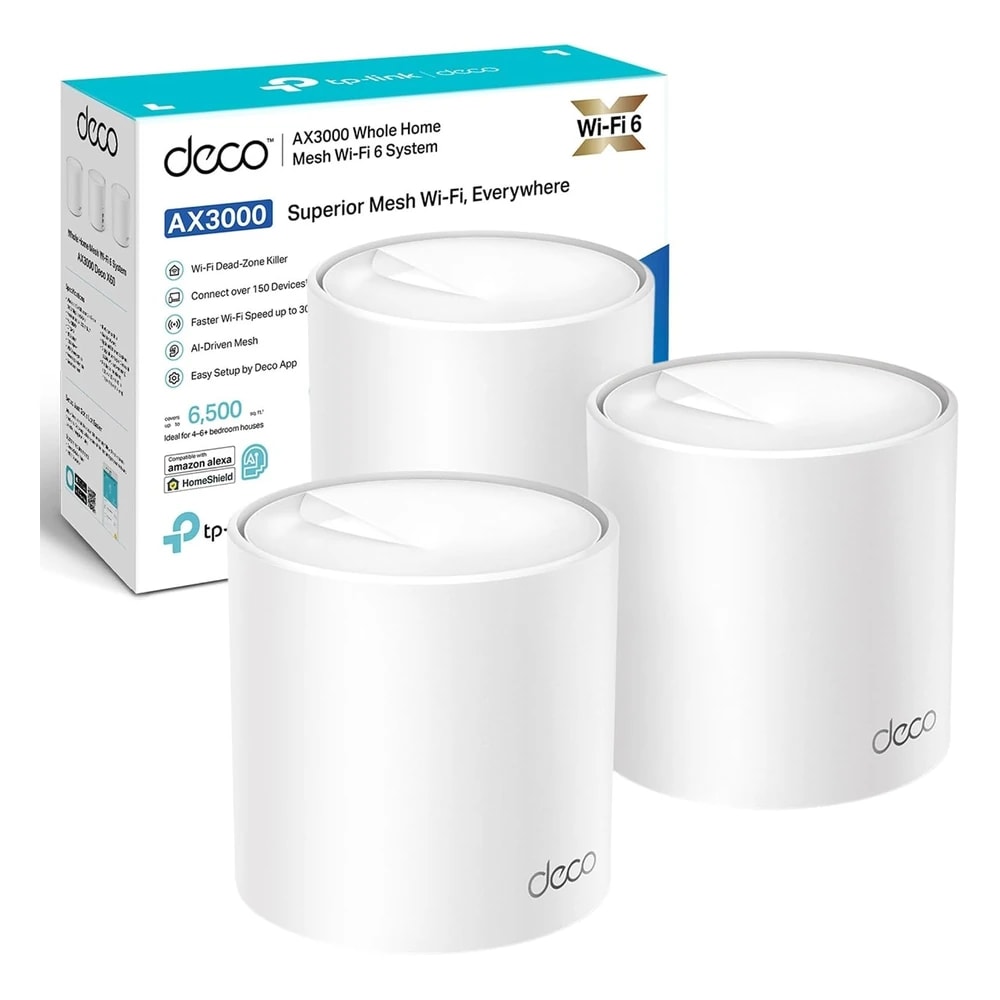
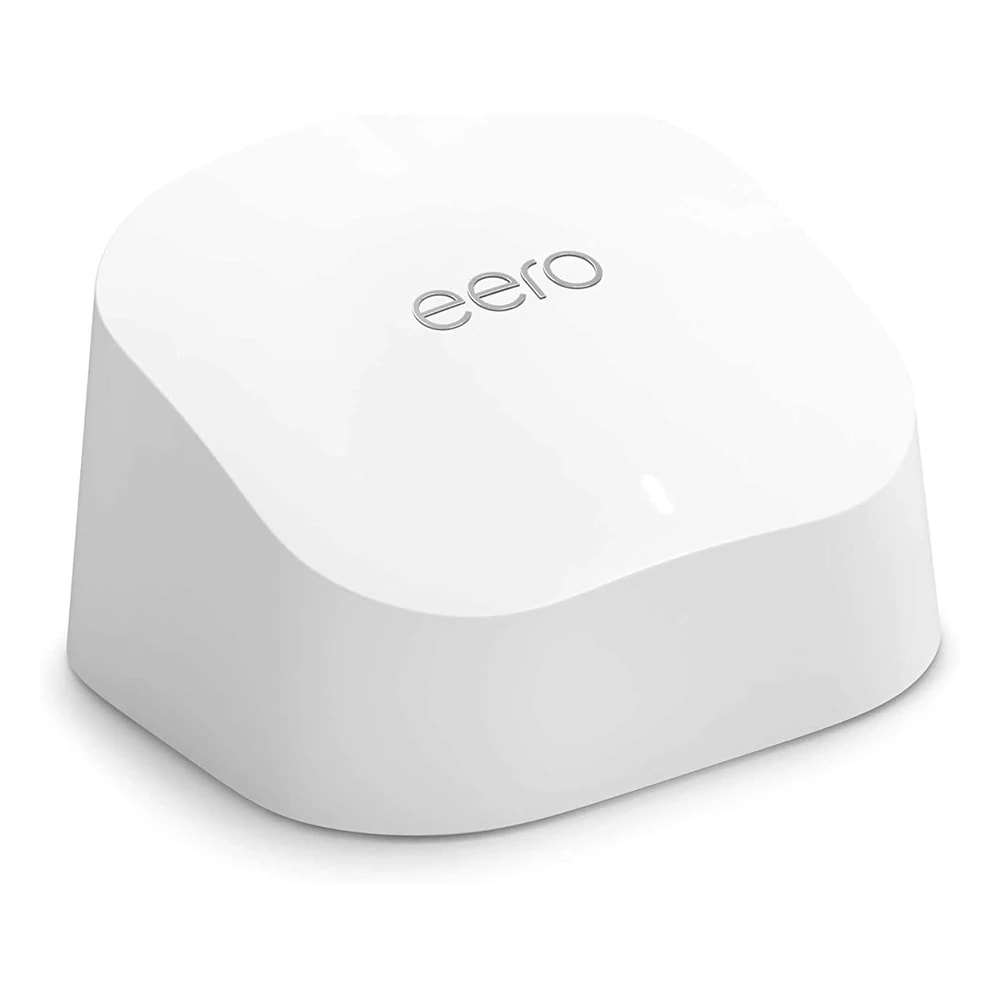
A mesh kit like TP-Link Deco or Amazon eero is simpler and covers a home with two or three plug-in units, but gives less control. The UDR7 is one powerful unit with deep UniFi settings, cameras and network tools, better for enthusiasts who like to tinker.
Contact us
Contact us
How does it compare to Ubiquiti's UCG-Ultra or UDM Pro?
Chevron down icon
The UCG-Ultra is a gateway with no built-in Wi-Fi, and the UDM Pro is a rackmount unit for bigger setups. The UDR7 sits in the middle: it has Wi-Fi 7 built in and sits on a shelf, which suits most homes that want one tidy device.
Contact us
Contact us
Who should not buy the UDR7?
Chevron down icon
Skip it if you just want easy, hands-off Wi-Fi, or if you rent short-term and do not want to learn UniFi. A simple mesh kit fits better. Also skip it for a large villa where you would be better starting with a UDM Pro and several access points.
Contact us
Contact us
Installation

Fitted and configured by our Dubai team

We supply this as part of a working system rather than as a box. That means checking it suits your property first, fitting it properly, setting up the automations that make it useful, and showing your household how it works.

See Networking & IT Infrastructure
Chat Now