TP-Link

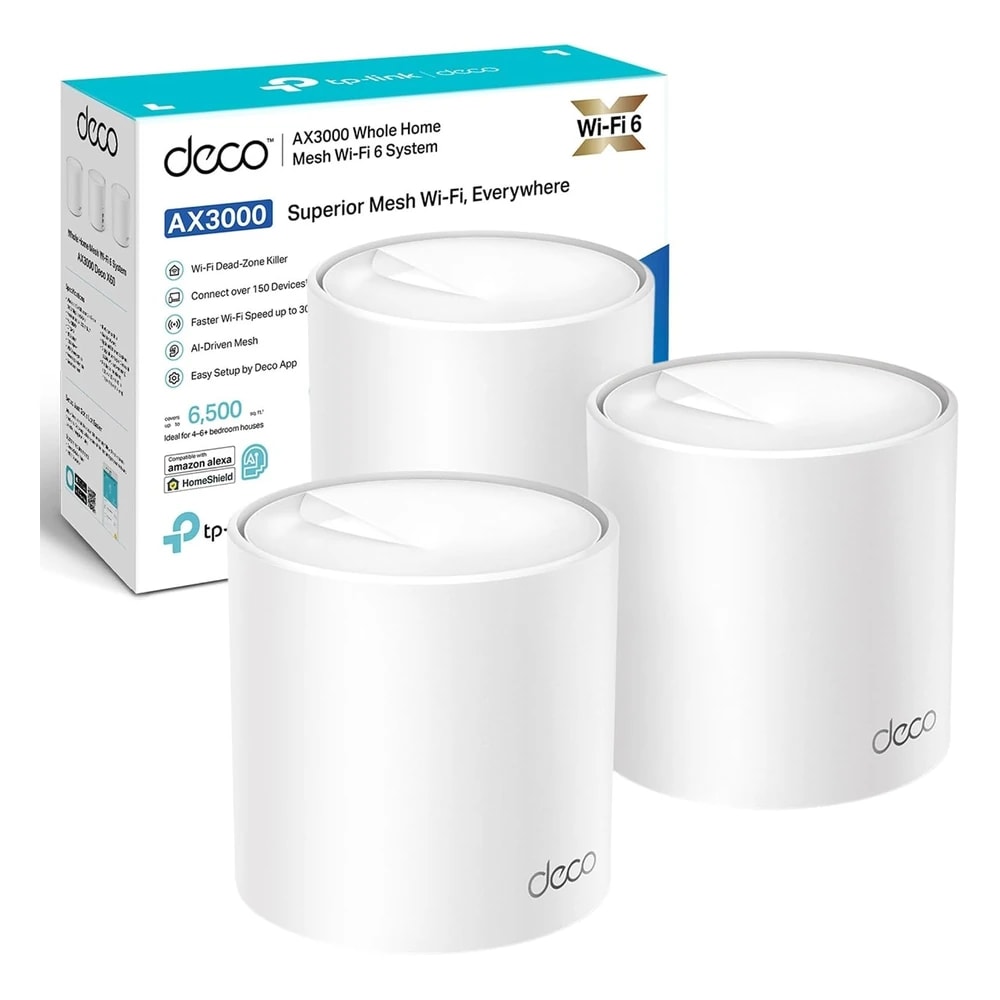
TP-Link Deco X50 Mesh Wi-Fi (3-Pack)

A three-unit Wi-Fi 6 mesh kit that covers a large villa or multi-floor apartment with one strong network, made for homes where a single router leaves dead spots.

Wi-FiWiredMid-range
Works with
Amazon AlexaGoogle HomeManufacturer app
AED 769

Typical Amazon.ae price for the device, checked 10 Sept 2026. See the listing Installation is quoted separately after we check your property.

Enquire on WhatsApp
Enquire on WhatsApp

Supplied, fitted and configured by our own Dubai team. We check compatibility with your property before you commit to anything.

Overview

What it is and where it fits

The TP-Link Deco X50 is a three-unit Wi-Fi 6 mesh system that spreads one strong network across a whole home. Instead of a single router fighting to reach the far bedroom, three units share the load and hand your phone or laptop over to the nearest one as you walk around. You get one network name, so devices stay connected without you switching between them. Each unit runs on Wi-Fi 6 (AX3000), which means faster speeds and steadier performance when many devices are online at once. That matters in a busy Dubai home with phones, TVs, smart plugs, cameras and a couple of people on video calls. The three-pack is rated for up to 6,500 sq ft, so it fits a large villa or a multi-floor apartment where one router leaves weak corners. Setup runs through the free Deco app on iOS or Android. You plug in the first unit, follow the steps, then add the other two. Every unit has three Gigabit Ethernet ports, so you can wire in a TV or console, or run a wired link between units for a stronger backbone. Honest limits: it does not support Apple HomeKit, it is dual-band rather than tri-band, and it needs mains power at each spot, so plan around your Type-G sockets. For most homes that want reliable coverage without fuss, it is a sensible pick.

  • One Wi-Fi name across the whole home, so your phone stays connected as you move room to room
  • Wi-Fi 6 speeds that hold up with 150+ devices online at the same time
  • Covers up to 6,500 sq ft, enough for a large villa or a multi-floor apartment
  • Set up in about 15 minutes with the Deco app, no technician needed
Technical

Specifications

Model Deco X50 (AX3000, 3-pack)

Wi-Fi StandardWi-Fi 6 (802.11ax), Dual-Band
Speed RatingAX3000 - 2402 Mbps (5 GHz) + 574 Mbps (2.4 GHz)
Coverage (3-Pack)Up to 6,500 sq ft whole-home
Ethernet Ports3x Gigabit ports per unit, auto WAN/LAN sensing
Connected DevicesSupports 150+ simultaneous devices
Processor1 GHz dual-core CPU per unit
Network SecurityTP-Link HomeShield - real-time protection, parental controls, QoS
Warranty (UAE)3-year manufacturer warranty
In Dubai homes

What to check before you order

In a Dubai villa, one router in the majlis rarely reaches the top-floor bedrooms or the garden. Spreading three Deco units across floors fixes that far better than a single strong router ever will. Each unit uses a UK-style Type-G plug and its own adapter, so you need a free 220-240V socket near every spot you place a unit. Keep the units in open, airy places, not sealed inside a closed cabinet or pushed against a hot wall, so they can shed heat during the summer. Dust settles fast here, so a quick wipe of the vents every few weeks keeps them clear. There is no fan, so they run silent in a bedroom or study. They sip power, so three units add almost nothing to your DEWA bill. UAE listings on Amazon.ae show a 3-year manufacturer warranty. For a small flat a 3-pack is often more than you need, so ask us before you buy.

TP-Link in the UAE. Regional distributor stock with genuine UAE warranty. Tapo and Kasa lines are sold in UK Type-G plug variants matched to UAE sockets.

Answers

Questions about the TP-Link Deco X50 Mesh Wi-Fi (3-Pack)

What exactly is the TP-Link Deco X50 3-pack?
Chevron down icon
It is a set of three matching Wi-Fi 6 units that work together as one mesh network. You place them around your home and they share one Wi-Fi name. Together they cover up to 6,500 sq ft, which suits homes where a single router leaves weak spots in far rooms.
Contact us
Contact us
Is this the right choice for my villa?
Chevron down icon
For most Dubai villas, yes. Three units placed across floors carry the signal to bedrooms, the kitchen and outdoor areas that one router cannot reach. If your villa is very large or has thick concrete walls, you can add more Deco units or wire them together for extra strength.
Contact us
Contact us
Is a 3-pack overkill for a small apartment?
Chevron down icon
Often, yes. A studio or one-bedroom flat usually runs fine on a single unit or a 2-pack. The 3-pack shines in larger apartments, duplexes or homes spread over two floors. If you are not sure, ask us and we will suggest the right size for your space.
Contact us
Contact us
Do I need an internet line for it to work?
Chevron down icon
Yes. The Deco spreads your existing internet around the home; it does not provide the connection itself. You connect the main unit to your e& or du fibre box, and the mesh handles the rest. Without an active internet line, you only get a local network with no online access.
Contact us
Contact us
Does it need a separate hub or bridge?
Chevron down icon
No. The three units are the whole system. One acts as the main unit connected to your internet box, and the other two extend it. There is no extra hub to buy. Note it is your Wi-Fi, not a Zigbee or Thread hub, so some smart devices still need their own bridge.
Contact us
Contact us
Is there a monthly subscription?
Chevron down icon
No subscription is needed for normal use. The Deco app, the mesh features and basic HomeShield security are free. TP-Link does sell an optional paid HomeShield plan with extra parental controls and reports, but you can run the whole system fully without ever paying a monthly fee.
Contact us
Contact us
Which app do I use to set it up?
Chevron down icon
The free TP-Link Deco app, on iPhone or Android. You create an account, plug in the first unit, and the app walks you through each step, including adding the other two units. You also use the app later to check speeds, restart units or set parental controls.
Contact us
Contact us
Does it work with Alexa and Google Home?
Chevron down icon
Yes. You can link it to Amazon Alexa or Google Home for simple voice commands, such as turning the guest network on or off. It does not turn your speaker into a router; it just lets you control a few Deco settings by voice alongside your other smart home devices.
Contact us
Contact us
Does it work with Apple HomeKit?
Chevron down icon
No. The Deco X50 does not support Apple HomeKit routers. Your iPhones, iPads and Apple TVs still connect to the Wi-Fi normally, but you will not get HomeKit's per-accessory firewall feature. If HomeKit router support is a must for you, ask us and we will point you to another model.
Contact us
Contact us
Will it cope with the Dubai summer heat?
Chevron down icon
Indoors with the AC running, yes, it handles normal Dubai conditions well. Keep each unit in open air, not boxed inside a closed cabinet or against a hot wall, so it can shed heat. Avoid placing a unit in direct sun by a window or in an uncooled store room.
Contact us
Contact us
Does dust affect it?
Chevron down icon
Dust is a fact of life here. The units have vents that can collect fine dust over months, which traps heat. A quick wipe and a light dusting of the vents every few weeks keeps them clear. There is no filter to change, so the upkeep is minimal.
Contact us
Contact us
What plug does it use? Is it Type-G?
Chevron down icon
Yes. Each unit ships with its own power adapter that plugs into a standard UAE Type-G three-pin socket at 220-240V. There is no PoE, so every unit needs its own free wall socket nearby. Plan your placement around where your sockets are before you start the setup.
Contact us
Contact us
How much power does it use, and what does it cost to run?
Chevron down icon
Very little. Each small unit draws only a few watts, similar to a phone charger, so three of them add barely anything to your DEWA bill. Leaving them on all day, every day is normal and expected; mesh systems are built to run non-stop.
Contact us
Contact us
Is it noisy?
Chevron down icon
No. The Deco X50 has no fan and no moving parts, so it runs silent. You can place a unit in a bedroom or study without any hum or buzz. It may feel warm to the touch during heavy use, which is completely normal for a Wi-Fi unit.
Contact us
Contact us
Who sets it up, and can I do it myself?
Chevron down icon
Most people set it up themselves in about 15 to 20 minutes using the app. If you would rather not, our team can install and position the units for the best coverage. That help is useful in larger villas, where where you place each unit makes a real difference.
Contact us
Contact us
Can I use it with my e& or du router?
Chevron down icon
Yes. You keep the fibre box from e& or du and connect the main Deco to it by cable. For the cleanest result, you set the ISP box to bridge mode, or run the Deco in Access Point mode. We can advise on the right setup for your specific line.
Contact us
Contact us
How many devices can it handle?
Chevron down icon
The system supports 150 or more devices at once across the three units. That covers a full Dubai household of phones, laptops, TVs, streaming sticks, cameras, smart plugs and speakers with room to spare. Adding more smart home gear later will not overload the network.
Contact us
Contact us
Will it help with gaming and video calls?
Chevron down icon
Yes. Wi-Fi 6 and the built-in QoS feature help keep games and calls steady even when the house is busy. For the lowest lag, wire your console or PC into one of the Gigabit ports on the nearest unit rather than relying on Wi-Fi alone.
Contact us
Contact us
What is the warranty in the UAE?
Chevron down icon
UAE retail listings show a 3-year manufacturer warranty on the Deco X50. Keep your invoice as proof of purchase. When you buy through us, we help you with the warranty claim and support if anything goes wrong, so you are not left chasing it on your own.
Contact us
Contact us
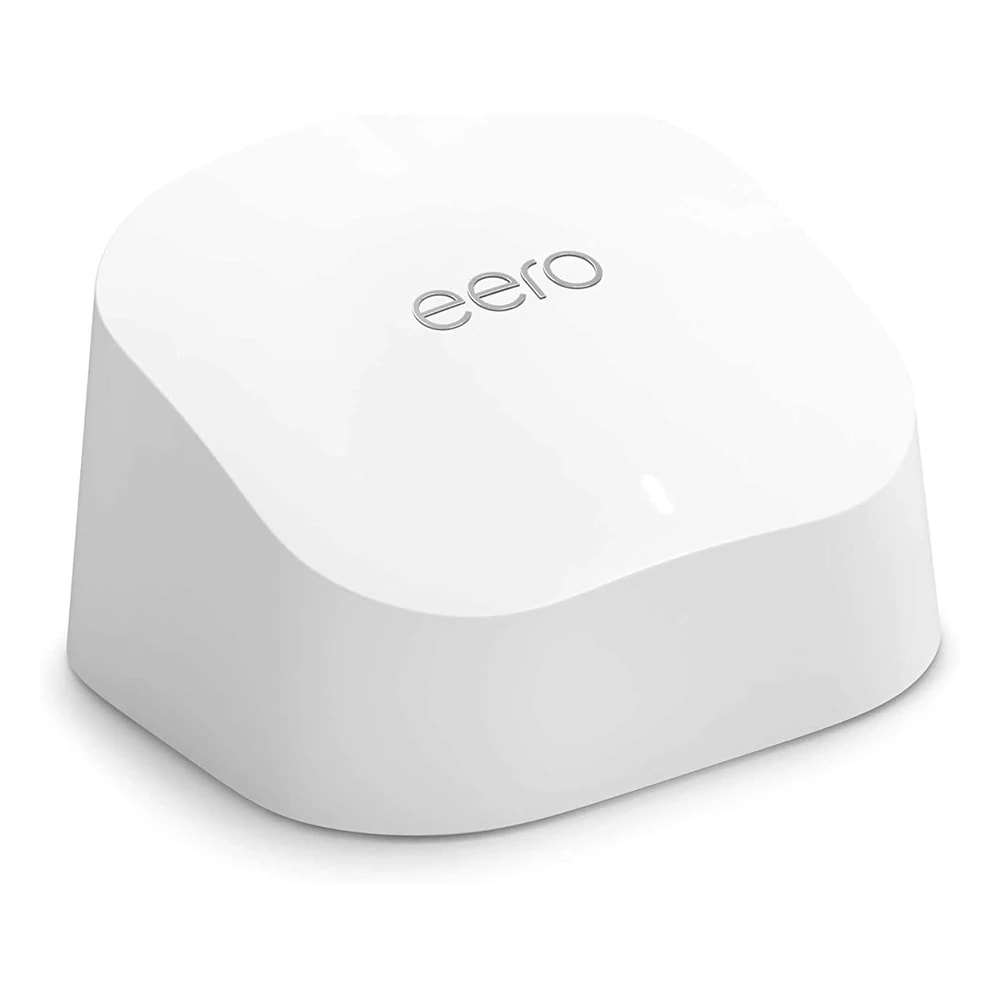
How does it compare to the Amazon eero 6?
Chevron down icon
Both are easy Wi-Fi 6 mesh kits. The Deco X50 has faster AX3000 speeds and three Gigabit ports per unit, while the eero 6 is simpler and ties neatly into Alexa homes. If you want more wired ports and speed headroom, the Deco is the stronger pick.
Contact us
Contact us
How does it compare to just buying one powerful router?
Chevron down icon
A single strong router still broadcasts from one spot, so far rooms in a villa stay weak. Mesh spreads three sources around the home, which beats one router for even coverage. For a small flat, one good router is fine; for a house, mesh usually wins.
Contact us
Contact us
Can I add more units later?
Chevron down icon
Yes. If a corner of your villa still needs signal, you can add more Deco units to the same network through the app. Many Deco models mix together, so you are not locked into buying another full 3-pack just to extend the coverage a little further.
Contact us
Contact us
Who should not buy this?
Chevron down icon
If you live in a small studio or one-bedroom flat, a 3-pack is more than you need and a single unit is cheaper. If you specifically need Apple HomeKit router support, or want tri-band mesh for a very heavy setup, this is not the model for you. Ask us for an alternative.
Contact us
Contact us
How do I buy it from you, and is it good value?
Chevron down icon
At around AED 769 for the full 3-pack, it is strong value for whole-home Wi-Fi 6 coverage. Contact us for today's price, stock and delivery across Dubai and the UAE. We can also help size the system and set it up so you get the coverage right the first time.
Contact us
Contact us
Installation

Fitted and configured by our Dubai team

We supply this as part of a working system rather than as a box. That means checking it suits your property first, fitting it properly, setting up the automations that make it useful, and showing your household how it works.

See Networking & IT Infrastructure
Chat Now