Netgear

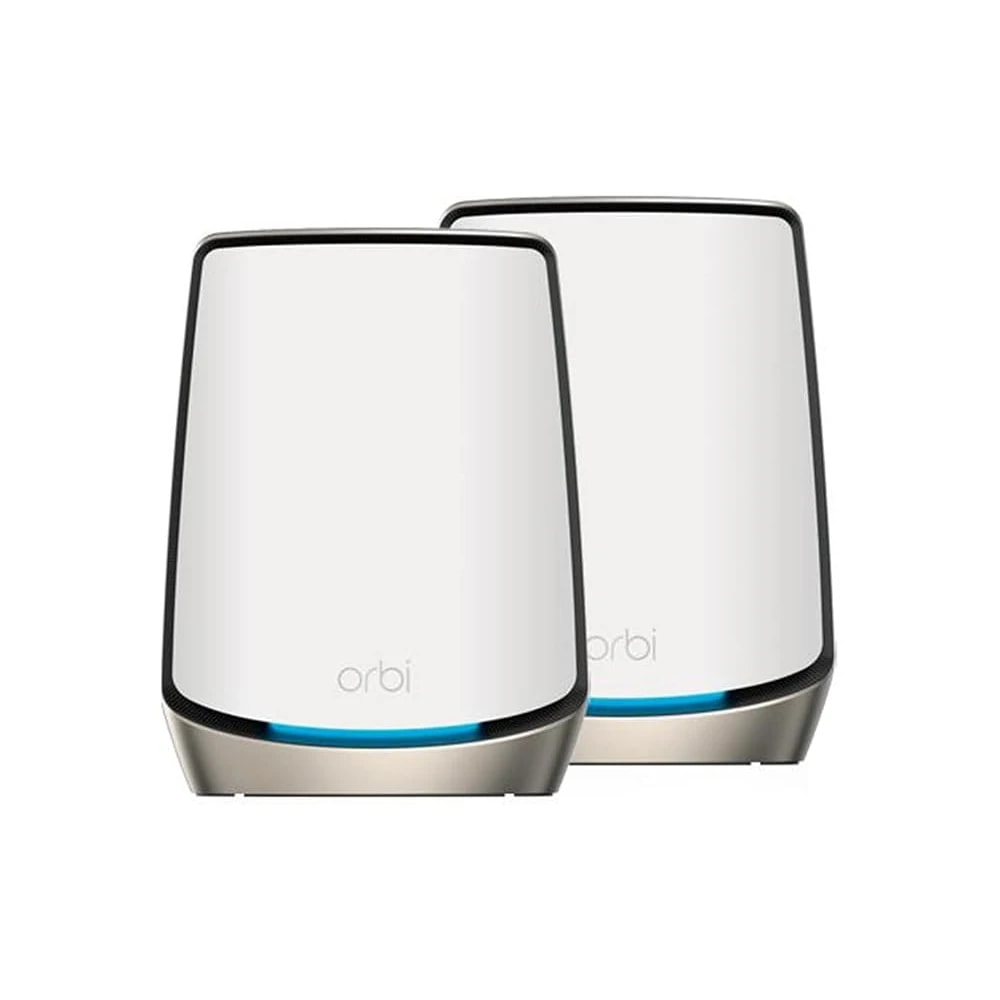
NETGEAR Orbi WiFi 6 Mesh System (RBK862S)

A premium tri-band WiFi 6 mesh system that blankets a large Dubai villa in fast, stable Wi-Fi, made for owners and long-term tenants who want no dead spots.

Wi-FiWiredPremium
Works with
Amazon AlexaGoogle HomeManufacturer app
AED 1,174

Typical Amazon.ae price for the device, checked 10 Sept 2026. See the listing Installation is quoted separately after we check your property.

Enquire on WhatsApp
Enquire on WhatsApp

Supplied, fitted and configured by our own Dubai team. We check compatibility with your property before you commit to anything.

Overview

What it is and where it fits

The NETGEAR Orbi RBK862S is a tri-band WiFi 6 mesh kit built for large homes. The box holds two units: a main router (RBR860) and one satellite (RBS860) that work as a single network. Together they cover up to 5,400 square feet, roughly 502 square metres, so a three or four bedroom villa across two floors is comfortably in range. The clever part is the dedicated backhaul. Orbi keeps a private 5GHz channel just for the link between router and satellite, so your phones and laptops never fight that traffic for bandwidth. That is why speeds stay high in the far rooms, not only next to the router. Setup runs through the Orbi app on iOS or Android, and it works behind any UAE ISP box from Etisalat by e& or du. The router carries a 10 Gigabit internet port plus four Gigabit LAN ports, and the satellite adds four more, handy for a TV, console or a wired access point. Who is it for? Villa owners and long-term tenants who want strong Wi-Fi in every room and can spend on quality. It suits homes running 40 to 100 connected devices. The honest limits: it is expensive, each unit needs its own wall socket, and the NETGEAR Armor security is only free for the first year. A small apartment does not need this much coverage, so a cheaper two-pack would do the job there.

  • Covers up to 5,400 sq ft, enough for most two-storey Dubai villas from one router and one satellite.
  • Dedicated wireless backhaul keeps speeds high in far rooms, so the satellite never slows down your devices.
  • A 10 Gigabit internet port and eight Gigabit LAN ports in total, ready for fast fibre and wired gear.
  • Set up and manage everything from the Orbi phone app, with guest Wi-Fi and one year of Armor security included.
Technical

Specifications

Model Orbi RBK862S (860 Series)

Wi-Fi StandardWiFi 6 (802.11ax), Tri-Band with Dedicated Backhaul
Max Wireless SpeedAX6000 class - up to 6 Gbps combined (2400+2400+1200 Mbps across 3 radios)
Coverage (2-pack)Up to 5,400 sq. ft. (502 sq. m) with router + 1 satellite
Connected DevicesUp to 100 devices simultaneously
Internet (WAN) Port1x 10 Gbps Multi-Gigabit Ethernet WAN port (router)
LAN Ports4x Gigabit Ethernet LAN ports on router; 4x Gigabit LAN ports on satellite
SecurityNETGEAR Armor (powered by Bitdefender), 1-year included; WPA2/WPA3-class 128-bit AES encryption
Box Contents1x RBR860 router, 1x RBS860 satellite, 6ft Ethernet cable, 2x power adapters, quick start guide
In Dubai homes

What to check before you order

Dubai villas are the main reason people buy Orbi. Thick walls, marble floors and long hallways kill normal router signals, and one satellite usually fixes that across two floors. Place both units in open, ventilated spots, not inside a closed AV cabinet, because summer heat and running warm all day shortens the life of any electronics. Keep them off dusty windowsills too. Power is simple: each unit ships with its own adapter that accepts UAE 220 to 240V mains, though the plug head is often two-pin, so you may need a Type-G adapter or a socket swap. Running cost on DEWA is tiny, a few dirhams a month per unit. For support, buy from an authorised UAE seller so your one-year NETGEAR warranty is valid locally and you can claim service without shipping abroad. Apartments rarely need this much coverage, so save the money there.

Netgear in the UAE. Orbi mesh and Nighthawk networking sold through Sharaf DG, Jumbo and Amazon.ae; specific SKUs cycle in and out of stock.

Answers

Questions about the NETGEAR Orbi WiFi 6 Mesh System (RBK862S)

What exactly is the NETGEAR Orbi RBK862S?
Chevron down icon
It is a two-piece mesh Wi-Fi system: one main router and one satellite that act as a single network. It uses WiFi 6 and three radio bands, with one band reserved just for the link between the two units. The pair covers a large home under one Wi-Fi name.
Contact us
Contact us
Is it the right choice for my villa?
Chevron down icon
For most three or four bedroom villas, yes. One router plus one satellite covers up to 5,400 square feet, which handles two floors and the area just outside the house. Very large villas or those with a detached majlis block may need an extra satellite, which you can add later.
Contact us
Contact us
Will it work in my apartment, or is it overkill?
Chevron down icon
It works, but it is more than most apartments need. A one or two bedroom flat is easily covered by a smaller, cheaper two-pack. Buy the Orbi 860 for a big penthouse or a large duplex. For a normal apartment, spend less and put the savings elsewhere.
Contact us
Contact us
Does it replace my current router?
Chevron down icon
Yes. The Orbi router plugs into your ISP modem or fibre ONT and takes over Wi-Fi and network duties. If your Etisalat or du box is a combined modem-router, you set it to bridge or modem-only mode so Orbi runs the network. We can advise on the right setting for your box.
Contact us
Contact us
Do I need a separate hub or smart-home bridge?
Chevron down icon
No. Orbi is a Wi-Fi system, not a smart-home hub. It does not need Zigbee or a separate bridge to run. It simply gives all your devices, including smart plugs, cameras and speakers, a strong Wi-Fi connection to join.
Contact us
Contact us
Is a subscription required to use it?
Chevron down icon
No. The Wi-Fi, the app, guest network and parental basics all work for free forever. The one paid extra is NETGEAR Armor security, which is free for the first year and then renews yearly if you want to keep it. Ignore Armor and the Wi-Fi still works fully.
Contact us
Contact us
Which app do I use?
Chevron down icon
The NETGEAR Orbi app, free on the Apple App Store and Google Play. You use it for setup, to name your Wi-Fi, add satellites, set a guest network, run speed tests and manage the family. It also lets you check your network while you are away from home.
Contact us
Contact us
Does it work with my Etisalat by e& or du connection?
Chevron down icon
Yes. Orbi works with any UAE internet provider. It connects to your fibre ONT or modem with the included Ethernet cable. You keep your same Etisalat or du plan and phone number. Orbi only changes how the Wi-Fi is spread around your home.
Contact us
Contact us
Does it work with Alexa and Google Home?
Chevron down icon
Yes, in a light way. You can link Alexa or Google Assistant to do simple things like turn the guest Wi-Fi on or off, or pause the internet, using your voice. It is not deep smart-home control, but the basic voice commands are handy.
Contact us
Contact us
Does it work with Apple Home (HomeKit)?
Chevron down icon
Orbi is not a HomeKit accessory, so it does not appear in the Apple Home app. That is fine. Your HomeKit devices still connect to the internet through Orbi's Wi-Fi as normal. You just manage the router itself in the Orbi app rather than in Apple Home.
Contact us
Contact us
How does it cope with Dubai summer heat?
Chevron down icon
It runs fine indoors where the AC keeps rooms cool. Like all electronics, it lasts longer when it can breathe, so stand it upright in an open spot, not sealed inside a hot TV cabinet. Do not place it in a garage or on a balcony that bakes in the sun.
Contact us
Contact us
Will dust be a problem?
Chevron down icon
Dubai dust settles on everything, and the vents on the top and bottom of each Orbi unit can collect it. Give them a quick wipe and a light vacuum around the vents every couple of months. Keep them off dusty windowsills. Clean vents help the units stay cool and reliable.
Contact us
Contact us
What plug does it use, and do I need a Type-G adapter?
Chevron down icon
Each unit comes with its own power adapter that accepts UAE 220 to 240V mains. The plug head supplied can be a two-pin type, so you may need a Type-G (three-pin UK style) adapter or a socket swap to fit standard Dubai wall sockets. Tell us and we will sort the right plug.
Contact us
Contact us
How much will it add to my DEWA bill?
Chevron down icon
Very little. Each unit draws only a small amount of power, similar to a phone charger left running. Two units cost roughly a few dirhams a month on DEWA. Even with an extra satellite added, the running cost stays tiny next to your AC or water heater.
Contact us
Contact us
Is it noisy?
Chevron down icon
No. The Orbi 860 units have no fan, so they make no sound at all. You can put one in a bedroom or majlis without any hum or whine. They only get slightly warm to the touch, which is normal for a Wi-Fi system running all day.
Contact us
Contact us
Who sets it up? Can I do it myself?
Chevron down icon
Most people set it up themselves in about fifteen minutes using the app, which walks you through each step. If you would rather not, our team can install it, place the satellite in the best spot, put your ISP box in the right mode and test every room for you.
Contact us
Contact us
How many devices can it handle at once?
Chevron down icon
Up to around 100 devices at the same time. That covers a busy villa with phones, laptops, TVs, cameras, smart plugs and speakers all connected together. For a normal family running 30 to 60 devices, the Orbi 860 has plenty of headroom to spare.
Contact us
Contact us
Can I add more coverage later?
Chevron down icon
Yes. If one satellite is not enough for a very large villa or a garden room, you can buy extra RBS860 satellites and add them to the same network in the app. They join under one Wi-Fi name, so your phone still switches between them on its own.
Contact us
Contact us
What warranty and support do I get in the UAE?
Chevron down icon
Orbi comes with a one-year NETGEAR limited warranty, plus 90 days of free technical support when bought from an authorised seller. Buy from us and your warranty is valid in the UAE, so any service or replacement is handled locally without shipping the unit overseas.
Contact us
Contact us
How much is it, and how do I buy it from you?
Chevron down icon
The RBK862S two-pack starts around AED 1,174. Prices move, so message us for today's figure, stock and delivery across Dubai and the UAE. We can also quote installation and extra satellites, and help you pick the right kit for your home size.
Contact us
Contact us
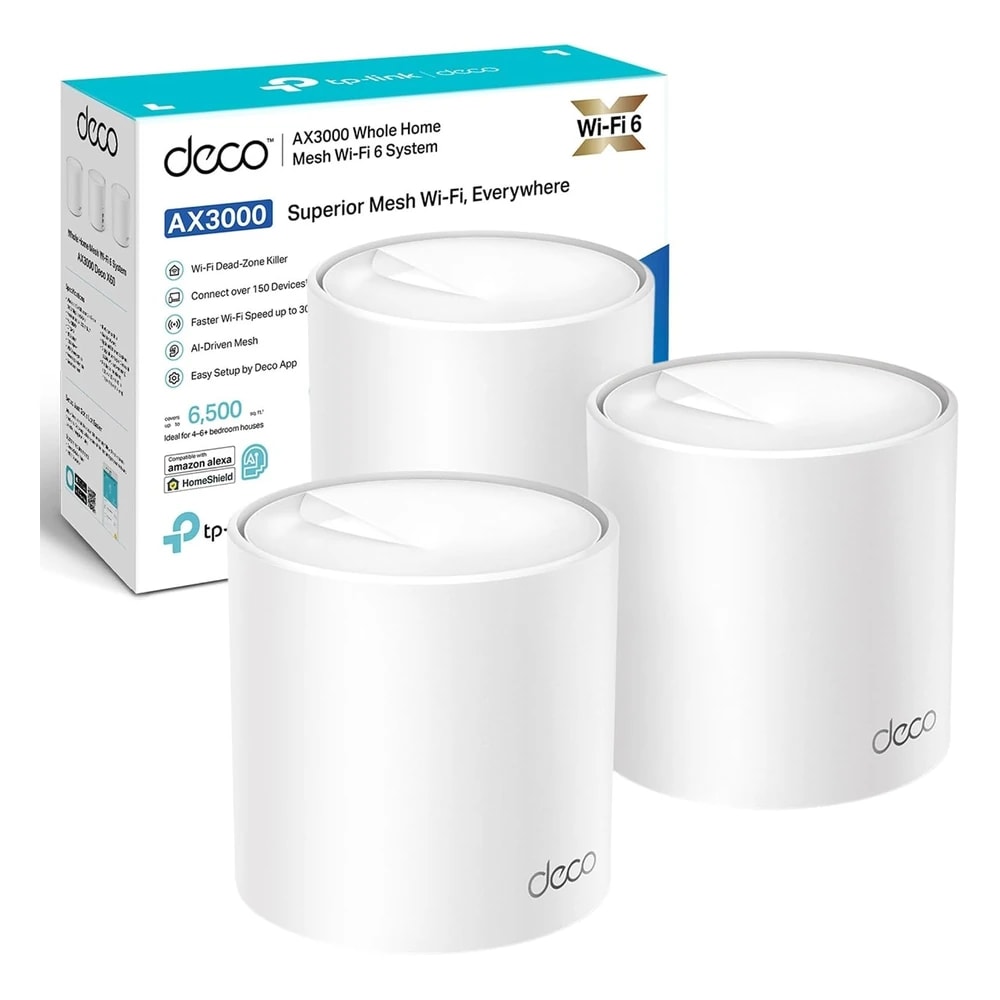
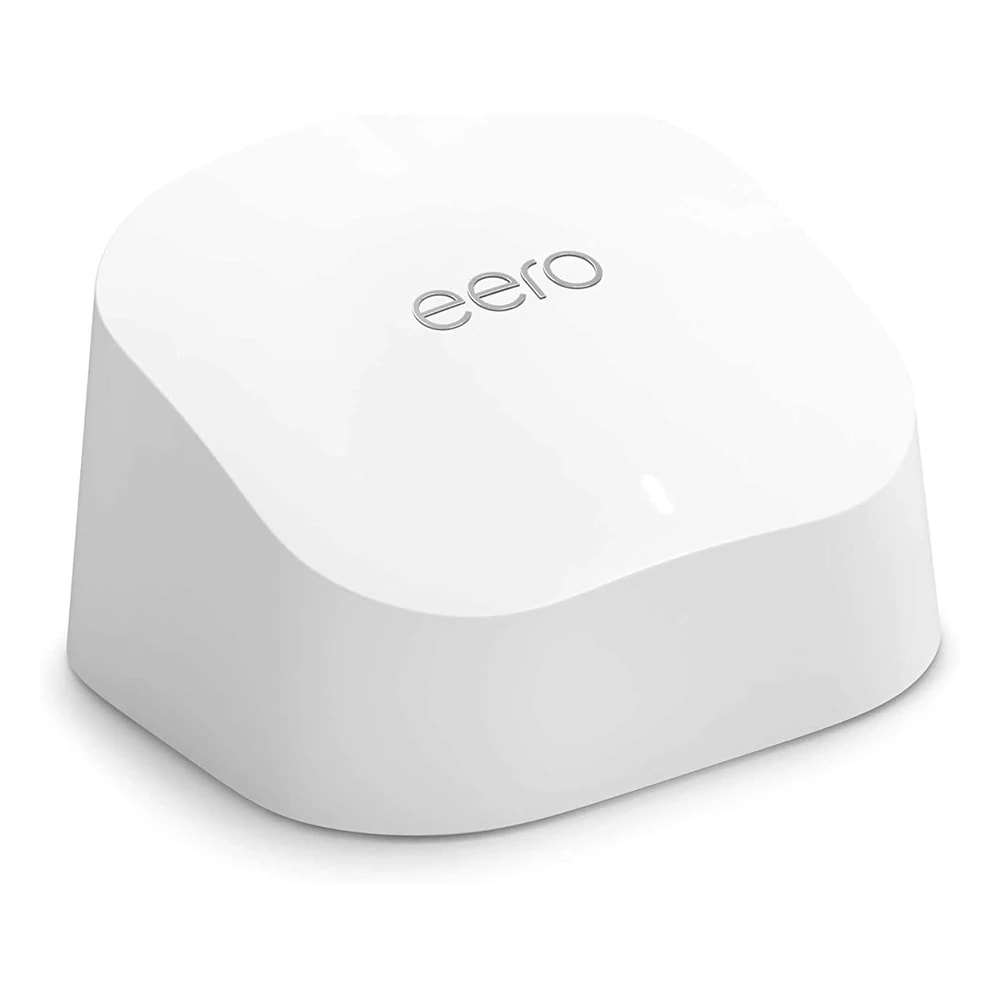
How does it compare to a cheaper eero or TP-Link Deco?
Chevron down icon
Systems like eero 6 or TP-Link Deco X50 are good value and fine for apartments. The Orbi 860 costs more but keeps speeds higher across a big villa, thanks to its dedicated backhaul band and faster hardware. For large homes with heavy use, Orbi holds up better in the far rooms.
Contact us
Contact us
Do I need the 10 Gigabit port if my plan is 500 Mbps?
Chevron down icon
No, but it does no harm. The 10 Gigabit port means Orbi can handle far faster fibre than most Dubai plans offer today, so it stays useful if you upgrade your speed later. On a 500 Mbps plan it simply runs well below its limit.
Contact us
Contact us
Can I connect the router and satellite with a cable?
Chevron down icon
Yes. If your villa has Ethernet points in the walls, you can wire the satellite back to the router instead of using the wireless link. This is called wired backhaul and gives the most stable result. If you have no cabling, the wireless backhaul still performs very well.
Contact us
Contact us
Who should not buy this?
Chevron down icon
Skip the Orbi 860 if you live in a small apartment, have a tight budget, or your internet plan is basic. You would be paying for coverage and speed you cannot use. A smaller two-pack mesh, or even a single good router, makes more sense in those homes.
Contact us
Contact us
Installation

Fitted and configured by our Dubai team

We supply this as part of a working system rather than as a box. That means checking it suits your property first, fitting it properly, setting up the automations that make it useful, and showing your household how it works.

See Networking & IT Infrastructure
Chat Now