Linksys

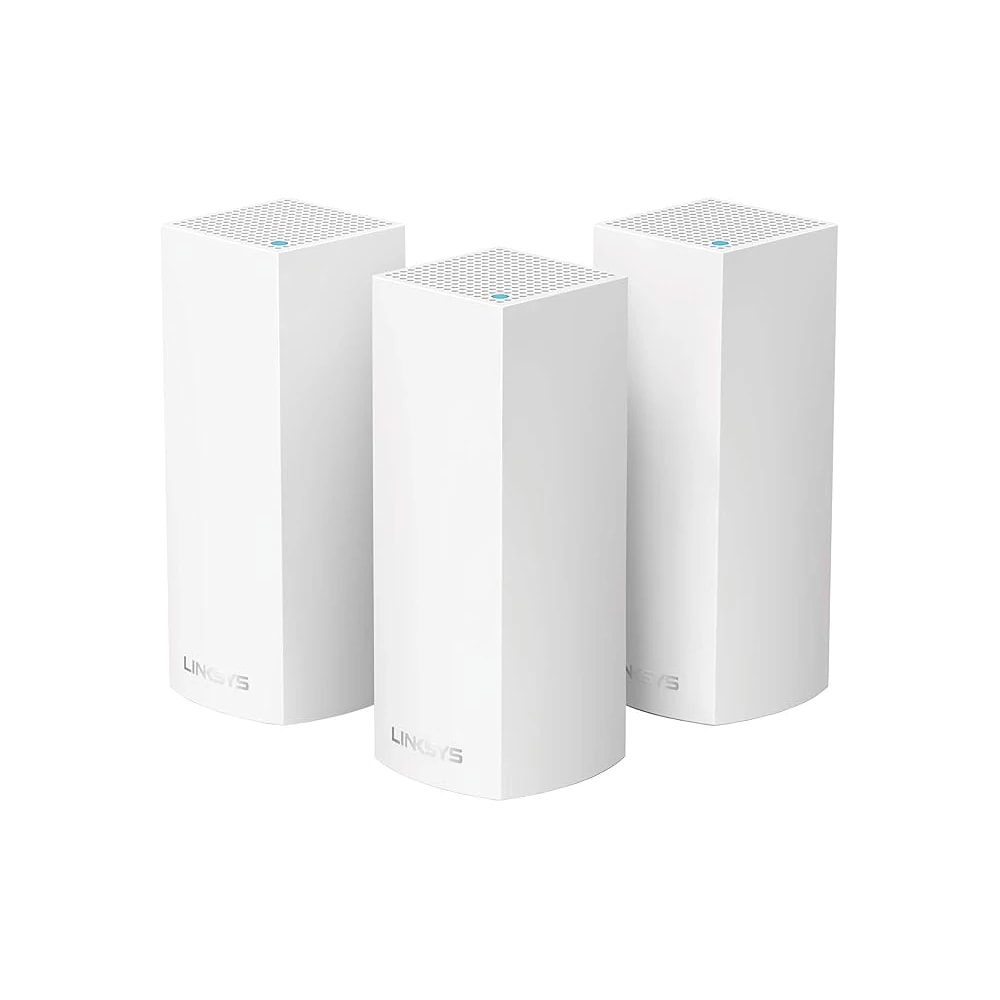
Linksys Velop Tri-Band Mesh Wi-Fi (WHW0303, 3-Pack)

A three-node tri-band mesh Wi-Fi kit that spreads one strong network across a whole villa or large apartment, ideal for homes where a single router leaves dead spots.

Wi-FiWiredMid-range
Works with
Amazon AlexaManufacturer app
AED 699

Typical Amazon.ae price for the device, checked 10 Sept 2026. See the listing Installation is quoted separately after we check your property.

Enquire on WhatsApp
Enquire on WhatsApp

Supplied, fitted and configured by our own Dubai team. We check compatibility with your property before you commit to anything.

Overview

What it is and where it fits

The Linksys Velop is a mesh Wi-Fi system built for homes where one router leaves dead spots. The WHW0303 kit has three small tower nodes, each tri-band AC2200. One of the two 5GHz bands is kept as a private link between the nodes, so speed holds up as data hops from one node to the next. You spread the nodes around the home and they run as one network with a single Wi-Fi name. Your phone or laptop stays on the strongest node on its own as you move around, with no manual switching. Setup and daily control run through the free Linksys App on iOS and Android. From there you name the network, set up guest Wi-Fi, add parental controls, run speed tests, prioritise a device, and use a one-tap Auto-Fix to pick clearer channels. It also takes Alexa voice commands. In Dubai it suits villa owners and tenants whose router cannot reach upstairs or the majlis, and larger apartments with thick walls. Three nodes cover up to about 6,000 sq ft and handle 60-plus devices, which fits a busy family home. It replaces your router and plugs into the du or e& modem. Honest limit: this is the older AC2200 (Wi-Fi 5) generation, not Wi-Fi 6. For most homes on normal plans it is strong value. If you are on a top gigabit plan and want the newest standard, ask us about a Wi-Fi 6 kit.

  • Tri-band AC2200 with a dedicated backhaul band, so speed stays steady as you move between nodes.
  • Three nodes cover up to 6,000 sq ft and 60-plus devices, enough for a whole villa.
  • One Wi-Fi name across the home, with the free Linksys App for guest access, parental controls, and speed tests.
  • Alexa voice support and a 3-year warranty, with local setup and help when you buy from us.
Technical

Specifications

Model Velop WHW0303 (3-pack of WHW0301 tri-band nodes)

ModelLinksys Velop WHW0303 (3-pack of WHW0301 tri-band nodes)
Wi-Fi standardTri-Band AC2200 per node, 802.11a/b/g/n/ac (2.4GHz + two 5GHz radios)
Per-node speed867 + 867 + 400 Mbps (dedicated backhaul radio)
CoverageUp to 6,000 sq ft with 3 nodes (2,000 sq ft per node)
Device capacity60+ connected devices
Processor / memory716 MHz quad-core CPU, 512MB RAM, 4GB flash storage
Ports2x Gigabit Ethernet ports per node
Warranty3-year limited manufacturer warranty
In Dubai homes

What to check before you order

The nodes run on UAE 220-240V power, and most local listings ship with the Type-G (UK three-pin) plug, so they fit your sockets with no adapter. Give each node open air. Keep it on a shelf or side table, not sealed in a TV cabinet, and out of direct sun through a window, since Dubai summers are hot and electronics run better with airflow. Dust settles fast here, so wipe the vents every few weeks to keep the nodes cool. For a typical villa, place one node near the modem downstairs, one upstairs, and one at the far end or near the majlis. That clears the dead spots a single router leaves. Many apartments are covered by two nodes, leaving the third as a spare. Buy from us and you get a local team for setup and the 3-year warranty, instead of shipping units abroad. DEWA power is stable, though a cheap surge plug is a sensible extra.

Linksys in the UAE. Velop mesh systems carried by Sharaf DG and Amazon.ae, an easy app-driven whole-home option.

Answers

Questions about the Linksys Velop Tri-Band Mesh Wi-Fi (WHW0303, 3-Pack)

What is the Linksys Velop, in simple terms?
Chevron down icon
It is a mesh Wi-Fi system. Instead of one router, you place three small tower units around your home. They join into one Wi-Fi network with a single name, so you get strong signal in rooms where a normal router struggles, like upstairs bedrooms or a far majlis.
Contact us
Contact us
Will three nodes really cover a whole villa?
Chevron down icon
The 3-pack covers up to about 6,000 sq ft, which fits most Dubai villas. Put one node by the modem, one upstairs, and one at the far side. Very large or long villas with thick concrete walls may need a fourth node, which you can add later.
Contact us
Contact us
I live in an apartment. Is this overkill?
Chevron down icon
For a studio or one-bed, one good router is usually enough. For a larger two or three-bed apartment with thick walls and dead spots, two Velop nodes often fix it. You can keep the third node as a spare or use it in a home office.
Contact us
Contact us
Do I still need an internet plan from du or e&?
Chevron down icon
Yes. The Velop shares and spreads your internet, it does not provide it. You keep your du or Etisalat (e&) fibre plan and modem. The Velop connects to that modem and pushes the signal to every corner of the home.
Contact us
Contact us
Does it need a separate hub or bridge?
Chevron down icon
No extra hub. The nodes are the system. One node plugs into your ISP modem and the others just need power. They talk to each other over a dedicated wireless band, so you do not run cables between them unless you want to.
Contact us
Contact us
Is there a monthly fee or subscription?
Chevron down icon
No. The Linksys App, guest Wi-Fi, parental controls, and speed tests are free with the hardware. Some brands charge for extra security add-ons, but the core features you need to run your home network cost nothing after you buy the kit.
Contact us
Contact us
Which app controls it?
Chevron down icon
The free Linksys App on iOS and Android. You use it for the whole setup, then for daily tasks like naming the network, adding guest Wi-Fi, setting parental controls, running a speed test, and the one-tap Auto-Fix that picks clearer channels when things feel slow.
Contact us
Contact us
Does it work with Alexa?
Chevron down icon
Yes. You can link it to Alexa and use voice commands for things like turning guest Wi-Fi on or off. It is handy when guests arrive at the villa and you want to share access without reading out the main password.
Contact us
Contact us
Does it work with Google Home or Apple Home?
Chevron down icon
The main control is the Linksys App plus Alexa voice commands. This AC2200 generation is not an Apple Home router and does not depend on Google Home. Your smart devices still connect to it normally over Wi-Fi, whichever ecosystem they use.
Contact us
Contact us
How many devices can it handle?
Chevron down icon
The 3-pack is rated for 60-plus connected devices. That covers a busy family home with phones, laptops, smart TVs, streaming sticks, cameras, smart plugs, and voice speakers all running at once, which is normal in a Dubai household today.
Contact us
Contact us
Will it survive the Dubai summer heat?
Chevron down icon
Yes, if you give it air. Keep each node out in the open on a shelf, not sealed inside a TV cabinet, and out of direct sun through a window. Like any electronics, it runs cooler and lasts longer with airflow around it.
Contact us
Contact us
Does dust affect it?
Chevron down icon
Dust builds up fast in Dubai and can block the vents over time, which makes any device run warmer. A quick wipe of each node every few weeks keeps it cool. There is no filter to change, just keep the surface and vents clean.
Contact us
Contact us
What plug does it use? Is it Type-G?
Chevron down icon
Each node uses a standard power adapter and runs on UAE 220-240V. Most UAE listings ship with the Type-G (UK three-pin) plug used here, so it fits your wall sockets with no travel adapter. Check the listing if you need the exact plug type.
Contact us
Contact us
How much power does it use?
Chevron down icon
Very little. Each node is a low-draw device, similar to a router, so three of them running all day add only a small amount to your DEWA bill. You leave them on all the time, which is normal for home networking gear.
Contact us
Contact us
Do the nodes have fans or make noise?
Chevron down icon
No. The nodes cool passively and are silent, so you can place one in a bedroom or majlis without any hum. That is one reason to keep them in open air rather than a closed cabinet, since they rely on natural airflow.
Contact us
Contact us
How hard is setup, and can you do it for me?
Chevron down icon
The app walks you through it and most people finish in 20 to 30 minutes. If you would rather not, our team can set it up, place the nodes for the best coverage in your villa or apartment, and hand it over working.
Contact us
Contact us
Can I connect the nodes with an Ethernet cable?
Chevron down icon
Yes. Each node has 2 Gigabit Ethernet ports. They mesh wirelessly by default, but if your villa has network cabling you can wire the nodes together for an even more stable link, and still plug in things like a TV or games console.
Contact us
Contact us
Does it replace my current router?
Chevron down icon
Yes. The Velop takes over as your router and connects to the ISP modem. If your du or e& box is a combined modem-router, we usually switch it to modem or bridge mode so the Velop runs the Wi-Fi and you avoid two networks fighting.
Contact us
Contact us
How many nodes do I actually need?
Chevron down icon
Roughly one node per 2,000 sq ft. Most villas do well with all three. A large apartment often needs two. If you buy the 3-pack and only use two, keep the third ready for a home office, an outbuilding, or a weak corner.
Contact us
Contact us
Is this Wi-Fi 6?
Chevron down icon
No, this is the AC2200 tri-band (Wi-Fi 5) generation. It is still fast and reliable for everyday use, streaming, and video calls. If you are on a top-tier gigabit fibre plan and want the newest standard, ask us about a Wi-Fi 6 mesh instead.
Contact us
Contact us
What warranty do I get in the UAE?
Chevron down icon
It comes with a 3-year limited manufacturer warranty. Buy from us and you have a local point of contact for setup help and any warranty claim, so you are not shipping units overseas or dealing with support in another time zone.
Contact us
Contact us
How does it compare to TP-Link Deco or eero?
Chevron down icon
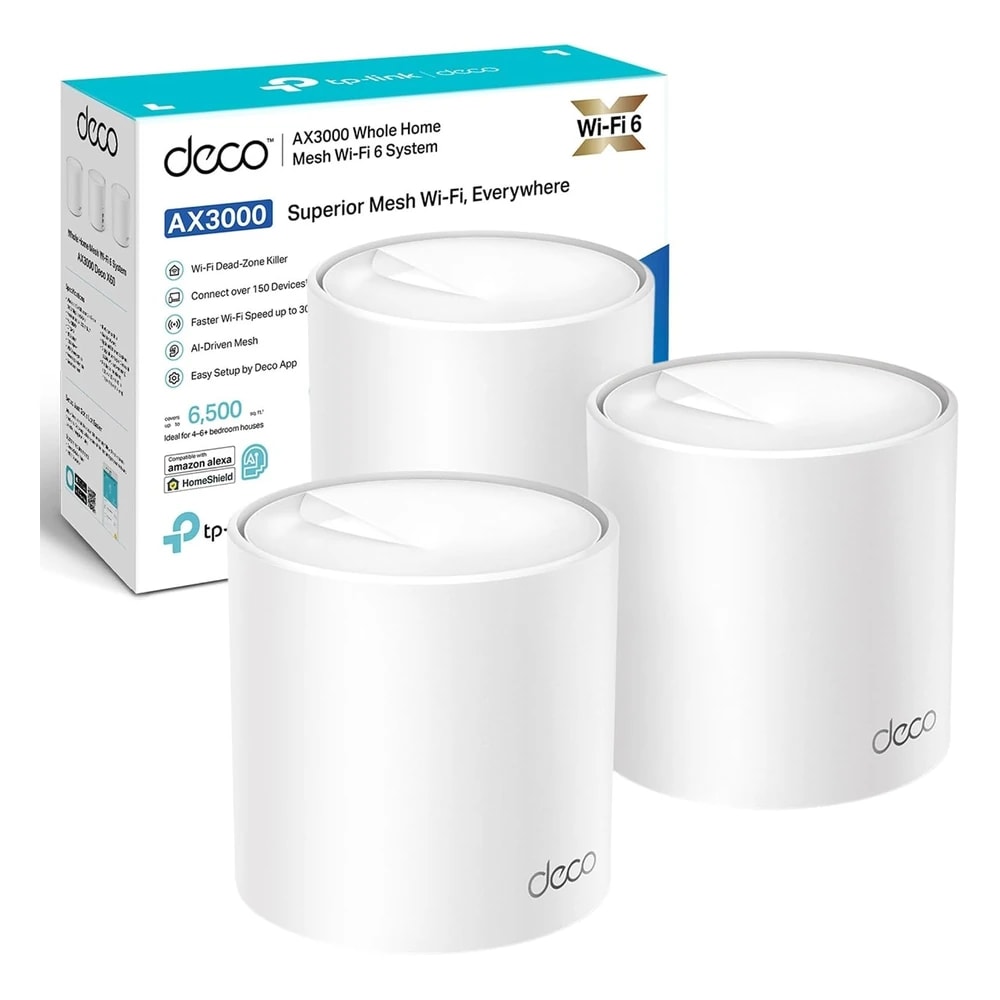
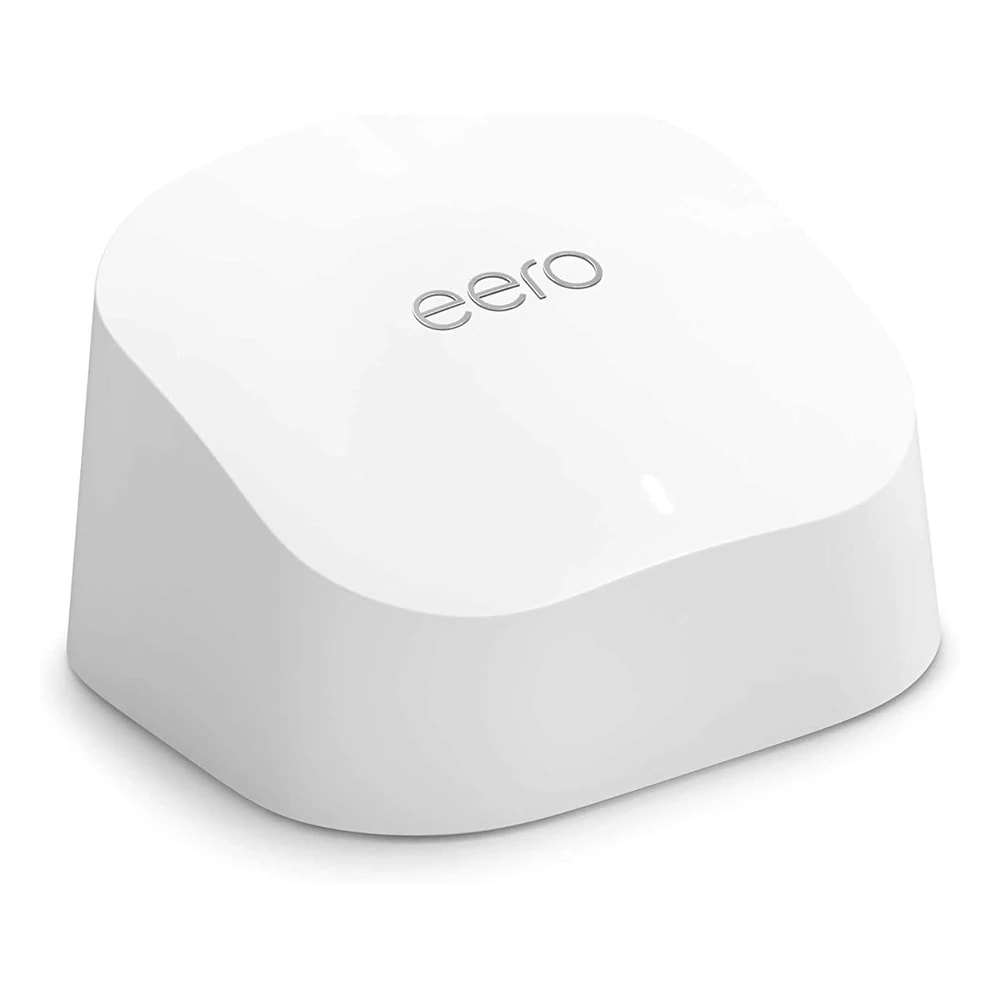
All three are solid mesh systems. The Velop's plus point is the dedicated backhaul band that keeps speed steady across nodes. Deco X50 and eero 6 are Wi-Fi 6 and may suit very fast plans better. We can match the right one to your home and budget.
Contact us
Contact us
Is AED 699 the real price, and how do I buy from you?
Chevron down icon
Yes, AED 699 is the verified in-stock price for the 3-node kit at Amazon.ae. Prices move, so contact us for today's figure, delivery across Dubai and the UAE, and optional setup at your home. We will confirm stock before you pay.
Contact us
Contact us
Who should not buy this?
Chevron down icon
Skip it if you live in a small studio where one router already covers everything, or if you need Wi-Fi 6 for a gigabit plan with many heavy 4K streams at once. In those cases a single modern router or a Wi-Fi 6 mesh is the better spend.
Contact us
Contact us
Installation

Fitted and configured by our Dubai team

We supply this as part of a working system rather than as a box. That means checking it suits your property first, fitting it properly, setting up the automations that make it useful, and showing your household how it works.

See Networking & IT Infrastructure
Chat Now