ASUS

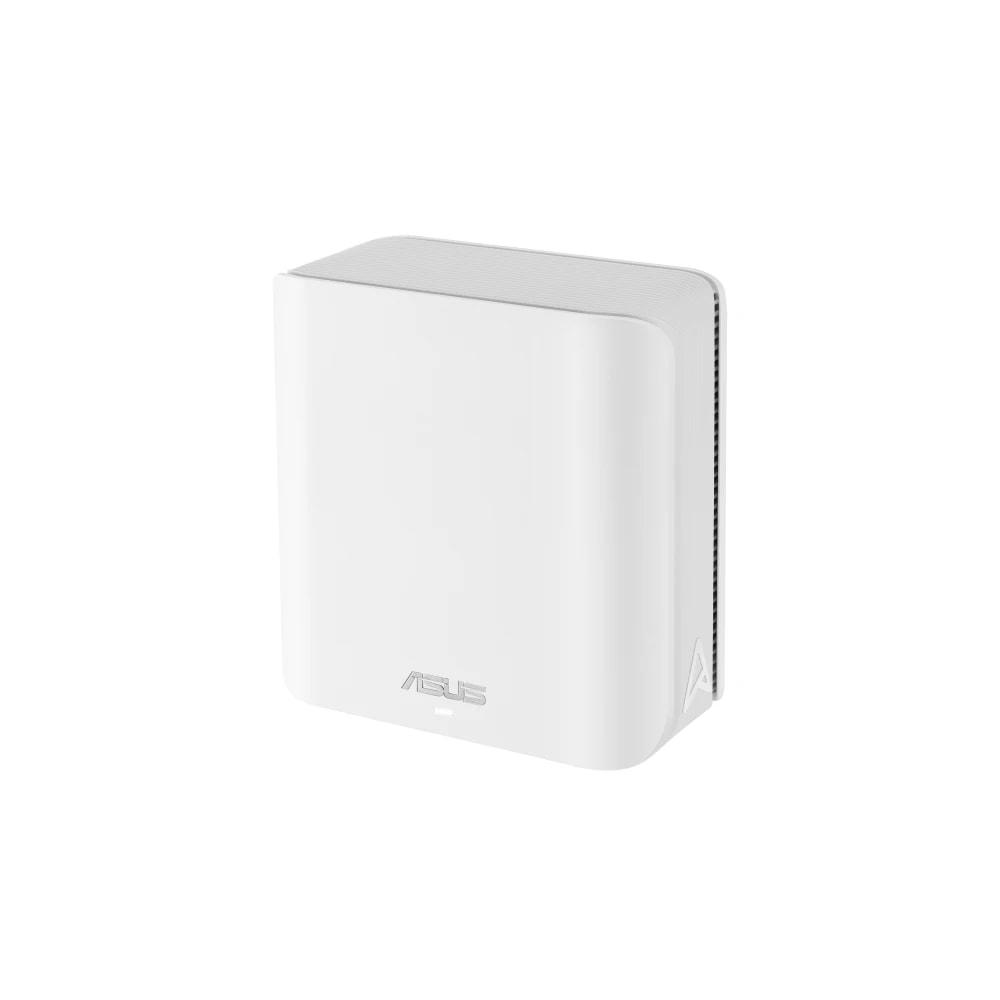
ASUS ZenWiFi BD4 WiFi 7 Mesh System

A two-piece WiFi 7 mesh system that covers a Dubai apartment or mid-size villa with one fast Wi-Fi network, with free parental controls and security built in.

Wi-FiWiredMid-range
Works with
Amazon AlexaGoogle HomeManufacturer app
AED 670

Typical noon.com price for the device, checked 10 Sept 2026. See the listing Installation is quoted separately after we check your property.

Enquire on WhatsApp
Enquire on WhatsApp

Supplied, fitted and configured by our own Dubai team. We check compatibility with your property before you commit to anything.

Overview

What it is and where it fits

The ASUS ZenWiFi BD4 is a two-piece WiFi 7 mesh system that spreads one Wi-Fi network across a whole home. You place one node next to your Etisalat (e&) or du router, then set the second node further away, and the two link up to act as a single network. Your phone and laptop hand off between them as you move around, so there is no switching networks room to room. Each node runs dual-band WiFi 7 (802.11be) with a combined rate up to 3,600 Mbps, a 1.5GHz quad-core chip, and two 2.5G Ethernet ports that sort out WAN and LAN on their own. You set everything up in the ASUS Router app in about ten minutes. Who it suits in Dubai: the 2-pack (around 5,100 sq ft) fits most 2 to 3 bedroom apartments and smaller townhouses, while larger two-floor villas do better on the 3-pack. It is a strong pick for families who want good parental controls and network security without a monthly fee, since AiProtection Pro and web filtering are free for the life of the router. Honest limits: it is dual-band, not tri-band, so a very busy villa with dozens of devices and heavy 4K streaming may prefer a tri-band or wired-backhaul system. It also does not link into Apple Home. For most Dubai apartments and mid-size homes, it is fast, stable, and easy to live with.

  • One Wi-Fi name across the whole home, with automatic handoff as you move room to room.
  • WiFi 7 speed up to 3,600 Mbps, with two 2.5G Ethernet ports on every node.
  • Free-for-life parental controls and AiProtection Pro security, with no subscription to pay.
  • Ten-minute setup in the ASUS Router app, no technician needed.
Technical

Specifications

Model ZenWiFi BD4 (BE3600)

WiFi StandardWiFi 7 (802.11be), dual-band
Combined Data RateUp to 3,600 Mbps (688 Mbps @2.4GHz + 2,882 Mbps @5GHz)
CoverageUp to 5,100 sq ft (2-pack); up to 6,500-7,750 sq ft (3-pack)
Ethernet Ports2x 2.5 Gigabit ports per unit, auto WAN/LAN detecting
Processor / Memory1.5GHz quad-core CPU, 512MB RAM
Mesh TechnologyASUS AiMesh with Smart Home Master SSIDs for IoT/guest networks
Security & Parental ControlsAiProtection Pro (subscription-free network security) plus web/app filtering and time scheduling
Warranty2-year manufacturer warranty (UAE retail listings)
In Dubai homes

What to check before you order

Dubai homes are hard on Wi-Fi. Thick concrete villa walls and long floor plans block signal, which is exactly what a mesh fixes by putting a second node in the far wing. For a typical 2 to 3 bedroom apartment, the 2-pack reaches every room, including the majlis and the maid's room. Larger villas usually need the 3-pack. The nodes run on 220 to 240V and ship with an adapter, but check the plug in the box, as some kits arrive with a two-pin type that needs a Type-G converter for UAE sockets. Keep each node out of direct sun and away from the hottest wall, since summer heat plus poor airflow shortens the life of any router. UAE retailers list a 2-year manufacturer warranty, and ASUS has service centres in Dubai, so support and repairs are handled here rather than shipped abroad. Buy from us and we will size the right kit and set it up for you.

ASUS in the UAE. ZenWiFi mesh and routers stocked across Sharaf DG, Jumbo and Amazon.ae, known for strong controls and gaming features.

Answers

Questions about the ASUS ZenWiFi BD4 WiFi 7 Mesh System

What exactly is the ASUS ZenWiFi BD4?
Chevron down icon
It is a WiFi 7 mesh system, usually sold as a 2-pack. Two matching units work together to cover your home with one Wi-Fi network, instead of a single router struggling to reach every room. It replaces your old router, or sits behind the box your provider gave you.
Contact us
Contact us
Will it work well in a 2 or 3 bedroom apartment?
Chevron down icon
Yes. The 2-pack covers around 5,100 sq ft, which is more than enough for most Dubai apartments. Put one node by your router and the second near the far bedrooms or the majlis. Every room, including the kitchen and balcony, should hold a steady signal.
Contact us
Contact us
Is it enough for a villa?
Chevron down icon
A small single-floor villa or townhouse is fine with the 2-pack. For a two-storey villa or anything above 5,000 sq ft, choose the 3-pack (around 6,500 to 7,750 sq ft) or add a third node later. Concrete stairwells eat signal, so plan roughly one node per floor.
Contact us
Contact us
Does it replace my current router?
Chevron down icon
Yes. It takes over from the router your provider gave you. You can put that provider box into bridge or modem mode and let the ZenWiFi handle Wi-Fi and routing. You still need an active Etisalat (e&) or du internet line for it to work.
Contact us
Contact us
Do I need a separate hub for it?
Chevron down icon
No. There is no extra hub or gateway to buy. The two nodes are the whole system. One connects to your internet line by Ethernet, the other picks up wirelessly, and the ASUS Router app manages both from your phone.
Contact us
Contact us
Is there a monthly fee?
Chevron down icon
No. The security suite, AiProtection Pro, and the parental controls are free for the life of the router. Many rival systems charge a yearly fee for the same features. With the ZenWiFi you pay once for the hardware and nothing after that.
Contact us
Contact us
Which app controls it?
Chevron down icon
The ASUS Router app, free on iOS and Android. You use it to set up the mesh, name your network, check speeds, block devices, set kids' screen-time limits, and update the firmware. You can also open a web dashboard in a browser if you prefer a bigger screen.
Contact us
Contact us
Does it work with Alexa or Google Assistant?
Chevron down icon
Yes, in a limited way. You can link the ASUS skill to Alexa or Google to do things like turn on the guest network or read out your Wi-Fi details by voice. It is a router, not a smart speaker, so voice control is a handy extra rather than the main point.
Contact us
Contact us
Does it work with Apple Home or HomeKit?
Chevron down icon
No. ASUS ZenWiFi does not join Apple Home, so you cannot manage it from the Apple Home app. Your iPhones, iPads, and Macs still connect to its Wi-Fi normally and work fine. If HomeKit router integration matters to you, this is not the right pick.
Contact us
Contact us
Will Dubai heat and dust affect it?
Chevron down icon
Indoors with normal AC it is fine. Keep each node out of direct sunlight and off a hot external wall, and leave space around it for airflow. Dust can clog the vents over time, so a quick wipe every few weeks keeps it cool and running well through summer.
Contact us
Contact us
What plug and power does it use?
Chevron down icon
Each node runs on 220 to 240V, which is standard in the UAE. Some kits ship with a two-pin adapter, so you may need a Type-G (three-pin) converter for your wall socket. Check the box, or ask us and we will supply the right plug with the kit.
Contact us
Contact us
How hard is it to set up, and can you do it?
Chevron down icon
Setup takes about ten minutes in the app: plug in the main node, connect it to your internet line, follow the prompts, then power the second node nearby. If you would rather not, our team installs and configures it for you, including bridge mode on your provider box.
Contact us
Contact us
Does it use much electricity?
Chevron down icon
Very little. Each node draws only a few watts, similar to a phone charger, so running the pair costs a few dirhams a month on your DEWA bill. Leaving it on all day is normal and expected. There is no battery, it stays plugged in.
Contact us
Contact us
Is it noisy?
Chevron down icon
No. The ZenWiFi has no fan and no moving parts, so it makes no sound at all. You can keep it in a bedroom, study, or living room without hearing a thing. It only gets slightly warm to the touch, which is normal for any router.
Contact us
Contact us
What warranty and support do I get in the UAE?
Chevron down icon
UAE retailers list a 2-year manufacturer warranty. ASUS has service centres in Dubai, so if a node fails it is repaired or replaced locally rather than shipped overseas. Buy through us and we handle any warranty claim for you, so you are not chasing it alone.
Contact us
Contact us
How much is it and how do I buy from you?
Chevron down icon
The 2-pack starts around AED 670. Message us for today's price and stock, and tell us your home size so we send the right kit (2-pack or 3-pack). We deliver across Dubai and the UAE, and can set it up on site if you want.
Contact us
Contact us
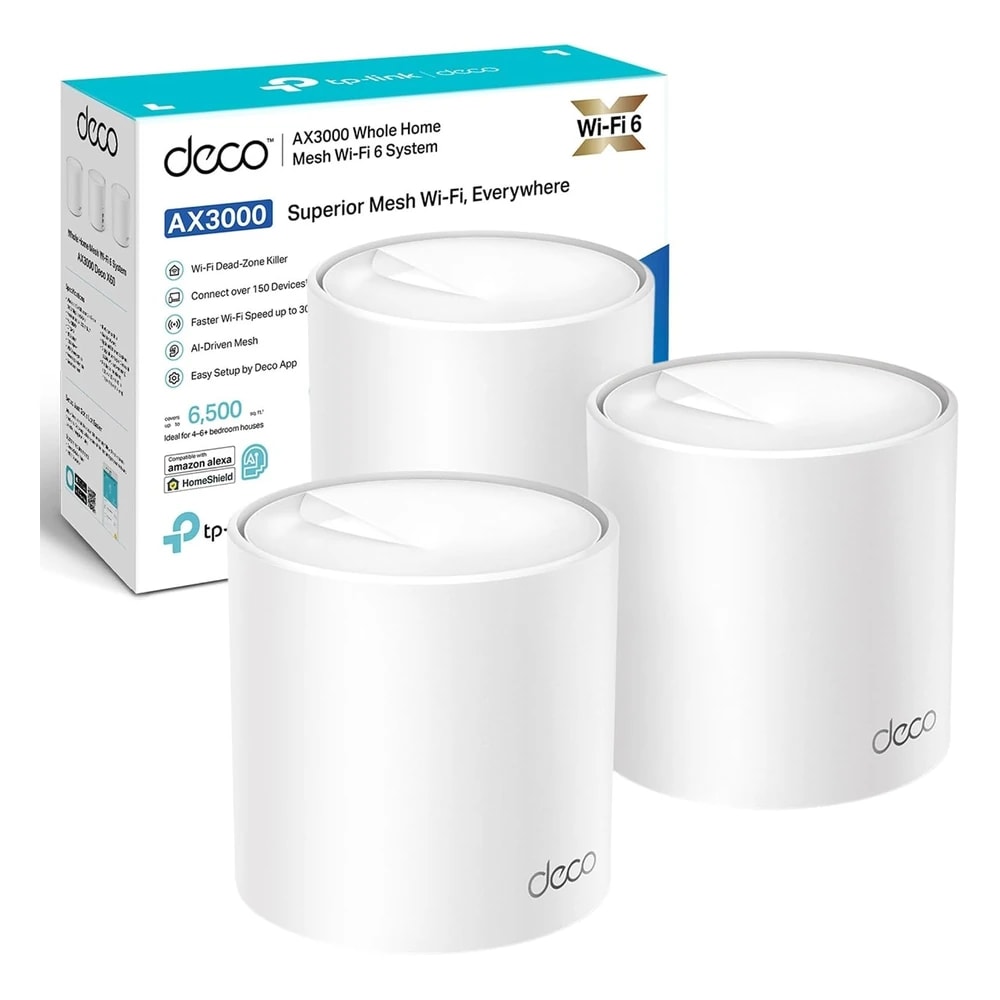
How does it compare to the TP-Link Deco X50?
Chevron down icon
The Deco X50 is a solid, cheaper WiFi 6 mesh that suits smaller flats. The ZenWiFi BD4 is newer WiFi 7, with faster 2.5G Ethernet ports and stronger built-in security and parental controls. If you want more control and headroom, the ASUS is the better long-term buy.
Contact us
Contact us
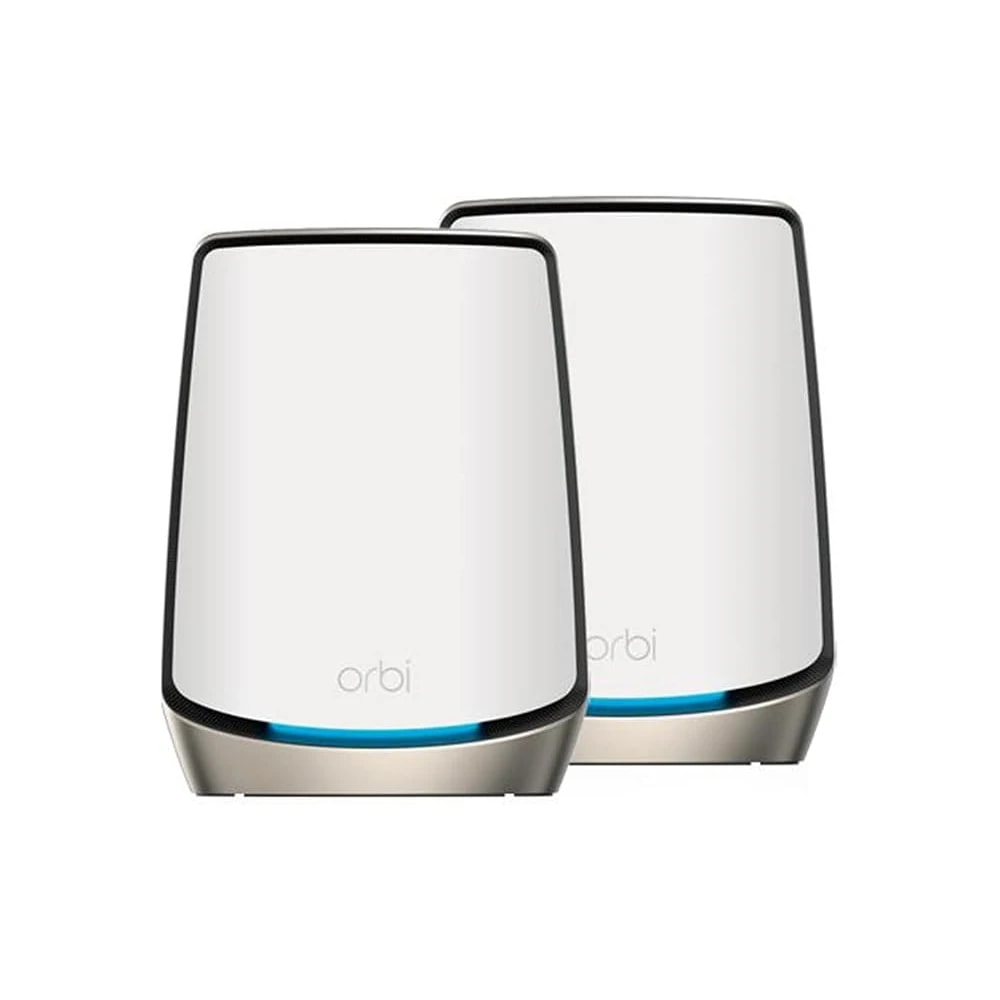
How does it compare to Netgear Orbi?
Chevron down icon
Orbi's tri-band models are faster for very large, busy villas but cost a lot more and often charge for their security add-ons. The ZenWiFi BD4 is dual-band and better value for apartments and mid-size homes, with free lifetime security and parental controls included.
Contact us
Contact us
Who should NOT buy this?
Chevron down icon
Skip it if you have a very large villa packed with heavy 4K streaming and dozens of devices at once, where a tri-band or wired-backhaul system does better. Also skip it if you need Apple Home router integration, or if a single small flat is already covered fine by one router.
Contact us
Contact us
My phone is not WiFi 7. Is this still worth it?
Chevron down icon
Yes. Older phones and laptops still connect and benefit from the stronger mesh coverage and faster link between nodes. WiFi 7 gives you headroom for future devices, but the main win today is steady, whole-home coverage rather than raw top speed on one device.
Contact us
Contact us
Can I add more units later?
Chevron down icon
Yes. ASUS AiMesh lets you add another ZenWiFi node, or even some older ASUS routers, to extend coverage when you move to a bigger home or find a weak corner. You are not locked into buying a whole new kit just to grow the network.
Contact us
Contact us
Can I keep my smart-home gadgets on a separate network?
Chevron down icon
Yes. The Smart Home Master feature creates a dedicated SSID for IoT devices and guests, kept apart from your main network. That helps with smart plugs, cameras, and cheap sensors, since it limits what a hacked gadget can reach on the rest of your home network.
Contact us
Contact us
Can I connect the nodes with a cable?
Chevron down icon
Yes. If your villa has Ethernet points in the walls, you can wire the nodes together for a faster, more stable link than wireless backhaul. Each node has two 2.5G ports, so you can also plug in a TV, console, or NAS directly for full speed.
Contact us
Contact us
How many devices can it handle?
Chevron down icon
A 2-pack comfortably handles a busy family home: phones, laptops, TVs, smart plugs, and cameras, easily 30 or more devices at once. If you run a home office with lots of video calls plus heavy streaming across a large villa, step up to the 3-pack for more breathing room.
Contact us
Contact us
Installation

Fitted and configured by our Dubai team

We supply this as part of a working system rather than as a box. That means checking it suits your property first, fitting it properly, setting up the automations that make it useful, and showing your household how it works.

See Networking & IT Infrastructure
Chat Now