You bought a speaker so the kids would stop shouting at the AC remote. Now it sits in the majlis and you wonder what it hears. That worry deserves a straight answer, not reassurance.
This guide is about your data: what each device collects, where it goes, who can see it, and what UAE law says. It is not about defending your Wi-Fi from intruders. For passwords, firmware and network hardening, read our guide to securing a smart home from hackers in Dubai. Every collection claim below cites the vendor's own documentation.
Is your smart home actually watching you?
Parts of your smart home do watch you, in specific and documented ways. Not all of it, and not how most people picture it.
The honest split: a cloud camera does upload video of your front door to a company's servers. A smart speaker sends audio, but only after it thinks it heard its wake word[3]. A KNX lighting circuit sends nothing anywhere, because it runs on a wire in your wall.
The useful question is not "is it watching" but which device, what data, and where it goes. Answer that per device and the fear becomes a short list of settings you can change this evening.
Real talk: the biggest privacy risk in a Dubai home is almost never the microphone. It is a reused password on the account holding the footage.
What does a smart speaker collect, and when?
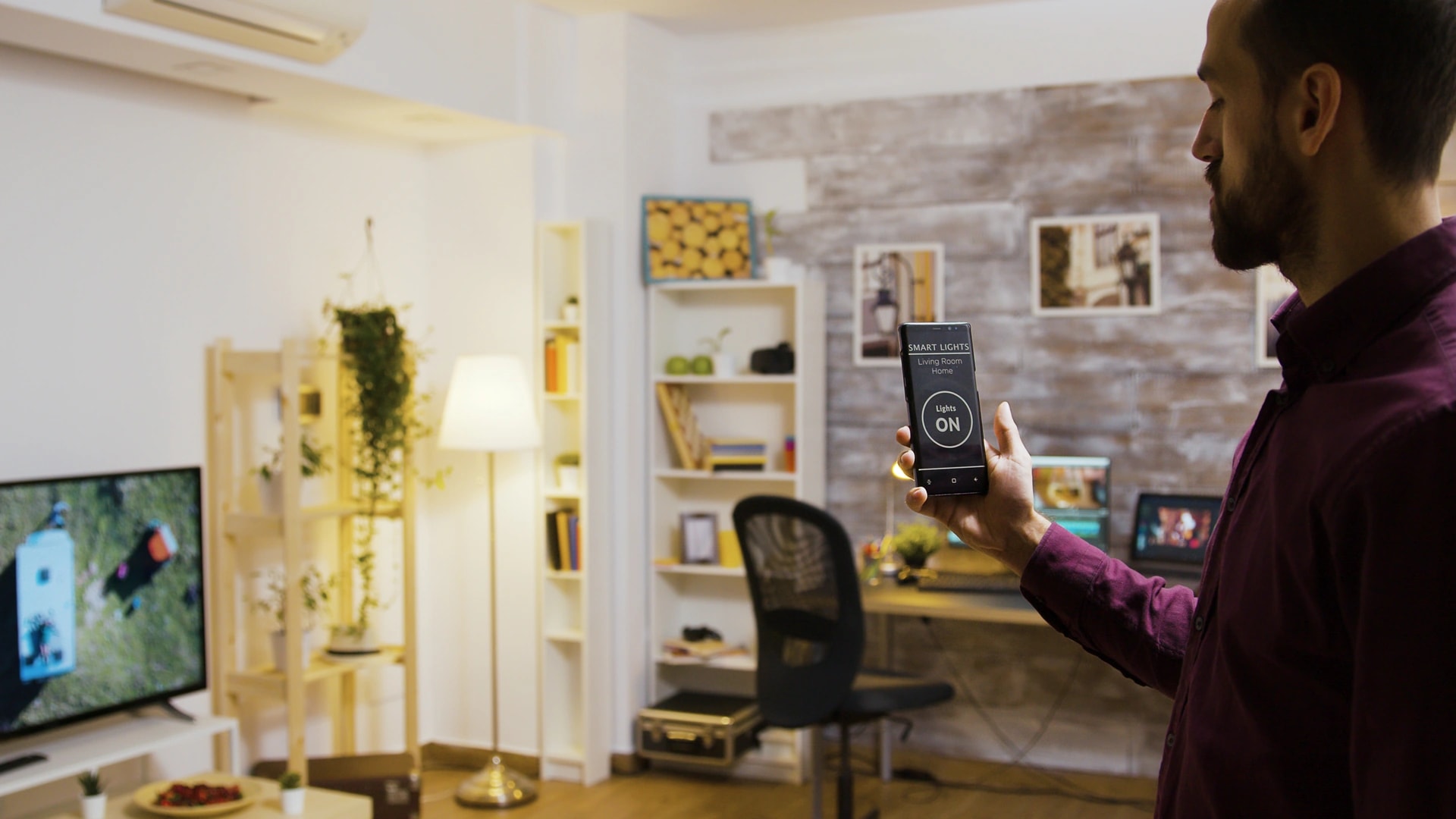
A smart speaker listens locally, all the time, for one short sound: its wake word. That listening happens on a small chip inside the speaker. Nothing leaves the house during it.
Amazon describes the mechanism plainly. An Echo detects the wake word on the device, and only then starts streaming audio to the cloud so the request can be understood[3]. Google describes the same standby behaviour on Nest devices, with audio processed locally until the device detects an activation[4]. Apple goes a step further and runs a large share of Siri processing on the device itself[5].
Once it triggers, here is what it collects.
- The audio clip of your request, from just before the wake word until the request ends.
- A text transcript of what you said, which is what the assistant matches to an action.
- The action itself: lights off, timer set, song played, plus the time it happened.
- Device and account context: which speaker in which room, tied to your account.
What it does not collect is a rolling recording of your dinner conversation. There is one honest exception, and it matters: a false accept. A TV line or an Arabic word that sounds close to the wake word can trigger the speaker and send a short clip you never meant to send. That is real. It is also visible, because the clip lands in your voice history where you can hear it and delete it.
Alexa, Google Assistant and Siri: how do they differ?
Short answer: all three detect the wake word locally. They differ on what they keep afterwards, and on whether a person can ever hear it.
| Platform | Wake word handling | Default audio retention | Human review | Where you review and delete |
|---|---|---|---|---|
| Amazon Alexa | Detected on the device, audio streams to the cloud after the trigger[3] | Recordings are kept in your voice history until you delete them or set auto-delete[3] | A sample can be reviewed unless you opt out in the app[3] | Alexa app, or amazon.com/alexaprivacysettings |
| Google Assistant and Nest | Processed locally in standby, cloud only after activation[4] | Audio is not saved to your account unless you switch saving on[4] | Applies to saved audio only, controlled in your account settings[4] | Google My Activity, or a voice command |
| Apple Siri and HomePod | Much of the request is handled on the device itself[5] | Apple does not keep audio recordings by default[6] | Opt-in only since 2019[6] | Settings, Siri and Search, on your iPhone |
Read that as a ranking of defaults, not of honesty. Apple keeps the least out of the box. Amazon and Google keep more but publish the controls to change it. Turn off human review and set auto-delete on Alexa and you land close to where a HomePod starts. Our Alexa versus Google Home versus HomeKit comparison covers the day-to-day differences in Dubai.
How do I review and delete my voice history?
Alexa, Google Assistant and Siri all let you hear and delete every clip they hold. Most people have never opened these screens.
Amazon Alexa. Open the Alexa app, go to Settings, then Alexa Privacy. Under Review Voice History you can hear each recording and delete it. Under the section covering how your data improves Alexa, switch off human review of your recordings. Then set auto-delete to 3 months, 18 months, or off entirely[3]. You can also say "Alexa, delete everything I've ever said".
Google Assistant and Nest. Open myactivity.google.com, or ask "Hey Google, delete what I said this week". Check whether audio saving is switched on at all. If you never turned it on, Google states there is no audio stored on your account to begin with[4].
Apple Siri. On iPhone go to Settings, Siri and Search, then Siri and Dictation History, and choose delete. Confirm that Improve Siri and Dictation, the opt-in grading programme, is off[6].
Common mistake: deleting the app instead of the data. Removing Alexa from your phone changes nothing on Amazon's servers. Delete the history first, then remove the app if you want to.
What do smart cameras collect, and who can see the footage?
A camera collects far more than a speaker, and the storage choice decides everything. There are three real options in a Dubai home.
- Cloud camera. Video clips upload to the vendor's servers. The vendor's staff can technically access footage on their own servers, subject to their internal policy, and can be compelled to hand it over through legal process in the country where they operate. Face, person and vehicle recognition run in that cloud.
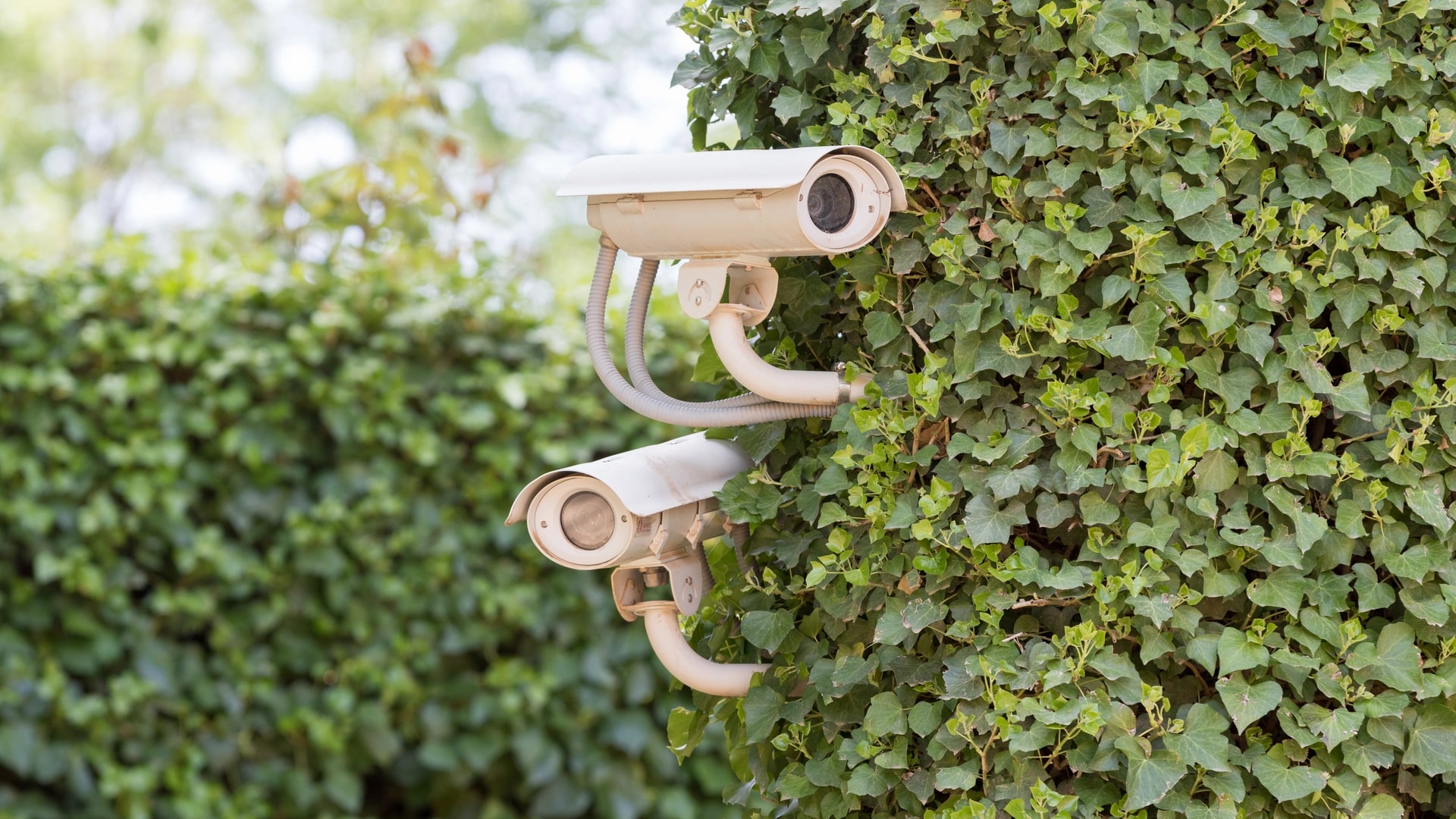
- Local recorder (NVR). A box in your utility room holds the footage on a hard disk. Nothing leaves your house unless you view it remotely. This is the standard we specify on most Dubai villa jobs.
- On-device analysis, encrypted upload. Apple's HomeKit Secure Video analyses video on a home hub inside your house, then sends clips to iCloud end to end encrypted, so Apple states it cannot view them[7]. It is the strongest published design of the three, and it needs an Apple TV or HomePod at home.
A camera also logs motion events with timestamps. Two weeks of doorbell events shows when the villa is empty. That inference, not the video itself, is the part people underestimate.
If you are specifying cameras now, decide the storage question before the brand question. Our security and surveillance installs start at AED 15,000 and we will quote local storage or cloud storage as separate options, not as a default.
Can your landlord, building management or domestic staff see your camera?
No, not unless you gave them access. Footage sits in your account or on your recorder, behind your login. There is no back door that hands a landlord or an owners association a feed of your living room.
The realistic routes to your footage are short, and every one is under your control.
- Shared access you granted and forgot, such as a family member or a former flatmate still on the account.
- A shared household password that someone wrote down or reused elsewhere.
- An installer account left on the system after handover. Ask for it to be removed and check yourself.
- A second-hand device still paired to a previous owner's cloud account.
Whether you may point a camera at a space someone else uses is a separate question. Recording domestic staff has its own rules on notice and private spaces, covered in our guide to domestic staff access in Dubai. Guest disclosure sits in our Airbnb smart home guide. This article stays on who can technically reach the data.
What do sensors, hubs and smart meters know about your routine?
Sensors collect the least interesting data and reveal the most about your life. A motion sensor stores a single fact: movement, at a time, in a room. Stack 90 days of that and you have your family's schedule.
That is not a reason to rip out sensors. It is a reason to care where the log lives. A Zigbee sensor reporting to a local hub keeps it inside the house. A Wi-Fi sensor reporting to a vendor app sends it out. Zigbee and Z-Wave are low-power wireless systems that need no drilling and run on batteries that last years.
Your DEWA smart meter. Dubai's electricity and water meters are read remotely. DEWA states that it protects customer and smart meter data with encryption and handles it in line with DEWA, federal and local legal requirements[10]. You can see your own consumption in the DEWA app. The data supports billing and running the grid.
To be precise: we found no public evidence that DEWA passes individual household consumption to outside parties beyond billing and grid operation. Separately, privacy researchers have shown for years that fine-grained energy data can reveal when a home is occupied. That is a general property of smart metering worldwide, not a claim about DEWA.
Want the detail without a vendor cloud holding it? A local energy monitor on your own board keeps it in the house. The bill side is covered in our guide to reducing your DEWA bill.
What does each device type actually collect?
Every entry traces to the vendor's own documentation or to the physical design of the system. This is the table to screenshot.
| Device type | What it collects | When data leaves the house | Who can typically reach it | Local-only option? |
|---|---|---|---|---|
| Voice assistant (Echo, Nest, HomePod) | Audio clip after the wake word, transcript, the action, timestamp[3] | Only after wake word detection, including on a false trigger[4] | You, anyone with your account login, the vendor | No for cloud assistants. Yes with an offline voice system |
| Cloud camera or video doorbell | Video clips, motion events, person and face detection results | On every recorded event | You, shared users, the vendor, legal process in the vendor's jurisdiction | No, by definition |
| Camera on a local recorder (NVR) | Continuous or event video on your own disk | Only when you view it remotely | You, and anyone with physical or network access | Yes, this is the local option |
| HomeKit Secure Video camera | Video analysed on a home hub, clips uploaded end to end encrypted[7] | Encrypted clips only, after local analysis[7] | You. Apple states it cannot view the clips[7] | Partly, analysis is local, storage is iCloud |
| Motion and occupancy sensor | Movement events with timestamps, sometimes temperature and light level | Depends entirely on the hub it reports to | You, plus the app vendor if it is cloud connected | Yes, with a local Zigbee or Z-Wave hub |
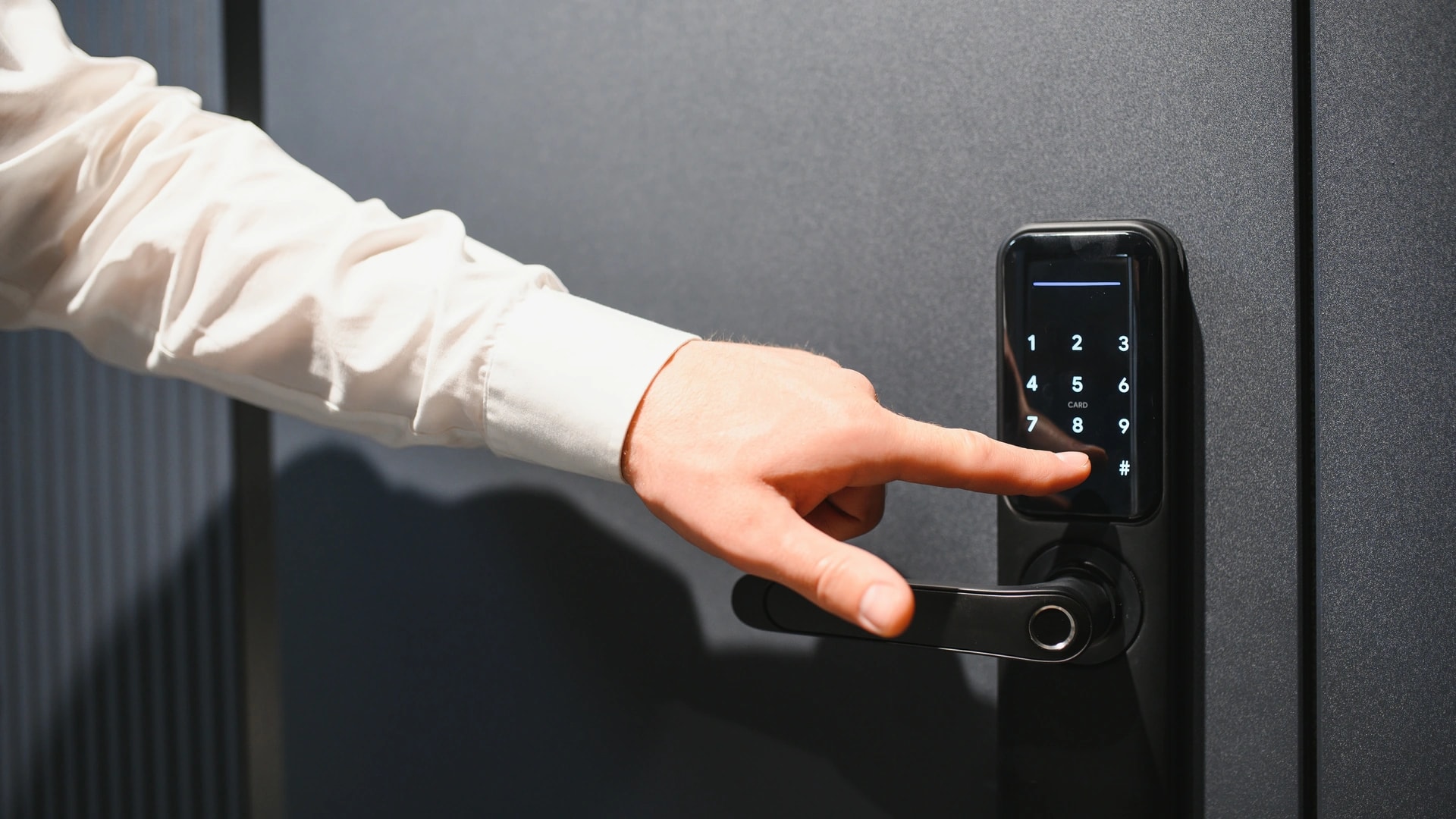
| Smart lock and video intercom | Lock and unlock events, which PIN or user, entry photos on some models | On each event for cloud locks, never for offline keypads | You, other account users, the vendor | Yes, offline keypad locks and wired intercoms exist |
| DEWA smart meter | Electricity and water consumption tied to your account[10] | On DEWA's own reading schedule | You, through the DEWA app, and DEWA for billing and grid work[10] | No, it is utility infrastructure |
| Wired professional system (KNX, Control4, Crestron) | Scene and device state on the local bus or controller | Only through the remote-access app, if you enable it | You, and your integrator if you leave them an account | Yes, core functions run with no internet at all |
The column that decides everything is the third one. A device that sends data only when you ask it to is a different proposition from one that sends on every event, even from the same brand.
Is Alexa always listening? The myth and the real mechanism
The myth: your speaker records every word and uploads it. The mechanism: it listens locally for one word and uploads only after it hears it[3][4].
Both halves of that sentence matter, and dismissing the fear entirely would be as wrong as feeding it. The fear is not baseless. It rests on three true things.
- The microphone genuinely is on. It has to be, or the wake word could never be detected. What differs is that the audio is discarded on the device rather than sent.
- False accepts are real. A misheard trigger sends a clip you did not intend to send. Vendors acknowledge this, which is why the deletion tools exist.
- People have listened to clips. Human review of voice recordings is a documented part of how these systems improved. Amazon added an opt-out, and Apple made grading opt-in in 2019[6]. Neither would have needed to if the concern had been imaginary.
What the fear gets wrong is the scale. There is no continuous upload of your home audio, and the ad question is narrower than the rumour. Audio is not streamed to advertisers in real time. What can inform ad interests on some platforms is the text of what you asked for, which is a different thing worth stating precisely.
The test that settles it in your own home: open your voice history. If the speaker were recording everything, that list would be endless. It is not. It is a short log of your requests, plus the occasional accident.
Smart home privacy in Dubai: real risks versus overstated fears
Most of the genuine risk sits in accounts and hardware choices, not in microphones. Sorting the two is the whole job.
| The claim | Real or overstated? | What is actually true | What to do |
|---|---|---|---|
| Someone breached the cloud account holding my footage | Real | Account takeover using a password leaked from another site is the usual cause of "my camera got hacked" stories | A unique password plus two-factor authentication on that account |
| My whole family shares one login | Real | One shared account means everyone sees every recording and every history, and one leaked password exposes all of it | Separate profiles or household members, not a shared login |
| A second-hand device is still linked to someone else | Real | A camera or speaker not properly reset can stay on the old owner's account, in either direction | Factory reset and remove from the account before selling or after buying |
| My router is the weak point | Real | A compromised router sees traffic from every device in the house, including your recorder | Change default logins and keep firmware current. Full detail in our hackers guide |
| Cheap no-name devices are riskier | Real | Grey-market devices often have no published privacy policy, unknown firmware and no update path, and skip TDRA type approval[9] | Buy from UAE retail channels and named brands |
| A person might hear my voice clip | Real but controllable | Human review of a sample of recordings exists to improve recognition. Amazon offers an opt-out and Apple made grading opt-in[6] | Switch review off in the app, then set auto-delete |
| My speaker records everything I say | Overstated | Wake word detection runs on the device. Audio uploads after a trigger, including false triggers[3] | Read your voice history and see for yourself. Use the mic mute for private talks |
| They listen to me in real time to sell me ads | Overstated | Home audio is not streamed continuously to advertisers. What you type and ask for can inform ad interests, which is ordinary account activity, not a live microphone | Check ad personalisation settings on the account, not the speaker |
| Owning a camera means the footage is hackable | Overstated | The hardware is not inherently open. The account and the network around it are the realistic exposure | Secure the account. Choose local storage if you want the cloud out of it |
| There is nothing I can do about any of it | Overstated | Every major platform publishes deletion tools, review opt-outs and hardware mic controls[3][4][6] | Work through the controls section below. It takes about 30 minutes |
Does UAE law protect your smart home data?
Yes, in principle. UAE PDPL, Federal Decree-Law 45 of 2021, has been in force since 2 January 2022[1][2]. It is the federal data protection law that sits behind every question in this article.
Two parts of it matter most to a resident. First, the consent principle: the law bars processing personal data without the owner's consent, apart from defined cases such as protecting a public interest or carrying out legal procedures and rights[2]. Second, your rights over the data: you can ask for inaccurate personal data to be corrected, and you can ask for the processing of your data to be restricted or stopped[2].
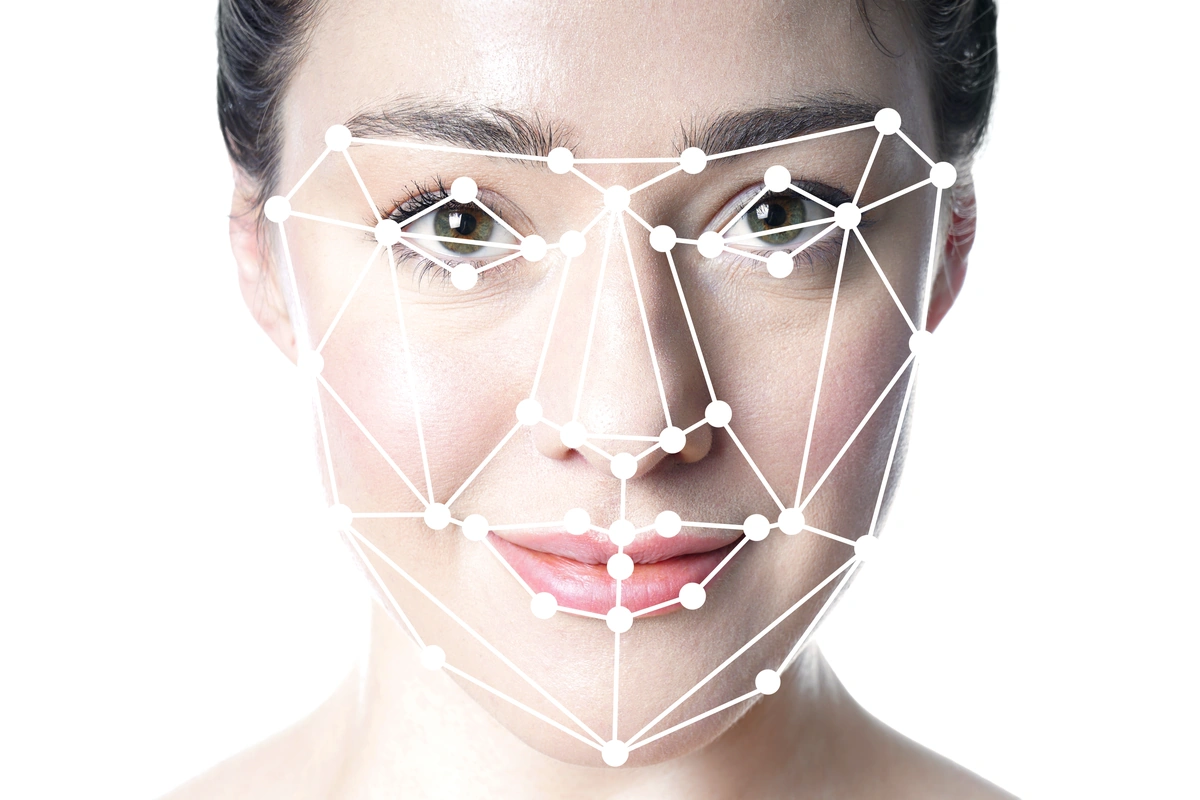
Applied to a smart home, a face captured by your doorbell is personal data. A stored voiceprint plausibly falls into the stricter category the law sets aside for biometric information. We say plausibly on purpose: no UAE ruling has tested a home speaker against that category.
On the implementing rules: the core law has been in force since January 2022, and detailed implementing rules have followed through cabinet decisions since. Public reporting on exactly which instrument applies and from when is inconsistent, so we are not going to name a date. Check the official portal at u.ae for the current position rather than trusting any blog on this point, including ours[2].
Fines under PDPL run from AED 50,000 to AED 5,000,000, scaled to how serious the breach is. That framework is built for organisations that handle other people's data. For a homeowner who keeps cameras pointed at their own property, the realistic risk is a neighbour dispute, not a fine at that scale. Our guide to smart home laws in Dubai covers permissions and consent in full.
SIRA and TDRA: what those rules actually cover
These two get mixed up constantly. SIRA sets the equipment standard. TDRA decides which wireless devices may be sold here. Neither is the privacy law.
SIRA is Dubai's security regulator, under Dubai Police. Its benchmark for CCTV is 1080p HD minimum with 31 days of retained footage[8]. A private homeowner does not need a SIRA permit for cameras on their own villa or apartment.
Worth correcting: a cluster of Dubai installer websites claims SIRA mandates 4K cameras. It does not. The published benchmark is 1080p HD. If a quote is padded with 4K units because the law supposedly demands it, the reason given is wrong. Our SIRA CCTV requirements guide covers the rules in detail.
TDRA is the federal telecoms regulator. Wireless devices sold or imported into the UAE need TDRA type approval, and internet-of-things service providers register with it[9]. Type approval is a radio check, not a privacy audit, but it is a useful proxy: a device that came through the proper channel has a named importer and a documented brand behind it. A grey-market camera has neither, which is why nobody can tell you where its video goes.
How do you reduce what leaves your house?
Give this 30 minutes and you cut most of what worried you. Easiest first.
- Turn on two-factor authentication on every account that holds recordings: Amazon, Google, Apple, and your camera brand. This single step defeats the password-reuse attack behind most camera stories.
- Delete your voice history and set auto-delete, using the steps in the earlier section. Switch off human review while you are in there[3].
- Audit shared access. Open each app's list of household members and shared users. Remove anyone who no longer lives there, and any installer account left behind.
- Use the hardware mic control for private conversations. It is a physical switch, not a software promise.
- Move indoor cameras off automatic recording when you are home, or point them at entry doors rather than living space. A camera you disable at 7pm collects nothing at 8pm.
- Choose local storage for video. A recorder in your utility room keeps footage on your own disk, and it is the single biggest reduction in what leaves the house.
- Put smart devices on their own network. A VLAN, a virtual network that keeps device traffic apart from your laptops and phones, stops a chatty device seeing the rest of your home. Our home networking and IT team sets this up as standard on villa jobs.
- Reset before you sell, check before you buy. A device still on an old account is a live link to someone's data.
If you want this checked properly on a system that is already installed, we will audit it. Book a consultation or send the details on WhatsApp and we will tell you what your current setup sends out.
Does a professional system collect less data than consumer devices?
Yes for the core functions, and no it is not zero cloud. Both halves are true and installers usually only tell you the first.
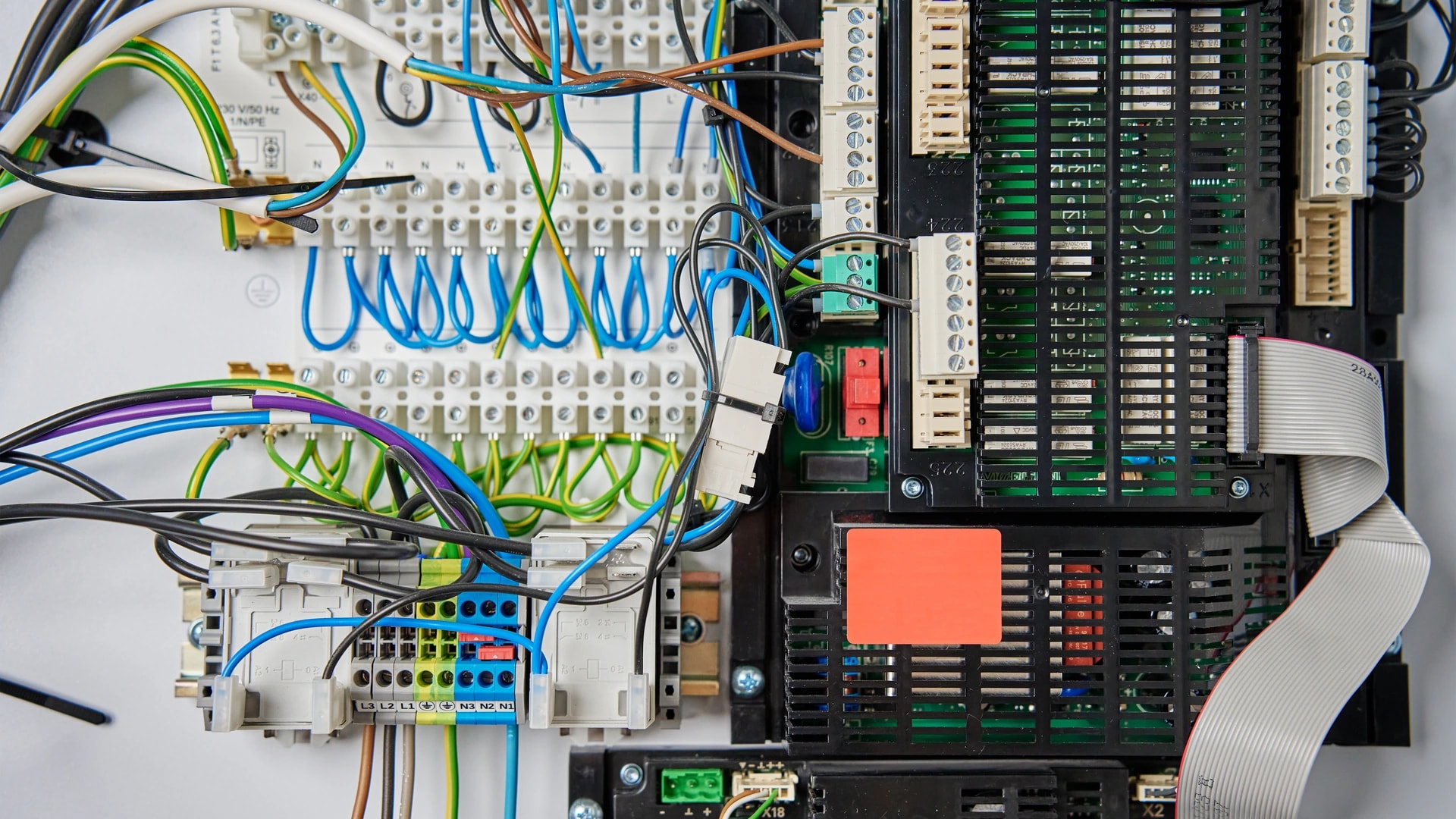
KNX is a wired system: lighting, AC zones and curtains run over a cable in the wall and keep working with the internet unplugged. Pressing a keypad touches no server. Control4, Crestron and Savant run their logic on a controller in your rack, so scenes execute at home rather than in a data centre. Against 15 Wi-Fi devices each phoning a different vendor, that is a large reduction, and it is a design property rather than a setting you have to trust.
Now the part that gets left out. Almost every professional system has a remote-access layer so the app works when you are at the office in Business Bay. That layer is a cloud service. Voice adds another: say "Alexa, movie night" to a Control4 system and the sentence still goes to Amazon first. A locally-processed platform such as Josh.ai keeps more of it in the house, which is one reason we specify it on privacy-sensitive villas, alongside other voice control and AI options in English and Arabic.
The realistic result: a wired system with local video storage sends out a fraction of what a consumer stack sends, and still has a door or two to secure. That is worth saying plainly rather than selling KNX as a privacy cure.
How Dubai Smart Home handles privacy on an install
We have run 100+ smart home automation projects across Dubai since 2016, and privacy comes up on nearly every villa brief[11]. Four things we do as standard.
- Segment the network. Smart devices go on their own VLAN, away from laptops, phones and the video recorder.
- Default to local video storage. A recorder on site, sized for the 31 days SIRA uses as its benchmark[8], with cloud as a choice you make rather than a default we set.
- Specify wired where it matters. Lighting, climate and curtains on KNX or a local controller, so daily use never depends on a server.
- Hand over the accounts. You own every login. We remove our access at handover, and we tell you which settings to check.
We install 12 systems and we are rated 4.9/5 by Dubai homeowners. Being able to answer "what does this send out" for every device is a design decision made at the quoting stage, not a patch afterwards. It applies to security and surveillance and to gate and access control, where entry logs are their own personal data.
Send us your floor plan or your device list. Get a free consultation, or message us on WhatsApp. Enquiries are answered within 2 hours. New to this? Start with our smart home guide for Dubai.