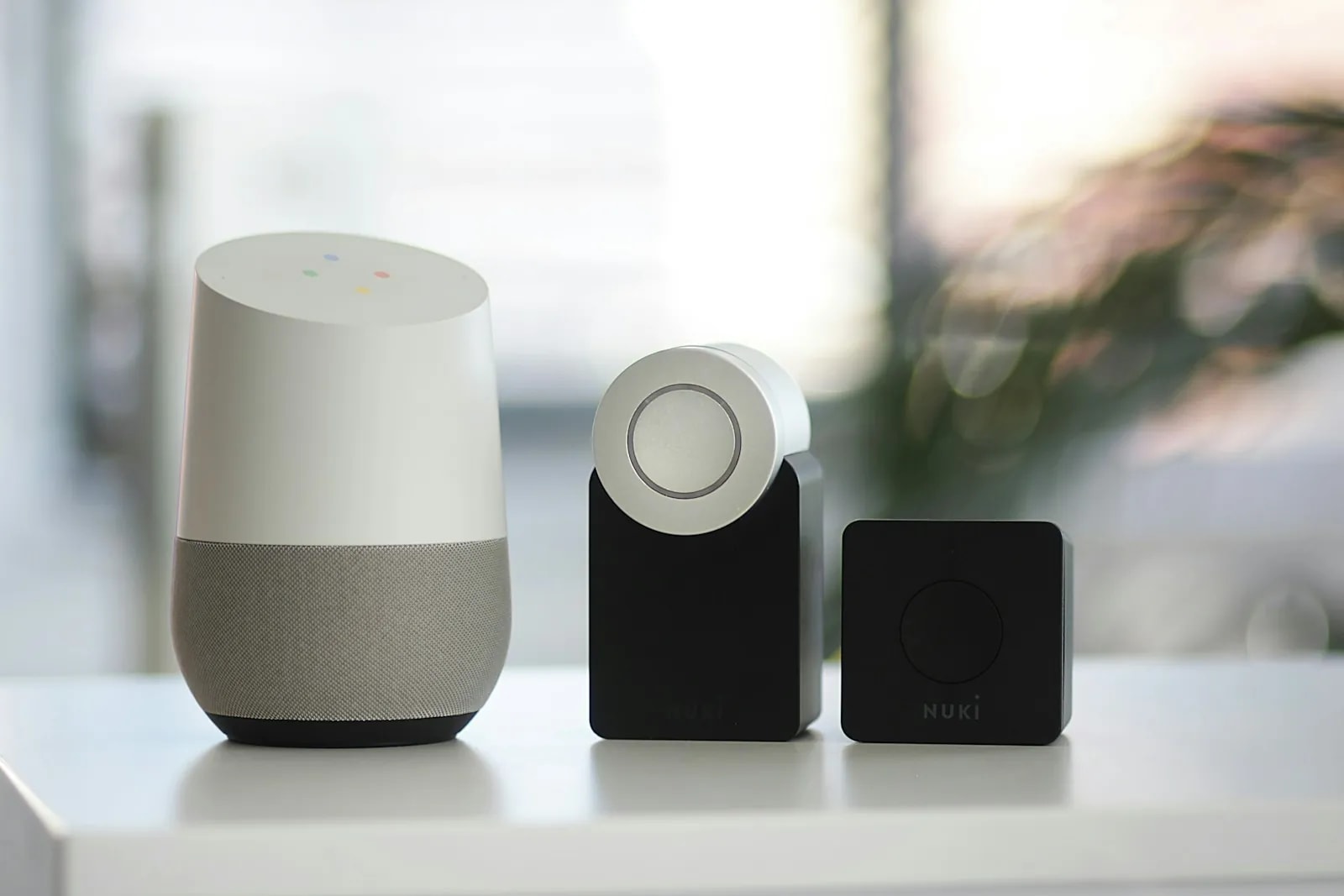
You have a shipping quote, a school shortlist, and a vague plan to sort the flat out later. Nobody has told you that your smart lock will sit in a box for three weeks. Your internet order is waiting on a document you have not applied for yet.
General relocation checklists cover visas, banking, and schools, then stop. Smart home guides start once you already have a working address. Neither tells you the order. Our team has helped new arrivals set up their homes across Dubai since 2016[8]. The pattern never changes: paperwork first, power second, connection third, devices fourth. This guide covers the technology side of moving to Dubai in that order, from before you land to the day you leave.
Should you sign a short let or an annual lease first?
Take a furnished short let of 3 to 6 months if you have not chosen a Dubai neighbourhood, and an annual lease if you have. It is the first decision, and it sets everything else. It decides whether you register Ejari, whether you open a DEWA account, and what is worth buying.
A short let bundles electricity, water, and sometimes internet into one monthly figure. There is no Ejari certificate and no DEWA account in your name, because the operator holds both. You pay more per month for that. An annual lease costs less per month and needs both Ejari and your own DEWA account. It also gives you tenant protections under RERA, the Dubai Land Department's rental regulator.
| Option | Typical length | Utilities | Ejari needed? | What it means for a smart home |
|---|---|---|---|---|
| Furnished short let or serviced apartment | 1 to 6 months | Usually bundled into the monthly rent | No, the operator holds the contract | Plug-in devices only. A smart plug, a bulb, an AC controller if allowed. |
| Annual lease | 12 months, renewable | Your own DEWA account, billed to you | Yes, and it drives everything downstream | Worth a proper setup. Lighting, AC control, sensors, a lock, from about AED 2,000 for one room. |
Real talk: a short let costs more each month, and what you buy with that money is the right to be wrong about the neighbourhood. Commutes here are not what a map suggests. A building that looks perfect online can sit above a construction site for a year. Six months of paying a premium beats breaking a 12-month lease you regret.
Which comes first: Ejari, DEWA, or internet?
Ejari first, DEWA second, internet third. Each step needs the one before it, and the whole chain runs off your tenancy contract. Getting it wrong costs you a week in a hotel with a suitcase of smart devices you cannot switch on.
Ejari is the Dubai Land Department's tenancy registration system. Every residential lease in Dubai outside the free zones has to be registered on it[1]. DEWA wants it. du and e& want it. Your building's management office wants it. As of 2026, renewals are required even when nothing in the contract changed. Anyone staying with you for a month or more must be declared on the record[1].
| Step | What it needs first | Typical time | Typical cost | What to watch for |
|---|---|---|---|---|
| Ejari registration | Signed tenancy contract, your ID document, landlord approval | Same day, often within minutes | About AED 155 to 220 depending on channel | The landlord has to approve it from their registered number. Chase them the day you sign. |
| DEWA activation | Ejari or tenancy contract, ID, the premise number | Commonly same day to a couple of working days | AED 2,000 apartment or AED 4,000 villa, refundable, plus a small activation fee | The premise number is on the meter or with building management. Find it before you apply. |
| District cooling account | Ejari, and only if the building is district-cooled | A few working days | Provider deposit, separate from DEWA | Not every building has one. Ask before you sign, not after. |
| Internet installation | Ejari certificate, DEWA power live | 24 hours to 4 weeks, depending on the building | Plan cost plus any activation charge | Confirm fibre exists at the exact unit before signing the lease. |
| First smart home devices | Power and internet both live | Same day to 4 days | From AED 2,000 for one room, AED 8,000 to 15,000 for a full apartment | Do not unbox hubs before the Wi-Fi is up. Setup will fail and you will blame the device. |
Common mistake: ordering internet before Ejari is issued. The order gets logged, the address check fails, and you go to the back of the queue. Book Ejari the same afternoon you sign the lease. Apply for DEWA that evening, and order internet the moment the certificate lands in your inbox.
How do you get DEWA activated as a brand new resident?
You apply online through DEWA. The refundable deposit is AED 2,000 for an apartment or AED 4,000 for a villa, plus a small activation fee[2]. The application takes about ten minutes. Connection commonly happens the same day or within a couple of working days.
DEWA is the Dubai Electricity and Water Authority. It supplies power and water and sends you one monthly bill. You need three things to apply: the tenancy contract or Ejari certificate, your ID document, and the premise number[2]. That last one catches people out. It is a code tied to the property, printed near the meter or held by building management. Ask the agent for it while you are still signing.
Here is the part no relocation checklist mentions. Your Emirates ID card is not issued until your residence visa is stamped. That can sit weeks behind your arrival date. Plenty of new tenants start on a passport, an entry permit, and a signed contract instead. Ask DEWA what they will accept rather than waiting for a plastic card.
The deposit is not a cost. It is cash parked with DEWA that comes back when you close the account. Budget the AED 2,000 or AED 4,000 alongside your agency fee. It is money you will not see again until you leave.
du or e&: how long does internet really take in Dubai?
Providers commonly quote 24 to 48 hours for a Dubai apartment in a building already wired for fibre. The slower route runs around 3 to 7 business days. A villa needing a new fibre cable run can take 2 to 4 weeks. Real experience frequently runs longer than the quoted window.
Both du and e& (formerly Etisalat) ask for your Ejari certificate or tenancy contract before they book an install slot. That is why Ejari sits at the front of the chain. Order the day the certificate is issued and you get the earliest slot available.
Common mistake: signing a lease without checking whether the exact unit has fibre. Some newer or outlying communities have no fibre run at all. The fallback is a 5G home router. Ask the agent, then the building's technical team, then check the provider's coverage tool for that tower and floor.
Once the line is live, the next question is coverage inside the walls. Dubai apartments are built from thick concrete. That weakens Wi-Fi and Zigbee signal more than the lighter walls common in Europe or North America. One router in the hallway will not reach the far bedroom in a larger unit. One or two mesh nodes normally close that gap. For a villa, our home networking and IT work covers Wi-Fi 7, Cat 6A cabling, and dual-ISP setups. One provider outage then cannot take the house offline.
Not sure what your building can actually support? Ask an engineer on WhatsApp →
Is your new Dubai building district-cooled or chiller-free?
District-cooled buildings bill your air conditioning separately, through a provider such as Empower, Tabreed, or Emicool, on top of your DEWA bill. Chiller-free buildings build the cooling cost into the rent instead, so there is no second bill. Ask which one applies before you sign any Dubai apartment lease.
This is the bill that blindsides first-summer arrivals. You budget for DEWA, then a second bill arrives from a company you have never dealt with. In a district-cooled tower it commonly runs from a few hundred dirhams a month in winter to well over a thousand in summer.
A villa paying AED 4,000 a month on DEWA in summer can save AED 800 to 1,200 a month once smart AC and lighting control are in.
Cooling is the biggest line on a Dubai bill from May to September, whichever model your building uses[3]. Smart AC and lighting control cut those cooling costs 20 to 30 percent across our projects[8]. Smart shading adds roughly another 15 to 20 percent by keeping the midday sun off the glass. DEWA's own guidance points the same way. Every degree you set above 24 saves up to 5 percent on AC use[3].
Real talk: the saving is far more satisfying in a district-cooled home, because it lands on a bill you actually receive. In a chiller-free building your usage still drops, but the money stays with the landlord. The cooling was never billed to you. Worth knowing before you spend on the kit. The full savings maths sits in our guide on reducing your DEWA bill with a smart home. The installed route is on our smart lighting and climate control page.
Should you ship your electronics or buy them in Dubai?
Buy locally for anything you will rely on daily, and ship only what is expensive to replace and confirmed voltage-compatible. The UAE runs 220 to 230V at 50Hz on the Type G three-pin plug. That is the same plug the UK uses. That single fact decides most of this for you.
Check the label on the power brick of everything you plan to ship. If it says "INPUT: 100 to 240V, 50/60Hz", the device works here with nothing more than a plug adapter. That covers most phones, laptops, chargers, routers, and smart home hubs. If it lists a single voltage such as 120V only, it needs a step-down converter, not a shape-changing adapter. Plugging a 120V-only device straight into a Dubai socket damages it, and at worst starts a fire.
- Coming from the UK: the easiest move of anyone. Same plug, near-identical voltage, most of your kit works out of the box.
- Coming from the US or Canada: the most friction. Single-voltage appliances and older gear are rarely worth shipping. Buy replacements here.
- Coming from India, Europe, or Australia: voltage matches closely, plug shape does not. Adapters handle it, but swap the daily-use items locally.
Mainstream electronics in Dubai are often priced about the same or lower than at home. Local stock also arrives with the correct plug, the right voltage, approved radios, and a warranty you can claim locally.
Will the smart home gear you already own work in Dubai?
Most smart home gear from abroad works in Dubai, and you are allowed to bring it. TDRA, the UAE's telecom regulator, exempts equipment brought in for non-commercial personal use from full type approval registration[4]. Your hub, speakers, sensors, and cameras can come in your luggage. What you cannot do is resell that gear locally. Anything permanently installed is better bought as approved UAE-market stock[4].
The trickier issue is your account, not your hardware. Cloud ecosystems tie some features to the country the account was registered in. Those features do not follow you across a border, even when the device does. Voice shopping, certain paid tiers, and some skills stay pinned to the original region. Apple Home is the least affected. It processes through a hub in your own flat rather than a regional cloud store.
You have two honest options. Keep running your home-country account and accept that a few marketplace features behave oddly. Or factory reset the devices onto a fresh UAE-region account and pair them again. The reset is cleaner long term if you plan to stay. Still choosing a platform rather than moving one? Our comparison of Alexa vs Google Home vs Apple HomeKit in Dubai covers what each supports here.
From our projects: the devices that cause new arrivals the most grief are the ordinary ones. The everyday hub and the video doorbell, both set up years ago on a home-country account, both now half working. Sorting the account on day one beats living with it for two years.
The warranty trap: will your warranty from home count in the UAE?
A warranty follows the country of purchase, not the person who moves. Samsung's own policy says local warranty applies only in the country of purchase for the UAE and nearby Gulf states[7]. International warranty is not guaranteed. Service on a device bought elsewhere is handled case by case.
That is a published manufacturer position. The same "valid in country of purchase only" wording turns up across the industry. For a spare tablet it does not matter. For the lock on your front door or the controller running the AC in a Dubai August, it matters a great deal.
So ship the things you love, and buy the things you depend on. A smart lock that fails in month seven with a warranty valid four thousand kilometres away is not a saving. Anything controlling access, cooling, or security is worth buying as local stock with a local claim path.
Do you need your landlord's permission in Dubai?
You do not need landlord permission for wireless, plug-in, and stick-on devices, which covers almost everything a new Dubai tenant needs. Anything hardwired into a switch box, a thermostat, or the building's own systems needs written permission before an electrician touches it.
That is genuinely all most arrivals need in week one. Our guide to setting up a smart home in a rented Dubai apartment lists what installs freely, what deserves a message, and what to leave alone. It also has messages you can paste into WhatsApp. The permissions rules themselves sit in smart home laws in Dubai. Read one of those before you buy a lock. If your new home has a gate or a shared entrance, our smart gate and access control page covers the owner-side route.
Which smart home devices should a new expat buy in month one?
Start with a smart AC controller. It has the fastest payback of anything in a Dubai home and needs no wiring. It works with almost any split AC that came with a handheld remote. After that, lighting, then a mesh Wi-Fi node, then sensors and a lock.
A one-room starter setup runs from about AED 2,000. A full one to three bedroom apartment lands between AED 8,000 and 15,000. Install takes 2 to 4 days[8]. A villa starts around AED 30,000 for lighting, AC control, security, and a gate across the main areas. That sits on top of your DEWA deposit and Ejari fee, not inside them, so budget it separately.
Two terms are worth knowing before you shop, because they decide what you can take with you. Zigbee is a low-power wireless system that needs no drilling, with batteries that last years. That is why it suits renters. Matter is a shared standard from 2022 that lets one device work with Apple, Google, and Amazon together. The full buying order is in our smart home buyers guide for Dubai. The pricing detail is in the smart home cost guide.
Quick math: smart AC and lighting control cut cooling costs 20 to 30 percent[8]. On a district-cooled apartment running a four-figure summer cooling bill, a controller and a schedule pay for themselves inside one season.
Where do new arrivals land, and what does it mean for your setup?
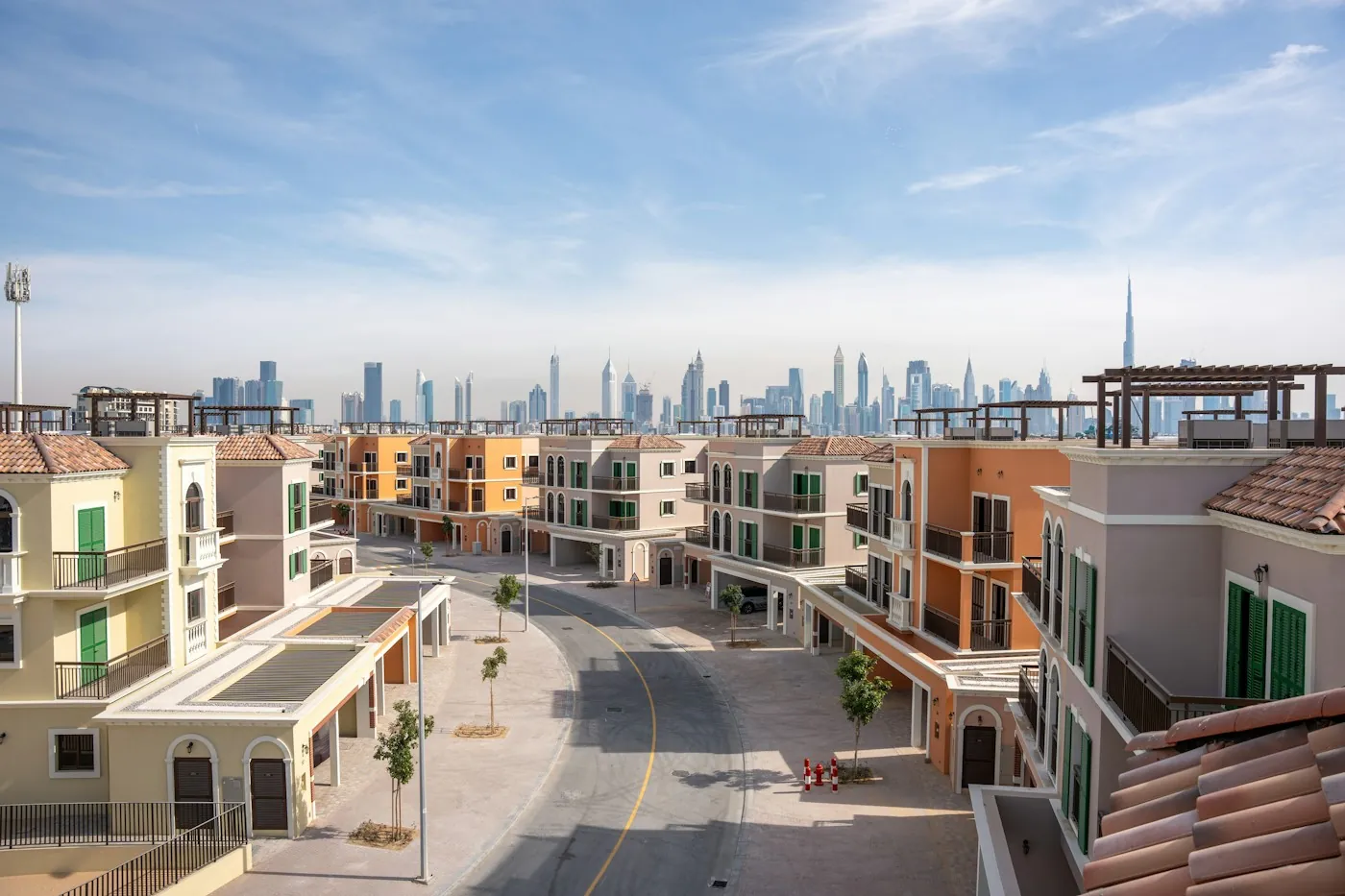
Most first leases land in the apartment communities: Dubai Marina, JLT, Downtown Dubai, Business Bay, and JVC. Families on a longer posting more often move straight to a villa in Dubai Hills Estate or Arabian Ranches. The home type decides the smart home, not the postcode.
Apartment towers mean concrete walls, no drilling, and usually a separate cooling bill. That points to a wireless setup you can take with you. Villa communities mean you control the walls and the AC is on your own DEWA meter. A wired backbone then becomes worth discussing.
| Community | Typical home | Cooling model | Realistic starting point | Read next |
|---|---|---|---|---|
| Dubai Marina | 1 to 3 bed tower apartment | Commonly district-cooled, confirm per building | Wireless AC control, bulbs, a mesh node for the far bedroom | Rented apartment guide |
| JLT | Studio to 3 bed tower apartment | Commonly district-cooled, confirm per building | Same as Marina. West-facing units benefit most from smart shading | Rented apartment guide |
| Downtown Dubai | 1 to 3 bed apartment, some penthouses | Commonly district-cooled, confirm per building | Wireless first. Penthouses can justify a full apartment package | Cost guide |
| Business Bay | Studio to 2 bed apartment | Commonly district-cooled, confirm per building | Starter tier from AED 2,000. Popular first lease, often a short one | Buyers guide |
| JVC | Apartment or small townhouse | Mixed, ask the agent directly | Wireless in an apartment. A townhouse can take more | Buyers guide |
| Dubai Hills Estate | 3 to 6 bed villa or townhouse | Confirm with Emaar or DEWA, it is not published | Villa essentials from AED 30,000. Worth planning the wiring properly | Villa owners roadmap |
| Arabian Ranches | 3 to 6 bed family villa | Usually your own DEWA meter | Lighting, AC zones, security, and a gate as the first phase | Villa owners roadmap |
Do not buy a villa-grade system for a one-year apartment lease. For a twelve-month tower flat, wireless is the right answer and the cheaper one. On a villa you have bought, or taken a long lease on, the calculation flips. Pre-wiring during construction or renovation costs 60 to 70 percent less than opening finished walls later[8].
Want a real number for the home you have just taken? Book a free site visit and quote →
The SIRA myth: do newcomers need approval for home cameras?
An indoor camera facing into your own Dubai home needs no approval from anyone. SIRA, Dubai's security regulator, licenses security services, security personnel, and commercial premises[5]. It does not sign off a tenant's own video doorbell. Believing otherwise stops new arrivals from setting up something they are entitled to.
What does apply is the UAE Personal Data Protection Law, Federal Decree-Law No. 45 of 2021. Footage that identifies a person counts as personal data. Consent is the default basis for collecting it[6]. That means three habits. Keep cameras on your own space. Tell anyone sharing or working in the home that a camera exists. Never put one in a bedroom or bathroom.
The grey area is anything looking at a shared corridor or a neighbour's door. Most buildings expect sign-off from management first. Full depth sits in our SIRA CCTV requirements guide, and the installed route is on our security and surveillance page.
What happens to your smart home when you leave the UAE?
When you leave the UAE, close DEWA, cancel the internet, take the wireless devices, and put back anything you changed. The deposit of AED 2,000 or AED 4,000 comes back after your final bill is settled. That commonly takes about 10 to 15 business days[2]. Start this two weeks before you fly, not two days.
Nobody plans for this part when they land. Most arrivals wish they had read it first.
- Wireless devices travel. Bulbs, plugs, sensors, an AC controller, a clip-on curtain motor, a hub. They unplug, they pack, they work in the next country once you sort the plug and the account region.
- Hardwired devices come out. Anything wired into a switch box must be removed, with the original fitting put back before handover.
- Wired systems belong to the property. KNX is a wired backbone that runs without the internet and lasts 30 years or more. If you owned the villa, it stays and adds to the value. It was never portable.
- Accounts follow your login, features do not. Region-specific features reset to whatever your next country supports.
- Photograph everything at handover, same as you did at move-in. It is your proof the switch plates, rail, and lock went back as they were.
This is the whole argument for staying wireless on a first posting. A tenant who spent AED 8,000 on plug-in and clip-on devices packs them in an evening. The same setup repeats in Singapore or London. A tenant who hardwired the same budget into a rented flat leaves it behind and pays to put the old switches back.
What should you set up in your first 90 days in Dubai?
New to Dubai? The smart home order is paperwork first, power second, internet third, then devices. Save this list.
- Before you land. Check the plug and voltage label on everything you plan to ship. Decide short let or annual lease.
- Week one. Before signing anything, ask two questions. Is the building district-cooled or chiller-free, and does this exact unit have fibre? Get the premise number from the agent.
- Day you sign. Book Ejari the same afternoon and chase your landlord to approve it that day.
- Ejari issued. Apply to DEWA the same evening and pay the AED 2,000 or AED 4,000 deposit. Order internet the same hour.
- Power live. Register the district cooling account if the building has one. Keep the paperwork, you need it again when you leave.
- Internet live. Set up mesh Wi-Fi first if the unit is bigger than a one-bed. Then unbox the hub, not before.
- Month one. Smart AC controller first, lighting second. Sort your account region while three devices are paired, not thirty.
- Month two to three. Add sensors, a retrofit lock, and shading on the sun-facing windows. Check what the schedule saved on your first summer bill.
- Before you leave. Close DEWA, cancel telecom, put back anything hardwired, photograph the unit, and pack the wireless kit.
How does Dubai Smart Home help expats new to Dubai?
Dubai Smart Home designs home automation for expats who landed three weeks ago and are still living out of boxes. Our team is based in Dubai and coordinates each job end to end, which helps when you are still unpacking. The system works in English and Arabic. That matters in a household where those are not the same first language.
Since 2016 our team has completed 100+ projects across the exact communities in the table above[8]. We design and support 12 systems. The advice is about what fits your lease and your stay, not the one brand we happen to stock. Every hub, plug, and camera we specify is approved for use in the UAE[4]. Dubai homeowners rate us 4.9/5, and sales enquiries are answered within 2 hours.
For a first-year tenant that means a wireless setup you can lift out on your last day. For a family on a villa and a long posting, it means mapping the rooms before anyone runs a cable. Both start with a free site visit and one clear price.
Just landed and want the home tech sorted without losing a weekend to it? Book a free site visit and quote → or message our team on WhatsApp →. Tell us your building and move-in date and we will work to it.
Keep reading: start with the complete smart home guide for Dubai. Check what you can install as a tenant in the rented apartment guide. Read smart home laws in Dubai before anything gets wired.