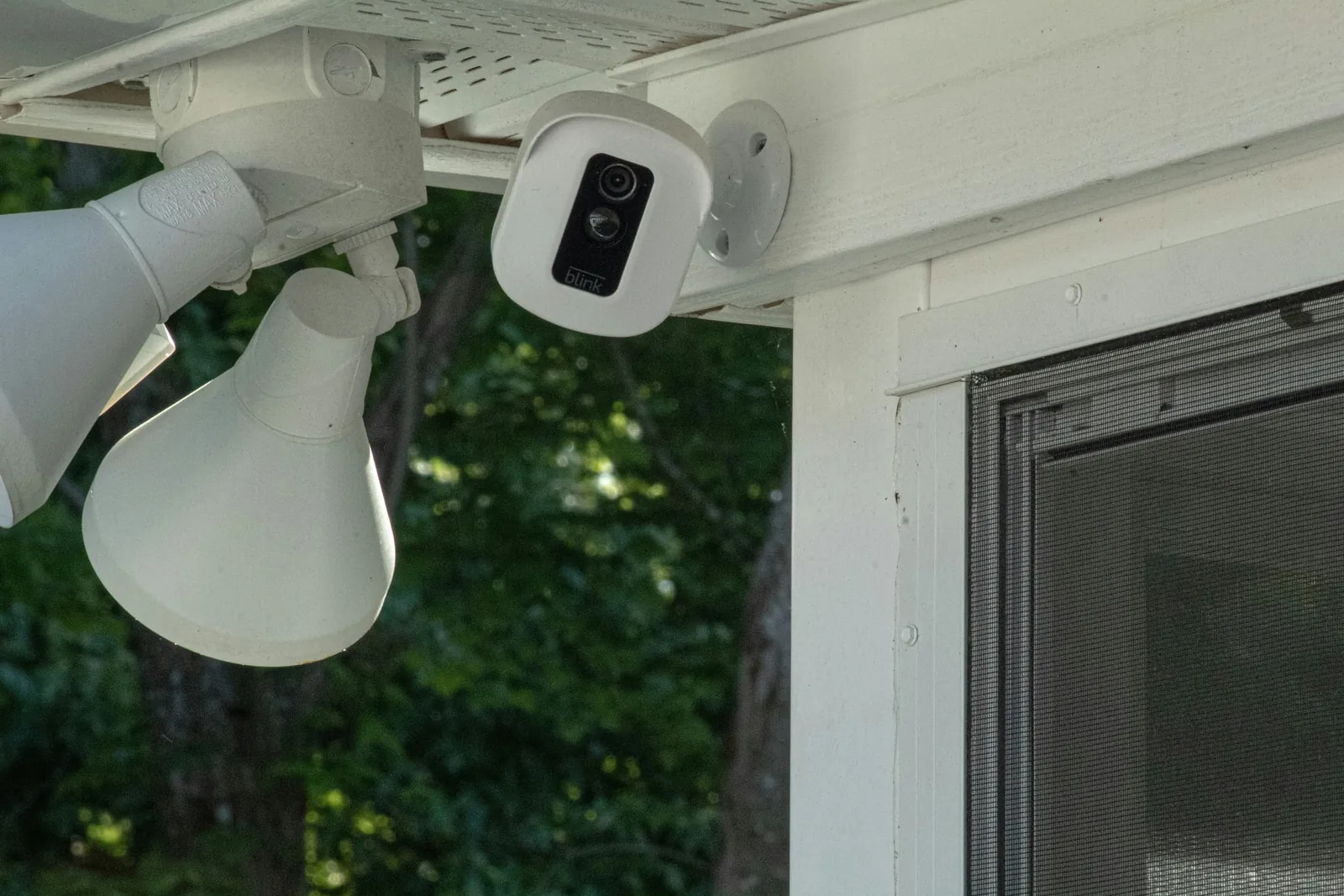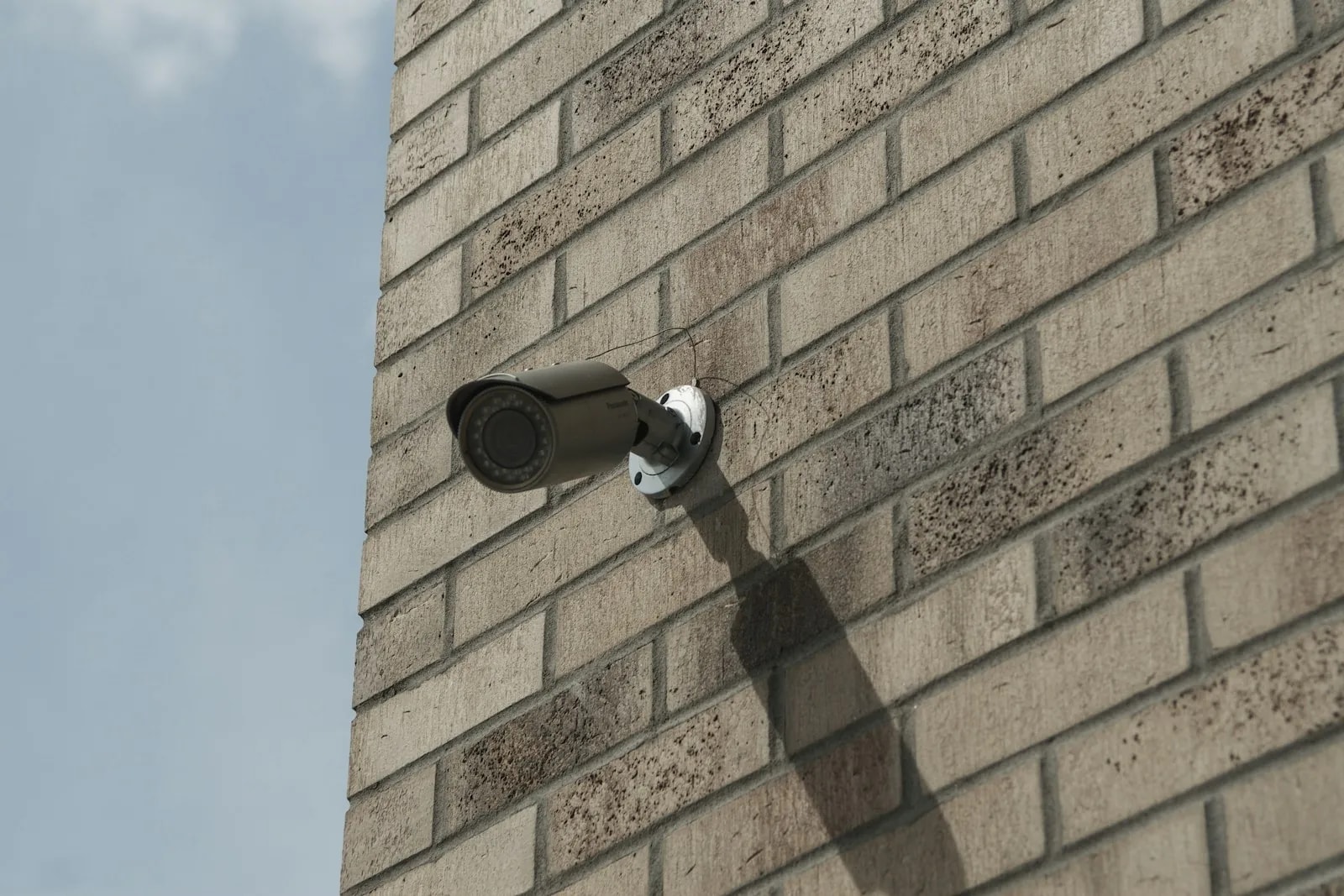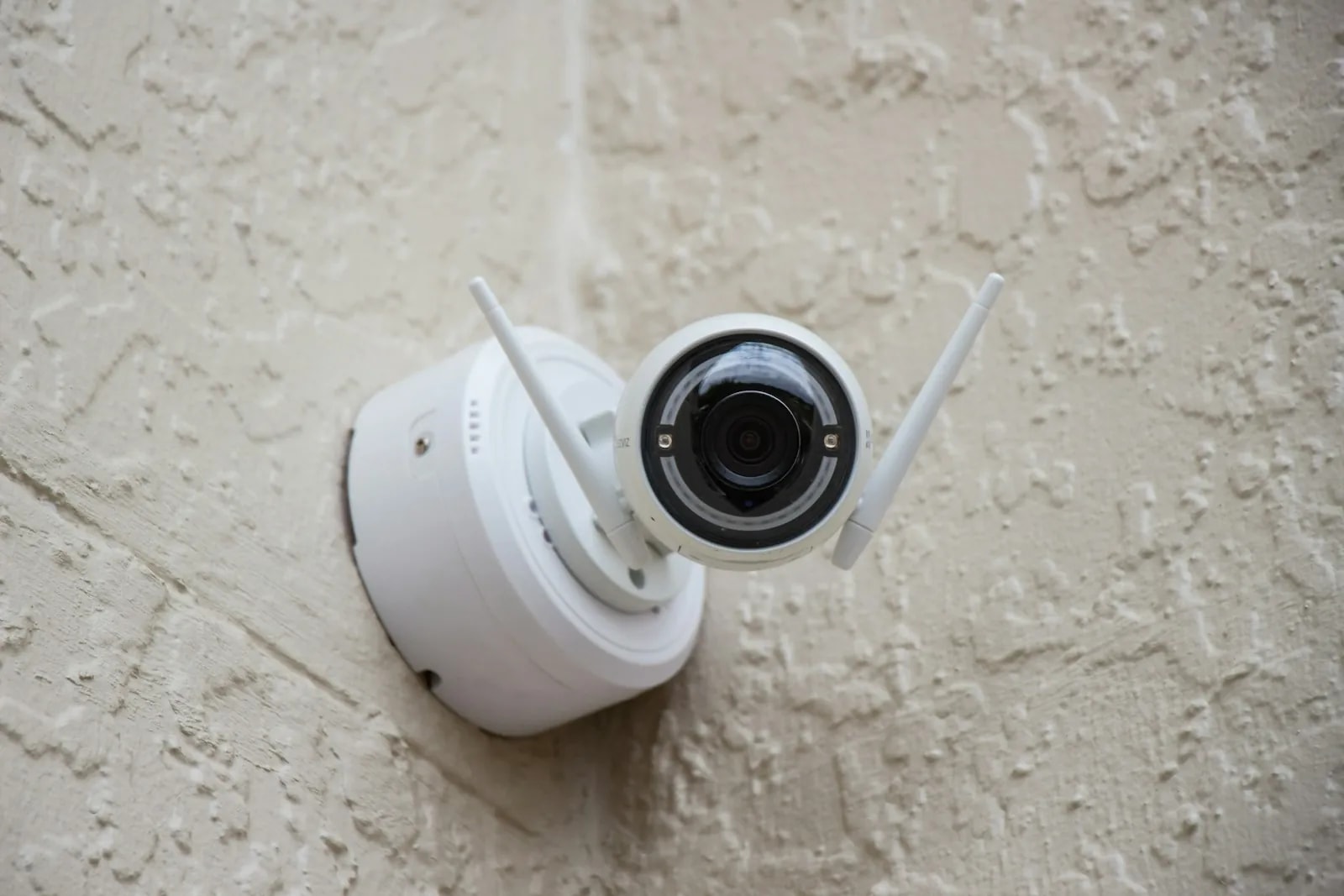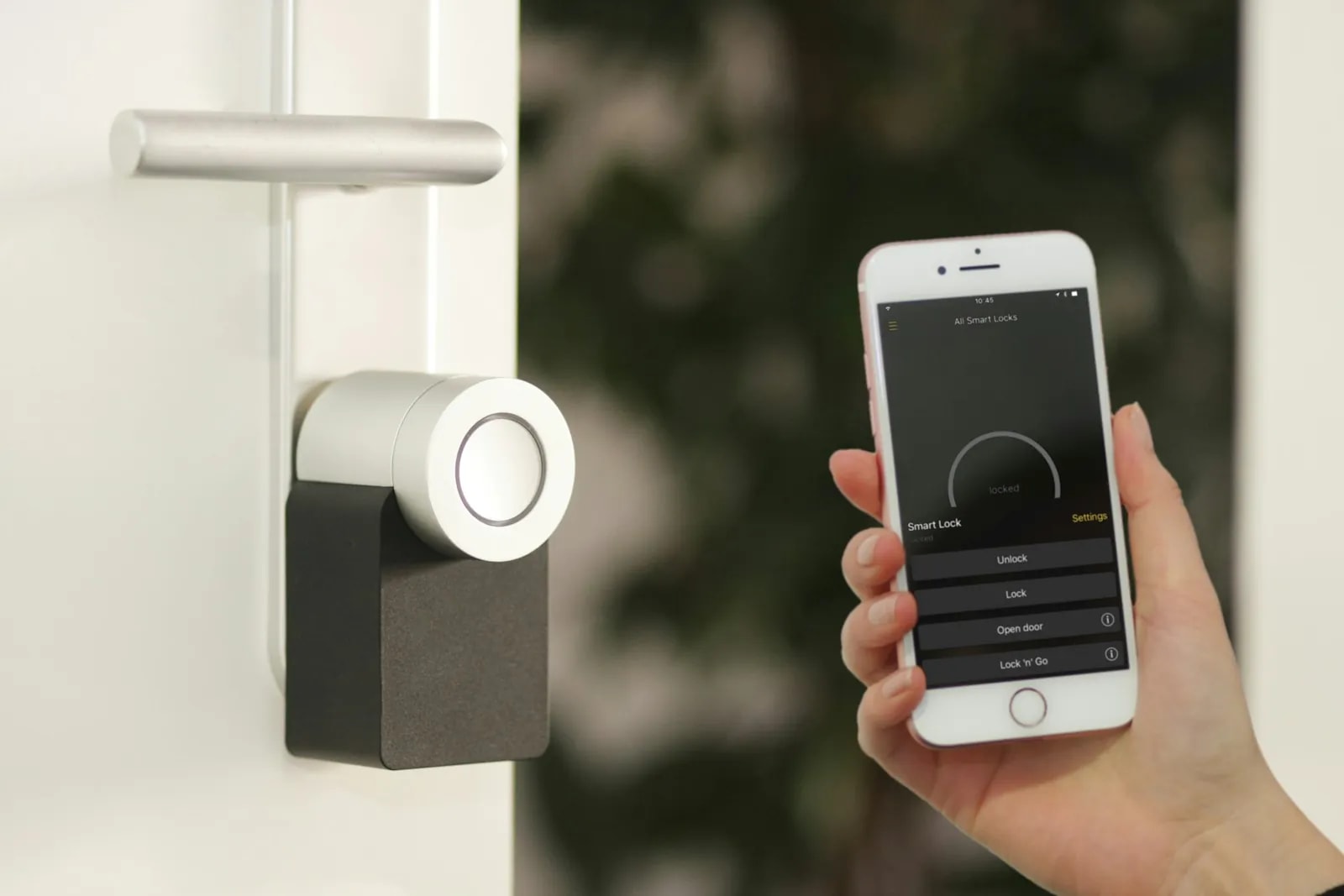
Most "best security camera" lists are written for a climate that never sees 45°C. They rank picture quality, app design, and price. Almost none open the spec sheet and check the one number that decides whether the camera still works in August: the stated operating-temperature ceiling.
Dubai's July and August average maximum sits at about 48°C in the shade[1], with daily peaks reported at 49°C and above[2]. Several of the most-bought home cameras in the UAE stop at 40°C or 45°C. That is the whole article in two sentences.
This guide sorts cameras by job, then filters them by what the maker publishes. Every temperature and IP figure below links to the brand's own datasheet or support page.
What is the best security camera for a Dubai home in 2026?
There is no single winner: the best security camera for a Dubai home depends on the job it does and where it sits.
Work through it in this order:
- Pick the job first. A door needs a doorbell camera. A garden wall needs a wide outdoor unit. A living room needs a small indoor camera you can switch off.
- Then check the ceiling. Read the maker's operating-temperature spec for that exact model, not the brand's general reputation.
- Then check the IP rating. The first digit is dust, and in Dubai dust does more damage than rain.
- Then decide storage. A local recorder keeps working when the internet drops. Cloud does not.
Real talk: a 45°C camera is not a bad camera. Mounted under a deep soffit on a north wall, it may run for years. Mounted on an unshaded west-facing wall in Dubai Hills Estate, it will spend July in thermal cooldown. The spec is not a verdict on the brand, it is a placement instruction.
For a whole-home wired setup, our security and surveillance page covers what a professional install includes. If you want the wider picture first, start with the complete smart home guide for Dubai.
Indoor or outdoor: which cameras do you need first?
Start outside. Almost every real incident begins at a boundary, and outdoor cameras are the ones that have to survive the climate. Indoor cameras are the easy part.
Count approaches, not rooms. It is the most useful sizing rule we use on site: for cameras, a villa is measured in ways a person can walk in, not square feet.
- Main gate: one camera facing the vehicle entry, ideally reading plates at the stop point.
- Pedestrian door: a doorbell camera with two-way audio, which is also your delivery and visitor screen.
- Side returns: one per side alley, the quiet route most people forget.
- Garden and pool: one wide unit, doubling as a child-safety view on the pool gate.
- Garage or parking: one, covering the car and the internal door.
A four-bedroom villa in Arabian Ranches or Tilal Al Ghaf usually lands at six to eight outdoor cameras on that count. An apartment in Dubai Marina or Business Bay usually needs one: a door-facing camera or video doorbell. Balcony cameras are optional and raise privacy questions fast: your neighbour's balcony is often in frame.
Indoors, keep it small. One camera on the entrance hall and one on the stairs covers a villa. Bedrooms and bathrooms are off limits. A gate camera that also opens the gate overlaps with smart gate and access control, and planning both together costs less than bolting one on later.
Wired PoE, Wi-Fi, or battery: which setup suits a Dubai villa?
Wired PoE wins for a villa. Wi-Fi is fine for an apartment. Battery is for renters and for spots where you truly cannot pull a cable.
PoE stands for Power over Ethernet: one Cat 6A cable carries both power and video to the camera, so there is no plug socket needed outside and no battery to fail. Professional PoE lines also carry the widest temperature ratings, which is the point of this article.
Wi-Fi cameras are the easiest to install and the most likely to disappoint at a villa perimeter. Dubai villas are built in thick concrete and block, and 2.4GHz signal loses a lot crossing two of those walls to reach a gate camera. If your camera drops out every evening, that is usually not the camera. Sorting the coverage first is a home networking job worth doing before you blame the hardware.
Battery and solar cameras carry two compounding Dubai problems. The camera body has its own heat ceiling, documented by Ring, Arlo and eufy below. And the lithium cell inside ages faster in heat, so real charge cycles come in shorter than the temperate-climate figure on the box. A solar panel keeps the battery topped up. It does nothing about the heat ceiling, and some panel accessories carry their own separate operating limits worth checking.
Dubai's July and August average maximum is about 48°C in the shade. Several popular consumer cameras publish a ceiling of 40°C to 45°C.
Will your camera survive a Dubai summer?
Check the maker's stated ceiling against 48°C and you have your answer in ten seconds. That is Dubai's average July and August maximum from National Center of Meteorology data[1], and daily peaks of 49°C and higher are reported most summers[2].
Two things make that number worse than it looks. First, it is a shade air temperature. A dark camera housing on a sun-facing wall runs far hotter than the air around it, and no source we trust publishes a figure for that gap.
Second, a ceiling is not a cliff. Cameras do not explode at their rated limit. They throttle. Ring publishes a cooldown mode that pauses features as the device heats, then shuts off entirely at the top of its range[9]. eufy describes an overheat warning in the app with automatic shutoff near 50°C[11]. You do not get a broken camera. You get a camera that stops recording on the hottest afternoon of the year, which is arguably worse.
Here is how the three setups behave in Dubai conditions.
| Setup | Heat tolerance | Dust and sand | Coastal salt air | Range through concrete | Ongoing cost |
|---|---|---|---|---|---|
| Wired PoE (professional) | Best. Outdoor lines rated to 60°C | Best. IP67 housings are dust-tight | Good, with stainless mounting hardware | Not affected. Signal runs on cable | Drive replacement every 3 to 5 years |
| Wi-Fi (consumer, plug-in) | Mixed. Ceilings from 40°C to 55°C | Varies. Often IP65, sometimes lower | Weaker. Plastic housings and exposed ports | Weak. Two thick walls kills 2.4GHz | Optional cloud plan per camera |
| Battery or solar (wire-free) | Weakest. Camera ceiling plus battery ageing | Varies. Sealed but often IP65 | Weakest. Battery doors and seals corrode | Weak, and the same Wi-Fi problem | Cloud plan plus battery replacement |
Quick math: if the spec sheet says 45°C and your local average maximum is 48°C, you are not buying a camera that fails once. You are buying roughly two months a year of unreliable recording, every year. Move it into shade and the same camera is fine.
What IP rating do you need for Dubai dust and sand?
IP66 is the practical minimum outdoors and IP67 is the safer pick. IP stands for Ingress Protection. It is two digits: the first is solids and dust, the second is water.
Most buyers read the second digit and ignore the first. In Dubai that is backwards. It rains a handful of days a year. Fine sand is present every day, and it gets into vents, past worn gaskets, and onto lens glass.
- IP54: dust-protected, not dust-tight, splashes only. Sheltered indoor or lobby use.
- IP55: dust-protected, low-pressure jets. Only under a deep soffit outdoors.
- IP65: dust-tight, low-pressure jets. Fine on most outdoor walls away from spray.
- IP66: dust-tight, strong jets. Gates, garden walls, driveways, car wash areas.
- IP67: dust-tight, brief immersion. Poolside, coastal, and low mounts that can flood.
Common mistake: buying an IP65 camera for a poolside post. Pool decks get hosed down, and a low mount can sit in standing water after a wash. IP67 costs a little more and removes the question. Professional outdoor lines from Hikvision and Dahua ship IP67 as standard[3][5].
One maintenance note no spec sheet covers: wipe outdoor lenses more often than the manual suggests. A dusty lens turns a 4K camera into a blurry one, and it is the most common cause of unusable footage we find on site.
Hikvision and Dahua: the professional wired option
These are the two brands that clear a Dubai summer without a placement argument. Hikvision's ColorVu PoE line is rated -30°C to 60°C with an IP67 housing[3], and its Turbo HD bullet range goes to -40°C to 60°C, also IP67[4]. Dahua's Lite and Pro IP series match that at -30°C to 60°C and IP67[5].
Sixty degrees is twelve degrees of headroom over Dubai's summer average maximum. That is the margin you want on a sun-exposed wall, and it is why these brands are the default on Dubai villa perimeters rather than a matter of taste.
What a professional install looks like in practice:
- Cameras: Hikvision ColorVu 3.0 turrets or Dahua TiOC Pro units, one Cat 6A cable each.
- Recorder: an NVR in a cooled cupboard or rack, not in the garage where it bakes.
- Storage: RAID-1 drives sized against a 31-day retention target, so one drive failure does not lose the archive[16].
- Power: a UPS on the NVR and switch, so a short DEWA interruption does not create a gap in the record.
The honest trade-off is that these are not smart-home cameras. The apps are functional rather than pleasant, and they do not join Apple Home or Google Home the way a consumer camera does. You are buying reliability and retention. Most of our villa clients run professional cameras on the perimeter and a consumer camera or two indoors. Between Hikvision and Dahua, climate is not the tiebreaker: both publish the same range and IP67 rating.
Ring, Arlo and eufy: the consumer Wi-Fi and battery cameras
All three are genuinely good cameras with genuinely lower ceilings. Ring rates its outdoor devices -20°C to 50°C and publishes a documented cooldown mode that pauses features before an automatic shutoff, along with its own advice to install in shade[9]. Arlo's Pro and Ultra wire-free lines are rated -20°C to 45°C[10]. eufy's Outdoor Cam runs to about 45°C, with an app warning and automatic shutoff near 50°C[11].
Read those numbers against 48°C and the picture is clear. On an unshaded Dubai wall in July these cameras are at or past their limit on an ordinary afternoon. That is not a defect. It is a product designed for a different climate, sold in this one.
Where they still make sense:
- A covered apartment balcony in Dubai Marina or JLT, shaded all day by the slab above.
- A front door under a porch, which is where a video doorbell sits anyway.
- Indoors, and in a rental where drilling a cable run is not an option.
Renters will find the no-drilling detail in our guide to a smart home in a rented Dubai apartment. The whole-system comparison, including alarm panels and pricing, sits in the best smart security system in Dubai.
Reolink sits between the two camps. Its standard outdoor line is rated -10°C to 55°C with IP64 to IP67 depending on the model[6]. That 55°C ceiling is the highest of any consumer-priced brand here, making Reolink the sensible DIY pick for a wall that does get sun.
UniFi Protect and Aqara: the networked and smart-home options
This is where checking the model, not the brand, pays off most.
Ubiquiti UniFi Protect has an excellent reputation, and deservedly so: local recording, no subscription, one clean interface for cameras and network. But Ubiquiti's own techspecs put the G4 Bullet at -20°C to 40°C with an IPX4 rating[7], and the newer G5 Bullet at the same -20°C to 40°C with IP55[8]. That 40°C ceiling is the narrowest in this whole comparison, and IPX4 means the dust digit was not even tested.
A Dubai afternoon in the shade is regularly eight degrees above what Ubiquiti publishes for these units. If you run UniFi and want to keep it, put the cameras under deep cover, on shaded elevations, or inside. Do not put a G4 Bullet on an unshaded south or west wall and expect a clean August.
Aqara shows the generational gap in one brand. The older Camera Hub G3 is rated -10°C to 40°C with IP65[12]. The newer Camera Hub G5 Pro is rated -30°C to 50°C, also IP65, and is marketed for indoor and outdoor use[13]. Same brand, same product family, a ten-degree difference in ceiling. If you searched "Aqara camera" and bought whatever came up, you had a coin flip on whether it suits a Dubai wall.
Real talk: brand reputation is a poor proxy for climate suitability. The best-regarded ecosystem in this list has the lowest published ceiling. Read the spec page for the exact model number before you buy.
Which security camera brands handle Dubai heat? 8 compared
Hikvision and Dahua are the only brands here rated to 60°C. Every figure comes from the manufacturer's own datasheet, techspecs page, or support article, linked in the references.
| Brand and line | Category | Operating temperature | IP rating | Best for in Dubai |
|---|---|---|---|---|
| Hikvision ColorVu (PoE) | Professional wired | -30°C to 60°C[3] | IP67 | Villa perimeter, gate, any unshaded wall |
| Hikvision Turbo HD bullet | Professional wired | -40°C to 60°C[4] | IP67 | Retrofit on existing coax cabling |
| Dahua Lite and Pro IP | Professional wired | -30°C to 60°C[5] | IP67 | Villa perimeter, driveway, poolside |
| Reolink standard outdoor | Consumer and prosumer | -10°C to 55°C[6] | IP64 to IP67 by model | DIY outdoor with real sun exposure |
| Ring outdoor cameras and doorbells | Consumer Wi-Fi and battery | -20°C to 50°C[9] | Weather-resistant, model-dependent | Front door under a porch, shaded balcony |
| Arlo Pro and Ultra | Consumer battery | -20°C to 45°C[10] | Model-dependent | Rentals and shaded spots, no drilling |
| eufy Outdoor Cam | Consumer battery | -20°C to about 45°C[11] | Commonly IP65 | Covered side door, garage, no subscription |
| Ubiquiti UniFi Protect G4 or G5 Bullet | Networked prosumer | -20°C to 40°C[7][8] | IPX4 (G4), IP55 (G5) | Indoor or deep-shade mounts only |
| Aqara Camera Hub G3 | Smart-home integrated | -10°C to 40°C[12] | IP65 | Indoor use in an Aqara or Matter home |
| Aqara Camera Hub G5 Pro | Smart-home integrated | -30°C to 50°C[13] | IP65 | Shaded outdoor with smart-home control |
Read it as three tiers: 60°C is professional, 50 to 55°C works outdoors with sensible placement, and 40 to 45°C means indoors or deep shade.
Coastal villa or inland villa: does the location change the camera?
Yes, but the change is in the mounting hardware and the housing, not usually the camera model. A villa on Palm Jumeirah or an apartment in JBR sits in salt-laden air. A villa in Dubai Hills Estate or DAMAC Hills deals with dust and heat only.
Salt air attacks metal. On a coastal install the parts that fail first are almost never the camera electronics. They are the bracket bolts, the pole clamps, the junction-box screws, and the seal around the cable gland. A camera hanging off a rusted bracket is a camera on the ground.
What we specify on a coastal job:
- Stainless mounting hardware instead of the plated steel screws in the box.
- Sealed cable entries, with the gland properly tightened rather than taped.
- IP67 over IP66, because sea spray and humidity find every gap.
- A shorter cleaning interval, because salt film on a lens is harder to remove than dust.
One caution: none of the mainstream brands in this article publish a formal marine or coastal certification. IP67 is what you get. Corrosion resistance is something you build into the install, not something you buy on the box. Inland it is simpler and hotter: no salt, more dust, and more direct sun on elevations facing open desert.
Local NVR or cloud: what happens when your internet drops?
A local recorder keeps recording. A cloud-only camera stops the second the link goes, and that window is gone for good. That is the whole difference, and it matters more than the monthly fee.
| Storage type | Upfront cost shape | Recurring cost | Retention | If the internet drops | Best for |
|---|---|---|---|---|---|
| Local NVR or SD card | Recorder and drives bought once | None for recording. Drive swap every 3 to 5 years | Set by drive size. Sized to 31 days on the systems we design | Keeps recording. You lose remote viewing only | Villas, permanent homes, anyone wanting 31-day cover |
| Cloud subscription | Low. Camera only | Monthly per camera, often billed in USD | Usually a fixed window set by the plan tier | Stops recording. That period is lost | Renters, apartments, one or two cameras |
Two Dubai-specific notes. First, local recording uses none of your home internet, so a 4K camera on an NVR does not need a bigger fibre plan. Only remote viewing and cloud upload touch your connection, and UAE fibre plans are typically symmetrical, so upload matches download.
Second, watch the currency. Ring and Arlo bill cloud plans in USD rather than a dirham tier, so the amount on your card moves with the exchange rate. Check the real AED cost before you commit.
From our projects: the setup that causes the fewest complaints is both. A local NVR as the record of truth, sized against a 31-day target, plus a cloud clip service on the door camera[16]. If a thief takes the recorder, the door clips are already off-site. Agree the retention target before the hardware is ordered, because eight 4K cameras over 31 days is a multi-terabyte job, not the small drive in a boxed kit.
What does a home CCTV setup cost in Dubai?
DIY kits start around AED 1,500, and a professional wired villa install starts from AED 15,000. The gap is mostly labour and cabling, not camera quality. Our CCTV cost guide for Dubai villas breaks that gap into cameras, recorder, drives, cabling and labour.
DIY consumer route. A boxed Hikvision four-camera kit with a small recorder runs roughly AED 1,500 to 2,500, and an eight-camera NVR kit roughly AED 4,500 to 8,000. A Ring video doorbell sits around AED 1,599, and Arlo kits land in the AED 2,299 to 4,399 band. Treat those as snapshots, because retail prices move.
Professional wired install. A security and surveillance project typically starts from AED 15,000 for a villa, fully installed. That covers cameras, cabling, the recorder, storage sized to a retention target, configuration, and support[16]. The cameras themselves are a minority of that. Pulling Cat 6A through a finished villa is the expensive part.
Quick math: a modest monthly cloud fee across six cameras becomes a real annual line by year three. Local recording removes it. Run the five-year number before you pick.
If your villa is still under construction, cabling during the build costs 60 to 70 percent less than retrofitting a finished home, as covered in our guide to smart home pre-wiring in Dubai. Want a figure for your own property? Book a site visit and we will count the approaches, and you will receive an itemised quote against them.
Does SIRA require 4K cameras for a Dubai home?
No. SIRA's published technical specification sets 1080p Full HD as the minimum camera resolution for standard areas, and calls out higher resolution only for high-risk commercial spots such as ATMs, cash counters, and commercial entrances[14]. There is no blanket 4K mandate for a Dubai home.
The "SIRA requires 4K" line appears on several UAE installer sites. It does not match the regulator's own document. Buy 4K if you want to read a plate at 15 metres, which is a good reason. Do not buy it because someone told you the law says so.
On retention, plan for 31 days of stored footage. That figure drives your drive size more than resolution does. For licensing scope, community rules, and how SIRA treats commercial versus residential premises, the full breakdown is in our guide to SIRA CCTV requirements in Dubai.
Where can you legally point a camera in Dubai?
Inside your own boundary. That short answer covers most of what a homeowner needs to know.
The UAE PDPL (Federal Decree-Law No. 45 of 2021) treats identifiable video as personal data, with consent as the default legal basis for processing it[15]. Your own front door, driveway, garden, and internal common areas are normal. A camera that captures a neighbour's balcony, their garden, or a shared building corridor moves into territory that can produce a formal complaint.
Three placement rules we apply on every system we design:
- Trim the frame. If a camera overlooks a neighbour's space, angle it down or mask that zone in the recorder settings.
- No private quarters. Never place a camera in a bedroom, bathroom, or the private living or sleeping quarters of domestic staff.
- Tell people. Anyone living or working in the home should know where the cameras are and what they cover.
Staff monitoring carries real ethical weight, and we cover it in domestic staff access in a Dubai smart home. Keeping strangers out of your camera feed is covered in how to secure a smart home from hackers in Dubai.
Common mistakes buying cameras for Dubai heat
These are the six we find most often on site visits.
- Mounting an indoor camera outside. It works beautifully until the first summer. No IP rating and a low ceiling means dust ingress and thermal shutdown together.
- Trusting the brand instead of the model. Aqara's G3 stops at 40°C and its G5 Pro runs to 50°C[12][13]. Same brand, different answer.
- Ignoring the first IP digit. Buyers check the water rating and skip the dust rating, which is the one that matters here every single day.
- Never considering shade. Moving a camera two metres under a soffit changes its working life more than upgrading the model does.
- Assuming cloud storage survives an outage. It does not. The moment the router drops, cloud-only recording stops.
- Believing the 4K mandate myth. SIRA's minimum is 1080p[14]. Buying 4K is a choice, not a legal duty.
A seventh is a habit rather than a mistake: putting the recorder in the garage. Dubai garages get very hot, and hard drives fail early at 50°C ambient. Put the NVR somewhere cooled.
How Dubai Smart Home specs cameras for a Dubai summer
We start with the spec sheet, then the site. Every outdoor camera we specify has a published ceiling of 60°C and an IP67 housing, because that removes the argument about placement before it starts.
The process on a villa is short:
- Walk the boundary and count approaches, not rooms.
- Check the sun on each elevation, and pick shaded mount points where the architecture allows it.
- Size storage against a 31-day retention target at the resolution you actually want.
- Plan Cat 6A to every position, so power and video share one cable and no camera depends on Wi-Fi.
- Set the frame so nothing overlooks a neighbour, and mask anything the angle cannot avoid.
Our team has worked on 100+ smart home projects in Dubai, UAE since 2016, and we are rated 4.9/5 by Dubai homeowners. Each camera layout is planned by us, and we coordinate the work until the system is live. Sales enquiries are answered within 2 hours, and support runs 24/7.
If you already own cameras and want to know whether they will hold up, send us the model numbers on WhatsApp and we will read the specs with you. If you are starting from scratch, book a free consultation and we will walk the property first. You can also see what a full install includes on our security and surveillance page, or ask about gate cameras and intercom through smart gate and access control.