Philips Hue

Philips Hue Play HDMI Sync Box 8K

A home cinema light-sync box that makes your Philips Hue color lights flash and shift with whatever is on your TV, built for people who already own Hue lights and a Bridge.

Wi-FiBluetoothZigbeeInfraredMatterPremium
Works with
Apple HomeAmazon AlexaGoogle HomeMatterManufacturer app
AED 1,509

Typical Amazon.ae price for the device, checked 10 Sept 2026. See the listing Installation is quoted separately after we check your property.

Enquire on WhatsApp
Enquire on WhatsApp

Supplied, fitted and configured by our own Dubai team. We check compatibility with your property before you commit to anything.

Overview

What it is and where it fits

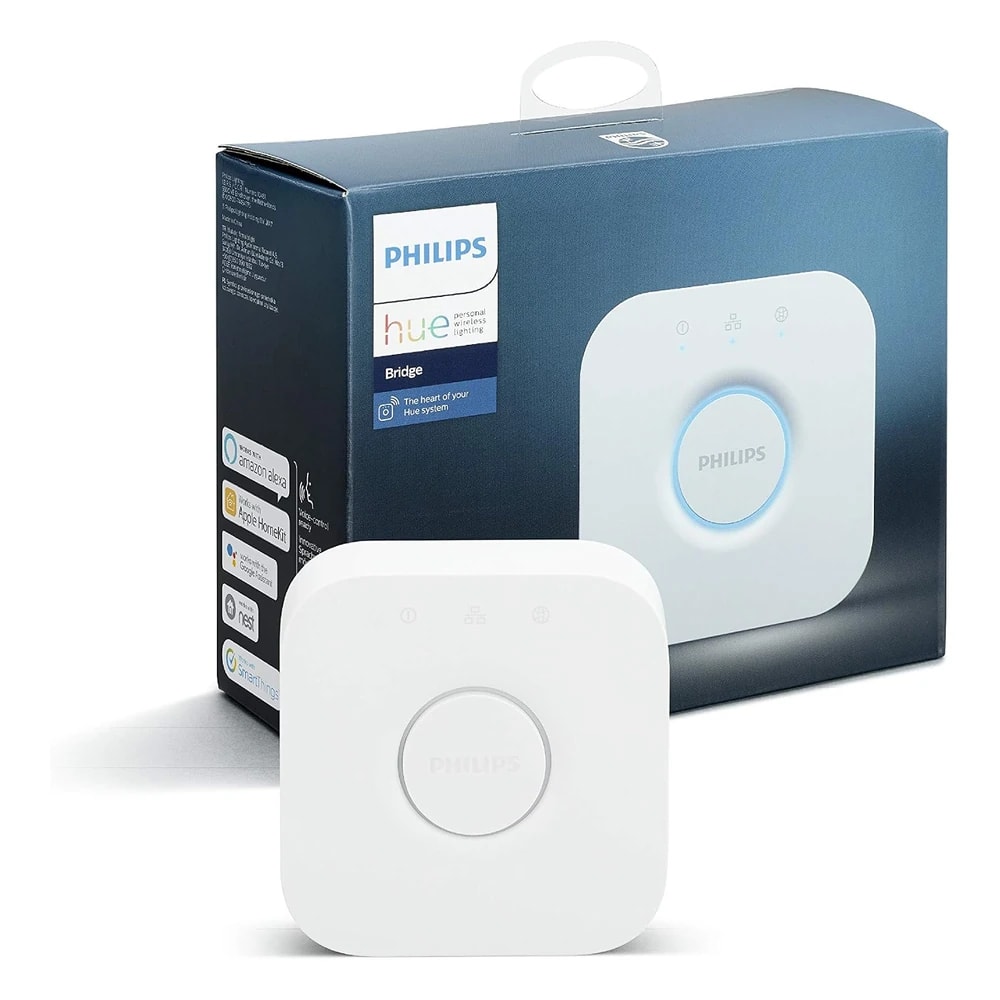
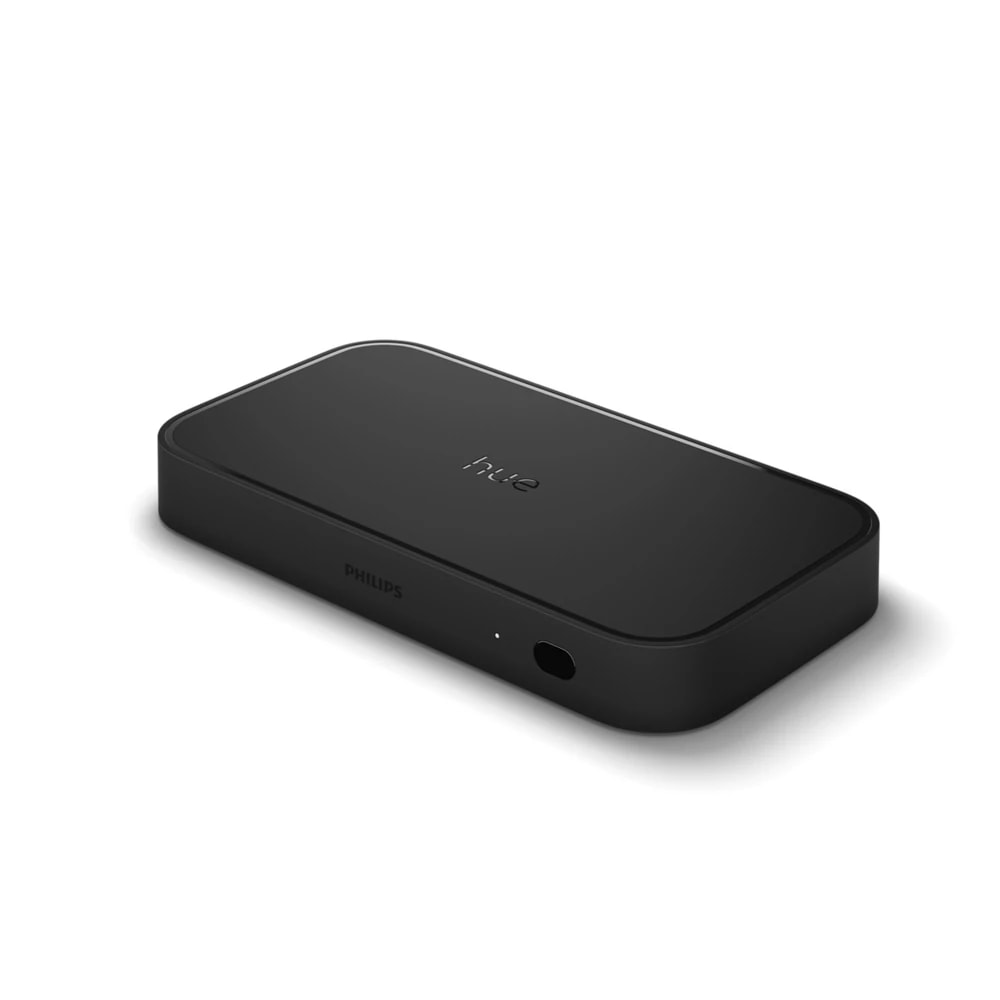
The Philips Hue Play HDMI Sync Box 8K is a small black box that sits between your TV and your video sources. You plug your streaming stick, gaming console, PC, or set-top box into its four HDMI inputs, then run one HDMI cable out to the TV. As you watch, the box reads the picture and sound and tells your Philips Hue color lights to shift and flash in time with what is on screen. Movies feel bigger, games feel faster, and music gets a light show behind the sofa. One thing to know up front: it does not work on its own. You need a Philips Hue Bridge (sold separately) and up to 10 color-capable Hue lights set up as an Entertainment Area. The box handles the video, the Bridge drives the lights. On the video side it is HDMI 2.1 certified and passes 8K at 60Hz, 4K at 120Hz, and 1080p at 120Hz for gaming, with Dolby Vision, HDR10+, and Dolby Atmos sound. For a Dubai home, this suits a villa media room or an apartment living room where you already own Hue lights and a good TV. Renters can take the whole kit with them when they move. If you have no Hue lights yet, budget for those and the Bridge too, because the box alone will not light anything.

  • Lights react in real time to movies, games, and music
  • HDMI 2.1 with 8K/60 and 4K/120 pass-through, so your TV picture stays sharp
  • Four HDMI inputs, so your console, streamer, and PC all stay plugged in
  • Works with Alexa, Google Assistant, Apple Home, and Matter
Technical

Specifications

Model Play HDMI Sync Box 8K (gen 2)

HDMI standardHDMI 2.1 certified, 4 HDMI inputs + 1 HDMI output
Max video resolution8K at 60Hz and 4K at 120Hz (also supports 1080p at 120Hz for gaming)
HDR / audio formatsDolby Vision, HDR10+, Dolby Atmos pass-through
Lights syncedUp to 10 Hue color lights in one Entertainment Area
Hub requirementRequires a Philips Hue Bridge (sold separately); does not work standalone
ConnectivityBluetooth 5 for setup, Zigbee to lights via the Bridge, IR receiver and HDMI-CEC for TV remote control
Dimensions and weight20 x 10.9 x 2.55 cm, 0.59 kg
Ecosystem and voice controlHue app, Hue Sync app; works with Amazon Alexa, Google Assistant, Apple Home/Siri, and Matter
In Dubai homes

What to check before you order

Dubai buyers should think about a few local things. The sync box uses an external power adapter, so pick up a Type-G (UK three-pin) plug or a small adapter for the 220-240V supply here. The unit runs warm, like most AV gear, so give it air. Do not tuck it inside a sealed cabinet in a room that gets hot, and keep it off dusty shelves near open windows during shamal dust season. Wi-Fi matters more than you might think. In a large villa the box, the TV, and the Hue Bridge all sit best near the router or a strong mesh point, so sync stays smooth. Apartments rarely have this problem. Amazon.ae stocks the genuine unit through the official Philips distributor, which means you get the standard two-year warranty and local returns. Ignore the cheap Generic listings on other sites, since those are not confirmed authentic Hue boxes. This product does not touch your DEWA meter in any real way.

Philips Hue in the UAE. Officially distributed by Signify through Sharaf DG, Virgin Megastore and Gulf Electronics. E27 fittings match UAE fixtures.

Answers

Questions about the Philips Hue Play HDMI Sync Box 8K

What is the Philips Hue Play HDMI Sync Box 8K?
Chevron down icon
It is a set-top box that reads the video and sound from your TV sources and drives your Philips Hue color lights to match. As a scene changes on screen, your lights change color and brightness with it. It makes movies, games, and music feel more immersive at home.
Contact us
Contact us
Does it work on its own, or do I need a Hue Bridge?
Chevron down icon
You need a Philips Hue Bridge, which is sold separately. The sync box handles the HDMI video, but the Bridge is what actually talks to your lights over Zigbee. Without a Bridge, the box cannot control anything. If you do not own one yet, add it to your order.
Contact us
Contact us
How many lights can it control?
Chevron down icon
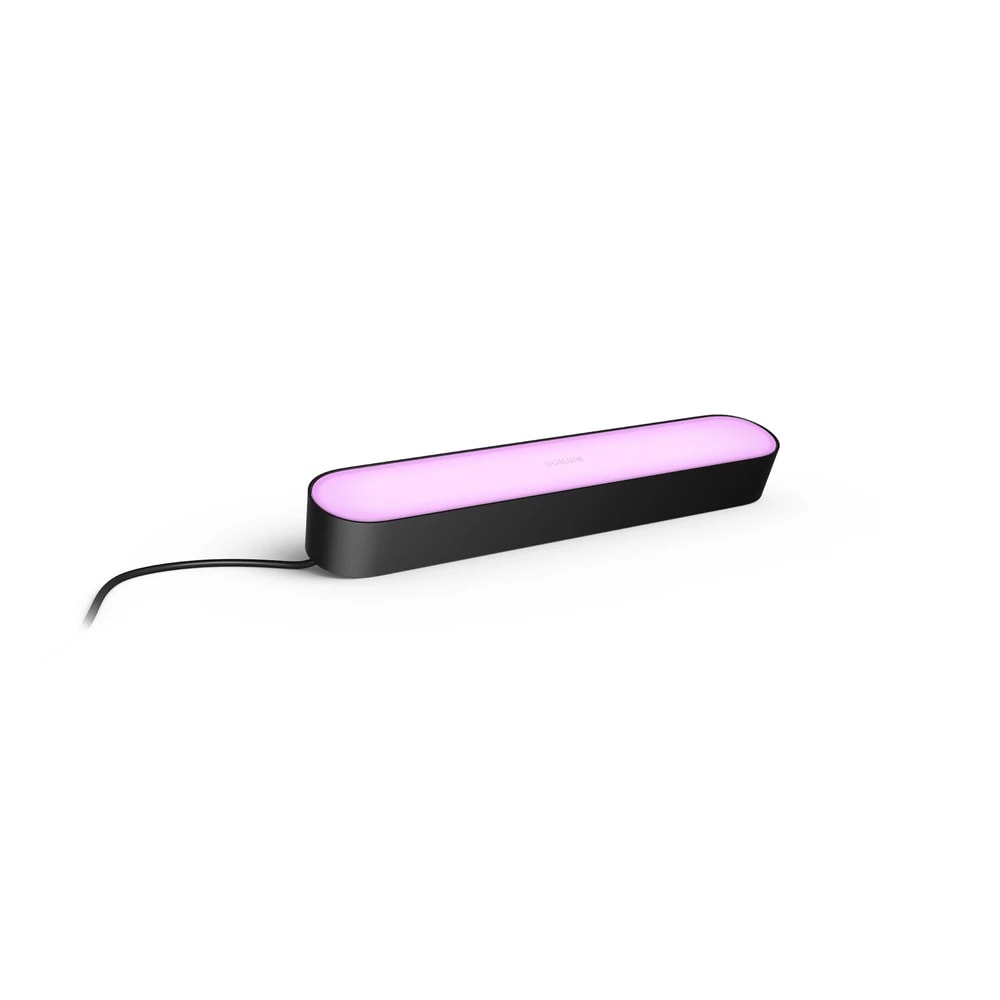
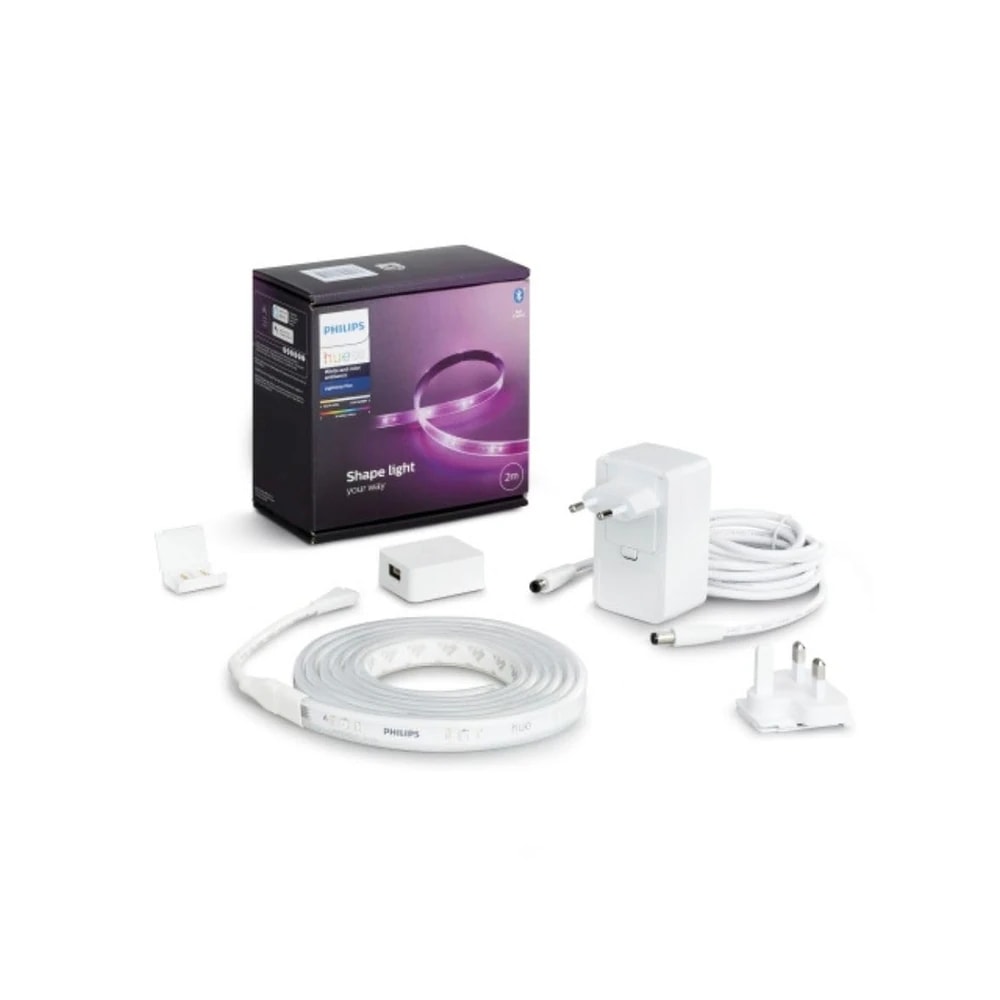
Up to 10 color-capable Philips Hue lights in one Entertainment Area. That could be two Play light bars, a lightstrip behind the TV, and a few color bulbs or lamps around the room. Only color Hue lights sync, so plain white bulbs will not react to the picture.
Contact us
Contact us
Is it right for my villa media room?
Chevron down icon
Yes, it suits a villa media room well. You get four HDMI inputs for a console, a streamer, and a media PC, plus room for surround lighting around a large screen. Just make sure your Hue Bridge and the box sit within good Wi-Fi range of your router or mesh.
Contact us
Contact us
Will it work in a small apartment living room?
Chevron down icon
It works fine in an apartment. You do not need a huge room. Even a TV with two Play bars and a lightstrip gives a strong effect on a normal apartment wall. Wi-Fi is rarely an issue in a flat because everything sits close to the router.
Contact us
Contact us
Do I need Wi-Fi to use it?
Chevron down icon
Yes. The box and the Hue Bridge connect to your home network so the Hue app can control them and receive updates. Bluetooth is only used during first-time setup. For steady syncing, keep the box, TV, and Bridge on a strong, stable connection.
Contact us
Contact us
Do I need a subscription?
Chevron down icon
No. There is no monthly fee. Once you buy the box, the Bridge, and your lights, everything runs through the free Hue app and Hue Sync app. You pay once for the hardware and that is it. Nothing is locked behind a paid plan.
Contact us
Contact us
Which app controls it?
Chevron down icon
You set it up and manage lights in the Philips Hue app, and you control screen syncing in the Hue Sync app. Both are free on the App Store and Google Play. The apps let you pick sync intensity, brightness, and which sources trigger the lights.
Contact us
Contact us
Does it work with Amazon Alexa?
Chevron down icon
Yes. Once linked through the Hue app, you can use Alexa to turn syncing on or off and control your Hue lights by voice. You will need an Alexa device such as an Echo, and both should be on the same account and network.
Contact us
Contact us
Does it work with Google Assistant?
Chevron down icon
Yes. It works with Google Assistant, so you can start or stop light sync and control your Hue lights using a Google Nest speaker or your phone. Link Hue to Google Home once, and voice control is ready across the house.
Contact us
Contact us
Does it work with Apple Home and Siri?
Chevron down icon
Yes. It supports Apple Home and Siri through the Hue Bridge, so iPhone and HomePod users can control lights and scenes by voice. The sync feature itself runs from the Hue Sync app, but on/off and scenes fit neatly into your Apple Home setup.
Contact us
Contact us
Is it Matter compatible?
Chevron down icon
Yes, it is Matter compatible, so it fits into a Matter-based smart home alongside other brands. This gives you more freedom to mix devices over time. Your Hue Bridge stays the hub that manages the lights during syncing.
Contact us
Contact us
How does it cope with Dubai heat?
Chevron down icon
It is indoor AV gear, so it lives in your air-conditioned room, not outside. It runs warm like a small media box, so give it airflow and do not seal it in a closed cabinet. In a hot store room or garage rack, add ventilation to keep it stable.
Contact us
Contact us
Will dust be a problem?
Chevron down icon
Only if you ignore it. Dubai dust settles fast, especially near open windows and balconies. Keep the box on a clean shelf and wipe the vents now and then. Dust build-up traps heat in any electronics, so a quick clean once a month helps it last.
Contact us
Contact us
What power and plug does it use?
Chevron down icon
It comes with an external power adapter for 220-240V, which matches UAE mains. You may need a Type-G (UK three-pin) plug head or a simple adapter, depending on the version you receive. It draws very little power, so running cost is tiny.
Contact us
Contact us
Who installs it?
Chevron down icon
Most people set it up themselves in about 20 minutes. You plug sources into the HDMI inputs, run one cable to the TV, connect power, and follow the Hue Sync app. If you would rather not, our team can install and tune it as part of a smart-home visit.
Contact us
Contact us
How much power does it use and what will it cost to run?
Chevron down icon
Very little. It is a low-wattage box, so it barely shows on your DEWA bill. The lights themselves are LED Hue bulbs, which also sip power. Even with nightly movie sessions, the running cost across a month is small change.
Contact us
Contact us
Is it noisy?
Chevron down icon
No. There is no fan you will hear in normal use. It sits silently under or behind the TV. The only thing moving is the light around your room, so you get the effect without any hum or buzz coming from the box.
Contact us
Contact us
What warranty do I get in the UAE?
Chevron down icon
When you buy the genuine unit from Amazon.ae through the official Philips distributor, you get the standard two-year Philips warranty and local returns. Keep your invoice. Buying grey-market or Generic listings can leave you with no real warranty cover here.
Contact us
Contact us
How do I buy it from you, and is it good value?
Chevron down icon
We source the genuine box for you and can bundle it with a Bridge and Hue lights so the whole kit works from day one. At around AED 1,509 for the box, it is a premium buy aimed at people who want a real home cinema light effect.
Contact us
Contact us
How does it compare to using Hue lights without a sync box?
Chevron down icon
Without the box, your Hue lights can follow music from your phone or run set scenes, but they cannot react to your TV picture in real time. The sync box reads the actual HDMI signal, so the colors on your wall match the colors on screen frame by frame.
Contact us
Contact us
Who should not buy it?
Chevron down icon
Skip it if you do not own Philips Hue color lights and have no plans to buy a Bridge, because the box does nothing alone. It is also overkill if you only want basic room lighting. Casual viewers happy with a normal TV picture will not miss it.
Contact us
Contact us
Does it support gaming at high refresh rates?
Chevron down icon
Yes. It passes 4K at 120Hz and 1080p at 120Hz with low input lag, so fast games on a PS5, Xbox Series X, or gaming PC still feel sharp and responsive. The lights react to the action while your gameplay stays smooth.
Contact us
Contact us
What is in the box?
Chevron down icon
You get the sync box unit, an external power adapter, and one HDMI cable. You still need to supply the HDMI cables for your other sources, a Philips Hue Bridge, and your color Hue lights, since those are not included with the sync box.
Contact us
Contact us
Installation

Fitted and configured by our Dubai team

We supply this as part of a working system rather than as a box. That means checking it suits your property first, fitting it properly, setting up the automations that make it useful, and showing your household how it works.

See Smart Lighting Control
Chat Now