TP-Link

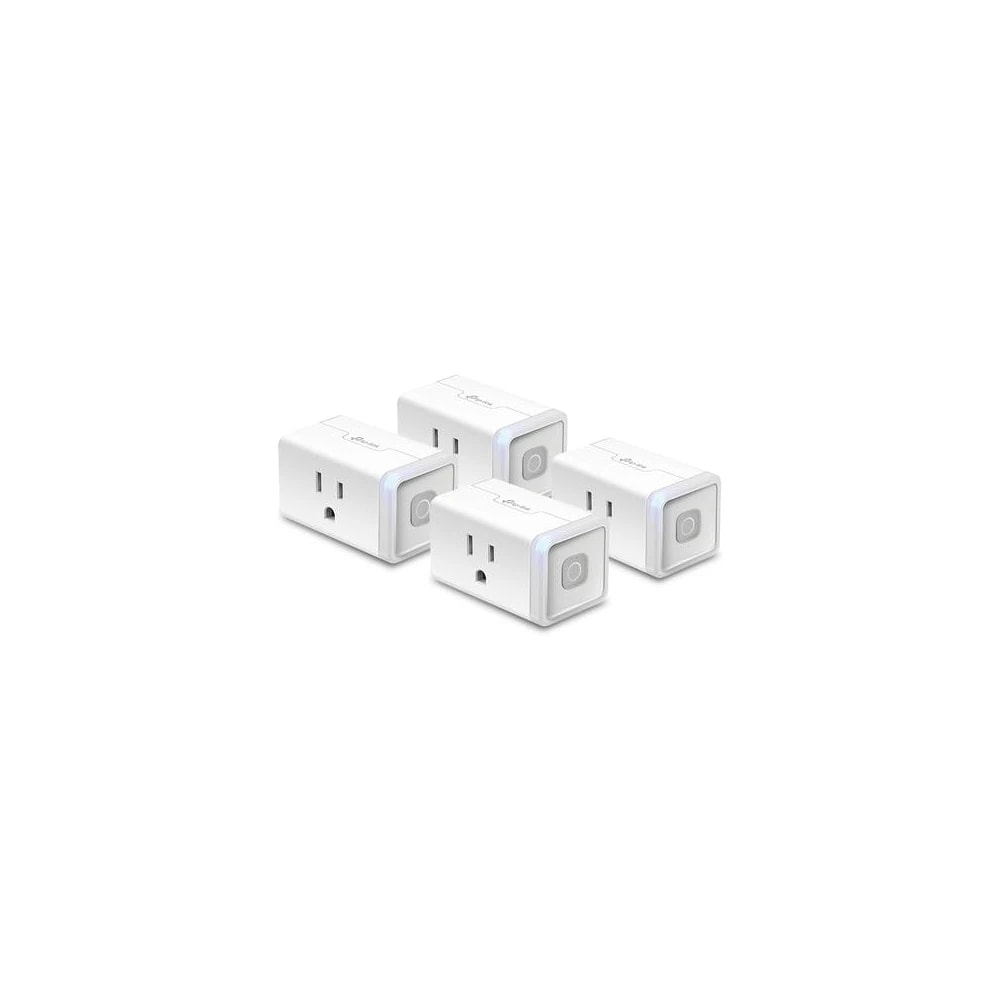
TP-Link Kasa Smart Plug (4-Pack)

A four-pack of Kasa Wi-Fi smart plugs for app and voice control of lamps and small appliances, sold in US 110V spec so it needs a converter to work in the UAE.

Wi-FiBudget
Works with
Amazon AlexaGoogle HomeManufacturer app
Price on enquiry
We source this to order. Ask us for today's price and lead time.
Enquire on WhatsApp
Enquire on WhatsApp

Supplied, fitted and configured by our own Dubai team. We check compatibility with your property before you commit to anything.

Overview

What it is and where it fits

The TP-Link Kasa Smart Plug 4-Pack (model HS103P4) is a set of four small Wi-Fi plugs that sit between your wall socket and a lamp, fan or other small appliance. Once set up, you switch each one on or off from the Kasa Smart app on your phone, set daily schedules, or use a timer so a light turns on before you walk in. You can also control them by voice through Amazon Alexa or Google Assistant. There is no hub to buy. Each plug talks straight to your 2.4GHz Wi-Fi. The catch is important, so read it before you buy. This exact SKU is TP-Link's North American product. It is rated 100 to 120V and fits a US flat-pin socket, not the UAE's 220 to 240V Type-G outlets. To use it here you need both a plug adapter and a step-down voltage transformer for each unit, which is fussy and adds cost. It is also not sold through official UAE channels, so there is no local warranty. Who does it suit in Dubai? Honestly, few people. If you already own a US-spec setup, or you specifically want the Kasa app over Tapo, it can work with converters. For most villa and apartment residents, renters and owners alike, the sensible pick is TP-Link's Tapo P100 or P110, which is the same brand in the correct Type-G, 240V form. Ask us and we will point you the right way.

  • Switch lamps, fans and small appliances on or off from your phone, anywhere
  • Set daily schedules and timers so lights come on before you get home
  • Voice control through Amazon Alexa or Google Assistant, no hub needed
  • Four plugs in one box, each connecting straight to 2.4GHz Wi-Fi
Technical

Specifications

Model Kasa HS103P4

Model / SKUTP-Link Kasa HS103P4, a 4-pack of the Kasa Smart Wi-Fi Plug Mini (unit model HS103)
AppKasa Smart app (Android 5.0+, iOS 10.0+), a separate app from TP-Link's newer Tapo line
Voice and hubWorks with Amazon Alexa, Google Assistant and IFTTT. No smart-home hub needed
Connectivity2.4GHz Wi-Fi, 802.11b/g/n
Input voltage100 to 120V AC, 60Hz (North American mains spec)
Plug and socket typeUS NEMA 5-15, flat two-pin plus ground, not UAE Type-G
Max load15A resistive at 120V AC per plug
Size per unit66.5 x 40.0 x 38.0 mm (2.62 x 1.57 x 1.50 in)
In Dubai homes

What to check before you order

The single biggest issue in the UAE is power. Dubai runs on 220 to 240V at 50Hz through Type-G three-pin sockets. This HS103P4 is built for US 110V and a flat-pin outlet, so plugging it in directly is not an option. Each unit would need a plug adapter plus a step-down transformer, and running four transformers around the home is not practical. On heat and dust, a smart plug sits indoors and draws little power, so summer temperatures are not a real worry for the electronics, though we would keep any converter well ventilated. Wi-Fi reach matters more in a villa than a flat, since each plug needs a steady 2.4GHz signal in its room. On warranty, this is a grey-market import, so there is no UAE-backed cover or local support if a unit fails. For a hassle-free, DEWA-safe option, we recommend the Tapo P100 or P110 instead, which ships in correct UAE spec.

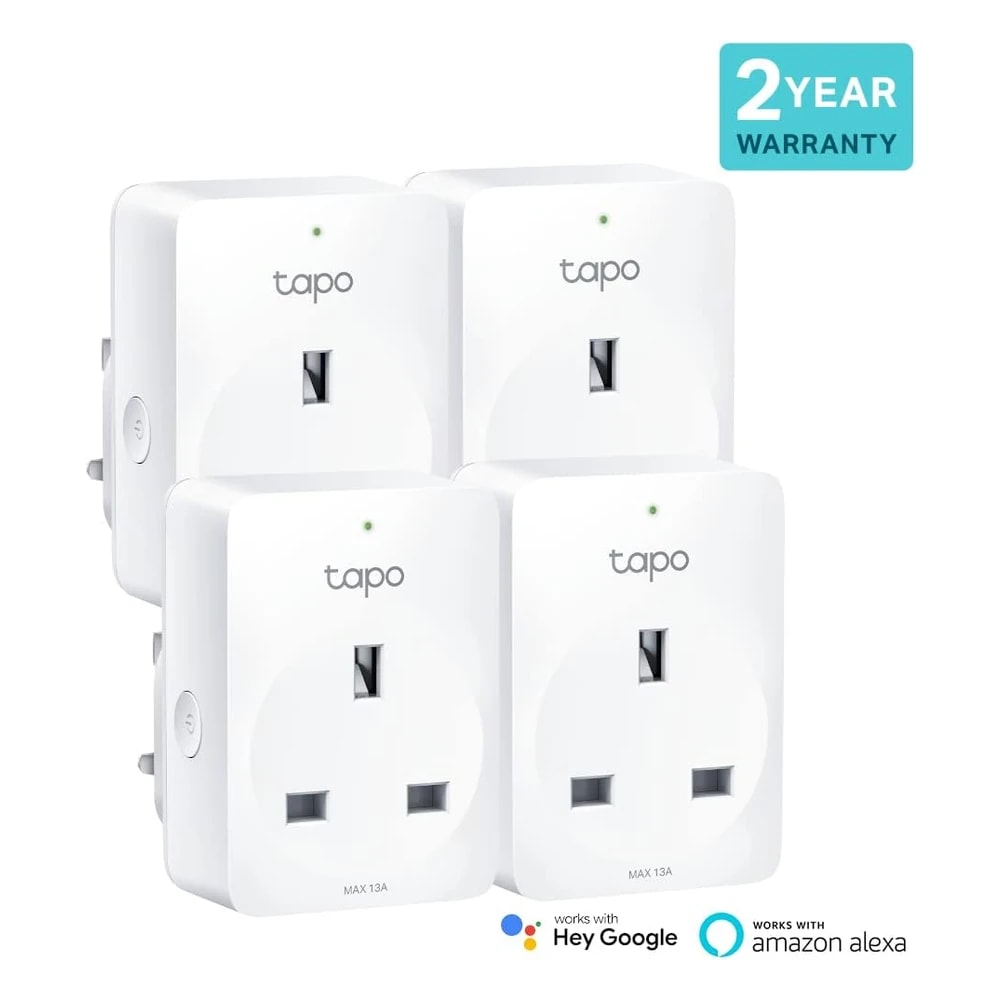
TP-Link in the UAE. Regional distributor stock with genuine UAE warranty. Tapo and Kasa lines are sold in UK Type-G plug variants matched to UAE sockets.

Answers

Questions about the TP-Link Kasa Smart Plug (4-Pack)

What is the TP-Link Kasa Smart Plug 4-Pack?
Chevron down icon
It is a box of four Kasa Smart Wi-Fi plugs (unit model HS103, sold as the HS103P4 bundle). Each one plugs into a wall socket and lets you switch a lamp, fan or small appliance on or off from your phone or by voice. Four plugs cover several rooms at once.
Contact us
Contact us
Is it right for my Dubai villa or apartment?
Chevron down icon
For most homes here, no, at least not in this US-spec version. It runs on 110V with a flat-pin plug, so it will not fit a UAE Type-G socket without converters. Villa or apartment does not change that. We usually steer buyers to the Tapo P100 or P110 instead.
Contact us
Contact us
Does it need Wi-Fi to work?
Chevron down icon
Yes. Each plug connects to your home 2.4GHz Wi-Fi and needs that connection for remote or voice control. It will not join a 5GHz-only network. If your internet drops, the plug keeps its last state and local schedules still run, but app control pauses until Wi-Fi returns.
Contact us
Contact us
Does it need a hub or bridge?
Chevron down icon
No hub is required. Each plug talks straight to your router over 2.4GHz Wi-Fi, so there is nothing extra to buy or wire in. That is one of the plug's genuine strengths, though the voltage and plug mismatch in the UAE still applies to this SKU.
Contact us
Contact us
Is there a subscription or monthly fee?
Chevron down icon
No. The Kasa Smart app and the core features, remote control, schedules, timers and voice control, are free to use. TP-Link does not charge a monthly fee for this plug. Your only ongoing cost is the tiny amount of standby power each unit draws.
Contact us
Contact us
Which app controls it?
Chevron down icon
The Kasa Smart app, free on Android 5.0 and up and iOS 10.0 and up. You make a TP-Link account, add each plug, and control them from there. Note this is the older Kasa app, not the Tapo app that TP-Link uses for its current UAE-market plugs.
Contact us
Contact us
Is Kasa the same as Tapo?
Chevron down icon
Both are TP-Link, but they are separate lines with separate apps. Kasa is the older range and includes this HS103. Tapo is the newer range sold across UAE shops. They do not mix inside one app, so pick one system. For UAE spec, Tapo is the practical choice.
Contact us
Contact us
Does it work with Amazon Alexa?
Chevron down icon
Yes. Link the Kasa skill in the Alexa app and you can say things like turn off the bedroom lamp. Alexa in English handles it well. This does not fix the power issue, though. You still need the plug running through a converter for the setup to make sense here.
Contact us
Contact us
Does it work with Google Assistant?
Chevron down icon
Yes. Connect your Kasa account in the Google Home app and you can control each plug by voice through a Nest speaker or your phone. Naming each plug clearly, like majlis lamp, makes commands easier. As with Alexa, this is separate from the voltage and plug-type problem.
Contact us
Contact us
Does it work with Apple Home or HomeKit?
Chevron down icon
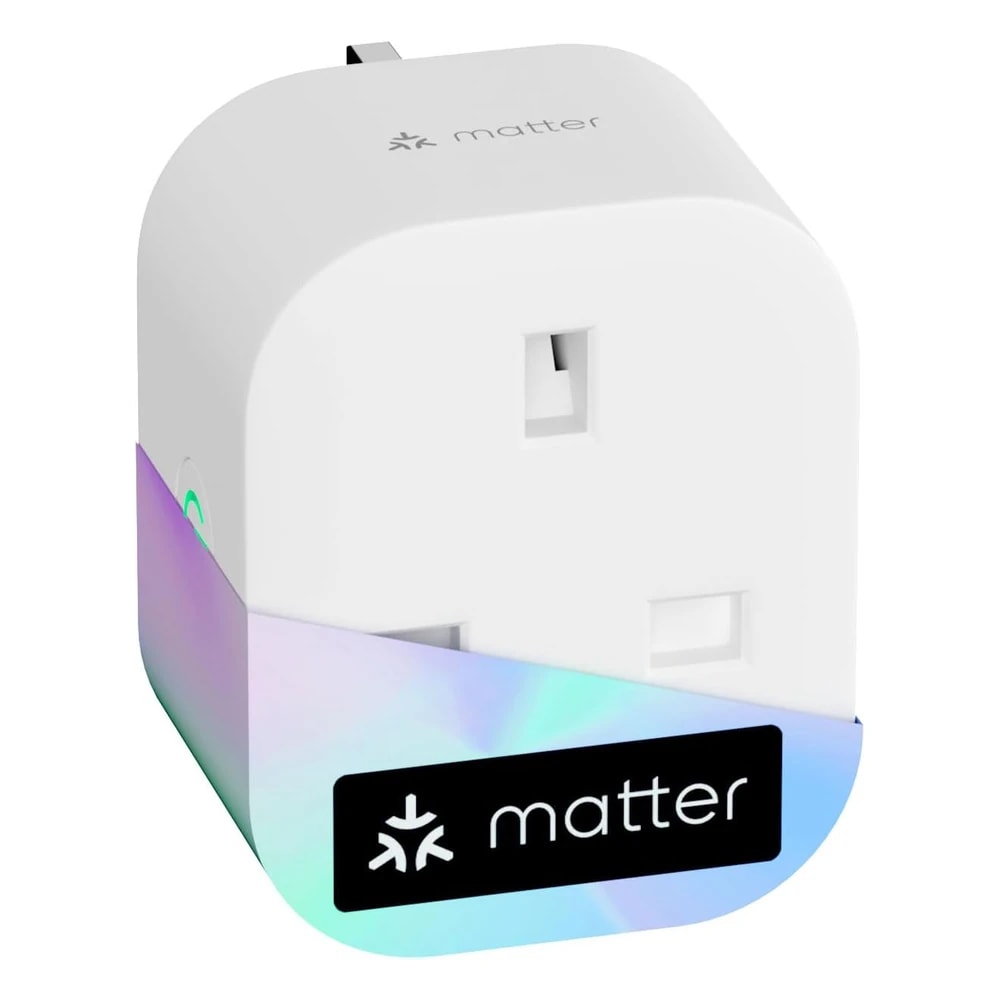
No. This Kasa HS103 does not support Apple HomeKit, so you cannot add it to the Apple Home app or control it with Siri. If Apple Home matters to you, look at a Matter or HomeKit plug instead, such as the Meross Matter plug in correct UAE spec.
Contact us
Contact us
Can I plug it straight into a UAE wall socket?
Chevron down icon
No. UAE sockets are Type-G with three rectangular pins at 220 to 240V. This plug has US flat pins and expects 110V. Forcing it in is not possible, and feeding it 240V without a transformer would damage it. You need a step-down transformer plus an adapter for each unit.
Contact us
Contact us
What exactly do I need to make it work in Dubai?
Chevron down icon
For each of the four plugs, a step-down voltage transformer from 240V to 110V and a US-to-Type-G adapter, plus your 2.4GHz Wi-Fi. That is four transformers if you use all four plugs. It is workable but clumsy and not cheap, which is why we usually suggest a UAE-spec plug instead.
Contact us
Contact us
Will it cope with Dubai heat and dust?
Chevron down icon
The plug itself sits indoors, uses little power and makes little heat, so summer temperatures are not a real concern for it. Dust is not an issue indoors either. The bigger heat point is any step-down transformer you add, which runs warm and should sit in open air, not inside a cabinet.
Contact us
Contact us
Who sets it up and is it hard?
Chevron down icon
Setup is DIY and takes a few minutes per plug: plug it in, open the Kasa app, follow the pairing steps and connect it to 2.4GHz Wi-Fi. No electrician is needed. The complicated part in the UAE is wiring in the transformers and adapters, not the app itself.
Contact us
Contact us
Does it have a battery, and what does it cost to run?
Chevron down icon
No battery. It is powered from the socket it plugs into. Standby draw is very small, so the effect on your DEWA bill is minor. If you add a step-down transformer, that transformer also uses a little power whenever it is switched on, which adds slightly to the running cost.
Contact us
Contact us
Is it noisy?
Chevron down icon
The plug itself is silent in normal use. You may hear a faint click when it switches on or off, which is the internal relay and is normal. If you add a step-down transformer, some transformers give off a low hum, so that is worth keeping in mind for a bedroom.
Contact us
Contact us
Is there a UAE warranty or support?
Chevron down icon
No. This SKU is not officially distributed in the UAE, so there is no local warranty and no UAE support line. Any cover would be TP-Link's US warranty, which is hard to claim from here. If a unit fails, you are largely on your own. A UAE-stocked plug gives you proper cover.
Contact us
Contact us
Why is this listed as quote-only with no price?
Chevron down icon
Because there is no authorised UAE retail stock. The versions on amazon.ae and noon are third-party imports that ship from outside the country with long delivery windows. Our sourcing rule is to only quote a firm price for genuine local stock, so for this item we source to order and confirm the price on request.
Contact us
Contact us
How do I buy it from you and how long does it take?
Chevron down icon
Just ask us for a quote. We confirm the current price and the lead time before you commit, since this is an import and delivery can take a couple of weeks. We also flag the converter cost so there are no surprises, or suggest a UAE-spec alternative if that suits you better.
Contact us
Contact us
How does it compare to the Tapo P110?
Chevron down icon
The Tapo P110 is the same brand but built for the UAE: Type-G plug, 240V, sold locally with a warranty, and it adds energy monitoring the HS103 lacks. The Kasa HS103 uses the older app and needs converters here. For almost every Dubai buyer, the P110 is the easier, safer choice.
Contact us
Contact us
Can I use it outdoors for garden or patio lights?
Chevron down icon
No. This is an indoor plug with no weather rating, so rain, humidity and direct sun would damage it. That rules out garden, patio and poolside use. For outdoor smart switching in a villa, choose a plug or switch rated for outdoor use and correct UAE voltage.
Contact us
Contact us
Does it measure energy use?
Chevron down icon
No. The HS103 only switches power on and off. It does not track how many watts or units a device uses. If you want to see energy consumption, for example on a fridge or a water dispenser, the Tapo P110 adds that feature and is sold in UAE spec.
Contact us
Contact us
What can I plug into it, and what is the limit?
Chevron down icon
It is rated up to 15A at 120V, so it suits lamps, fans, chargers, a TV, a coffee machine and similar small loads. Do not use it for a large air conditioner or a water heater. In any case its US rating does not match UAE 240V wiring, so treat this as background only.
Contact us
Contact us
Who should NOT buy this?
Chevron down icon
Anyone who wants a simple plug-and-go smart plug for a Dubai home. If you do not want to deal with transformers, adapters and no local warranty, skip it. It only makes sense for someone who already runs US 110V gear or specifically needs the Kasa app. Everyone else is better with a Tapo plug.
Contact us
Contact us
Installation

Fitted and configured by our Dubai team

We supply this as part of a working system rather than as a box. That means checking it suits your property first, fitting it properly, setting up the automations that make it useful, and showing your household how it works.

See Smart Lighting Control
Chat Now