Something worked yesterday and does not work today. Before you factory reset anything, spend two minutes working out which kind of fault you have. Resetting the wrong thing loses your settings and fixes nothing.
We have supported smart systems across Dubai since 2016, from Palm Jumeirah villas to Business Bay apartments. Three of the twelve problems below already have a full guide on this site, so we point you straight there. The other nine are fixed here, today. For the wider build order, start with our complete smart home guide for Dubai.
Why do smart home devices stop working, and where do you start?
Start by counting how many things are broken. That one question splits almost every fault into the right bucket in under a minute.
If several unrelated devices are offline at the same time, the fault sits upstream: your Wi-Fi, your internet, or one hub. A single dead device almost never takes 40 others with it. If only one device is affected while everything else runs fine, the fault is that device, its battery, or its cloud account.
Dubai adds two extra causes on top of the usual ones. Heat gets into places you would not expect, including the small box tucked inside a closed media cupboard. Dust and fine sand settle on any outward-facing lens.
Common mistake: reaching for the reset button first. A factory reset wipes your pairings and scenes. On a cloud outage or a flat battery it changes nothing at all.
Is this a Wi-Fi, a device, or a bandwidth problem?
Everything offline at once means Wi-Fi, a device that never worked means compatibility, and online but laggy means bandwidth. Those three each have a full guide on this site. Match your symptom in the table, then read the full fix there.
| Symptom | Likely cause | Read the full fix |
|---|---|---|
| Every device in the house is offline at once | Network fault, not a device fault. One router problem can drop 40 devices together. | The full nine-step Wi-Fi fix |
| One device or one brand never worked properly since you bought it | Compatibility mismatch: region lock, voltage, no neutral wire, wrong AC type, wrong radio band, or a heat rating too low for Dubai. | Which devices fail in Dubai and why |
| Everything is online, but video lags and voice commands are slow | Bandwidth or coverage, usually upload speed once cameras are recording. Rarely your plan. | How much internet speed a smart home actually needs |
Two quick checks confirm it. Can your phone load a website on the same Wi-Fi? If not, it is the network. Did the device ever work, even once? If it never did, it is compatibility, not a fault.
If your symptom is not in that table, keep reading. The next nine problems are fixed here.
Did something break right after an app or firmware update?
If a scene or a device stopped working within a day of an update, wait before you touch anything. An update changed one side of an integration and the other side has not caught up yet. These mismatches are often patched within 24 to 48 hours.
This shows up most when two brands talk to each other. A lock brand updates its app, and the hub's integration with that lock lags a version behind. Nothing in your home is faulty. Two pieces of software stopped agreeing.
What to check:
- Timing. Did the failure start within a day of an update prompt, or an overnight auto-update?
- Release notes. Open the app store listing or the app's own "what's new" screen and read the last entry.
- Other owners. Check the brand's own support or community page. If ten people posted the same thing this week, it is not your unit.
The fix. Check for a second update that patches the first, then restart the affected device and the hub. Only roll back firmware if the maker's own app or support page offers a documented rollback. Never sideload or force an older firmware version from an unofficial source. That can leave a device in a worse state than the bug you started with.
If the integration is still broken after 48 hours and it sits inside a wired, professionally installed system, call your installer. A written update and rollback policy is one of the things a maintenance contract should cover. Ask about it before you sign one.
Does the app say it cannot connect, or are you locked out?
If your Wi-Fi and internet both work but the app says the device is unreachable, the problem is usually the manufacturer's cloud, not your home. There is nothing to fix in your house, and a reset will not speed it up.
This is a documented failure mode, not a rare one. Amazon Web Services had a disruption in its Northern Virginia region on 7 December 2021. It ran from roughly 7:30am to 2:22pm Pacific time and hit login and authentication services[1]. Ring cameras and Alexa devices lost cloud access and app logins for hours[2]. Every one of those homes was fine. The server they shared was not.
What to check:
- The brand's status page or its official social account. Most large platforms post an outage within the hour.
- A second, unrelated app. If a banking app and a streaming app are also stuck, the fault is your internet, not the brand.
The fix. Wait 30 to 60 minutes before resetting any hardware. A cloud outage clears on the vendor's side, and a factory reset in the middle of one loses your settings for nothing. Only reset a device if the outage is confirmed over and the fault is still there. This never needs an electrician or a site visit, because nothing is physically broken.
If you are being asked to log in again, that is a good moment to confirm two-factor authentication is switched on. Our guide to securing a smart home from hackers covers how to set it up properly.
Did a battery device go quiet with no warning?
A door sensor or motion sensor that stops reporting with no low-battery alert is almost always a flat battery. Some devices warn you weeks ahead. Others, especially older or budget hardware, go straight from working to silent.
Heat shortens battery life indoors as well as outdoors. A sensor in direct sun, above a warm light fitting, or inside a media cupboard drains faster than the same sensor in a shaded, cooled room. If one sensor keeps dying and its twin down the hall never does, look at where it sits.
What to check: open the device's page in its app. Three different readings mean three different things. A battery percentage means the device is still talking to you. A "last seen" time with no percentage means it dropped off at that moment. Nothing at all usually means it has been gone longer than the app keeps history for.
The fix. Replace the battery with the exact type the manual names. Do not assume every AA or every coin cell is equivalent, because voltage and chemistry vary and a close-enough cell can report a false reading. If the install allows it, move a sensor that keeps dying to a cooler spot.
For a wired, professionally installed system where a dead sensor blocks part of the house, such as a gate contact or an access panel, tell your installer rather than working around it.
Is your hub down while the rest of the house works?
If one group of devices went offline together while your Wi-Fi tests fine, the hub they share has failed, frozen, or overheated. In a Dubai home, heat is the cause we find most often, and the reason is a number almost nobody checks.
First, the difference between a hub and a router, because they get confused. A router carries your internet. A hub is the small box that talks to your locks, sensors, and lighting keypads over its own radio, separate from Wi-Fi. If the hub stops, everything paired to it stops with it, even though the network around it is healthy. Router faults are a different job, covered in our Wi-Fi problems guide.
Real talk: most indoor hubs and controllers are rated to only 35 to 40C ambient air. That is far lower than people assume, and it is the whole story behind hubs that die in Dubai homes.
- Control4 EA-3 automation controller: 0 to 40C ambient[3].
- Lutron Smart Bridge and Smart Bridge PRO: 0 to 40C, indoor use only[4].
- Apple TV 4K, used as a home hub: 0 to 35C, the narrowest of the four[5].
- Aqara Hub M3: -10 to 50C, much wider[6]. The ceiling varies by model, so check yours.
Now put those numbers next to the weather. Dubai's July and August average maximum shade temperature is around 48C[7], with daily peaks reported at 49C and above[8]. Your rooms are cooled, so that is not the point. The point is that a 40C ceiling leaves almost no headroom, and a sealed cupboard with no air movement only has to sit a few degrees above room temperature to reach it.
That is why a hub fails in a Dubai media cupboard or plant room while the room itself feels normal. Put a hub, a router, a modem, and a switch inside one closed cabinet and they heat each other. Nothing about the room tells you what the air inside that box is doing.
Most indoor hubs and controllers are rated to 35 to 40C ambient air. A closed cupboard in a Dubai summer can sit above that with the room around it feeling perfectly comfortable.
What to check:
- Is it warm to the touch? A hub that is uncomfortably warm has no airflow.
- Where is it? Inside a closed cabinet, stacked under other equipment, in a store room, above a kitchen, or near a water heater are all bad spots.
- Does it recover overnight? A hub that works every morning and fails every afternoon is not broken. It is overheating on a daily cycle, and that pattern is the giveaway.
The fix. Move it out of any closed cabinet. Stand it upright with open air on all sides, keep it off the floor, and keep it away from other equipment that runs hot or from an AC unit blowing warm exhaust. That costs nothing and takes minutes.
If it still fails with clear airflow, or if it is built into an equipment rack, a plant room, or a ceiling void as part of a professional install, that is your installer's job. A mounted controller may need active ventilation or a different rack position, and our home networking team handles both the Wi-Fi and the low-voltage rack side of that work.
Are your automations firing at the wrong time?
If every device responds instantly by hand but the schedules run early, late, or slowly slip, your hub's clock is out of sync. It is a timing fault, not a device fault, and it is usually free to fix.
Most hubs keep their own internal clock and lean on an internet connection to set and hold it. Lutron's own Smart Bridge specification says an internet connection is required to maintain system date and time, alongside setup and firmware updates[4]. After a power cut, a router swap, or a long internet outage, that clock can reset or drift, and every schedule built on it drifts too.
What to check: did the drift start after a power cut, an internet outage, or a router change? Does the hub's app show the correct current time and the correct time zone? Is only the timing wrong while manual control still works instantly?
The fix. Confirm the hub has a stable internet connection, then check the time zone and clock in its app and reset them by hand if they are wrong. Most hubs resync on their own once the connection is steady. If one schedule still looks wrong afterwards, delete and rebuild that single automation rather than the whole system. This is rarely worth a callout on its own.
Did a scene stop working after you renamed a device?
Yes, renaming breaks scenes, and it catches almost everyone once. Many platforms link a scene to a device by the exact name it had when you built the scene, not to the physical device. Change the name and the scene keeps looking for something that no longer exists.
It fails quietly, which is what makes it confusing. The device still works when you tap it. The scene simply runs without that light in it, and nothing tells you why.
What to check: open the scene or routine that broke and read its device list. Is the renamed device missing, or shown with an error icon? Did the failure start right after you renamed something, rather than after an update or an outage?
The fix. Re-add the renamed device to the affected scene. Once you know where to look it is a 30-second job. From then on, rebuild or at least re-test your voice routines and scenes straight after any rename, because they do not follow the new name on their own. This never needs a professional visit.
Is an outdoor sensor missing motion it used to catch?
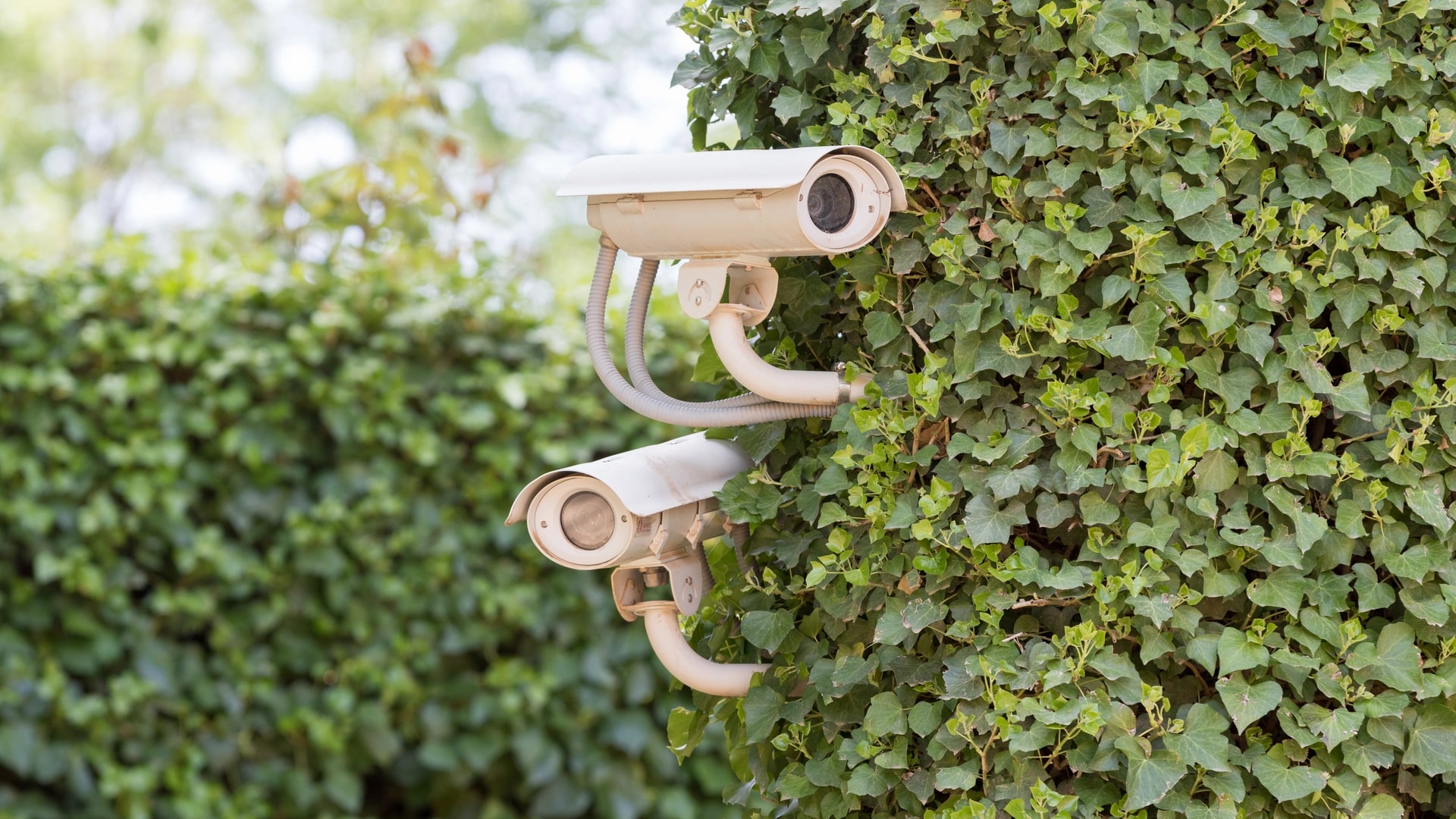
If a sensor is still online but stopped catching people it used to catch, check the lens for dust before anything else. This is a different fault from a sensor that is fully offline. It is still connected and still reporting, just seeing less.
Dubai's dust load does this over weeks. Fine sand settles on any outward-facing lens or housing, and a sandstorm can deliver in one day what a normal month deposits. A partly blocked lens narrows what an infrared or camera sensor can actually see, so the symptom is missed detections rather than an outright failure.
What to check: is the lens or housing visibly dusty or filmed over? Did sensitivity fade gradually rather than stopping suddenly? Is the sensor in an exposed spot such as a gate, a driveway, or an open balcony, rather than a sheltered one?
The fix. Wipe the lens gently with a soft, slightly damp cloth. No abrasive cleaner, no scrubbing, and nothing that could scratch the surface. Then test it by walking past. Make this a seasonal habit, especially after a sandstorm, rather than waiting for a missed detection to remind you. Five minutes, no tools, and it never needs a professional.
Is there fogging or corrosion inside an outdoor enclosure?
Stop and photograph it, then call someone. This is the one problem on this page where the honest answer is that you should look but not touch.
The cause is humidity, not heat. Dubai's summer air carries heavy moisture alongside the temperature. A sealed enclosure that heats up through the day and cools overnight can draw in and trap condensation, especially if a seal, gasket, or cable gland was opened once and never fully reclosed. A device can sit well inside its heat rating and still fail this way, which is why it gets misdiagnosed as an overheating problem.
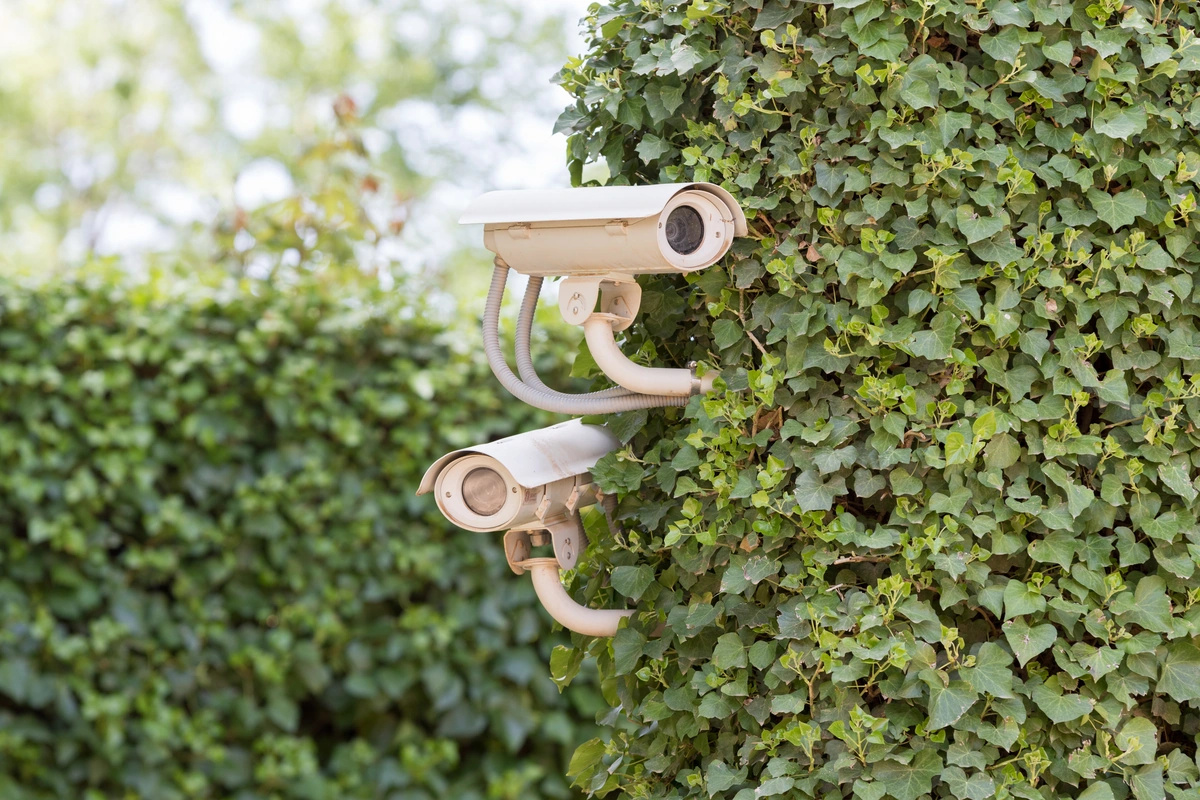
What to check, safely: is there fogging on the inside of a lens or housing? Is a connector showing white or green corrosion? Was the enclosure ever opened for a battery change or a reinstall and possibly not resealed properly? Note when it started and take a photo.
Where the line sits. Looking, photographing, and reporting is yours. Opening a sealed outdoor enclosure, resealing it, or working anywhere near exposed wiring is not. Never work on mains wiring yourself. That is an electrician's job, every time, with no exceptions. Stop using a visibly corroded connector and get it looked at rather than trying to clean it up.
If a seal, gland, or enclosure needs replacing, that is scoped as hardware work by our security and surveillance team or by a licensed electrician, depending on what it is wired to.
What should you do after a DEWA power cut?
Reboot in order and give each step time: internet first, then the hub, then individual devices. Powering everything back at once is why some devices come up confused after a cut.
Not every device reconnects cleanly on its own. A hub that boots before the internet is ready may not find its clock or its cloud service, which is where the schedule drift in the earlier section usually starts. Devices that lost their Wi-Fi credentials or their paired state during the interruption need a manual nudge rather than more waiting.
The recovery order:
- Router and modem. Give them a few minutes to fully boot. Check your phone can load a website before moving on.
- Hub or controller. Wait until its app shows it as connected, not just powered.
- Individual devices. Now check them one at a time. Unplug anything still stuck for 10 seconds, then plug it back in.
- Battery devices last. Sensors on batteries or in weak Wi-Fi spots are the most likely to need re-pairing, and the easiest to miss.
If a wired, professionally installed system such as gate access, pool control, or whole-villa lighting does not come back after that sequence, call your installer. And if a breaker keeps tripping, stop resetting it. A circuit that trips repeatedly is telling you something, and that is an electrician's call, not a smart home fix.
What order should you troubleshoot things in?
Work from the widest fault to the narrowest: network, then hub, then the single device. Here are all twelve problems on one screen, with where each one gets fixed.
| Problem | Likely cause | Fix yourself or call someone |
|---|---|---|
| 1. Whole house offline at once | Network fault | Yourself: follow the nine-step Wi-Fi ladder |
| 2. One device never worked properly | Compatibility mismatch | Yourself: check the seven failure patterns |
| 3. Online but laggy or buffering | Bandwidth or coverage | Yourself: size your real bandwidth need |
| 4. Broke right after an update | App and firmware mismatch | Yourself first. Call your installer if it is still broken after 48 hours |
| 5. App cannot connect, or you are logged out | Cloud outage or account issue | Yourself: wait 30 to 60 minutes, check the brand's status page |
| 6. Battery device silently offline | Flat battery, life shortened by heat | Yourself: replace with the exact battery type in the manual |
| 7. Hub down, and everything paired to it | Hub failure, often heat in a closed space | Yourself: move it into open air. Call an installer if it is in a rack or plant room |
| 8. Automations fire at the wrong time | Clock drift after an outage | Yourself: check the time zone and let the hub resync |
| 9. Scene broke after a rename | Scene still points at the old device name | Yourself: re-add the device to that scene |
| 10. Sensor misses motion it used to catch | Dust or fine sand on the lens | Yourself: wipe the lens with a soft damp cloth |
| 11. Enclosure fogging or a corroded connector | Trapped humidity behind a failed seal | Photograph it yourself. Resealing or rewiring is a professional's job |
| 12. Nothing recovered after a power cut | Wrong reboot order, lost clock or pairing | Yourself: reboot in order. Electrician if a breaker keeps tripping |
From our projects: the two checks that resolve the most calls are the cheapest. Count how many devices are down, and put your hand on the hub. Both take a minute.
What can you fix yourself, and what needs a professional?
Anything involving settings, placement, cleaning, or batteries is yours. Anything involving a sealed enclosure, mains wiring, or a rack-mounted controller is not. That line does not move.
| Task | Safe to do yourself | Call an installer or electrician |
|---|---|---|
| Moving a hub into open air | Yes, if it simply sits on a shelf or in a cabinet | Yes, if it is mounted in a rack, plant room, or ceiling void |
| Rebooting in the right order | Yes, unplug at the socket and wait 10 seconds | No, unless the system does not come back at all |
| Replacing a sensor or lock battery | Yes, using the exact type the manual names | Only for hard-to-reach gate or access hardware |
| Cleaning a dusty lens or housing | Yes, soft damp cloth, no abrasives | Only if it needs a ladder you would rather not climb |
| Checking a brand status page or release notes | Yes, always start here | No |
| Re-adding a device to a broken scene | Yes, a 30-second app job | Only for programmed keypad scenes on a wired system |
| Opening a sealed outdoor enclosure | No | Yes, every time |
| Anything touching mains wiring | No, never | Yes, a licensed electrician only |
| A breaker that keeps tripping | No, stop resetting it | Yes, a licensed electrician only |
| Forcing or sideloading older firmware | No, only a documented in-app rollback | Yes, if the maker offers no rollback |
The mains wiring rule is worth repeating on its own. We never advise a homeowner to open, test, or work on anything connected to mains power. Not a switch plate, not a junction box, not an outdoor enclosure with a live feed. A licensed electrician does that work, and the cost of getting one out is far below the cost of getting it wrong.
How do you stop the same fault coming back?
Most repeat faults come back because the cause was never removed, only the symptom. A hub you rebooted is still in the same hot cupboard, and it will fail again next afternoon.
Three habits prevent most of what is on this page. Give every hub open air permanently, not just after it fails. Wipe outdoor lenses after a sandstorm rather than after a missed detection. Re-test your scenes straight after any rename.
If a fault keeps returning on a wired system, the answer is usually a support arrangement rather than another reboot. Our guide to what a maintenance contract should cover sets out what to ask for in writing. If you would rather avoid the whole list from the start, the 12 mistakes Dubai beginners make is the prevention version of this page.
How Dubai Smart Home helps when troubleshooting is not enough
Once you have worked through the free checks and the fault is still there, call someone. That is especially true for a wired system, a controller built into a rack or plant room, or anything near mains power.
Dubai Smart Home has installed and supported smart systems across Dubai since 2016, with 100+ completed projects and a 4.9/5 rating[9]. Our engineers are in-house and based in Dubai, we do not subcontract, and enquiries are answered within 2 hours in English or Arabic.
Most faults trace back to network design or hardware placement, which is why our home networking work covers both the Wi-Fi and the rack. Outdoor hardware and enclosures sit with our security and surveillance team.
Send us a photo of what is happening and we will tell you whether it needs a visit. Book a free consultation or message us on WhatsApp.