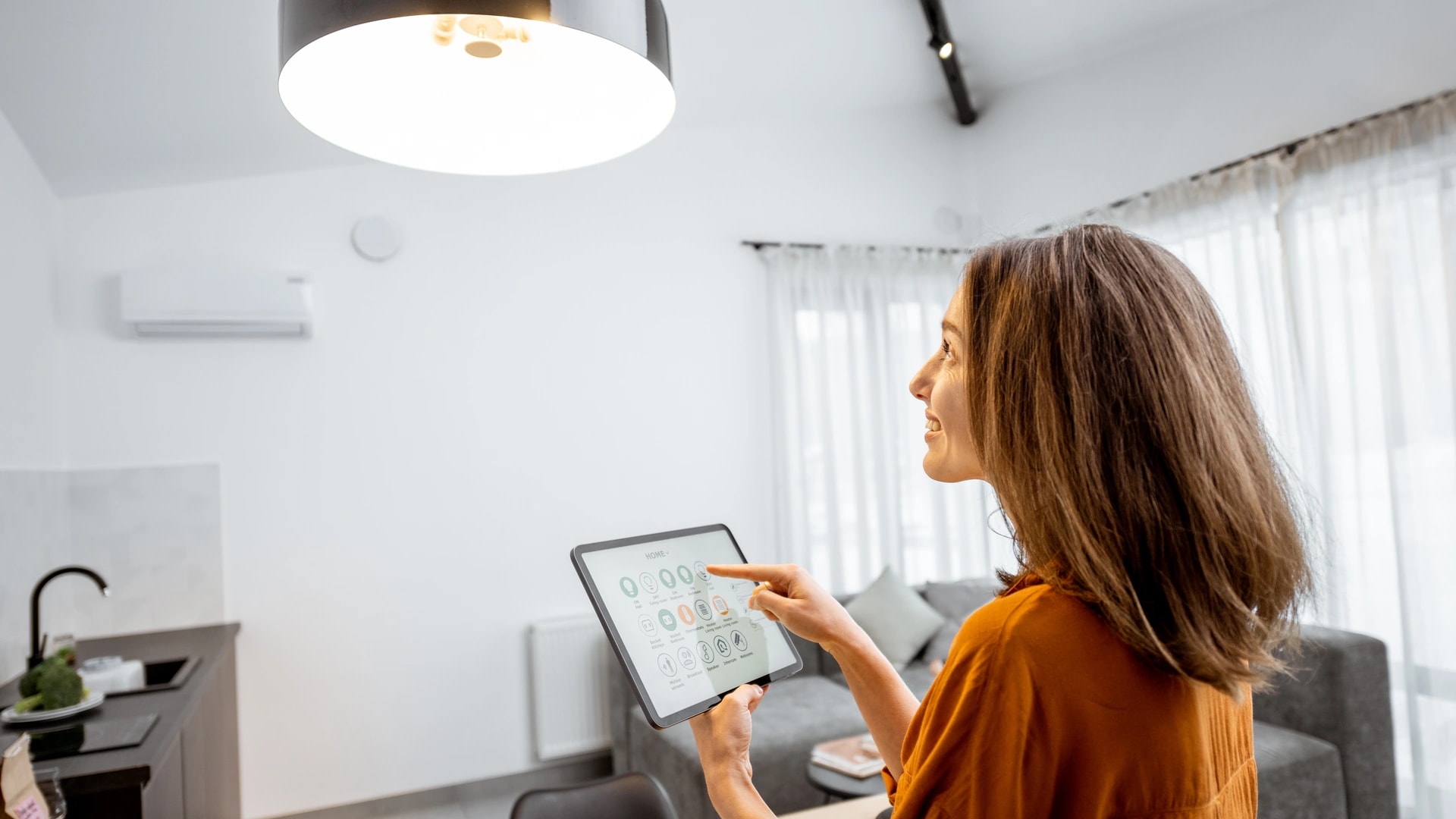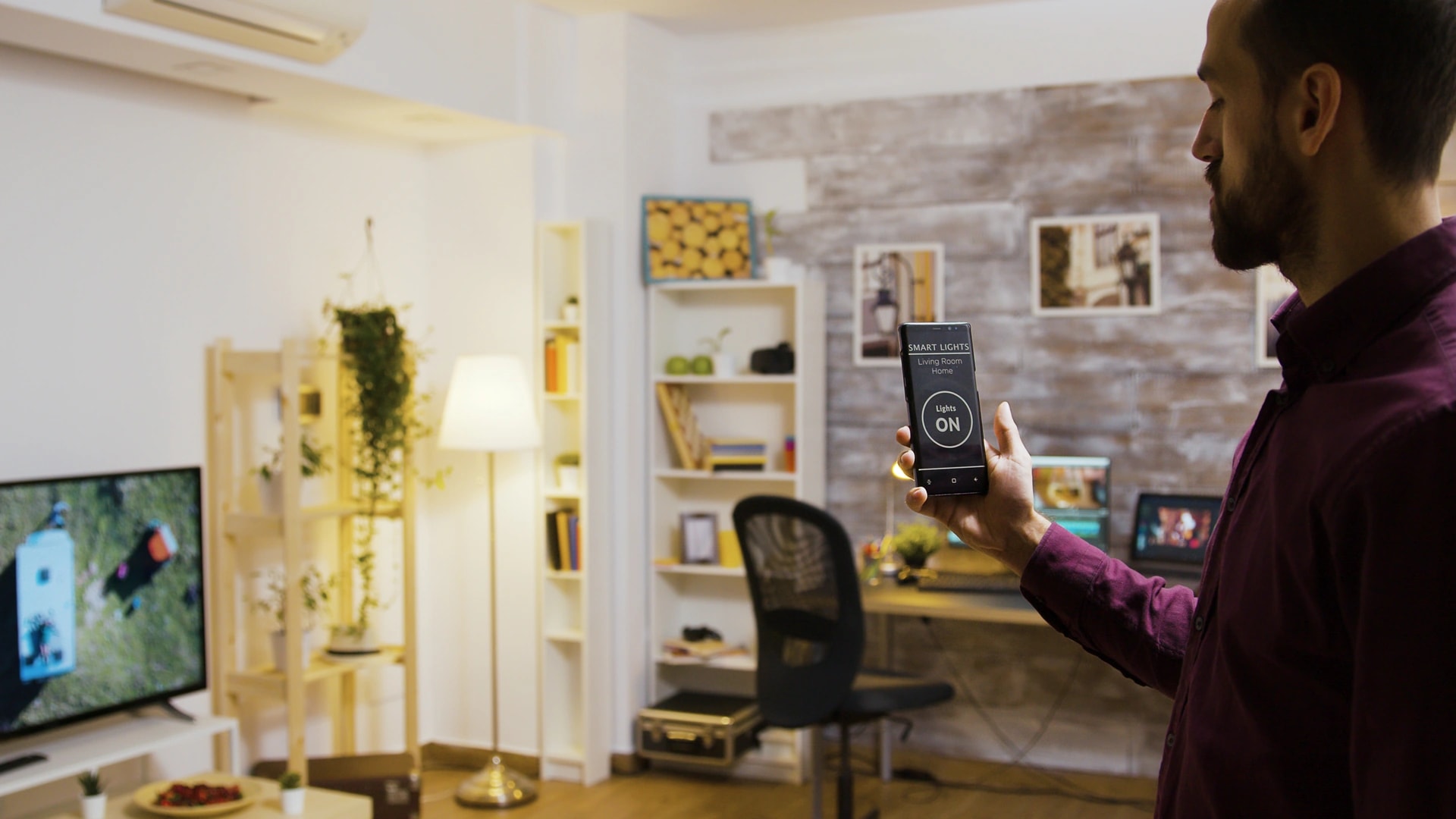
Building a smart home from scratch is really a set of decisions in the right order. Get the order right and every step after it gets cheaper and easier. Get it wrong, and you end up with seven apps, weak Wi-Fi, and a drawer of gear that will not talk to each other.
We install and support smart homes across Dubai, from Marina apartments to Arabian Ranches villas, and we have done so since 2016. This plan is the same sequence our engineers run on a real project, written for one reader: you, starting from nothing. It works whether you rent a studio or are building a villa off-plan.
How do you build a smart home from scratch in Dubai?
Start with your goal and your home type, sort your Wi-Fi before you buy anything, pick one ecosystem, then add one system at a time. Begin with smart AC and lighting, because cooling is the biggest line on a Dubai DEWA bill in summer and smart control cuts it 20 to 30 percent[1][10].
Here is the whole plan in one place, so you can see where you are headed before you spend a dirham.
- Decide your goal and your home type.
- Sort the network, before any device.
- Choose one ecosystem, and check Matter.
- Set your budget by home size.
- Start with one system, usually AC and lighting.
- Phase in security, then shading, then audio and cinema.
- Add scenes and automations once devices are in.
- Decide DIY or a pro at each layer, not once for the house.
Quick take: two forks change the plan. If you are building new, pre-wire during construction, because it is 60 to 70 percent cheaper than a retrofit[10]. If you are renting, the same plan works through a no-drill device tier that comes off clean when you move. Both forks are covered below. For the full picture, our complete smart home guide for Dubai sits above this how-to.
Step 1: decide your goal and your home type
Name the one problem you are solving, then confirm your home type. That single answer decides almost everything downstream, from which devices you buy to whether you need an installer.
Do this first: pick one goal, not a wish list. Most homes start from one of four pains. Comfort, when everything is manual and the flat is too hot. Security, when you travel and want to see the door. Energy, when the DEWA bill stings every August. Convenience, when you are tired of five remotes and a switch in every room.
Then answer three questions about the home. Are you renting or owning? Is it an apartment or a villa? Is it finished, or still under construction? A renter needs the no-drill path. A new-build villa owner has a pre-wire window that closes once the walls go up. An apartment owner in Business Bay has a different first move than a villa owner in Dubai Hills Estate.
Common mistake: buying a smart bulb before answering any of this. Across our projects, spending before deciding what problem you are solving is the most common regret we see. Read the renter path in our rental apartment guide, and the owner path in our villa owners guide.
Step 2: sort the network first, before any device
Fix your Wi-Fi before you buy a single smart device. In Dubai, a device that seems unreliable is usually sitting on weak signal, not broken. This is the step almost every online guide skips, and the one that quietly ruins the most first builds.
Dubai homes are built from reinforced concrete, which blocks Wi-Fi more than the timber-frame homes common in the US or Europe. Dense towers add another problem: in Dubai Marina, JBR, Downtown, Business Bay, JLT, and JVC, dozens of neighboring networks crowd the same 2.4 GHz channels. A single router in the hallway rarely reaches every room cleanly.
The Dubai catch: a mesh Wi-Fi system is the practical fix. A full system runs about AED 300 to 700, or AED 300 to 500 per node, with two to three nodes for a typical one to three bedroom apartment. A roughly 4,000 square foot villa usually needs three nodes: ground floor, first floor, and near the garden or pool. Where you can, run the mesh nodes over Ethernet cable rather than wireless, because wireless mesh links underperform across Dubai concrete. Wi-Fi 6E or 7 adds a 6 GHz band that is far less crowded than 2.4 and 5 GHz, which helps most in a busy tower.
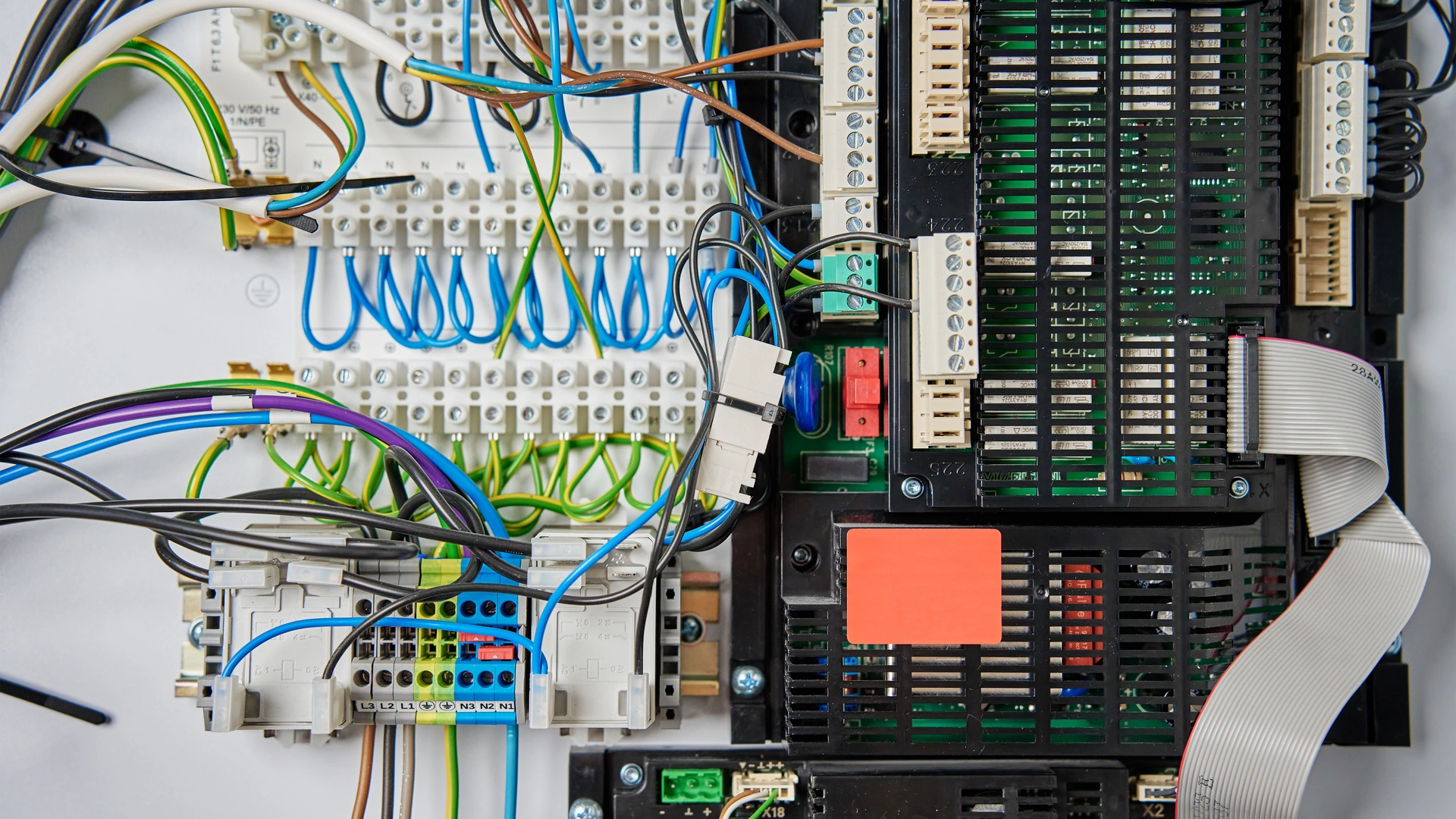
The deeper detail on protocols and coverage sits in our smart home protocols guide for Dubai. If you want the network done right the first time, our home networking and IT team maps coverage before anything else goes in.
Step 3: choose one ecosystem
Pick one platform, Alexa, Google Home, Apple Home, or a professional system, before you buy any device that talks to a hub. Re-buying a device because it sits in the wrong ecosystem is the top regret across every buying guide we have read.
Choose based on the phones and speakers already in the house, and check UAE availability first. Alexa has been officially supported in the UAE since December 2021, with a Khaleeji Arabic build. Apple runs official UAE retail stores. Google has no official Store listing for the UAE. For a villa going the wired route, the choice is a professional platform instead: KNX, Control4, Crestron, or Savant. KNX is a wired system that runs without the internet and lasts 30 years or more.
Whatever you choose, favor Matter devices. Matter is a 2022 standard that lets one device work with Apple, Google, and Amazon together, instead of a separate app per brand. Check for genuine certification on the Connectivity Standards Alliance ledger, because a "works with Matter" label on a box and real certification sometimes differ[2]. Matter devices on Wi-Fi need no hub, just a phone or speaker as a controller. Matter over Thread needs a Thread border router, and many homes already own one without knowing: an Apple TV 4K, a HomePod mini, a Nest Hub, or a current Echo. You do not need to bin existing Zigbee or Z-Wave gear either, since much of it bridges into a Matter network. If the terms are new, our smart home systems explained guide defines each one in plain English.
Step 4: set your budget by home size
Use real Dubai numbers in AED, never a converted US price. A budget without a goal, a network plan, and an ecosystem is just a number. Once the first three steps are done, this table turns them into a plan you can commit to.
| Home size | Typical installed cost (AED) | Time | What it covers |
|---|---|---|---|
| One room (starter) | 2,000 to 5,000 | Same day to 1 day | AC controller, lighting scene, one plug, a hub |
| Full apartment (1 to 3 bed) | 8,000 to 15,000 | 2 to 4 days | Whole-home AC and lighting, leak sensor, doorbell, 1 to 2 locks, mesh Wi-Fi |
| Villa (essentials) | from 30,000 | 5 days plus | Whole-villa AC, lighting, security, basic entry |
| Villa (fully wired) | 150,000 to 250,000+ | 5 to 14 days | KNX or branded backbone plus a premium layer |
Most first-time buyers forget one line: maintenance. Optional ongoing support runs about 5 to 10 percent of the project value a year[10]. For a villa, cost also scales by size, from about AED 40,000 to 150,000 for a mid three to four bed, up to AED 250,000 and beyond for a signature estate. The full breakdown is in our smart home cost guide, and the what-to-buy depth is in our smart home buyers guide.
Want a real figure for your own home? Book a free site visit and quote →
Step 5: start with one system, usually AC and lighting
Start with smart AC control and lighting, not a smart speaker or a doorbell. This is the highest-impact single step in the whole plan, and the one most guides get wrong by telling you to "start with a smart bulb." In Dubai, climate comes first because of the DEWA math.
Smart AC and lighting control cut cooling costs 20 to 30 percent, and cooling is the single biggest line on a summer bill[1][10]. DEWA's own guidance backs the logic: each degree above the 24 C setpoint saves up to 5 percent on AC use, and DEWA recommends a programmable or smart thermostat[1].
Quick math: a villa paying AED 4,000 a month to DEWA in summer can save AED 800 to 1,200 a month once smart AC and lighting control are in[10]. That is roughly a season's worth of payback before you add anything else.
Match the device to your AC type, because the wrong product simply will not control your unit.
- Split or wall unit with its own remote (most apartments, many villa bedrooms): a clip-on infrared controller such as Sensibo, Cielo, Tado, or Aqara. Fully reversible, renter-safe.
- Ducted, central, or VRF (villas, newer blocks): a wired thermostat or a bridging adapter into the AC panel. A landlord sign-off is needed in a rental.
- District cooling (Empower, Emicool, Tabreed, common in Downtown, Business Bay, and JBR): a smart fan coil panel that controls the fan and chilled-water valve. There is no compressor in the apartment, so a standard split-unit controller is the wrong product here[7].
Pair the AC controller with a lighting scene in the same first purchase. Both usually run through one starter hub, and lighting is the device most people say makes a home feel different fastest. The full how-to is in our guide to automating your air conditioning in Dubai, and our smart lighting and climate control service covers the installed version.
Step 6: phase in security, shading, then audio and cinema
Add the next layers in the order of how much pain each one removes, not how exciting it looks. Security basics come second, shading third, and audio or cinema last of the comfort layer.
Security second. Start with the cheap, high-value items: a water leak sensor near the kitchen, laundry, and AC condensate line, then smart locks and a video doorbell or entry camera. For cameras, Dubai's security regulator SIRA sets a sensible bar of 1080p HD minimum with 31 days of stored footage[6]. A private home does not need SIRA registration, but that spec is a good target anyway. This stays inside the earlier budget unless it grows into a monitored system, which our security and surveillance work starts from AED 15,000. Entry gates and staff PINs sit with smart gate and access control.
Shading third. Motorized blinds and curtains save roughly 15 to 20 percent on cooling load on top of the AC and lighting savings[10]. The payback is real, but each window is a bigger single spend, from about AED 2,800, so it fits better as a phase than a first buy. See our motorized curtains and blinds service for the detail.
Audio and cinema last. These are worth doing, and clearly the convenience-not-necessity tier. A single Sonos speaker is a plug-in job. In-ceiling whole-home audio or a Dolby Atmos room from our home cinema team is a planned, wired install, so it belongs after the ecosystem and the basics are settled.
Step 7: add scenes and automations
Add one automation once your devices are in, because a single working rule teaches you what "smart" actually adds beyond a remote. The cheapest way to feel the difference between a smart home and a pile of gadgets is one reliable schedule.
Work through them in payback order. A schedule comes first: a comfort temperature only during the hours you are home, not one setting all day, and it is free. Geofencing comes next, so cooling backs off when the house is empty and resumes before you return. Then night setback, raising the AC a few degrees overnight, which follows DEWA's own guidance of 26 to 27 C or an eco mode while you sleep[1]. In a villa, room-by-room zoning cools only occupied rooms. Last, link a door or window sensor so the AC pauses when a balcony door is left open.
Common mistake: building an elaborate "away" or "morning" scene before any single rule works reliably. One working automation beats five half-configured ones. Our guide to smart home scenes and automations in Dubai shows how to layer them without the mess.
Step 8: decide DIY or a pro at each layer
This is not one yes or no decision. It is a layer-by-layer call you reapply at every step above. The honest answer for most Dubai homes is a hybrid: DIY the wireless devices, hire a pro for the wiring and the whole-home tie-together.
Run a task through four questions. Does it touch fixed wiring, structure, or a shared building system? If yes, use a professional, and for anything DEWA-connected, a DEWA-enrolled contractor. Is it whole-home rather than one room? If yes, that is design work, not a purchase. Do you want one app and one point of accountability? If yes, a pro delivers that. Are you renting or on a starter budget? Start with the no-drill tier either way.
The Dubai catch: DIY electrical work is not illegal here. What is true is that work touching fixed, DEWA-connected wiring should go through a DEWA-enrolled contractor for inspection and sign-off. Skipping that risks a failed inspection or a blocked reconnection, not a criminal charge for touching a switch. The one-line rule: if it needs a drill, a new circuit, or touches a shared system, hire a pro. If it is battery, plug-in, adhesive, or clip-on, DIY genuinely works. The full matrix is in our DIY versus professional smart home guide.
The new-build fork: pre-wire during construction
If you are building or buying off-plan, pre-wiring during construction is the single highest-impact decision in the plan, and it has a deadline. Pre-wiring is 60 to 70 percent cheaper than retrofitting the same scope into a finished home[10]. Once you add opening and re-closing walls around an occupied home, a full retrofit commonly runs two to three times the construction-stage cost.
New-build fork: the real window is roughly 10 days, between first-fix MEP completion and wall close-up. Structured cabling to every room, power circuits at window heads for blind motors, and backing behind the gypsum for keypads and touchscreens all have to happen then. Lock in three decisions before ground breaks: the control platform, the automation scope, and the equipment-room location, which needs its own cooling and cable access.
Not ready to commit to a full system? Ask the builder for the baseline anyway: Cat6A cabling to every room, empty conduit between floors and to a central equipment room, and power at every window head. That preserves most of the pre-wire savings for whatever you add later, at almost no extra construction cost. New Dubai villas increasingly ship pre-wired anyway, since Dubai Municipality's Al Sa'fat green-building system asks new buildings to integrate green systems and technologies[5], part of the wider Digital Dubai push toward smart-ready communities[9]. The full roadmap is in our villa owners guide.
The renter fork: no-drill and removable
A renter builds the exact same plan through a fully reversible device tier. Nothing leaves a mark, and everything travels with you at move-out. This is not a lesser version of a smart home. It is the right version for a rental.
Renters: think in three tiers. The no-ask tier needs zero permission: smart bulbs and plugs, button-pushers over existing switches, infrared AC controllers, stick-on door, window, motion, and water sensors, clip-on curtain motors, a Matter or Thread mini hub, mesh Wi-Fi nodes, and indoor battery cameras. The tell-the-landlord-anyway tier is reversible but worth a note in writing: retrofit smart locks, and any camera that might capture a shared hallway. The ask-first tier is anything hardwired: in-wall switches, a thermostat wired into central AC, or in-ceiling audio.
The deposit math is why this fork matters financially. A no-drill starter kit from AED 2,000 sits in the same range as a typical Dubai apartment security deposit, which is 5 percent of annual rent unfurnished or 10 percent furnished. A fully reversible setup costs about what is at stake in the deposit, so staying wireless in a rental is a genuine, sensible choice. The full device list is in our rental apartment guide.
Your first weekend: a one-room quick start
You can build a real, working starter smart home in two days, for AED 2,000 to 5,000. This is Steps 1 to 5 and 7, compressed into a weekend. One room, one ecosystem, one automation.
| When | What you do | Steps it maps to |
|---|---|---|
| Saturday morning | Name the one problem you are solving, then confirm your home type | Step 1 |
| Saturday afternoon | Check Wi-Fi in the starter room, add a mesh node if there is a dead zone, and pick one ecosystem | Steps 2 to 3 |
| Sunday | Buy within AED 2,000 to 5,000: an AC controller for your AC type, a few smart bulbs, one plug | Steps 4 to 5 |
| Sunday evening | Set up the app, connect Wi-Fi, run one schedule: AC off at work, on before you get home | Step 7 |
By Sunday evening you have a working one-room system built in a single weekend. A professionally installed one-room starter costs the same AED 2,000 to 5,000, just on a same-day appointment instead of a DIY weekend.

The 3 to 6 month roadmap
If you want to go past one room, expand in phases, not all at once. The key promise: you can stop after any phase and still have a worthwhile system. Month 1 alone already delivers most of the day-to-day DEWA and convenience value.
| Phase | What goes in | Cost anchor (AED) |
|---|---|---|
| Month 1: quick wins | Smart AC and lighting across every room, a leak sensor, a doorbell or camera, one or two locks | Apartment 8,000 to 15,000; villa from 30,000 |
| Months 2 to 3: backbone or comfort | Villa: KNX or a branded controller, villa-wide shading, a wired network. Apartment: motorized shading, wider mesh, more automations | Fully wired villa 150,000 to 250,000+ |
| Months 4 to 6: premium layer | Home cinema, whole-home audio, pool and outdoor, energy and solar, wellness, added only if wanted | Priced per system |
From our projects: in a villa, Months 2 to 3 are where a wireless pile of gadgets becomes a real system, and where DIY buying correctly turns into commissioning an installer. In an apartment, the same window is the comfort layer: shading for the main rooms, wider mesh, and the automations from Step 7.
Dubai realities to plan around
A handful of Dubai-specific facts change what you buy. None are dealbreakers, but each one saves a wrong purchase.
- Heat. Dubai summer air regularly passes 45 C. Many consumer smart locks are rated only to 40 to 50 C, so for an outdoor lock look for a 60 to 70 C rating, a metal body, and an IP65 or higher rating[8]. Outdoor cameras want a verified IP67 rating. This is a spec check, not a brand claim.
- DEWA has no time-of-use window. DEWA bills on a flat slab tariff, so automation in Dubai is about cutting total use, not shifting it to a cheaper hour[1]. Scheduling still pays, it just pays differently than in some other markets.
- District cooling is not a normal split. An Empower, Emicool, or Tabreed apartment has a fan coil unit with no in-unit compressor, so a split-unit controller is the wrong product[7]. A smart fan coil panel controls the fan and valve instead.
- Community NOC for villas. Anything externally visible in a gated community, like a boundary-wall camera, usually needs a developer or owners-association sign-off. Nakheel guidelines, for example, restrict cameras to the inner boundary-wall face. Check your community before finalizing camera placement.
- TDRA and imports. Buying through UAE retail such as Amazon.ae, Noon, Sharaf DG, or Jumbo clears type approval already[4]. The exposure is personally importing an unregistered device from overseas.
- Region-locked gear. The UAE runs Z-Wave on 868 MHz, not the 908 MHz band used in the US, so a US-bought Z-Wave device may not work at all[3]. A US-region Echo also loses features and local warranty. Buy UAE-market for anything with a radio.
Common first-timer mistakes
Four mistakes cause most of the pain we get called in to fix. All four are avoidable by following the order above.
Common mistake: buying gadgets before choosing an ecosystem. This is the direct cause of the "I need seven apps to control my house" complaint. The second is skipping Wi-Fi planning, which makes perfectly good devices seem unreliable. The third is over-buying, filling a cart with 20 devices before a single automation works. The fourth is no plan at all, adding whatever looks good this month until nothing connects to anything else.
The fix for all four is the same: decide, sort the network, pick one ecosystem, then add one system at a time. One reliable automation on top of AC and lighting already delivers the core value. You need fewer devices than you think.
How Dubai Smart Home builds it with you
Dubai Smart Home runs this exact sequence on real Dubai projects. We map the home, plan for the DEWA saving first, then phase the rest so you spend in the right order and never pay twice. One app, one integrated system, hardware chosen to last.
Our engineers are in-house and based in Dubai, and we do not subcontract. Every system works in English and Arabic, so everyone in the house can use it. We have completed 100+ projects since 2016 and are rated 4.9/5 by Dubai homeowners, and sales enquiries are answered within 2 hours. When a villa needs a wired backbone, or an apartment needs the network done right, that is design work we do end to end.
Ready to build yours in the right order? Book a free site visit and quote → or message our team on WhatsApp →. Tell us your home type and your one goal, and we will map the first phase with you.