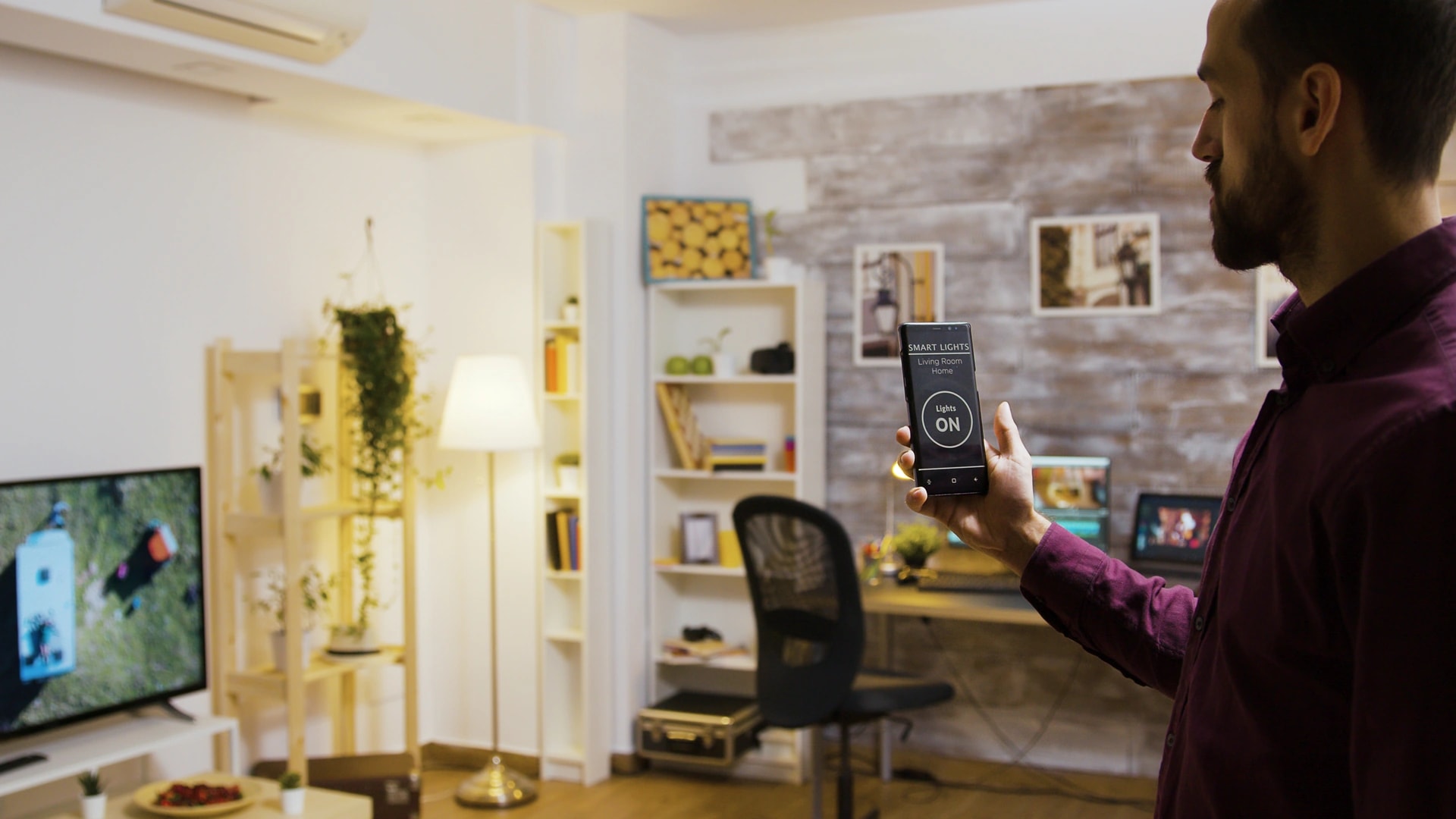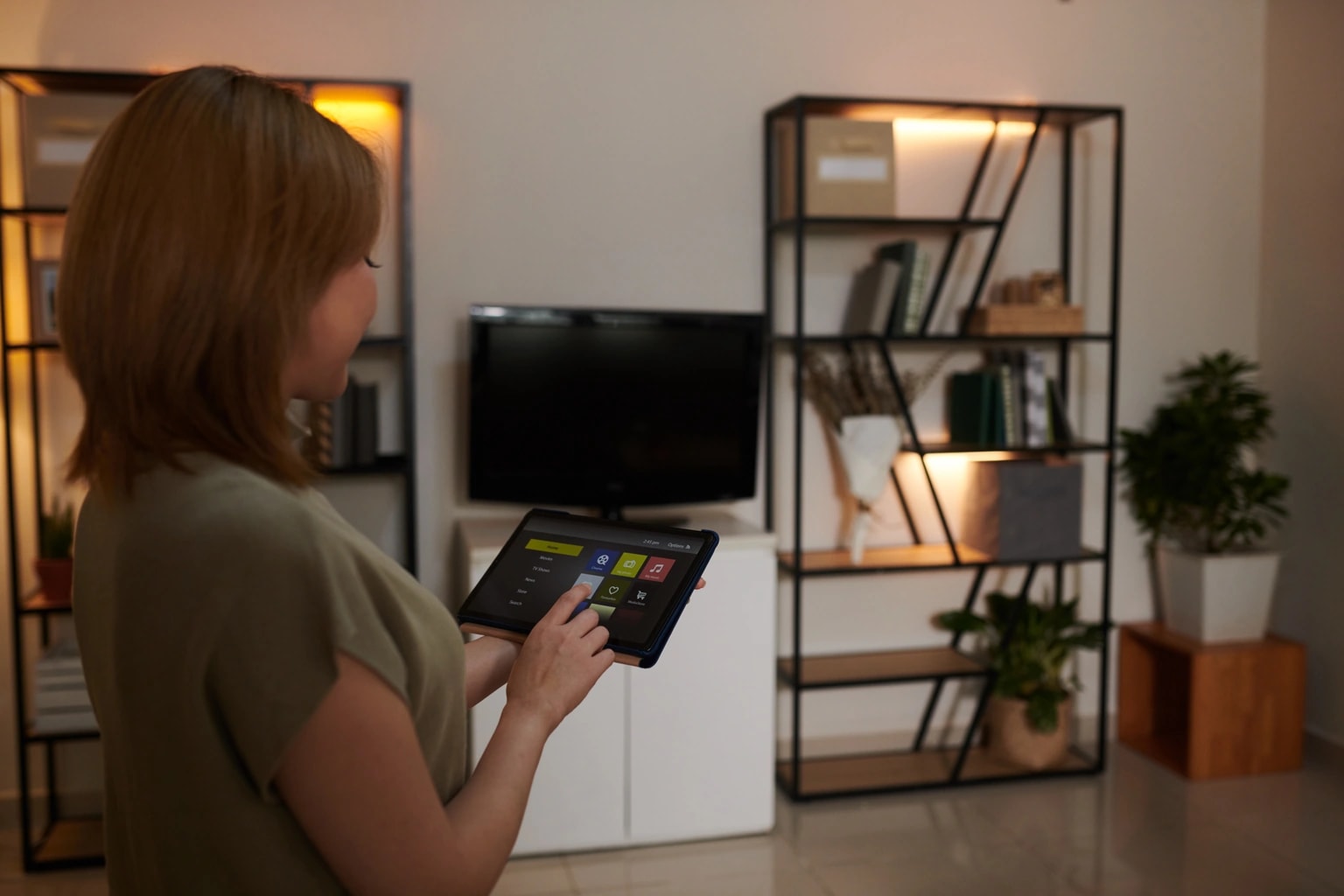
If you are new to this, the words can be the hardest part. Hub, Zigbee, Matter, ecosystem, protocol. This guide skips the jargon and answers the plain questions first: what a smart home is, what the pieces do, what it costs in Dubai, and where to start. You can read it start to finish, or jump to the part you need.
We install and support smart homes across Dubai, from Marina apartments to Dubai Hills villas, and we have done so since 2016. So every example here is written from the install side, not from a brochure. When you want the deep version of any topic, we point you to our complete smart home guide for Dubai and the focused articles that sit under it.
What is a smart home?
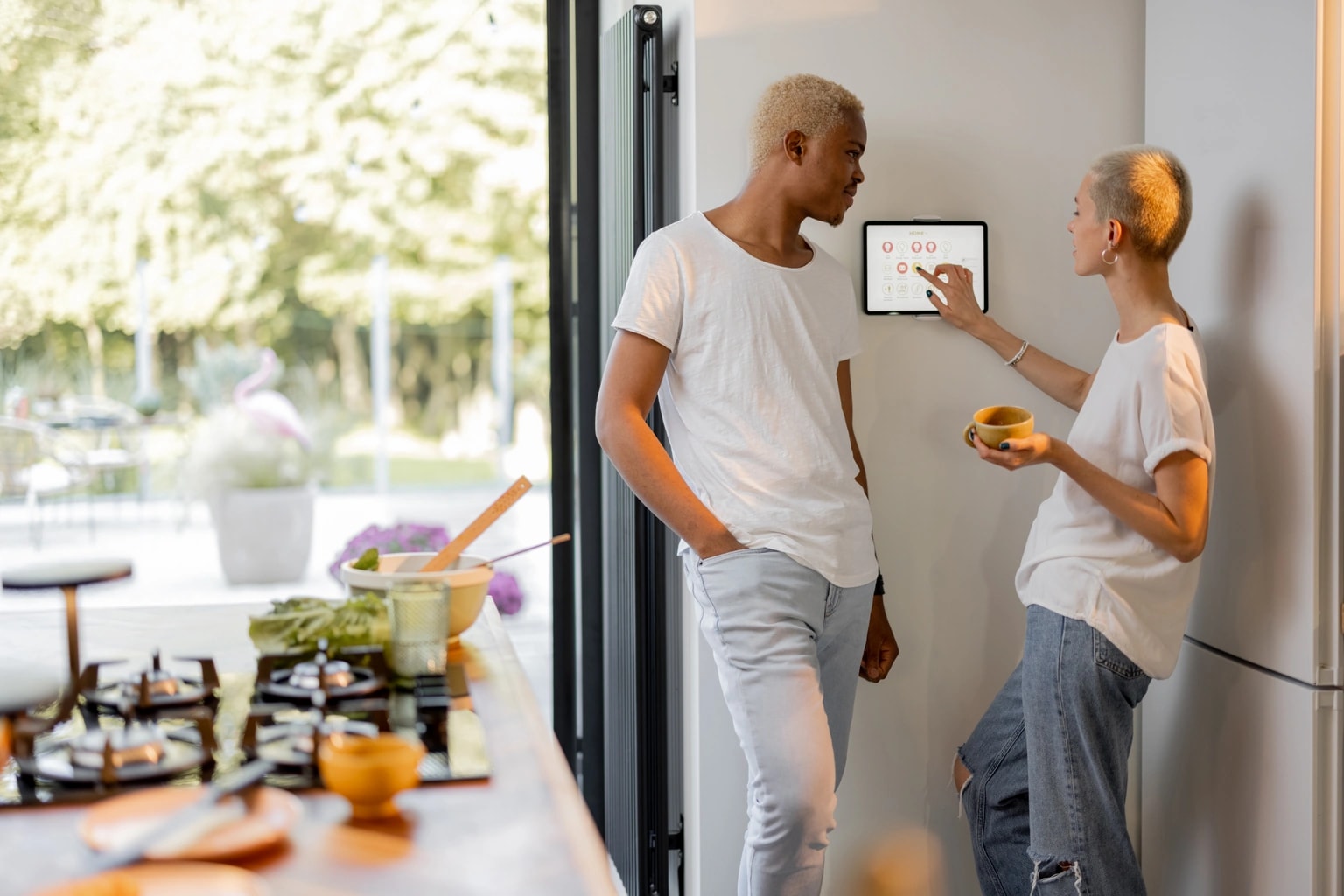
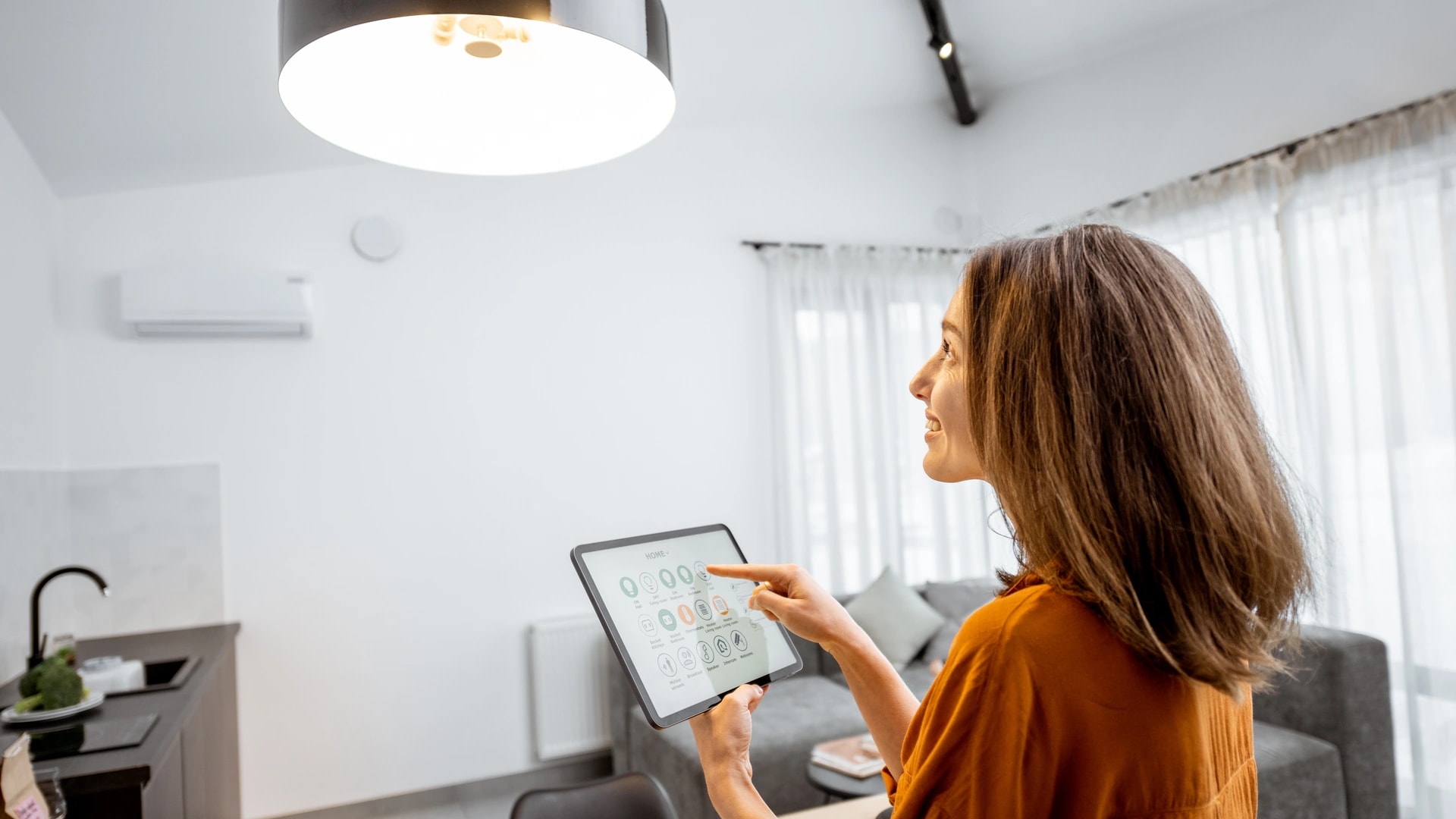
A smart home is a home where devices like lights, AC, cameras, locks, and curtains connect to one network, so you control and automate them from a phone, a wall panel, or your voice[1][3]. Instead of a separate switch or remote for each thing, they work as one system.
In plain English: it is not about how many gadgets you own. It is about whether they talk to each other and run from one place. One smart bulb on its own is a gadget. That bulb, your AC, and your front door on one app is a smart home.
You may also hear "connected home" or "IoT home". These are just other names for the same idea: everyday devices linked to the internet or to each other, controlled from one place[3]. The name changes. The meaning does not.
Smart home vs home automation: the difference
A smart home is about control. Home automation is about things happening on their own[2]. Locking your door from an app is smart-home control. The same door locking itself every night at 10pm, with nobody touching it, is home automation.
Here is the simple rule: all home automation is smart, but not every smart home is automated[2]. You can have full remote control and zero automation. Or you can add automation slowly, one rule at a time.
Quick take: when you are starting out, the difference rarely matters. What matters is whether one app or one voice command runs your lights, AC, and curtains, and whether at least one thing now happens without you lifting a finger.
The 5 building blocks of any smart home
Every smart home, big or small, is made of the same five parts. Once you know these, the rest of this guide clicks into place.
- Devices and sensors. The things doing the work: a smart bulb, a camera, a smart lock, a smart plug. A sensor notices something (motion, an open door, a temperature change). A device acts on it (a light turns on, a lock engages).
- A hub or controller. The translator that lets devices from different brands and different wireless types work as one system, instead of living in separate apps. Not every setup needs one, and we cover that next.
- The network. Usually your home Wi-Fi, the same connection your phone and laptop use. Some devices use other wireless types that need a hub to bridge them onto that network.
- An app. The screen where you see and control everything. The goal is one app, not five.
- Voice and automation. The hands-free layer on top: a voice command, or a rule that runs by itself, like a schedule or a sensor trigger.
Beginner tip: most people start with just three of these. Devices, a network, and an app. You add a hub and automation later, when the setup grows.
Do you actually need a hub?
Not for one or two devices from one brand. Most single smart bulbs or plugs connect straight to your Wi-Fi and their own app, no hub needed. You start to need one once your setup grows.
A hub is a small device (or a piece of software) that lets your smart devices talk to each other and to one app, even when they use different wireless types or come from different brands. Without one, each brand tends to live in its own separate app. That is exactly how a household ends up with the "seven apps" problem.
You start to want a hub once you add a second brand, a battery-powered sensor or lock, or you simply want everything on one screen and one voice command. Here is the short version of when a hub earns its place.
- No hub needed: one or two Wi-Fi devices from a single brand.
- A hub helps: mixed brands, battery sensors and locks, or one dashboard for the whole home.
- Good news for 2026: many newer devices work with a phone or a smart speaker acting as the controller, so the hub question is smaller than it used to be.
Want to know which wireless type each device uses, and why it matters for hubs? Our guide to how smart home devices talk to each other breaks it down.
How do smart devices talk to each other?
Smart devices connect over a few different wireless types, plus one wired option. You do not need to memorise them. You just need to know they exist, so a shop or an installer cannot baffle you. Here is one plain line each.
- Wi-Fi: what your phone already uses. No hub needed. Fine for a few devices, but it drains batteries fast, so it suits things that stay plugged in, like cameras and speakers.
- Zigbee: a wireless mesh built for small, battery-powered gadgets. It needs no drilling, and batteries last years. Every mains-powered device also passes the signal along, so the network gets stronger as you add more.
- Z-Wave: Zigbee's close cousin, on a less crowded radio channel that reaches through walls a little better. In the UAE it runs on the European frequency (868 MHz), not the US one, so check before you buy gear online.
- Thread: a newer, low-power mesh that speaks the internet's own language, so devices can talk to each other directly. It needs a small bridge you may already own, since many recent Apple TVs, HomePods, Nest Hubs, and Echo speakers include one.
- Matter: a shared standard from 2022[4]. It is not a wireless type. It is a common language that rides on top of Wi-Fi, Thread, or a wired connection, so one Matter device works with Apple, Google, and Amazon together.
- Bluetooth: the same short-range tech that pairs your phone to headphones. Many smart locks use it for direct phone-to-lock control, though you still need a hub for remote access.
- KNX: the wired option, mainly for villas. It runs without the internet at all, and lasts 30 years or more.
In plain English: Wi-Fi, Zigbee, Z-Wave, and Thread are the roads the signal travels on. Matter is a shared language spoken on those roads. Before Matter, you had to check whether a device worked with your system before buying. Matter removes most of that worry.
The main smart home systems, explained
These are the nine systems a beginner meets first. Each one solves a real problem, not a made-up one. The table gives you what each system does and what it fixes, then we add a note on where the money and the savings sit.
| System | What it does | What it solves |
|---|---|---|
| Smart lighting | Control lights from an app, a keypad, or voice; dim them or set scenes and schedules. | Walking into a dark home, lights left on, setting a mood without flipping five switches. |
| Smart AC and climate | Set the temperature room by room, and adjust it automatically when you leave or return. | Cooling empty rooms and paying for it, the single biggest line on a Dubai summer bill. |
| Security and cameras | Cameras and alarms you check from your phone, with footage saved. | Not knowing who is at the door, wanting proof if something happens, checking in while away. |
| Smart locks and access | Open your door with a code, an app, or a fingerprint; add gate and intercom control for a villa. | Lost keys, giving a cleaner or guest one-time access, knowing who came and went. |
| Smart blinds and curtains | Motorized curtains and blinds that open and close on an app or a schedule. | Blocking the sun before it heats the room, which saves on cooling as well as being handy. |
| Whole-home audio | Music in one room or every room, from one app, including built-in ceiling speakers. | The same playlist everywhere, or music in the majlis and garden without new wiring by you. |
| Robot helpers | Robot vacuums and mops that map your home and clean on a schedule. | Daily floor cleaning without you doing it, useful against Dubai's dust. |
| Energy monitoring | See how much electricity your home or a single device uses, in real time. | Finding out what is driving your bill up, usually the AC, before the bill arrives. |
| Voice assistants | Control lights, AC, or locks by talking, in English or Arabic. | Hands-free control, and access for anyone who does not want to learn an app. |
Start here: if you want savings, begin with climate. Smart AC and lighting control cut cooling costs 20 to 30 percent[5][9], and cooling is the biggest part of a Dubai bill in summer. Motorized blinds add roughly 15 to 20 percent on top, by blocking heat before it builds up[9].
On security, a clear and honest benchmark to aim for is 1080p HD video with 31 days of stored footage, the standard Dubai's security regulator sets for regulated premises[6]. Private homes do not need SIRA approval for their own cameras, but that benchmark is a sensible one for a home too. Our SIRA CCTV guide explains what applies to a private villa.

Three more systems sit further down the list for most beginners: a dedicated home cinema, pool and outdoor automation, and wellness features like circadian lighting and sauna control. These are worth adding later, once the basics are in.
How voice assistants fit in
A voice assistant is the talking layer on top of your smart home, not the smart home itself. It lets you say "turn off the lights" instead of opening an app. There are three main ones, and here is the one-line version of each.
- Amazon Alexa: officially supported in the UAE since December 2021, with a Gulf-Arabic voice, not a workaround.
- Google Home: works in the UAE in practice, though Google has no official UAE store listing, so setup uses a supported-country step.
- Apple Home and Siri: the most private option, since commands run through a hub in your own home, and it is sold through official Apple stores in the UAE.
Quick take: you do not need voice to have a smart home. A good setup still works from the wall switch and the app if the voice assistant or the internet is down. For the full comparison, see our guide on Alexa vs Google Home vs Apple HomeKit for Dubai.
What does AI actually add?
Right now, not much for a beginner. The honest version is that AI in the home is still early. It can group your devices more cleverly, suggest routines, and answer in a more natural way, but the headline AI features are not the reason to buy.
The Dubai bit: the newest AI upgrades from the big names, like Amazon's Alexa+, Google's Gemini for Home, and Apple's next Siri, are not fully available in the UAE as of 2026. So do not pick a system today based on an AI feature you cannot use here yet. If you want the current, honest picture, read our guide on AI smart homes in Dubai.
Wired vs wireless: which suits you?
Wireless suits most renters and finished apartments. Wired suits villas and new builds. Neither is better in the abstract. The right one depends on your home and whether you can open the walls.
| Option | How it connects | Best for | Works if Wi-Fi drops? |
|---|---|---|---|
| Wireless mesh (Zigbee, Z-Wave, Thread) | Battery or plug-in devices, no drilling, a hub ties them together. | Renters, finished apartments, and anyone starting small. | Yes, if the hub processes commands locally. |
| Wi-Fi | Devices connect straight to your router, no hub. | A handful of plugged-in devices like cameras and speakers. | Often no, since many Wi-Fi gadgets rely on the internet. |
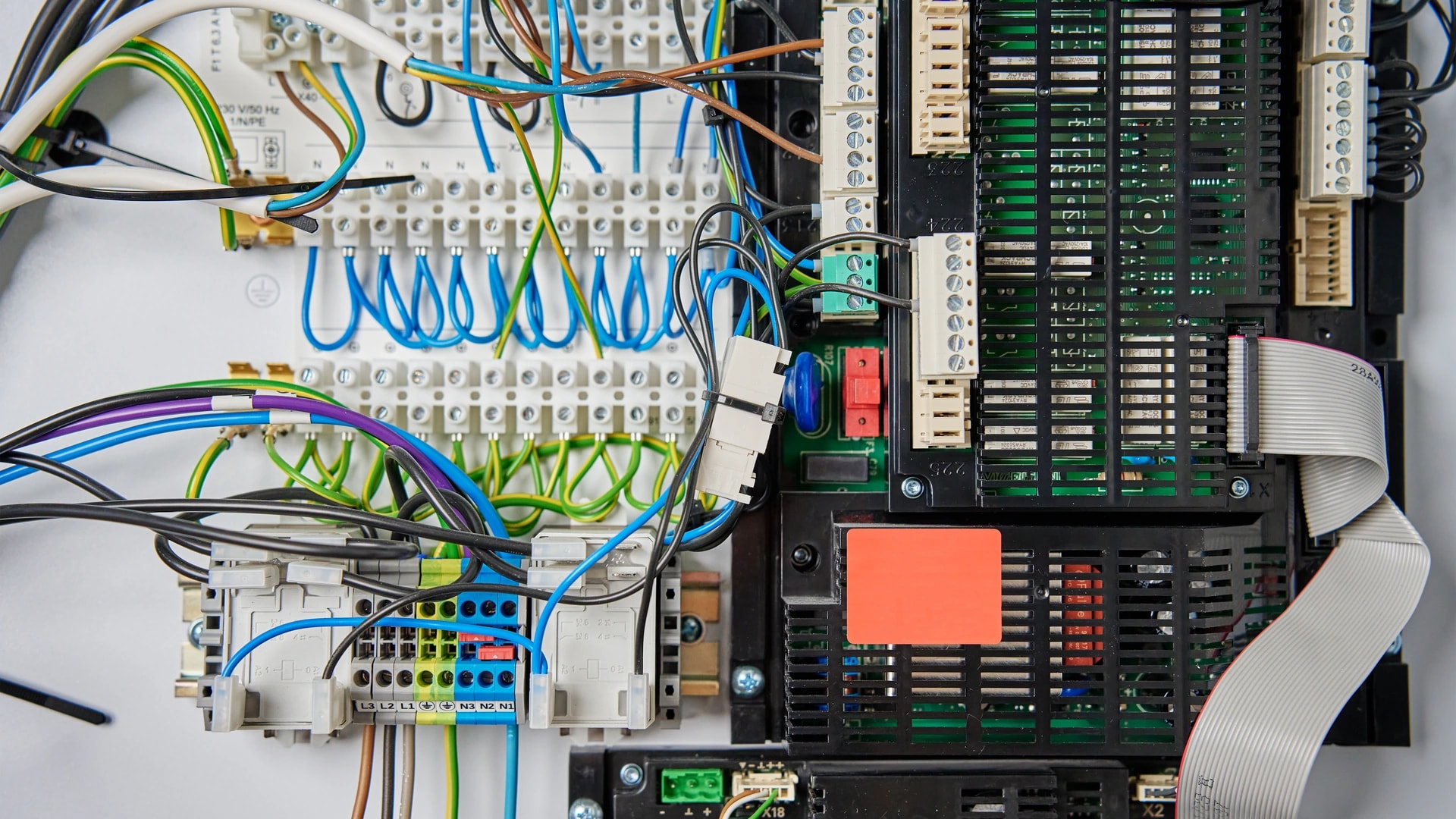
| Wired (KNX) | A cable backbone run through the walls during a build. | Villas and new builds that want a system lasting decades. | Yes, KNX runs with no internet at all. |
In plain English: if you rent, go wireless so everything comes off clean when you move. If you own a villa, especially one still being built, a wired KNX backbone is worth it, because the switches, AC, and scenes keep working even when the Wi-Fi drops. A well-planned home network matters either way, and our home networking work often comes first, since a smart home is only as steady as the Wi-Fi under it.
Does a smart home work in Dubai?
Yes, and Dubai is one of the better places for it. The heat, the DEWA bill, and the mix of new villas and rented apartments all make a smart home pay off, as long as it is set up for local conditions.
The Dubai bit: cooling is the biggest line on your DEWA bill in summer[5]. Smart AC and lighting control cut that 20 to 30 percent, and a villa paying AED 4,000 a month can save AED 800 to 1,200 a month[9]. That is the number one reason to start with climate, not lighting.
Two local realities shape the install. First, Dubai's concrete walls are harder on wireless signal than the timber-frame homes common elsewhere, so a villa usually needs a mesh Wi-Fi system, not one router. Second, dense towers in Marina, JBR, and Business Bay add Wi-Fi congestion from dozens of nearby networks. Both are solved with a proper network plan, which is why Dubai and UAE guidelines treat smart-ready wiring as part of modern buildings[7]. New communities are increasingly built smart-ready as part of the wider Digital Dubai push[8].
Renting or owning is the first fork in the road. A renter should go fully reversible and wireless, with nothing that leaves a mark or needs the landlord's sign-off. An owner, especially of a new villa, should plan the wiring before the walls close. Our guides for renters in a Dubai apartment and Dubai villa owners go deeper on each path.
What does it cost to start?
You can start a smart home in Dubai for about AED 2,000. You do not need a whole-home system on day one. Here are the typical installed prices, including the hardware, the wiring, the setup, and the app[9].
- One room (starter): AED 2,000 to 5,000, usually done the same day or in a day.
- Full apartment (1 to 3 bedrooms): AED 8,000 to 15,000, over 2 to 4 days.
- Villa (essentials): from AED 30,000.
- Villa (fully wired): AED 150,000 to 250,000 and up.
Beginner tip: if your home is still under construction, ask about the pre-wire window now. Pre-wiring during a build is 60 to 70 percent cheaper than retrofitting a finished home[9], and once the walls close, that discount is gone. For the full breakdown by home size, read our smart home cost guide for Dubai.
Want a real number for your home instead of a range? Book a free site visit and quote →
Should you DIY or hire a pro?
DIY suits a single room or a handful of devices. A professional is worth it once you want a whole-home system, mixed brands, or anything wired. Here is the honest split, from someone who installs both kinds.
DIY means buying and setting up devices yourself, using each maker's app. It costs less upfront and works well for a bulb, a plug, or a camera. The catch is that mixing brands with no plan is exactly how the "seven apps" mess starts.
Professional installation means a technician checks your home first, the layout, the wiring, the Wi-Fi coverage, then sets up and unifies everything behind one app or panel. It costs more upfront, but it is the steadier route for a full home, motorized shading, structured cabling, or a real security system. For a top-end wired villa, dedicated luxury systems like Control4, Crestron, and Savant sit in this bracket too.
Common myth: that you have to be tech-savvy to run any of this. You do not. If you can install an app and connect to Wi-Fi, you can run a modern smart-home device. The part that trips people up is not the device, it is planning how the pieces fit together, which is the part a good installer handles.
Common beginner myths, answered
Most fears about smart homes come from a few myths. Here are the five we hear most, with a straight answer to each.
"It is too complicated." Most devices are built for a 10-minute app setup. The complexity beginners actually hit is mixing brands with no plan, which a single ecosystem or an installer avoids.
"It is only for rich people." A one-room starter setup runs AED 2,000 to 5,000, installed the same day or in a day[9]. The myth comes from picturing a full villa as the only way in. Most smart homes start with a light, a plug, or a room.
"Everything needs rewiring." Wrong for most homes. Zigbee, Z-Wave, and Wi-Fi devices are wireless and battery-powered, with no drilling, which is why they suit renters and retrofits. Rewiring with KNX is a villa or new-build choice, not a rule.
"It becomes a dumb home when the internet drops." This is real for cloud-only gadgets, not a made-up fear. A 2025 outage knocked some popular cameras offline in the US. The fix is simple: a wired KNX backbone, or a hub that runs locally, keeps working without the internet, and a wall switch always works because it never needed the internet.
Before you buy any device, ask one question: does this still work if my internet is down? A wired backbone or a local hub answers yes. A cheap cloud-only gadget answers no.
"You need seven apps." This is a real, named problem called fragmentation. Homes that buy from many brands with no plan end up running five to ten apps. The fix is to pick one ecosystem from the start, favour Matter-certified devices, or have an installer unify everything behind one dashboard.
Where to start: your first steps
Do not try to do the whole house at once. Pick one room or one problem, get it working, then grow. Here is the order we give first-time buyers in Dubai.
| Step | What to do | Why it matters |
|---|---|---|
| 1. Pick one room or problem | A dark hallway, a high AC bill, or a lock you keep worrying about. | A small win teaches you what smart control feels like, cheaply. |
| 2. Decide renting or owning | Go wireless and reversible if you rent; plan wiring if you own a new villa. | This one question decides almost everything downstream. |
| 3. Start with climate or security | Climate first if you want savings, security first if you want reassurance. | These two give the biggest payoff for most Dubai homes. |
| 4. Pick one ecosystem | Choose Apple, Google, or Amazon, and favour Matter-certified devices. | It keeps you out of the seven-apps trap from day one. |
| 5. Budget in AED, not US prices | One room AED 2,000 to 5,000; a full apartment AED 8,000 to 15,000. | US starter-kit prices do not match Dubai install costs. |
| 6. Check the pre-wire window | If the home is being built, plan the wiring before the walls close. | Pre-wiring is 60 to 70 percent cheaper than a later retrofit. |
| 7. Add one automation | Set a single rule, like lights off after 10 minutes of no motion. | It shows you what smart adds beyond plain remote control. |
Prefer to ask a person before you spend anything? Message an engineer on WhatsApp →
How Dubai Smart Home helps beginners
We are built for first-timers, not just big villas. We start you small, keep you on one app, and support you in English and Arabic. Our engineers are in-house and based in Dubai, and we do not subcontract the install.
Since 2016 we have completed 100+ projects across Dubai villas and apartments, and we are rated 4.9/5 by homeowners. We install and support 12 smart-home systems, so we can start you with a single room and grow the home at your pace. Sales enquiries are answered within 2 hours, and support runs 24/7, so the installer does not vanish after setup.
The straight advice we give every beginner is the same: pick one room, start with climate or security, choose one ecosystem, and add automation once the basics work. If you want a plan mapped to your own home, that is what a site visit is for. We are Dubai Smart Home, and you can start with one room.
Ready to take the first step? Book a free site visit and quote → or message our team on WhatsApp →. We answer within 2 hours.