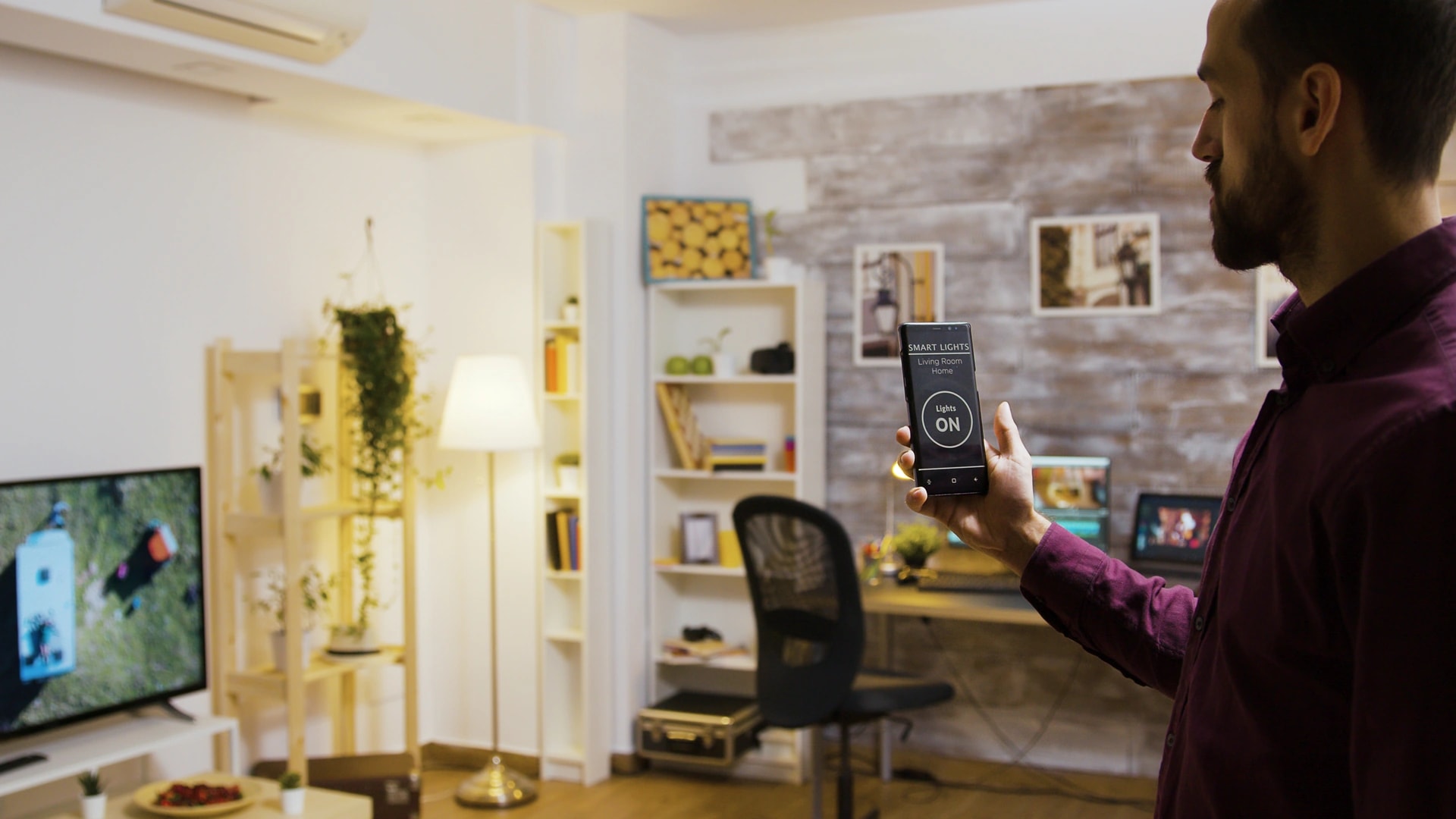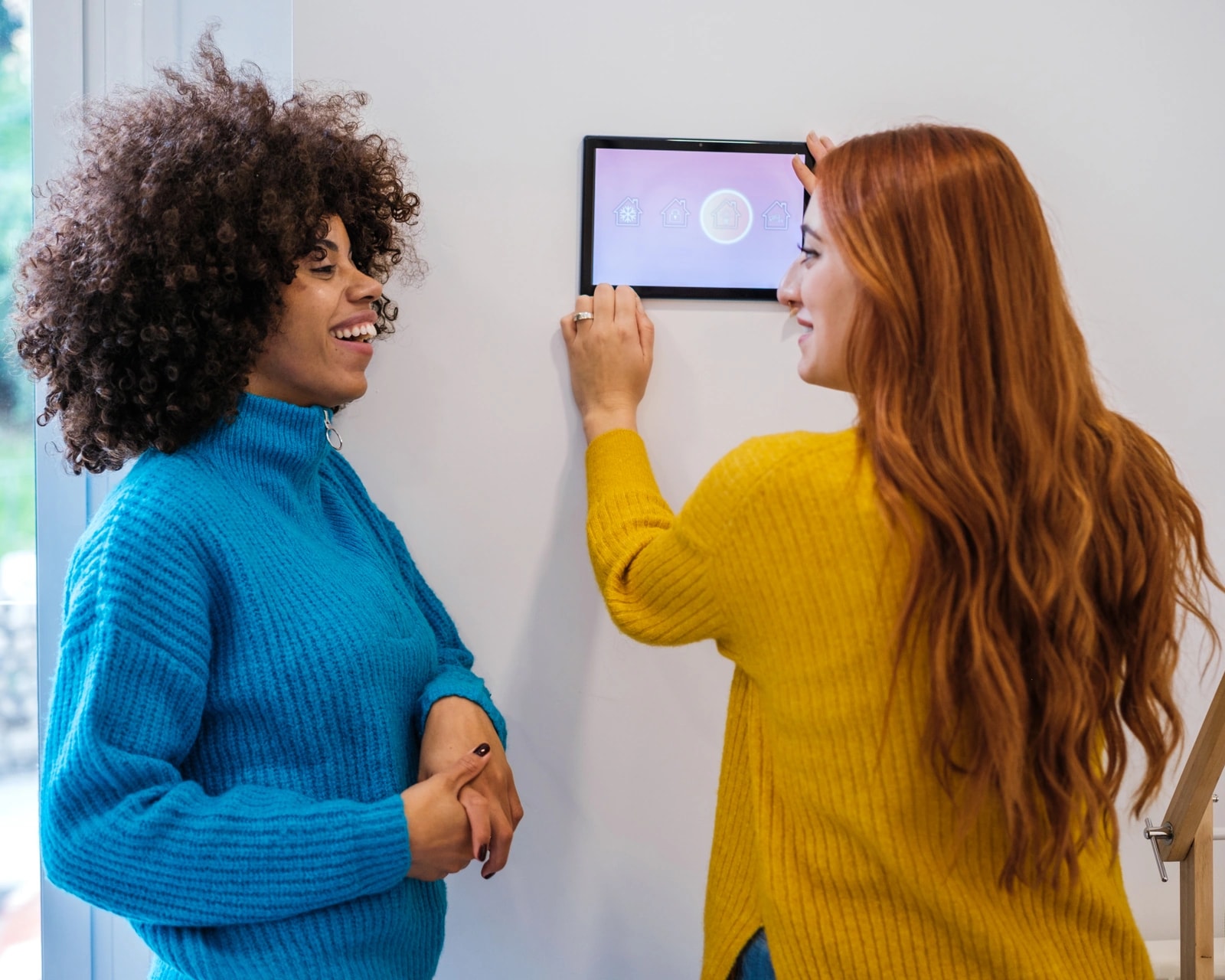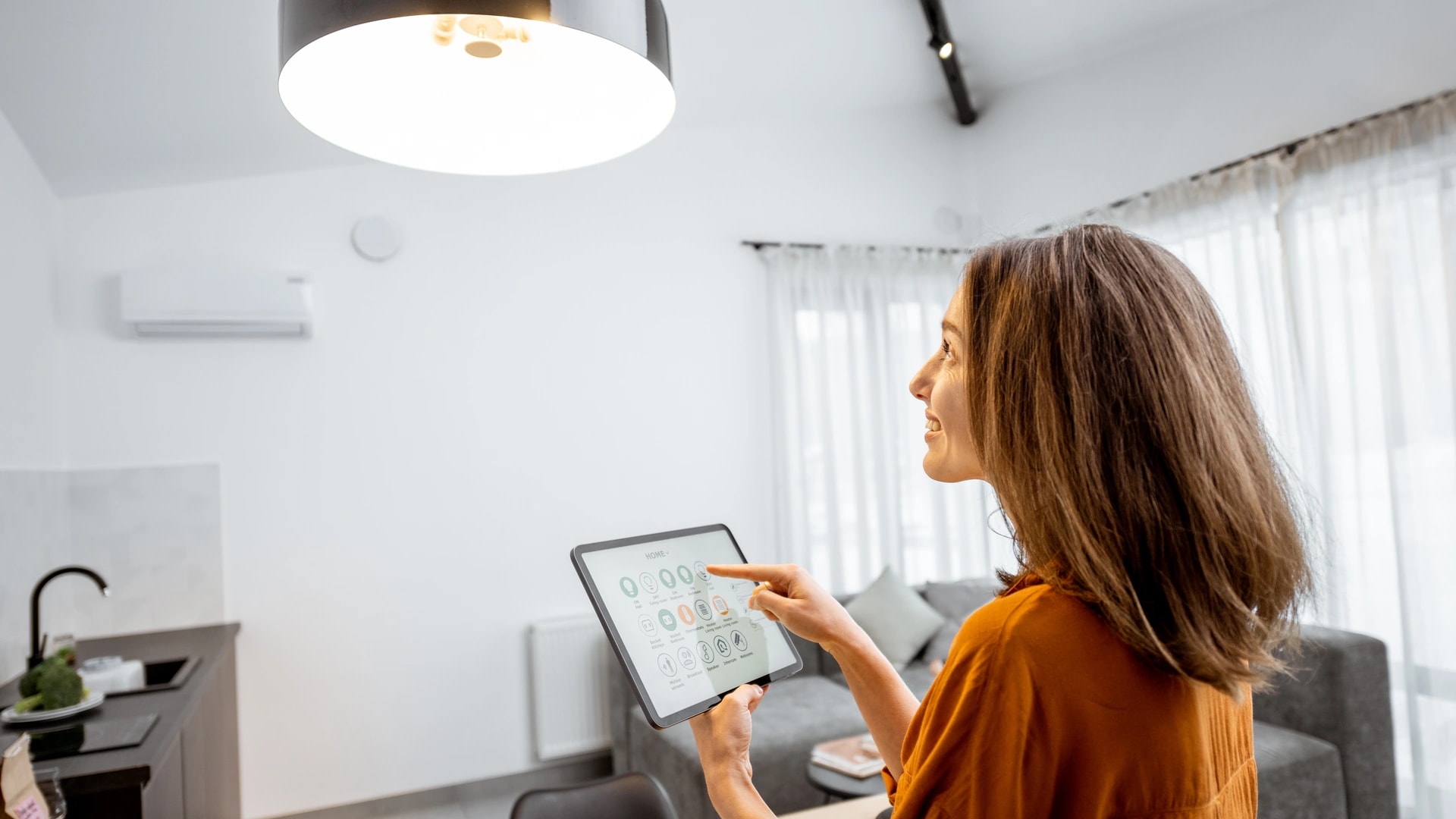
Most Dubai homes end up with one app per brand. One for the lights, one for the AC, one for the curtains. Scenes and automations fix that. They tie your devices together, so one tap, one spoken line, or one trigger runs the whole set at once. This guide walks through the exact 2026 steps on all three big platforms.
We set up scenes and automations across Dubai every week, from Alexa routines in a Marina apartment to Control4 scenes in a Dubai Hills villa. We have done this since 2016, with in-house engineers and no subcontracting. Every step here is checked against each platform's own current guidance. If you are new to all of this, start with our complete smart home guide for Dubai, then come back for the how-to.
What are smart home scenes and automations?
A scene is a saved set of device states you turn on when you want it. An automation is a rule that runs itself when a trigger fires. Most smart homes use both, and an automation often just calls up a scene at the right moment.
Think of a "good night" scene. It locks the doors, turns off every light except the hallway, and steps the AC to a sleep setpoint. You run it by voice or a button. Now add a trigger, say 11:30pm every night, and the same scene becomes an automation that runs with no one asking. Same actions, different starting point.
You do not need a wired system to begin. A single-brand Wi-Fi device usually builds scenes from its own app. If you are still deciding what to buy first, our guide to smart home systems explained for Dubai covers the parts in plain terms.
Scene vs automation: the difference
A scene waits for you. An automation waits for a trigger. That is the whole difference, and it changes how you build each one.
In plain English: a scene is a snapshot of how you want a room to be. Lights at 30 percent, curtains closed, AC at 24 C. You save it once and call it up by name. An automation is a small rule: "when this happens, run that." The "this" can be a time, a sensor, your phone crossing a boundary, or another device changing state.
Each platform names these two ideas a little differently. Alexa folds both into one feature called Routines. Apple Home keeps Scenes and Automations as separate objects. Google Home calls them Automations and builds scene-style actions inside them. The mechanics below make each one clear.
How to create an Alexa routine
Open the Alexa app, go to More, then Routines, tap the plus icon, add a trigger, name it, add one or more actions, then save[1]. Alexa calls both scenes and automations "Routines." What you pick for the trigger decides which one you get.
Here are the steps in order.
- Open the Alexa app, tap More, then Routines.
- Tap the plus icon to start a new routine.
- Tap When this happens and pick a trigger: a voice phrase (that makes it a scene), a schedule, a device action like motion, or a location for arrive and leave.
- Give the routine a clear name.
- Tap Add action and choose one or more: control devices, play music, send an alert, or add a short pause between steps.
- Tap Save.
For location triggers, choose Location under "When this happens," pick your saved home address, and choose Arrives or Leaves. This needs Location Services turned on for the Alexa app. A routine can also run for the whole household or for one person's Alexa Profile, handy for a morning routine that plays only your own music.
Works offline?: no. Alexa routines run through the cloud, so they pause if the internet drops. Keep that in mind for anything you rely on, and see the local-control section below.
A newer Echo (4th generation and up), Echo Show, or Echo Hub doubles as a Zigbee hub and a Thread border router, so it can often bridge battery sensors and Matter bulbs into your routines without a separate hub. Our guide to the best smart speakers in Dubai covers which model does what.
The 2026 AI note: Alexa+, Amazon's newer layer that lets you describe an automation in plain conversation, is confirmed live in 10 named markets and has not been confirmed for the UAE as of September 2026[9]. This does not affect classic Routines, which work fully in Dubai today. Alexa has been an officially supported UAE market since December 2021, with a Khaleeji Arabic voice. For the wider assistant comparison, see Alexa vs Google Home vs HomeKit for Dubai.
How to create a Google Home automation
Open the Google Home app, go to the Automations tab, tap the plus icon, pick a starter, choose one or more actions, then save. Google Home automations work the same way in the UAE as anywhere else, and Google also suggests ready-made automations based on the devices you already have.
The simple flow works like this.
- Open the Google Home app and tap the Automations tab, then the plus icon.
- Choose a starter (the "when"): a time or schedule, sunrise or sunset with an offset, a device or sensor state, a someone-home or everyone-away presence, or a custom "Hey Google" phrase.
- Choose one or more actions (the "do this"): control devices, play media, or make an announcement.
- Add an optional condition, like "only if it is dark outside."
- Name it and save.
For logic beyond a simple "when X, do Y," Google has a script editor at home.google.com/automations, currently in Public Preview[2]. You write the automation in YAML, a plain, line-by-line format, then click Validate and Save. A "Help me script" assistant can draft the YAML from a plain-English description, which you review before saving.
Try this: Google added new triggers through 2026 that are useful in a villa. January 2026 brought appliance and media state (running, paused, stopped, error), and spring 2026 added lock state (jammed, ajar) and binary sensors for leak and smoke[3]. That last set powers the leak-response automation covered later.
Gemini for Home, the conversational routine builder, is not confirmed live in the UAE as of September 2026. The standard Automations tab and the script editor are separate features and are not gated behind that rollout, so a Dubai home has full access to both today. For where AI routine-building is heading, read AI in the smart home for Dubai.
How to create Apple Home scenes and automations
Apple keeps Scenes and Automations as two separate features, which maps neatly onto the scene-vs-automation split. A Scene is a saved set of accessory states. An Automation is the rule that runs a scene or a device on a trigger[4].
To build a scene: open the Home app, tap the plus icon, tap Add Scene, pick a suggested scene like Good Morning or Leave Home (or choose Custom), set the exact state you want for each accessory, then save. You can run it from the app, a widget, Siri, or from inside an automation.
To build an automation: tap the Automation tab at the bottom, tap the plus icon, tap Add Automation, then pick a trigger.
- A Time of Day Occurs. A set time on chosen days, optionally offset from sunrise or sunset.
- People Arrive or People Leave. Uses Family Sharing location, for one person or for the whole household.
- An Accessory Is Controlled. Fires when another accessory turns on or off.
- A Sensor Detects Something. Motion, contact, or humidity, with an optional time window.
Common mistake: people expect the Home app to schedule a sensor by time on its own. It cannot. The Home app can time-schedule accessories, not pure sensors. To combine a sensor reading with its own separate time window, Apple's own guidance points to the Shortcuts app[5]. A Shortcuts Personal Automation runs on one iPhone and does not sync to the family, while a Home automation syncs through your home hub to everyone.
You need a Home Hub (a HomePod, HomePod mini, or a Thread-capable Apple TV 4K) for automations to run while you are away and for remote access. Apple's newer Siri AI, announced in June 2026, does not support Arabic yet, but that affects spoken Siri requests only, not the mechanics of building a scene or automation, which work identically in Dubai.
The table below sums up the three platforms side by side.
| Feature | Alexa | Google Home | Apple Home |
|---|---|---|---|
| What it is called | Routines (covers both) | Automations (plus script editor) | Scenes and Automations (separate) |
| Where you build it | More, then Routines | Automations tab, or the web script editor | Automation tab, or plus for Scenes |
| Advanced logic | Multiple actions, per-profile scoping | YAML script editor (Public Preview) | Use Shortcuts for sensor plus time |
| 2026 AI builder | Alexa+ (describe it in words) | Gemini for Home | Siri AI (excludes Arabic) |
| Confirmed in the UAE now? | Routines yes; Alexa+ not confirmed | Automations yes; Gemini for Home not confirmed | Scenes and Automations yes |
The trigger types you can use
Every automation needs a trigger, the "when" that starts it. Here are the ones worth knowing, each in plain English with a Dubai example. A trigger is never enough on its own, it always needs at least one action.
| Trigger | What starts it | Works on | Dubai example |
|---|---|---|---|
| Time or schedule | A fixed clock time on the days you pick | All three | AC drops to a sleep setpoint at 10:30pm nightly |
| Sunrise or sunset | The sun, not the clock, so it shifts with the season | All three (with offset) | Blinds close 30 minutes before sunset all year, no manual reset |
| Motion or occupancy | A sensor notices movement, or none | All three | Hallway light turns on only when someone walks through at night |
| Door or window sensor | A contact sensor opens or closes | All three | AC pauses if a balcony door is left open while cooling |
| Presence or geofencing | Your phone crossing a boundary around home | All three | AC pre-cools as you cross a set radius on the way home |
| Device state change | Another device turning on, off, or changing status | All three | The smart lock opening turns on the entry-hall light |
| Voice command | A phrase you say out loud | All three | "Alexa, good night" runs the whole lock-and-lights-off scene |
| Button or keypad | A physical press, no phone needed | All three | One keypad button by the door runs "Leaving Home" |
| Leak or smoke sensor | A water or smoke alarm state | All three (new on Google, 2026) | A leak under the kitchen sink shuts the water valve and alerts you |

Quick take: in Dubai, the sunrise and sunset trigger earns its keep. Gulf sunset moves close to an hour across the year, from about 6:30pm in December to past 7:15pm in June. A sun-relative trigger for blinds or outdoor lighting never needs a seasonal reset, while a fixed clock time drifts out of step every few weeks.
The best automations for a Dubai home
Start with the ones that pay you back or protect the home, not the ones that look clever. The table ranks them by value for a Dubai household, with the trigger, the action, and where to read more.
| Automation | Trigger and action | The value it delivers | Learn more |
|---|---|---|---|
| Pre-cool the AC before you arrive | Geofence "arrives" drops the AC to a comfort setpoint | Part of the 20 to 30 percent AC and lighting saving[10]; you skip the blast-it-cold overshoot | AC automation guide |
| Close blinds during peak sun (10am to 4pm) | Schedule or sun sensor closes west and south shades | Roughly 15 to 20 percent off cooling load[10] | Smart blinds guide |
| Good Morning scene | A set time (or first motion) brightens lights, opens blinds, starts the kettle | Time and friction saved, a gentle wake instead of a hard switch-on | Lighting and climate |
| Good Night scene | "Good night" or a late time locks doors, kills lights, sets AC to a sleep level | Holds the 26 to 27 C sleep setpoint every night, which most homes forget to do[7] | AC setback |
| Leaving Home / Away | Geofence "leaves" turns off lights, sets AC to eco, closes blinds, arms cameras, locks doors | Combines the AC and shading savings on an empty home[10] | DEWA savings |
| Vacation mode | Run before travel; a standing rule adds randomized evening lighting | An occupied-looking home, plus AC and lighting savings; pair with DEWA's own Away Mode[8] | Away mode |
| Leak or smoke response | A sensor alarm shuts the water valve or cuts a circuit and alerts you | Damage protection, not a monthly saving; test it before you trust it | Sensor setup |
| Ramadan / Iftar scene | Scheduled against Dubai's published prayer times, shifting a few minutes daily | Fits a month where the day is quiet and the evening is time-critical | Seasonal savings |
| Staff and guest access | A time-boxed lock code, active only in a set window, logged and auto-deleted | Clean access with no re-keying; instant cutoff when a role ends | Gate and access |
| Movie Night scene | The TV starting to play dims the lights, closes curtains, powers the AV | A clean example of a device-state trigger | Voice control |
Try this: build a "Leaving Home" automation first. It is the single most valuable one for a Dubai bill, because an empty home cooled to a comfort setpoint all day, with the sun on unshaded glass, is the most common waste pattern we see. One geofence trigger fixes it.
Save money with automations
The savings live in the automation, not the device. A motorized curtain nobody schedules saves almost nothing. The two big Dubai wins are pre-cooling and shading, both tied to your DEWA bill in summer.
The Dubai win: smart AC and lighting control together cut cooling costs 20 to 30 percent[10]. A villa paying AED 4,000 a month to DEWA in summer can save AED 800 to 1,200 a month. Smart blinds and shading add roughly 15 to 20 percent off the cooling load on a sun-facing room[10]. Cooling is the biggest line on a Dubai bill, so this is real cash back every month, not a rounding error.
Arriving to a home already at target temperature, instead of blasting the AC to its coldest setting on arrival, is what actually saves the money. The automation removes the overshoot-and-waste habit.
DEWA's own conservation guidance backs the setpoint logic. Each degree above the recommended 24 C setpoint can save up to 5 percent on AC use, and it suggests 26 to 27 C or an Auto or Eco mode while you sleep[7]. A night-setback automation holds that every night, which manual control rarely does. For travel, DEWA's free Away Mode sends daily or weekly consumption reports so you catch a spike, like an AC left running, while you are away[8]. Treat it as the monitoring layer on top of the in-home vacation automation that prevents the spike in the first place.
Our deep dive on automating your air conditioning in Dubai runs the setpoint math by room, and the reduce your DEWA bill guide shows the away-mode savings by home size. Want a real number for your home? Book a free site visit and quote →
Do automations work without internet?
It depends on the system. A wired backbone keeps running through an outage. Cloud voice routines go silent. Knowing which is which decides what you should ever automate on the cloud alone.
Works offline?: KNX, a wired system that runs without the internet, holds its scenes in local logic in the wiring, so switches, AC, and scenes keep working when the Wi-Fi drops. A dealer-programmed Control4 or Crestron system runs its scenes locally too, once the controller has power. A standalone battery lock or sensor keeps working on its own. What stops is anything that needs the cloud to think: Alexa, Google, and Apple voice routines that process the trigger or the logic online.
The practical rule is simple. Keep anything safety-critical local or with a manual fallback. Door locks, a gate, a leak shutoff valve, and cameras should not depend only on the internet. Cloud-only automation is fine for the convenience layer, like music, notifications, or a lighting scene. For how the wired options compare, read our guide to smart home protocols in Dubai, which covers Matter, Thread, and local control.
Matter and cross-ecosystem automations
Matter is a shared standard from 2022 that lets one device work with Apple, Google, and Amazon together. Its multi-admin feature is the part that helps automations most: a single bulb, lock, or plug can be shared across all three apps at once, and an automation built in any one of them can then trigger that same device.
That said, multi-admin is not automatic. The device has to be Matter-certified, and you complete the sharing step by hand for each ecosystem. It is a real gain for a mixed-brand home, not a magic switch that unifies everything you own. Many homes already have a Thread border router without knowing it, built into a newer Echo, a HomePod mini, an Apple TV 4K, or a Nest Hub, which is what carries low-power Matter sensors onto the network. Our best smart speakers guide lists which models include one.
One 2026 update matters for shading. Matter 1.5, released in November 2025, added a "Closures" device type built for blinds, curtains, and shades[6]. That gives motorized shading a proper, standard place in cross-ecosystem automations, which is exactly where the peak-sun blinds automation lives. For the full standards picture, see the protocols guide.
When you outgrow app routines
App routines are built for a handful of devices and simple logic. Once you mix several brands, want whole-home reliability without an internet dependency, or need conditional logic across many rooms, a dealer-programmed system takes over.
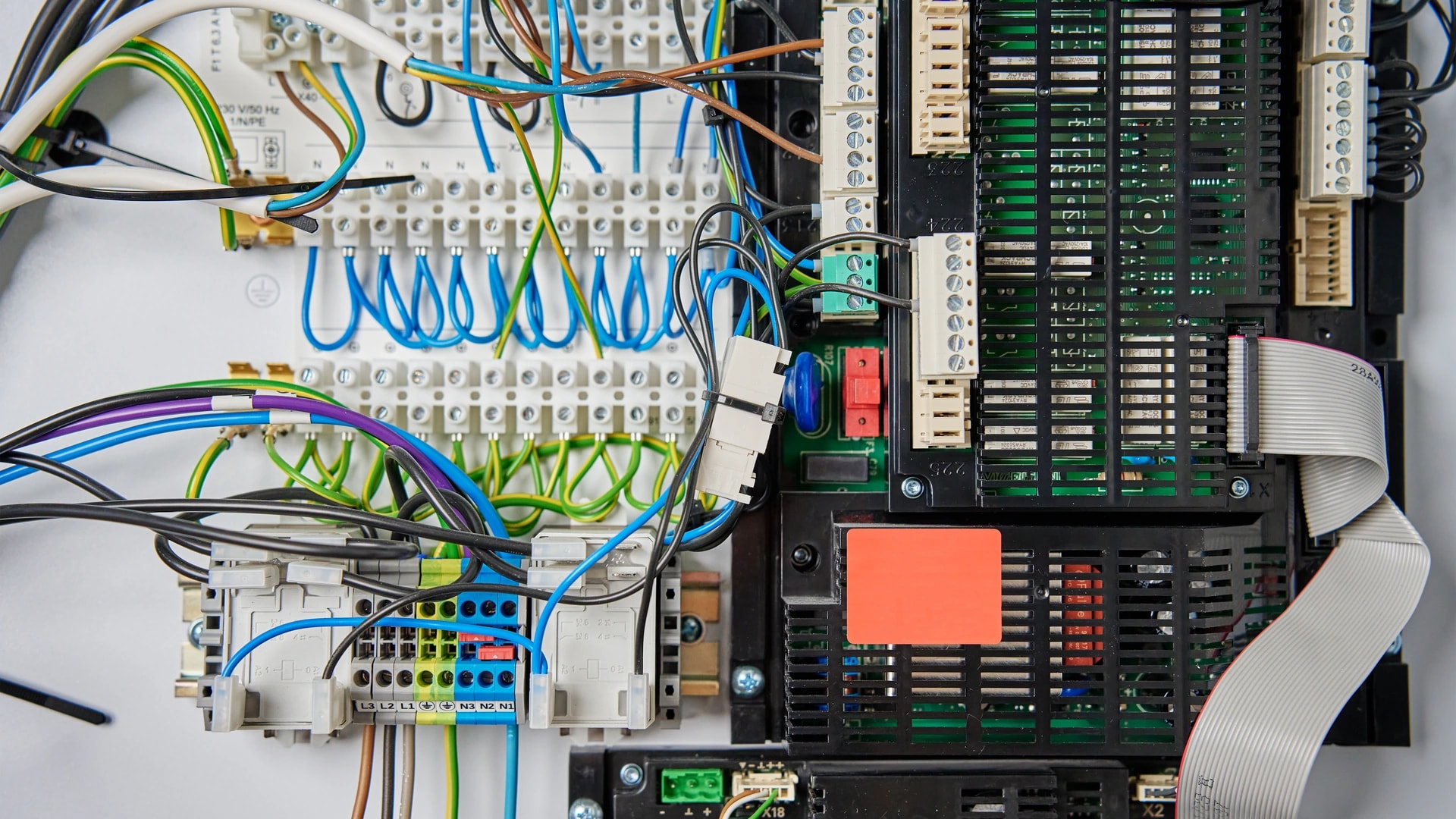
This is where a wired KNX backbone or a Control4 or Crestron system fits. The scenes are programmed once by an installer and run locally on a controller in the villa, not on a cloud server halfway around the world. A single keypad button by the door can run "Leaving Home" for a family member who never opens an app, and the same button works in a power blip. Control4 handles both English and Arabic voice control, which matters in a Dubai household.
The honest line: do not buy a professional system for a one-bedroom apartment with five devices. App routines are the right tool at that scale. A villa with lighting, climate, shading, security, and audio across many zones is where dealer-programmed scenes save you the "seven apps" mess and keep running when the internet does not. Our voice control and AI and smart lighting and climate pages cover what that looks like installed.
Common mistakes to avoid
Most automation problems come from a few repeat mistakes. Fix these and your setup stays reliable.
- Automating everything on day one. Start with two or three (morning, away, bedtime), run them for a few weeks, and add more once you see how your home actually behaves.
- No local fallback for safety. A lock, gate, or leak shutoff on a cloud-only trigger fails when the internet does. Give anything critical a local or manual backup.
- Conflicting routines. Two automations quietly fighting over the same device from different triggers cause odd behavior. Make sure one automation controls a given device for a given condition.
- Geofence drift. A radius set too small makes your phone's GPS bounce in and out, firing false arrive and leave events. Widen the radius and set location permission to always allow.
- Not testing before trusting. Trigger a leak or smoke automation on purpose once, under test, rather than assuming it works the first time it truly matters.
Prefer to talk it through before you build? Message an engineer on WhatsApp →
How Dubai Smart Home sets up your automations
We build whole-home scenes and automations that keep working, on the platform that fits your home. That means reliable local control where it counts, one dashboard instead of seven apps, and setup that your whole family can use, in English and Arabic.
Since 2016 we have completed 100+ projects across Dubai villas and apartments, and we are rated 4.9/5 by Dubai homeowners. Our engineers are in-house and based in Dubai, and we do not subcontract. We map your rooms and your routine first, then build the scenes around how you actually live, from the pre-cool automation on the AC to time-boxed access for staff across smart gate and access control. To see the full range of what we install, visit Dubai Smart Home.
Ready to set up scenes and automations that run your Dubai home for you? Book a free site visit and quote → or message our team on WhatsApp →. Enquiries are answered within 2 hours.