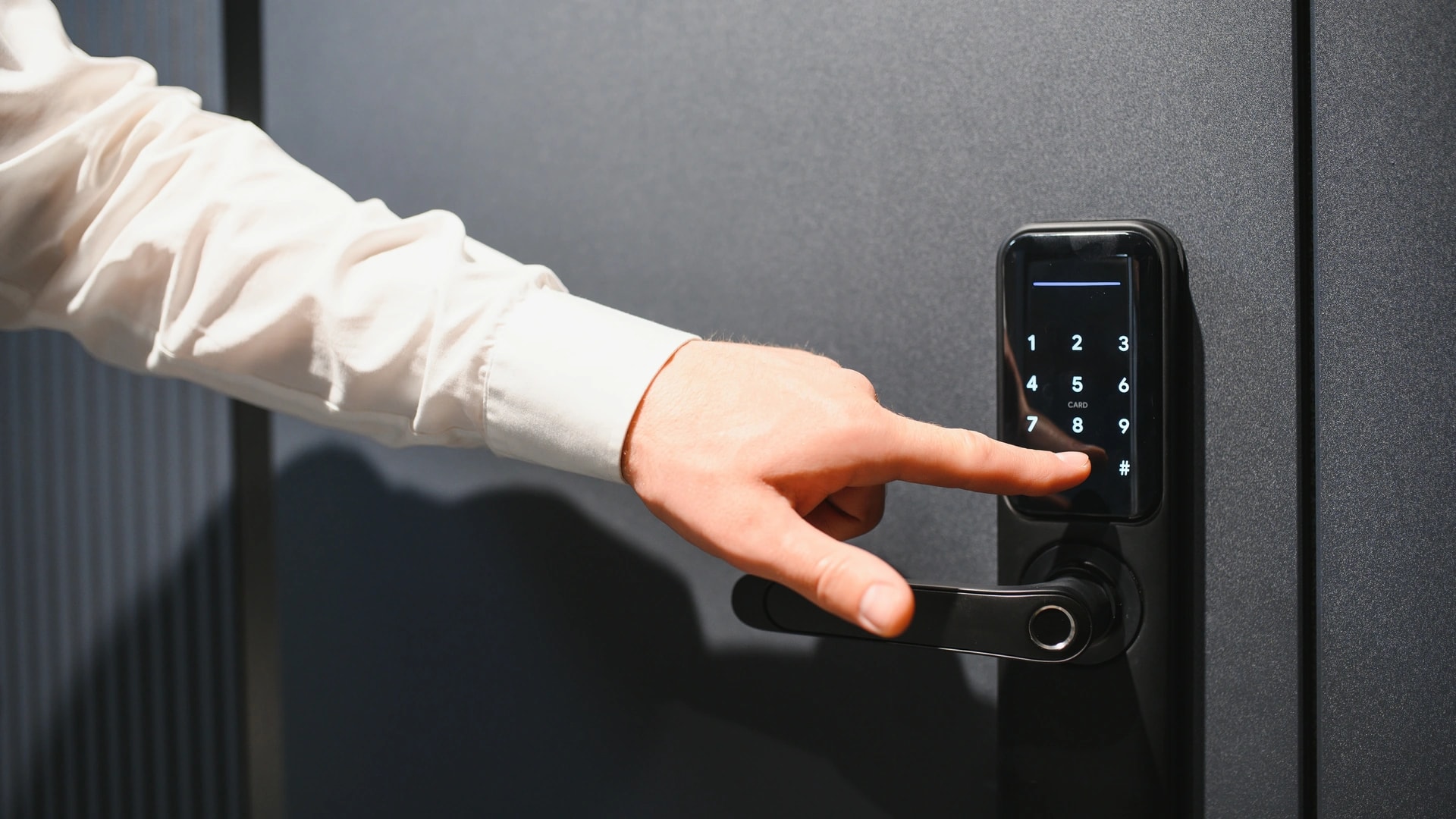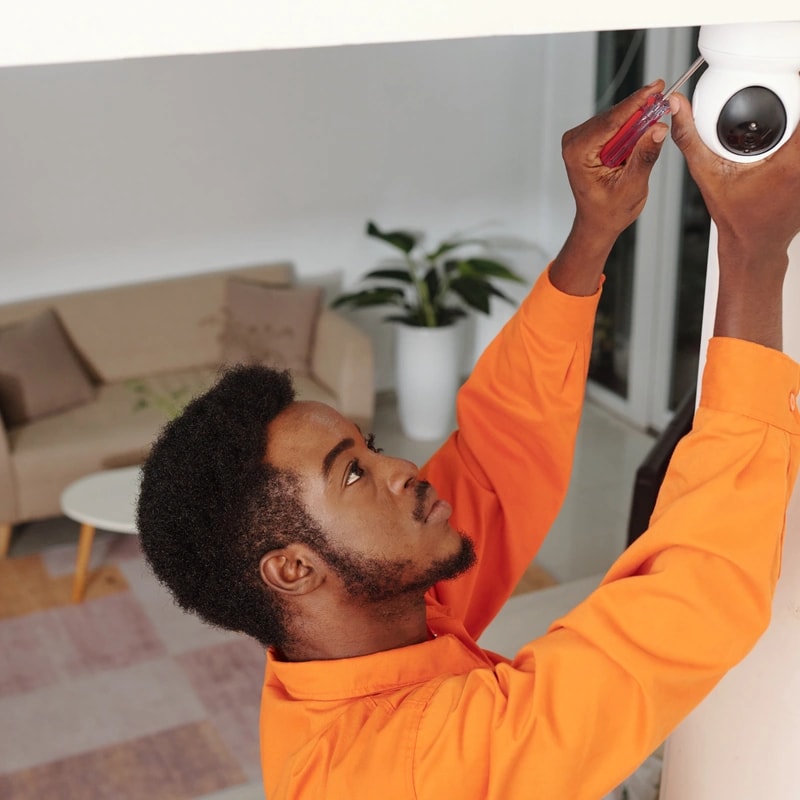
This guide is for two readers: the Dubai resident flying out for the summer, and the owner who lives abroad. Both want to monitor the home remotely, and both ask the same thing. When something goes wrong and you are 6,000 km away, what actually happens?
A camera app answers about a third of it. The rest is continuity. What keeps running when DEWA power drops or the fibre line fails? What may you legally record when a staff member or tenant lives there? Who drives to the property when an alarm fires? This is written from the install side, across Dubai villas and apartments.
Real talk: most remote monitoring articles are shopping lists. Buy a camera, a doorbell, a lock, then stop. None say what those three do at 3am when the router has rebooted and your app has logged you out.
Can you really monitor your Dubai home remotely?
Yes. Any camera with an internet connection will show you a live view from London, Mumbai, or anywhere else with a data signal. That part has been solved for years and costs very little.
The part nobody sells you is the system around it. A live feed needs four things up at once: mains power, the internet line, the vendor's servers, and your login. Take one away and the feed goes dark, even though the house is fine.
So the useful question is not "can I see my house". It is "what still works when I cannot, and who fixes it".

New to all of this? Start with our complete smart home guide for Dubai, then come back here for the travel-specific parts.
What happens to your smart home when the power cuts while you are away?
Everything wireless goes quiet. The router loses power, so cameras stop uploading, the lock stops reporting, and your last clip is the second the power died. The AC stops too, which matters more here than almost anywhere.
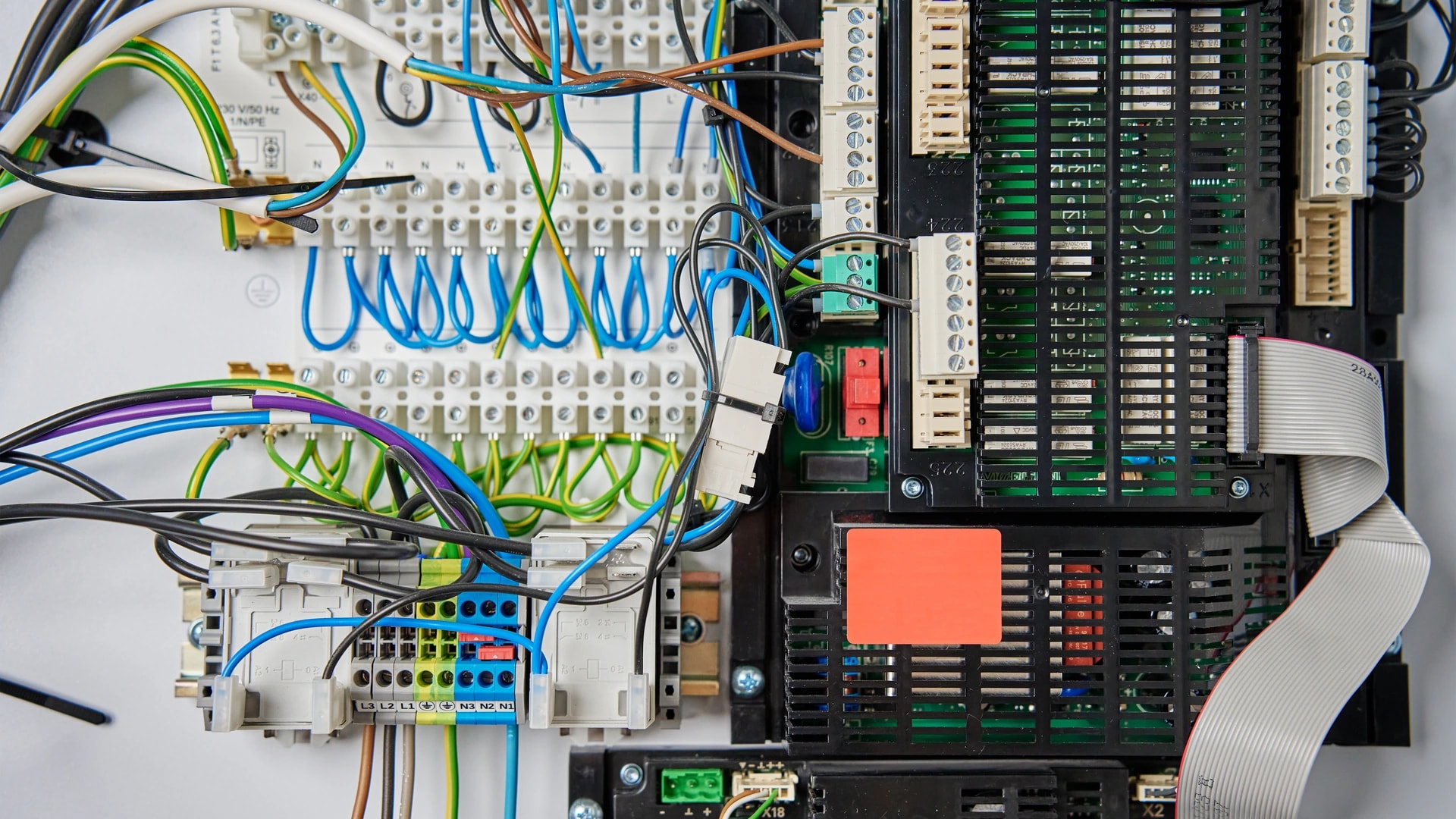
A wired system behaves differently. KNX is a wired standard where each device holds its own logic and talks to the others directly[1]. No single controller carries the house. Once power returns, local scenes and climate resume on their own, with no cloud login first.
Common mistake: leaving the router on the same unprotected socket as everything else. A small battery backup (a UPS) on the modem and router holds the network up through a short cut, so cameras stay reachable.
If a real outage is running, DEWA's Smart Response lets you check and report an electricity or water interruption from the app or website[2]. The technical fault line is 991. Both work from abroad, which is more than most vendor apps manage.
Here is what tends to break while a Dubai home sits empty, and what limits each one.
| What fails | How often | What it costs you | What prevents it |
|---|---|---|---|
| Power cut | Common, and worse here in summer | Cameras and router go dark, indoor heat and humidity climb | Wired KNX logic that resumes on its own, plus a UPS on the router |
| Internet or ISP outage | Occasional and short, total while it lasts | Every cloud camera and app goes blind, though the house is fine | Local control for lights, climate, and on-site recording |
| Router reboot or update | Frequent, often pushed by the ISP | A blind spot of minutes, longer if a device fails to rejoin | Reserved local addresses and a properly configured network |
| Vendor cloud outage | Rare but documented, including at Control4 | Remote access, alerts, and cloud backups stop | A system with real local control, not one that is cloud-only |
| Expired app login | Common after weeks unused | A login screen and a code request instead of a live feed | Current recovery details and an authenticator app |
| Sensor or lock batteries | Slow and easy to miss | A door sensor or lock quietly stops reporting | Battery-level alerts on a channel you actually watch |
| Water leak | A known cause of damage in empty homes | Damage grows until somebody gets back | A leak sensor wired to an automatic shutoff valve |
| AC switched fully off | A common choice, made to cut the DEWA bill | Moisture sits in ducts and coils, and mould starts | A 25 to 26 degrees C setback with DRY mode and fan on AUTO |
| A camera opened to the internet | A common DIY shortcut | An always-on home device reachable from anywhere | The maker's own app or a VPN, with two-step login |
| Nobody checks the property | The gap in every camera-only setup | An alarm nobody answers is information, not protection | Villa patrol registration or a monitored plan, plus a revocable code |
Want this checked against your own home before you travel? Book a free site visit and quote →
What still works if your internet goes down but the power is on?
The house keeps running, but you stop seeing it. That is the whole distinction, and it is worth learning before you buy anything.
On a system with real local control, lights, climate, and locally recorded footage never touch the internet. Snap One, Control4's parent company, said so during a real cloud outage[3]. Customers at home could still use most of their system from a local setting, including lights, media controls, comfort, music, and security. What broke was anything needing a remote connection.
A cloud-only setup fails differently. Those devices route even a local command through a server abroad, so the app often stops working inside the house too. The lights are physically fine and the phone in your hand cannot switch them.
Our guide to internet speed for a smart home in Dubai covers which parts depend on the line. It also explains why an on-site recorder keeps storing footage while a cloud camera has nowhere to send it.
What if the camera company's own servers go down, or your app logs you out?
Both are real, and both look identical from your phone: no feed. Telling them apart matters, because one is the vendor's problem and the other is yours.
A vendor cloud outage takes down remote app access, voice integration, notifications, and cloud backups while your home network carries on untouched[3]. Nothing at your end needs fixing. Most vendors run a public status page, so check it before you reset things from another time zone.
An expired login is the more common one, and it is preventable. Apps you have not opened in weeks tend to ask for a fresh sign-in. Often that means a one-time code sent to a phone number or an old email address.
- Before you fly: open every app you might need, confirm it signs in, and check the account's recovery email and phone are current.
- Prefer an authenticator app over codes sent by text. A UAE number you cannot receive texts on while abroad is the most common reason people lock themselves out of their own cameras.
- Write down which app does what. One app for cameras, another for the lock, a third for climate. Note them somewhere you can reach without that phone.
Is it legal to have a camera watching your staff, tenant, or family in your Dubai home?
An interior camera in a room where a staff member, a tenant, or a family member lives or sleeps is a hard no. Not a judgement call, not a "depends on the setup". Do not install one, and if one is already there, take it out.
The reason is consent. UAE PDPL, Federal Decree-Law 45 of 2021, has been in force since 2 January 2022[4]. It bars processing personal data without the owner's consent, apart from defined cases such as protecting a public interest or carrying out legal procedures and rights[4]. A recording of an identifiable person is personal data. Someone living in a room you own has not agreed to be filmed in it.
It is not only a data protection question. Recording a person without their consent can carry criminal exposure under UAE law, separate from PDPL. Treat the inside of anyone's living space as off the table, not as a risk to manage.
Being abroad makes it worse. You cannot ask in person, and a camera you never see is one you forget you installed.
- Fine: a gate, driveway, or front-door camera aimed at your own boundary. Tell everyone in the house it exists and what it captures.
- Not fine: any camera inside a maid's room, a tenant's unit, a bedroom, or a bathroom. There is no configuration that makes this acceptable.
- Grey and best avoided: a camera in a shared living area of a home where staff live full time. If you want a record of the front door, put it at the front door.
For what devices collect and how consent works day to day, read our smart home privacy guide. For staff, our domestic staff access guide covers scheduled codes instead of cameras. If a tenant lives there, the lease rules are in our landlord smart home guide.
Does SIRA require 4K cameras for a Dubai home?
No. That claim is false. A cluster of installer websites repeats it, usually while quoting for 4K units. There is no legal minimum camera resolution for a private Dubai home at all.
SIRA is Dubai's security regulator. It licenses security companies, guards, and the staff who provide security services and solutions[5]. Its published technical specification sets a 1080p HD minimum with about 31 days of footage retention[6]. That spec governs the premises and providers SIRA licenses, not the inside of your villa.
So if a quote is padded with 4K cameras because the law supposedly demands it, the reason given is wrong. 4K is a fine choice for reading a number plate at the gate. It is a choice, not a rule.
Quick math: 4K footage is roughly four times the file size of 1080p. Recording every camera at 4K around the clock fills a drive four times faster and eats four times the upload if you send it to the cloud. On a fibre line you are also using for a live view from abroad, that trade matters.
The full legal position, including when a home does need a licensed installer, is in our SIRA CCTV requirements guide.
What is the safe way to access your cameras remotely from outside the UAE?
Safe remote home access means the maker's own app connection, or a VPN into your home network, with two-step login either way. What you should not do is open a port on your router so the camera or recorder is reachable directly from the internet.
Port forwarding is the DIY shortcut for a remote view without paying for a cloud service. It works, and it publishes an always-on device in your house to the whole internet. Security authorities advise against exposing devices that way. They point to a VPN with multi-factor authentication instead[7][8].
The reason is not theoretical. The FBI's Internet Crime Complaint Center warned in 2025 that cheap, unpatched home devices get pulled into botnets and resold as residential proxy services[9]. Someone else's traffic then runs through your line. That advisory names streaming boxes and similar low-cost hardware, not cameras, but the pattern holds.
- Best for most homes: the camera or recorder maker's own app, with two-step login switched on and a password used nowhere else.
- Best for a wired villa system: a VPN into the home network, so you connect to the house rather than to each exposed device.
- Never: a forwarded port pointing at a camera or NVR, with or without a password.
Two habits matter. Update firmware before you fly, because the update you skip in July is one you will not apply from a hotel in September. And buy gear that came through the proper channel. TDRA runs a registry of approved equipment used in the UAE, a useful check that a device has a named importer behind it[10].
The wider hardening steps, including putting smart devices on their own network, are in our guide to securing a smart home from hackers in Dubai. The install side sits on our home networking page.
Should your whole family share one login?
No. Give each person their own account through the platform's sharing feature, with the permissions they need. One shared email and password looks convenient and quietly removes most of your account security.
Two things go wrong. Two-step login stops working as intended, because the code goes to one person's phone, so households usually switch it off. And every user gets full account power, including changing settings and deleting footage.
From our projects: the account that causes trouble is rarely the homeowner's. It is the one made years ago on an old email nobody checks, still holding admin rights long after that person moved on.
- Do this: add family members as separate users, each with their own login and limited permissions.
- Do this too: keep one owner-held admin account that can remove access when someone leaves the household.
- Review it before you travel: open the sharing list and delete anyone who no longer needs access.
How do you catch a water leak while nobody is home?
Put a leak sensor where water actually appears, and pair it with a valve that shuts the supply off by itself. The alert tells you. The valve stops the damage.
In an occupied home a leak gets caught in minutes, because someone hears it or steps in it. In an empty home it runs until you come back. Cover three places first: under the kitchen sink, behind the washing machine, and around the water heater.
The valve closes the line the moment moisture is detected, and you can still check it from the app while away. Aqara's Valve Controller T1 is one example: it pairs with leak sensors for automatic shutdown, and supports manual, remote, timer, and automation control[11]. Other brands do the same job, so treat this as a category, not one product.
Common mistake: fitting the sensors and skipping the valve. An alert at 4am in another time zone, with nobody holding a key, reports damage rather than stopping it.
Should you turn the AC off completely when you leave for the summer?
No. Set it back to about 25 to 26 degrees C instead, and leave it running. Switching cooling off entirely in a sealed Dubai home is one of the more expensive savings people make.
The problem is moisture, not heat. In a closed, powered-down system, water sitting in ducts, coils, and drain pans does not evaporate. Gulf News reporting on UAE summers calls that the conditions for bacterial and mould growth[12]. The same piece recommends a constant 25 to 26 degrees C while away, with DRY mode and the fan on AUTO, holding humidity in the 40 to 60 percent band[12].
A setback of 25 to 26 degrees C with DRY mode costs far less than a normal occupied summer. It costs far less than clearing mould out of ducts you cannot see.
A smart thermostat lets you hold that setpoint and check it from abroad, rather than trusting a wall dial you set in June. On district cooling the controls behave differently, so confirm what your building allows before you leave.
Who actually checks on your house while you are gone?
Nobody, unless you arranged it. This is the honest gap in every camera-only setup, and the part most worth fixing before you fly.
Dubai Police runs a free patrol registration service for villas only. Register through the Dubai Police app or website with your Emirates ID, Makani number, villa number, and travel dates[13]. Patrols then include the property on their neighbourhood route while you are away. It is open to citizens, residents, and visitors, and it does not cover apartments.
The paid option is Dubai Police Smart Home Security. It is a monitored service where e& command centres verify an alert before forwarding it to Dubai Police, with an app for managing the system remotely[14]. That is the line between a notification and a response.
| Option | Cost | Who responds | What it actually does |
|---|---|---|---|
| Live camera feed only, self-monitored | Free, or a small cloud storage fee | You, if you happen to be awake and watching | Notifies you and records. It does nothing on its own |
| Dubai Police free patrol registration | Free, villas only, not apartments | A Dubai Police patrol on its neighbourhood route | Adds a physical drive-by while your registered travel dates run |
| Dubai Police Smart Home Security, monitored | From about AED 147 a month | An e& command centre verifies, then escalates to Dubai Police | 24/7 professional verification before anyone is dispatched |
Real talk: if you own a villa and travel each summer, that free registration is the highest-value ten minutes in this article. Most owners we speak to have never heard of it.
Want the alarm side designed properly before you go? Talk to us about security and surveillance, or message us on WhatsApp →
Who should hold a physical key while you are away?
Ideally nobody. Issue a scheduled code on a smart lock instead. Give it to whoever might genuinely need to get in: a property manager, building security, a trusted neighbour, or the staff member who waters the plants.
A cut key keeps working after you would rather it did not. A code can be scheduled to set days and hours, then switched off from your phone. That is the whole point when you are not here to ask for a key back.
- One code per person, never a shared one. If four people share a code you cannot tell who opened the door, or remove one of them without removing all four.
- Schedule it to the visit. A cleaner who comes Tuesday mornings does not need a code that works at 2am on Saturday.
- Check the battery before you fly. A dead lock battery means a locked-out key holder and an unanswered call.
- Keep a mechanical override. Know where the key cylinder or emergency power contacts are, and tell whoever is helping.
Which lock fits your door is covered in our smart locks in Dubai guide. The gate and intercom side sits on our smart gate and access control page.
Can you call home to check in from abroad?
Yes, you can call home from abroad, but internet voice and video calling in the UAE is a regulated telecommunications activity. TDRA treats VoIP as a regulated activity needing a licence or an exemption[15]. It says such software is very likely illegal to use unless a licensee provides it, collaborates on it, or TDRA has approved it[15].
TDRA maintains the list of approved calling applications, and that list changes over time. So check TDRA's own current list rather than assuming an app behaves here the way it does in another country[15].
A camera's two-way talk feature is a different thing: audio between the device and its own app, not a phone call placed through a separate calling service. Speaking to a delivery driver through your own doorbell is not the same question as which calling app is approved.
Common mistake: building your whole check-in routine around one calling app, then finding it behaves differently once you land. Keep a normal phone number as the fallback, for the household and for whoever holds the access code.
Local control versus cloud-only: what does this actually mean for a Dubai home?
Local control means the house runs itself on site, and the internet only carries your view of it. Cloud-only means a server abroad is in the path of every action, including the ones happening in the same room.
This one choice decides how all three outages above play out. It is made at buying time and expensive to reverse.
| What fails | Local system (KNX, or Control4 local functions) | Cloud-only consumer setup |
|---|---|---|
| Power cut | Local logic resumes once power returns, with no login needed | Down until power, internet, and a fresh app session all come back |
| Internet drop | Lights, climate, and local recording keep working from keypads and panels | Remote viewing fails, and app control often fails inside the house too |
| Vendor cloud outage | Local functions unaffected; only remote access and cloud features stop | Everything depends on that one company's servers being up |
KNX is the clearest example: a wired bus that predates cloud services and needs none to run, with each device holding its own logic[1]. Control4, Crestron, and Lutron installs with proper local control behave the same way for core functions[3]. Wall keypads still switch lights. Thermostats still hold a setpoint.
None of this makes remote access unnecessary. It makes remote access the thing you lose, rather than the thing the house runs on. That is the correct order.
What should a remote monitoring setup for a Dubai home actually include?
Six things: a local-control backbone, leak shutoff, an AC setback, a physical response plan, revocable access, and no interior cameras where anyone lives. Cameras are on the list, but not first, and not the part that fails you.
- A local-control backbone. KNX for a villa, or a Control4, Crestron, or Lutron install with real local functions, so the house runs when the line does not.
- Leak sensors with an automatic shutoff valve at the sink, washing machine, and water heater, so a burst hose stops itself[11].
- An AC setback of 25 to 26 degrees C with DRY mode and fan on AUTO, held by a thermostat you can check from abroad[12].
- A physical response plan. Free Dubai Police patrol registration if you own a villa, or a monitored plan from about AED 147 a month[13][14].
- Revocable access. One scheduled smart-lock code per person, no cut keys, and a sharing list you clear out before you travel.
- No interior cameras where anyone lives. Exterior and entry points only, disclosed to everyone in the house[4].
Add one habit: a pre-departure check. Open every app, confirm it signs in, update firmware, check lock and sensor batteries, and confirm each account's recovery email and phone still reach you. Fifteen minutes before you fly saves a bad week later.
From our projects: the homes that handle a long absence well are rarely the ones with the most cameras. They are the ones where the water shuts itself off, the AC never stopped, and one named person can reach the front door within the hour.
We design and install this as one system across Dubai villas and apartments, from security and surveillance to the home network under it[16]. Our engineers are in-house, and Dubai homeowners rate us 4.9/5.
Travelling soon and want it checked first? Book a free site visit and quote → Or message us on WhatsApp → and we will tell you what to fix before you fly.