Two words get used for the same thing every day in Dubai showrooms, and they do not mean the same thing. One is about you pressing something. The other is about the house acting without you.
This page is the definition piece. If you are past the words and ready to buy, read home automation in Dubai instead. What follows is the distinction itself, told honestly, including the part where the sources disagree.
Smart home vs home automation: the quick answer
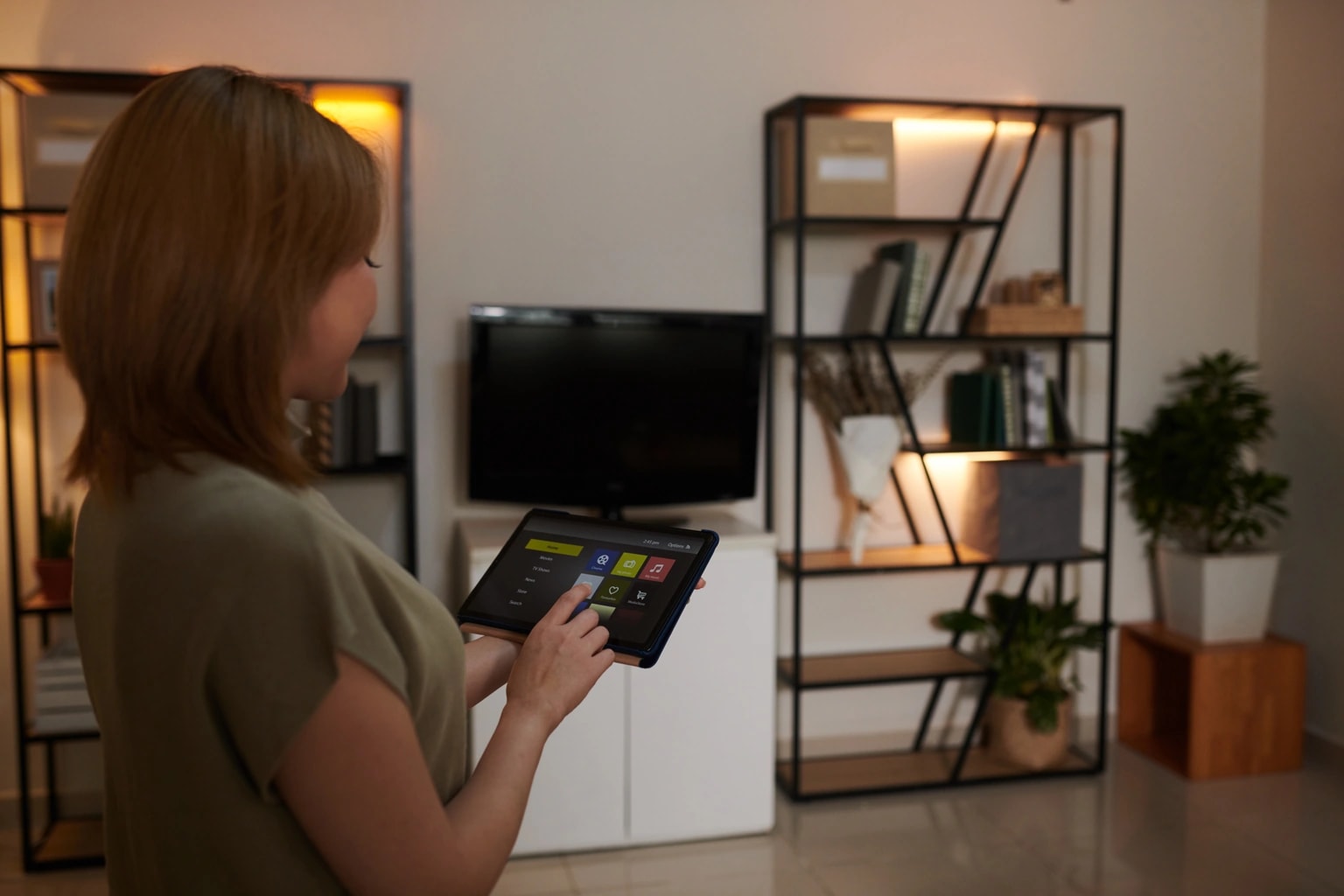
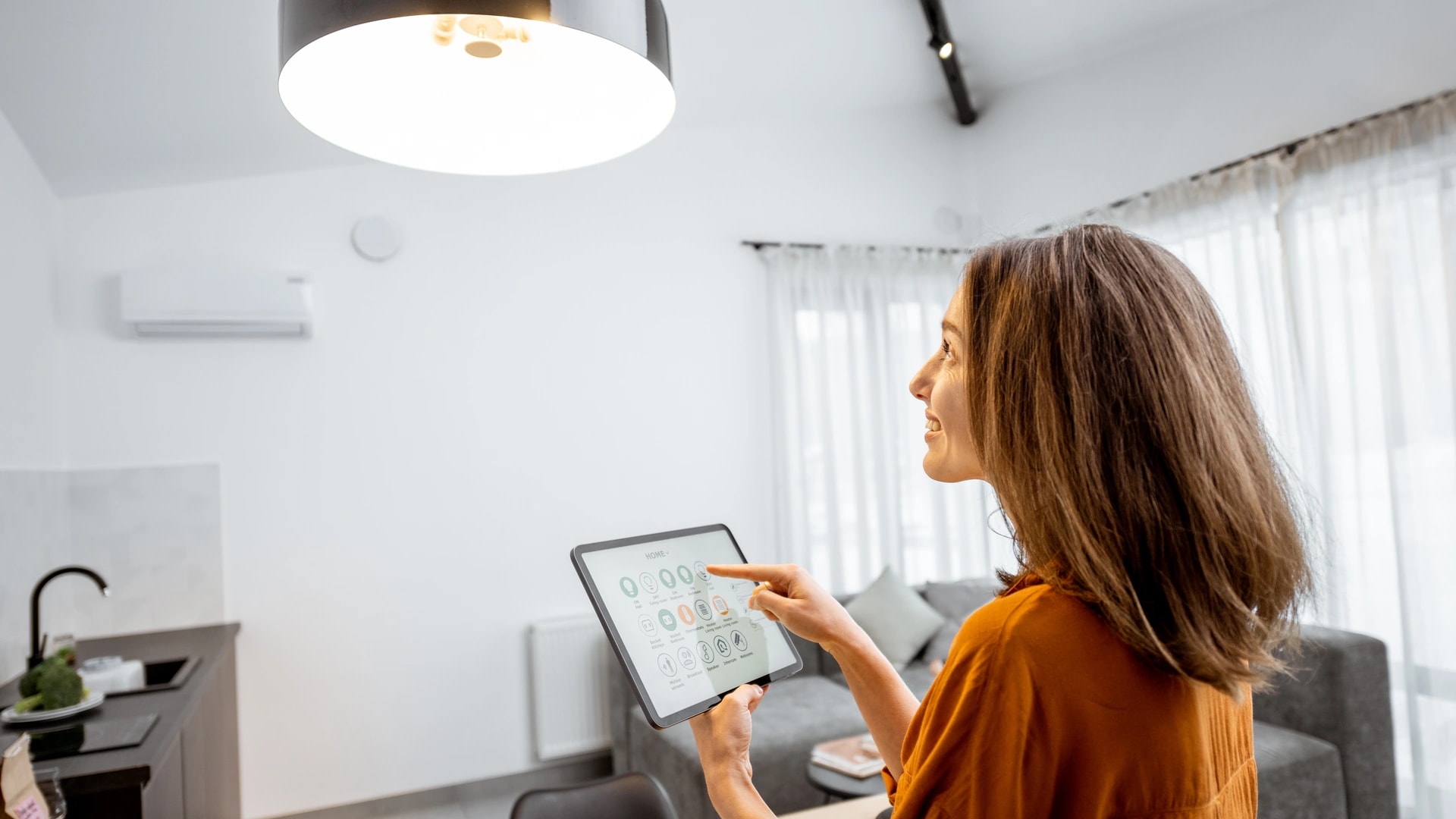
A smart home is one where you control devices from an app, a wall panel or your voice. Home automation is when a schedule or a sensor triggers an action on its own, with no person involved[1].
Locking your front door from your phone is smart home control. The same door locking itself at 10pm every night is home automation. You can own a house full of smart devices and have zero automation running in it.
Real talk: there is no dictionary, no law and no standards body that settles these two words. Three credible sources define them three different ways. That is not a gap in your understanding. It is a genuine disagreement in the industry, and this article maps it, then gives you one rule that works.
What is a smart home?
A smart home is a home where connected devices like lights, AC, locks and curtains are controlled from one place. No separate switch or remote for each one. CEDIA, the trade body for home technology installers, counts any home with connected devices as a smart home[2].
The defining word is control. You still act. The system just gives you one place to act from, whether that is your phone, a keypad on the wall, or a voice command.
Common examples: dimming the lounge lights from the sofa, checking a camera from the office, or cooling a Dubai Marina apartment on the drive home.
That is as far as we take it here on purpose. For the device by device walkthrough, the hub question and the protocol basics, read smart home systems explained. This page is about the line between the two terms, not a tour of the kit.
What is home automation?
Home automation is the part of a home that runs on its own. A schedule or a sensor is the trigger, and nobody touches an app or a switch. Wikipedia describes it as building automation applied to a house, monitoring or controlling things like lighting, climate and appliances[3].
The defining word is autonomy. Nobody has to be home, awake, or paying attention for it to happen.
Two concrete examples make it clear:
- A sensor trigger. Motion at your villa gate turns the driveway lights on after dark. CEDIA uses this exact example: exterior lights that come on when somebody approaches the property[1].
- A schedule. The AC in an empty guest room drops to 26 degrees at 9am on weekdays and comes back down at 6pm, without anyone setting it.
Notice what neither example involves: a person. That absence is the whole definition.
Why the experts do not fully agree
Three credible sources define smart home and home automation in three different ways, and none of them is wrong. They are answering different questions. Here is the honest picture before anyone hands you a single confident answer.
CEDIA splits the terms by behaviour. Smart home means you control it. Home automation means it acts without your input. CEDIA states plainly that the two are not the same thing. You can have a smart home with no automation in it at all[1].
Wikipedia splits them by scope. Home automation is the broad, older category covering any home device that can be monitored or controlled by radio signal. Smart home is the narrower label for the internet connected slice of that category[3].
TechTarget does not split them at all. Its glossary calls a smart home any home using internet connected devices for remote monitoring and management. It then says the same technology is also called home automation or domotics[4].
| Source | What "smart home" means there | What "home automation" means there |
|---|---|---|
| CEDIA (installer trade body) | You control devices from an app, a panel or your voice | A schedule or a sensor acts with no input from you |
| Wikipedia (technical and historical) | The internet connected subset of home automation | The broad umbrella: any monitored or controlled home device |
| TechTarget (tech glossary) | Internet connected devices for remote monitoring and control | The same thing. Also called domotics |
Even CEDIA is not perfectly consistent across its own pages. Its beginner guide talks about energy savings from "home automation" while describing a thermostat you control from your phone[2]. That is how loose the usage really is.
The working rule: control vs autonomy
Use CEDIA's behaviour split as your working rule: smart home means control, home automation means autonomy[1]. It is the only one of the three framings that changes what you buy, what it costs and whether it keeps working in an outage.
The test is one question: who or what pulls the trigger? If a person does, by tapping, speaking or flicking a switch, that is control. If a clock or a sensor does, that is automation.
Run it on anything and it settles fast. You press "off" on your phone: control. The lights go off at midnight on their own: automation. You ask a speaker to lock the door: control. The door locks when the last phone leaves the Wi-Fi: automation.
The other two framings are worth knowing so you are not confused when you meet them, and you will meet them. A salesperson saying "home automation" often just means "smart home", TechTarget style. A technical document may use it the Wikipedia way, as the wider bucket. Neither changes a decision you have to make.
Independent devices vs interdependent systems
Smart home devices can work independently of one another, while home automation is interdependent and operates inside a system[1]. That second CEDIA point matters more to a buyer than any definition.
In plain terms: a smart plug on its own needs nothing else. Buy it, connect it to Wi-Fi, control it from an app, done. It has no relationship with any other device in your home.
A porch light that comes on when a motion sensor fires needs three things, not one. The sensor. The light. And something holding the rule between them: a hub, an app's automation engine, or a wired system.
Common mistake: assuming that buying more smart devices eventually adds up to automation. It does not. Ten independent devices are still ten independent devices. The rule connecting two of them is the thing you are actually missing.
This is also where mixed brands start to bite. Tying an Aqara sensor to a Lutron light needs something that speaks to both. Matter, the shared standard released in 2022, exists to solve exactly this, so one device works across Apple, Google and Amazon[5]. We cover it fully in the Matter protocol explained.
Is a smart speaker home automation?
No, a smart speaker on its own is not home automation. Asking Alexa or Google to turn off the lights is still you giving the order, so it is control with your hands free, not autonomy.
This one trips buyers up often. Voice feels advanced, so it gets filed under automation. By the working rule it is not: a person pulled the trigger.
One widely read tech commentary made the same argument bluntly, calling voice control "a high-maintenance, hands-free light switch" rather than automation[6]. That is one writer's opinion, not an industry standard, but it lines up with how CEDIA draws the line.
A speaker becomes part of home automation the moment it stops waiting for you. If your assistant runs a routine at sunset with nobody speaking, that routine is automation. The speaker is just the box it happens to run on.
We look at what voice assistants do and do not handle in Dubai homes in does Alexa work in Dubai.
Is a timer or a schedule home automation?
Yes, a timer or a schedule is home automation. It acts without you at the moment it runs, which is the whole test. A plug that switches a lamp off at 11pm every night is automation, even with no app and no internet.
This is also the oldest form of it. Wikipedia's definition of home automation covers any home device that can be monitored or controlled, with no requirement that it touch the internet[3].
In a connected home today the simple version still holds: all home automation is smart, but not every smart home is automated. The plain timer plug is the edge case that shows where the wider definition came from.
A thermostat schedule is the version most Dubai homes already own. You set the AC to ease off at 9am and cool the bedrooms by 9pm, and then you forget about it. That is automation, even though it arrived as a feature inside a device you bought for control.
Real talk: the same thermostat is both things at different moments. Adjust it from the app and it is a smart home device. Let the schedule run it and it is home automation. The label follows the behaviour, not the box.
Is a scene automation, or still control?
A scene is the hinge point between smart home control and home automation. Tapping a "goodnight" button that dims the lights, locks the door and drops the AC is still control, because you started it. The rule tying those three devices together is genuine automation logic.
So both answers are true, and that is why scenes confuse people. The trigger is manual. The machinery behind the trigger is not.
This matters practically. Once you have built a scene, turning it into full automation is usually a settings change, not a new purchase. You attach the same scene to 11pm, or to the last phone leaving the house, and it now runs itself.
That is the cheapest upgrade path in a smart home. Build the scenes first while you are still pressing buttons, then hand them a trigger when you trust them.
From one bulb to a fully automated home
The clearest way to see the line between a smart home and home automation is to walk one home through six stages. Stages 1 to 3 are a smart home. Stage 4 onwards is home automation. Nothing dramatic happens at the crossing point, which is exactly why the words blur.
| Stage | What is happening | Control or automation? |
|---|---|---|
| 1. One connected bulb | You switch and dim it from its own app instead of the wall | Control |
| 2. A plug, two bulbs and a lock | More devices, ideally in one app, still nothing acting alone | Control |
| 3. A scene | One tap runs three devices at once through a saved rule | Control, with automation logic behind it |
| 4. A schedule | The same scene fires at 11pm with nobody in the room | Automation |
| 5. A sensor rule | Motion on the stairs lights the hallway dimly after dark | Automation |
| 6. A fully automated home | Climate, blinds and security adjust by zone without being asked | Automation |
Stage 1 and 2. This is where most homes stop. The bulb does what it always did, just from your phone. Adding a plug and a smart lock gives you more to control, not more that happens by itself. Our smart home starter kit guide covers this tier, and there is nothing wrong with staying here.

Stage 3. The first scene is the quiet turning point. You have written a rule, even if you still fire it yourself. From here the system starts holding knowledge about your home.
Stage 4. Give that scene a time and you have crossed into home automation. Nobody is touching anything at 11pm, and the house still behaves.
Stage 5. A sensor rule is the first thing your home does that a person would genuinely have forgotten. A dim stair light at 3am, or a leak sensor closing a valve under the sink, is not convenience. It is the system covering for you. It is also where interdependence gets real: the light now depends on the sensor, the pairing and the logic layer all working.
Stage 6. In a fully automated villa, the household barely opens the app day to day. Climate adjusts room by room, blinds close before the afternoon sun loads the west rooms, and security arms itself when the last phone leaves. The app becomes the exception tool, used to check in or override, not the main way you run the house.
Do you need automation, or is a smart device enough?
Whether you need automation depends on the job you want done. If the job is "let me do this from anywhere", a smart device is enough and it is cheaper. If the job is "make sure this happens even when I forget", you need a rule, and usually a sensor.
Ask what should happen when nobody is thinking about it. That question sorts almost every wish list.
| What you want | What that actually needs | Control only or automation |
|---|---|---|
| Turn the lights off without getting off the sofa | One smart bulb or switch and an app | Control only |
| See who is at the door while you are at work | A video doorbell or camera and an app | Control only |
| Lock the door after you have already left | A smart lock with remote access | Control only |
| Never leave the AC running in an empty room | Occupancy sensing or a schedule, plus a logic layer | Automation |
| A dim hallway light when someone walks at night | A motion sensor tied to a light through a rule | Automation |
| The house locks and arms itself when everyone leaves | Presence detection, a lock, an alarm and a hub or system | Automation |
Which devices earn their keep in a Dubai home is a separate question, and we grade 16 categories in which smart devices are worth it in Dubai.
Not sure which column your wish list sits in? Book a free site visit and quote →
What the difference changes: cost and reliability
Three things change when you move from control to automation: what you buy, what it costs, and what keeps working when the internet drops. The third one is the reason this whole distinction is worth your time.
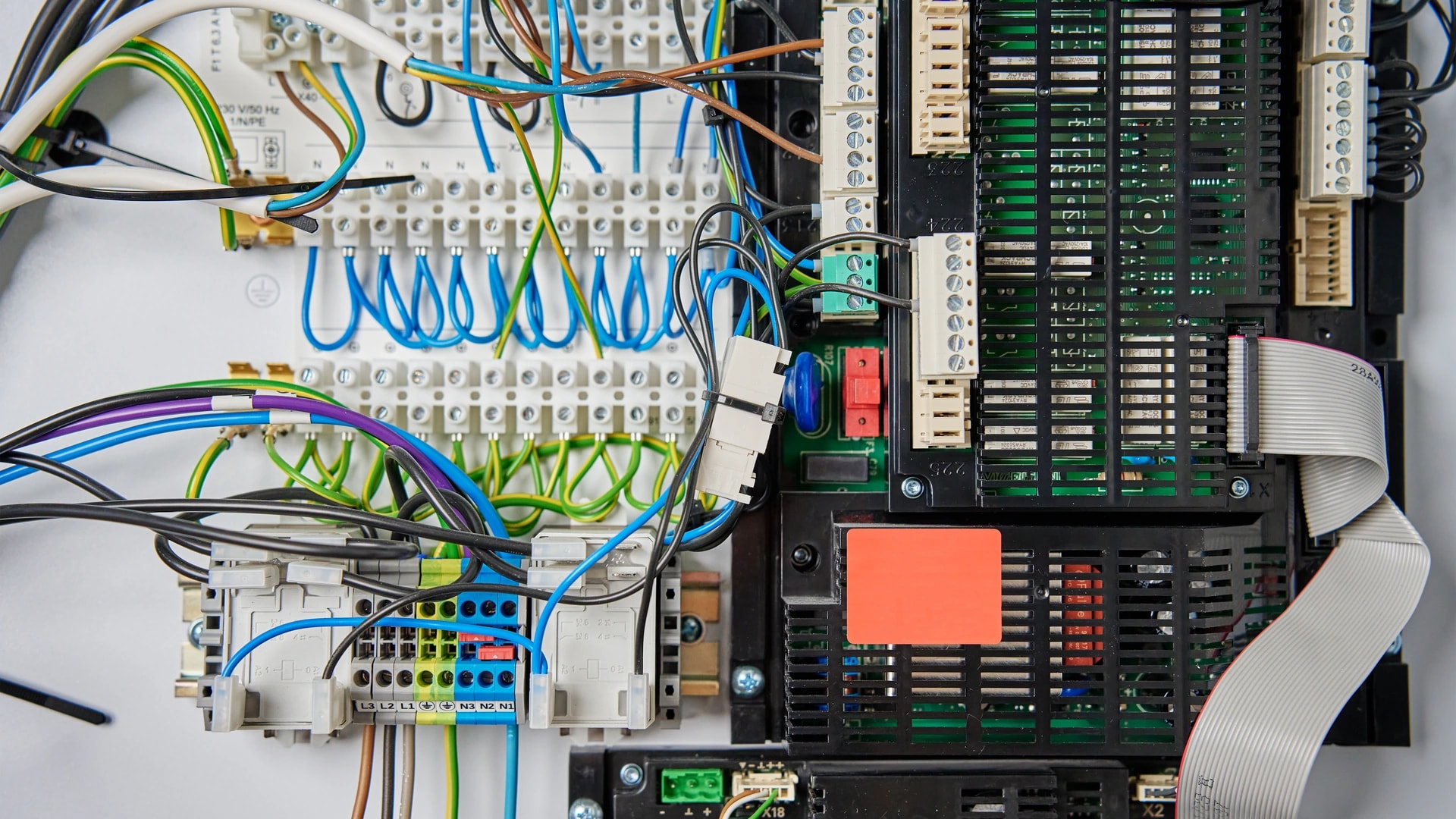
What you buy changes. Pure control needs the device and an app. That is it. Real automation needs something to hold the rule: a hub, a controller, an app's own automation engine, or, in a villa, a wired system. Automation almost always needs a second device too, because a rule connects things.
What it costs follows from that. A one room starter setup in Dubai runs AED 2,000 to 5,000. A full apartment lands at AED 8,000 to 15,000 in 2 to 4 days. Villa essentials start from AED 30,000, and a fully wired villa is AED 150,000 to 250,000 and up[8]. Automation pushes a project up those tiers because it needs planning and more parts working together, not because the word costs more.
Whether it survives an outage depends on where the logic runs. This is the part nobody selling you a bulb will mention. An automation rule stored on a manufacturer's cloud server stops the moment your internet stops. The device is still powered, still on your Wi-Fi, and the rule simply never fires.
A rule that runs locally does not care. A hub processing it on your own network keeps going. KNX keeps going too. It is a wired backbone with a 30 year plus lifespan, and its logic sits in hardware inside the house. It never needed the internet.
Before you buy anything sold as "automation", ask one question: where does the rule actually run, on my property or on someone's server?
That is the honest, non marketing reason we recommend a wired KNX backbone for Dubai villas, alongside smart lighting and climate control. Not because it is more automated in some abstract sense, but because its automation does not depend on anything outside your walls. The radio and wiring side of that decision is covered in our smart home protocols guide.
Does home automation need the internet?
No, home automation does not need the internet for the rules themselves. It needs a connection only for the parts that have to leave your house. Rules that run inside your home can run with the router unplugged.
Three things do need a connection: reaching your home from outside, any rule stored on a manufacturer's cloud, and voice assistants that process speech remotely.
Three things do not. Rules held on a local hub. Devices on a Zigbee or Z-Wave mesh, which is wireless, needs no drilling and runs on batteries that last years. And anything on a wired KNX system, where the logic sits in hardware on the property.
Quick test: switch your router off for ten minutes and walk around. Whatever still reacts is running locally. Whatever went silent was never really yours to begin with.
Most Dubai homes are a mix, and that is fine as long as you know which is which. The rules you would miss at 2am, gate access, water valves, the AC in a child's room, are the ones to keep local.
Where both terms came from
Home automation is decades older than the phrase smart home. It goes back to X10, a protocol built in 1975 by Pico Electronics in Glenrothes, Scotland. X10 sent control signals over a home's existing electrical wiring[7]. No internet, no apps, no phones.
Its other name is domotics, a contraction of domus, the Latin word for home, and robotics[3]. You still meet it in European technical writing, and glossaries list it as a straight synonym for home automation[4].
"Smart home" arrived much later, once devices started talking to apps and cloud servers. It is largely a newer label for the same idea, which is why a glossary can treat the two as interchangeable and still be reasonable.
That history explains the confusion better than any definition does. One word was born in a world of wires and timers. The other was born in a world of phones and accounts. They ended up describing overlapping homes.
What this means for a smart home in Dubai
The "where does the logic run" question carries more weight in Dubai than in most markets, for two physical reasons that have nothing to do with brands.
The first is the buildings. Villas here are concrete and block, often over 4,000 square feet across two or three floors. One router in the majlis does not cover that. A wireless rule crossing three concrete walls fails quietly, and at the worst moment. We cover the fix in Wi-Fi problems in Dubai homes and build for it through home networking and IT.
The second is dependency. Every cloud based rule in your home is a rule that borrows someone else's server and your ISP. In an apartment, a dropped connection is annoying. In a villa where the gate, the pool and the AC zones all run on rules, it is a bad evening.
From our projects: the question worth asking any Dubai installer is not "is this smart or automated". It is "when my internet drops for an hour, which of these rules still fire". A good installer answers that in one sentence. A weak one changes the subject.
For apartments and rentals, cloud based automation is usually fine, and wireless kit comes off the wall clean when you move. For an owned villa, put the logic on the property. That is the whole argument, and it is why the label matters less than the wiring diagram.
How Dubai Smart Home builds both
Dubai Smart Home builds both sides of this line, control and automation, usually in the same project. Most Dubai homes want plain control in some rooms and real automation in others. There is no reason to pay for the second where the first will do.
Dubai Smart Home has designed, installed and supported smart home automation in Dubai since 2016. That is 100+ completed projects and 12 systems, rated 4.9/5 by Dubai homeowners. Our engineers are in-house and based in Dubai, we do not subcontract, and systems run in English and Arabic.
- For control: consumer ecosystems like Apple Home, Google Home and Amazon Alexa, set up properly so one app runs the house instead of seven.
- For automation you can rely on: a wired KNX backbone, or controller systems from Control4, Crestron, Savant and Lutron, with the logic held on the property.
- For the layer underneath both: the network, because every rule in a modern home rides on it.
Sales enquiries are answered within 2 hours. Want a straight answer on whether your wish list needs automation or just a few smart devices? Ask an engineer → or message us on WhatsApp →.
For the full picture on cost, systems and what Dubai homes actually need, read our complete smart home guide for Dubai.