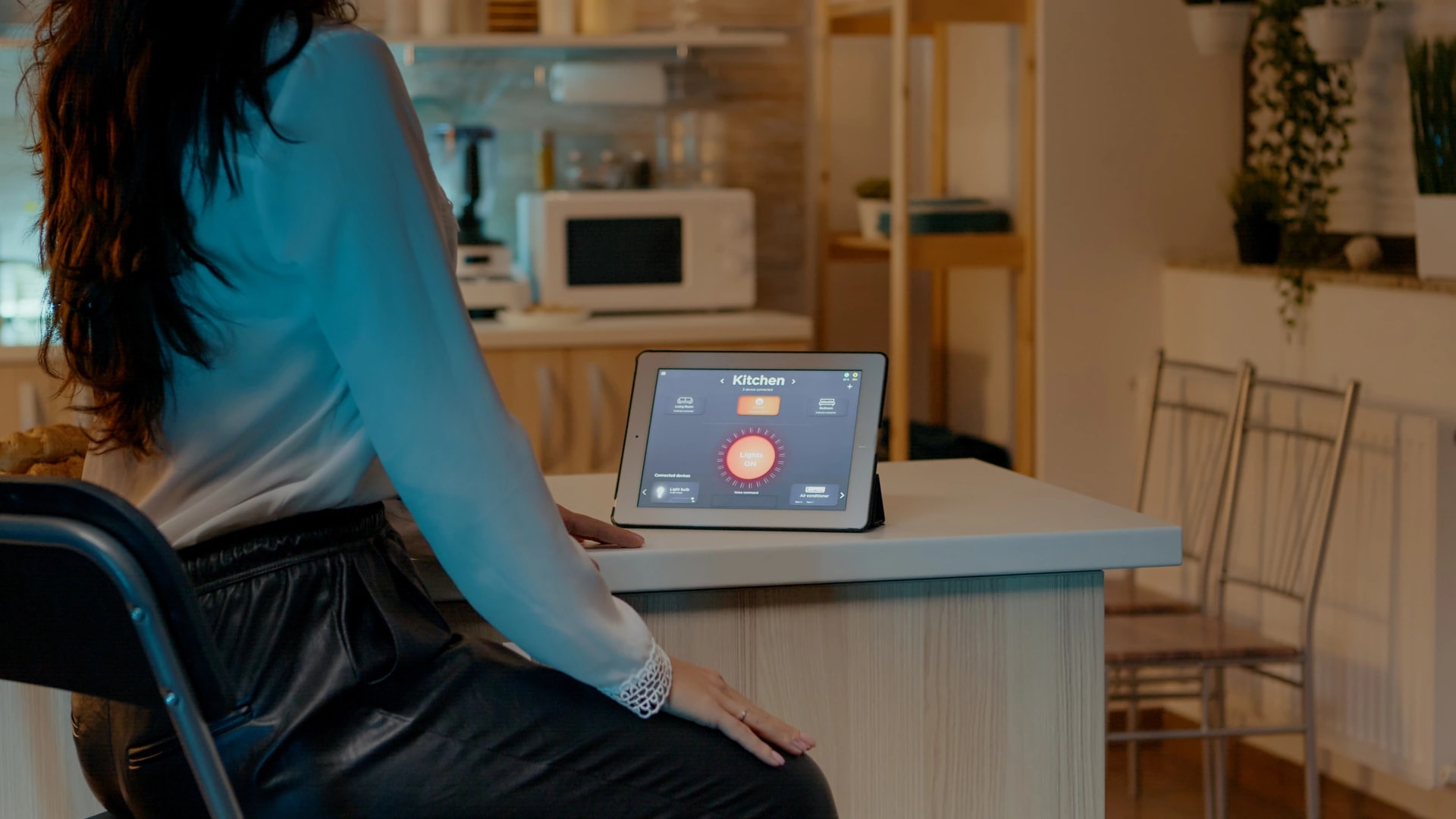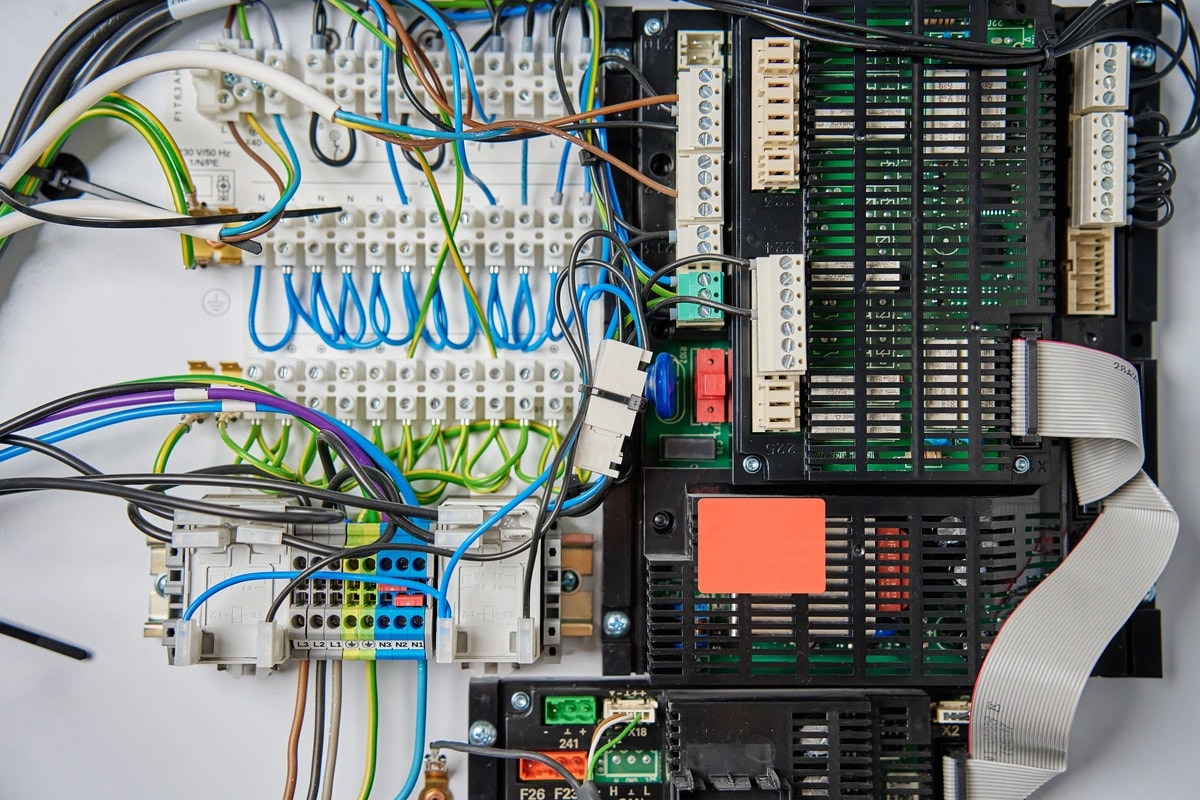
A Dubai home office breaks in four places, and each one is fixable. The call drops because Wi-Fi cannot get through a concrete slab. Your face looks grey on camera because the room was lit for living, not for a lens. The AC cools a whole floor for one person. Then a short power cut takes the router down mid meeting.
This guide fixes them in that order, because each layer sits under the next. We install networking, lighting, and climate control in Dubai villas and apartments, and we have done it since 2016. Every number below comes from our own installs or carries a named source. If you want the wider picture first, read our complete smart home guide for Dubai.
What makes a good smart home office in Dubai?
A good Dubai home office fixes four layers in a set order: the network, the light, the climate, then the power. Skip the order and you spend money on the wrong layer. Most people upgrade the internet plan when the real problem is a wall.
Quick take: a wired connection at the desk, one front facing light at about 5000K with CRI 90 or higher, an AC schedule for that one room, and a small UPS on the router. That is the whole build. Everything after it is an upgrade, not a requirement.
| Layer | What to do | Why it matters | Approximate cost |
|---|---|---|---|
| Network | Run one Cat 6A cable from the router to the desk | Sidesteps concrete, band steering, and tower congestion at once | Quoted per run after a site visit |
| Network | If you cannot drill, put a wired backhaul mesh node in or near the office | A wireless relay loses throughput through every concrete floor | Depends on home size and node count |
| Lighting | Add one front facing light, about 5000K, CRI 90 or higher | Below CRI 90 skin tone reads sallow or green on camera[6] | Smart bulbs from about AED 139 each, approximate UAE retail |
| Shading | Sheer or motorized blinds on the office window | Kills glare at the window and cuts cooling load 15 to 20 percent[10] | Motorized curtains from AED 2,800 |
| Climate | Add an infrared AC controller with a schedule, for that room only | Smart AC and lighting control cut cooling costs 20 to 30 percent[10] | About AED 250 to 735 per controller, approximate UAE retail |
| Power | Put the router, the ONT, and the desk switch on a small UPS | That gear draws only about 15 to 30 watts, so a small battery carries it | Varies with battery capacity |
| Security | Work laptop on the trusted network, smart devices on a guest network | Keeps a compromised plug or bulb away from work files | Included in a managed network install |
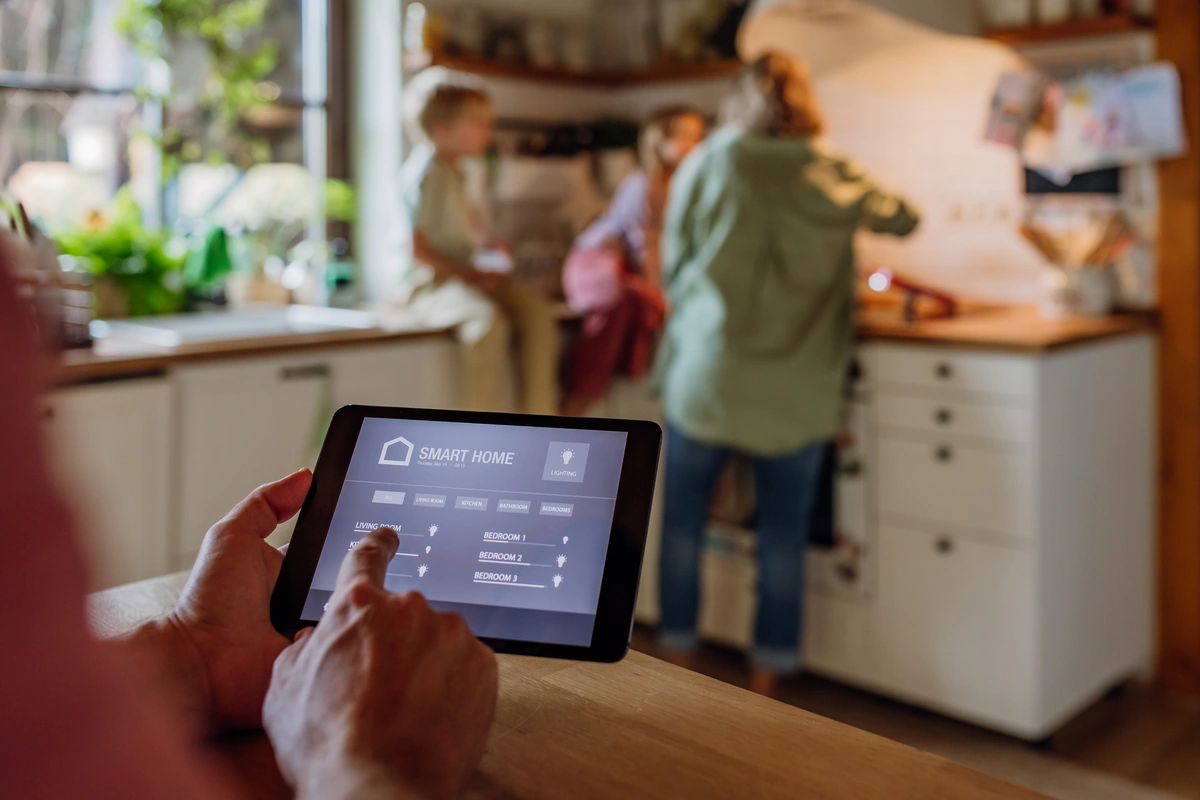
| Automation | Build one work mode scene: light, AC setpoint, blinds, do not disturb | One trigger instead of four apps every morning | Free in Alexa, Google Home, or Apple Home |
| Whole room | Do the office as one starter smart room, wired and set up in a day | Lighting, climate, and shading run from one app instead of three | AED 2,000 to 5,000 installed[10] |
Fix this first: why your video calls drop
Your calls drop because the Wi-Fi cannot reach your desk, not because your plan is too slow. In a Dubai home there are four usual causes, and each one needs a different fix.
Fix this first: work out what sits between your desk and the router before you buy anything at all.
- Band steering. One network name covering both 2.4GHz and 5GHz lets the router push your laptop onto a band it cannot hold. Splitting the bands into separate names gives you control.
- Concrete and block walls. Dubai homes are reinforced concrete, block, and often marble. Every slab and wall eats signal, and a thicker wall eats more. If your office is upstairs or behind a block wall from the router, this is very likely your problem.
- Tower congestion. In Dubai Marina, JLT, Downtown, and Business Bay, dozens of neighbouring networks share the same three usable 2.4GHz channels. That is crowding, not weak signal, so the fix is a channel change or a move to 5GHz.
- A hot router in a closed cupboard. A router boxed into an unventilated space gets hot and slows down, and Dubai heat makes it worse. Move it somewhere central, raised, and open.
The Dubai catch: these four causes look identical from the desk. The call freezes either way. Guessing costs you a router you did not need, so diagnose before you spend. Our guide to smart home Wi-Fi problems in Dubai walks through each cause and the test for it.
Ethernet to the desk: the real fix
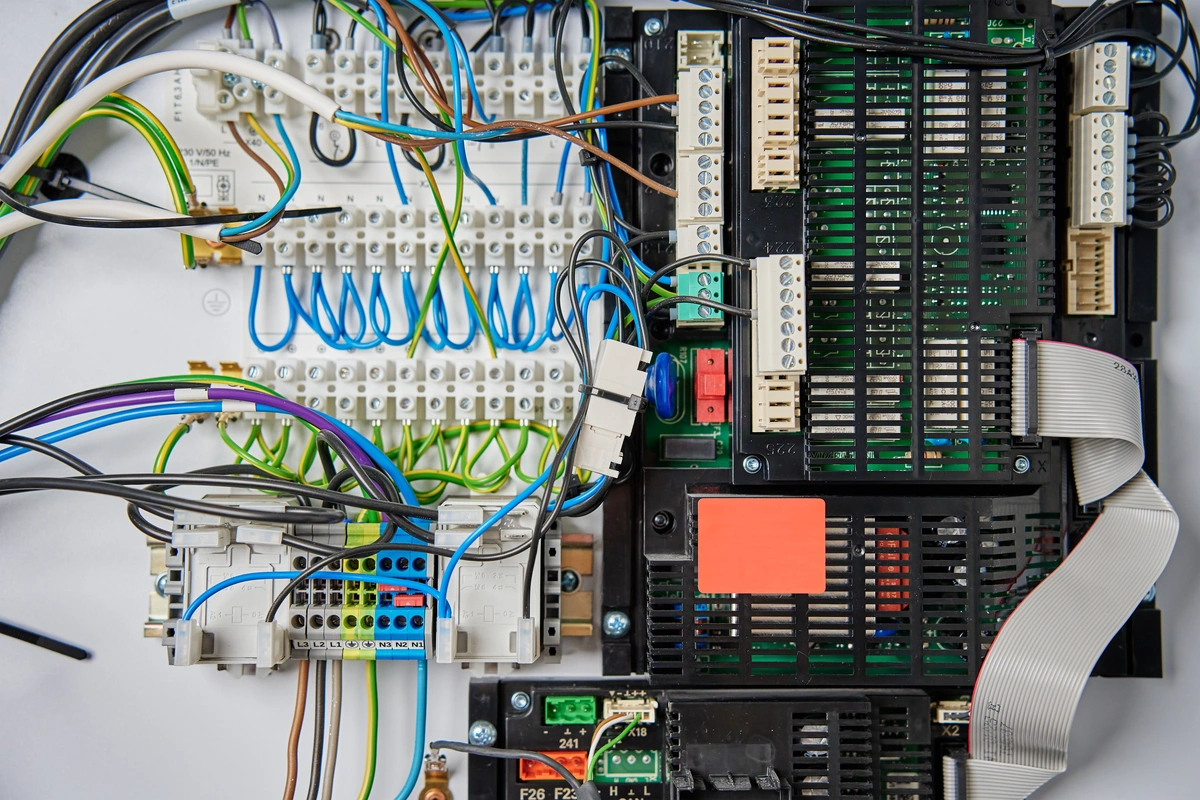
One Ethernet cable to the desk beats any mesh system for calls. It skips band steering, concrete, and neighbour congestion in one move. Nothing else in this guide buys you as much reliability for as little money.
Cat 6A is the right cable for a new run. It is rated to 500 MHz and carries 10 gigabit speeds across a full run, so the cable outlives several rounds of Wi-Fi gear. Cable rules cap a permanent run at 90 metres, which no home office desk will ever reach. Our structured cabling guide covers the spec, the routing, and the heat derating in detail.
Common mistake: buying a faster router to solve a wall. The router was never the weak link. The slab between it and your chair was.
If you cannot open a wall, a surface run of Cat 6A inside a skirting trunk is a light touch job many landlords accept. Where even that is refused, move to the mesh section below and place the node properly. We run cabling, switches, and access points as part of our home networking and IT work.
Mesh Wi-Fi done properly
A mesh system works well when the nodes are wired to each other, and poorly when they are not. That single detail decides whether your office gets full speed or a fraction of it.
A mesh node relays traffic. If it relays over Wi-Fi, it spends part of its airtime talking to the main router, so the desk gets less. Push that relay through a concrete floor and the loss compounds. Feed the same node with an Ethernet cable and the penalty disappears.
- Put a node in the office, not outside it. A node in the hallway still has to push signal through the office door and wall.
- Wire the backhaul where you can. One cable to one node fixes more than three extra wireless nodes.
- Name your bands separately. A 2.4GHz name and a 5GHz name let you pin a webcam or a smart plug to the band it supports.
- Skip plain extenders for a work desk. A repeater roughly halves throughput where you stand, and does nothing about the wall.
The most reliable version is a dedicated access point fed by Cat 6A and powered over the same cable.
What internet speed you actually need
Home office internet in Dubai needs far less speed than you think, and upload matters more than download. Zoom publishes its own figures: a 1080p HD call needs about 3.0 Mbps up and 3.8 Mbps down, whether it is one to one or a group[2]. A non HD call needs about 600 kbps each way[2].
Set that against a home fibre plan. du publishes an upload figure next to every tier on its plan pages, and even the entry tier clears a 1080p call many times over[3]. Some other operators list download only, so ask for the upload number before you sign, especially if two people in the house take calls at once.
If you are choosing between a faster internet plan and a proper Wi-Fi survey, spend on the survey first. The plan is almost never the reason a call drops.
Quick math: two people on HD calls at the same time need roughly 6 Mbps of upload between them. A camera doorbell and a cloud backup might add a few more. Any mid tier home plan in Dubai has headroom left over. We size this properly in our guide to internet speed for a smart home.
Which app you open matters too. Business platforms like Zoom and Microsoft Teams are licensed here and work normally for calls and meetings. Some consumer calling apps are restricted, because the regulator treats voice and video calling over the internet as a licensed telecom activity[1]. For interviews and client calls, use a business platform and you avoid the question entirely.
A backup line, so one cut does not end a call
A second internet line is the cheapest insurance a home worker can buy. Both major UAE operators sell home wireless plans that run over 5G with no fixed line install, which makes them a practical standby behind your fibre connection[3].
There are two ways to use one. The simple way is a 5G router sitting idle on the shelf, switched on when the fibre goes quiet. The better way is a dual line router that fails over on its own, so a cut on the main line moves your traffic across without you touching anything.
Real talk: most homes do not need this. A backup line earns its keep when a dropped client call costs real money, or when you are in a serviced apartment where fixed line installation is not on offer. If neither is true, put the money into cabling instead.
Lighting for video calls
Your room needs one soft light in front of you, at about 5000 to 5600K, with a CRI of 90 or higher[6]. That single fixture does more for how you look on a call than any camera upgrade.
CRI stands for colour rendering index. It scores how truthfully a light shows real colour, out of 100. Below CRI 90, skin tone commonly reads sallow or slightly green through a webcam, even when the light looks fine to your eye[6]. Colour temperature, measured in Kelvin, sets how warm or cool the light is. A 2700K bulb reads orange on camera and 6500K reads pale and cold.
| Spec | What to aim for | Why it matters on camera |
|---|---|---|
| Colour temperature | About 5000K to 5600K | Daylight balanced, so skin tone reads neutral instead of orange or blue[6] |
| Colour rendering (CRI) | 90 or higher | Below 90, faces commonly look sallow or green through a webcam[6] |
| Position | In front of you, at or just above eye level | An overhead downlight alone drops shadows under the eyes and nose[6] |
| Quality of light | Soft and diffused, or bounced off a wall | A bare bulb makes hard edged shadows across the face |
| Flicker | Dimming above about 5,000 Hz | Cheap drivers dim at 100 to 500 Hz, which a camera catches as banding[7] |
| Consistency | One colour temperature across every light in shot | Mixing a warm lamp with a daylight panel puts two colour casts on one face |
| Window | In front of you or to the side, never behind | The camera exposes for the window and turns your face into a silhouette |
On camera: flicker is the one that surprises people. Many budget LED drivers dim by switching the light on and off very fast, at roughly 100 to 500 times a second[7]. Your eye smooths that out. A camera shutter does not, so you get rolling bands or a strobe in the frame.
Two fixes work. Run a cheap bulb at full brightness instead of dimmed, since flicker is worst at low dim levels, and set your webcam app's anti flicker option to 50 Hz for the UAE[7]. The proper fix is buying lighting sold as flicker free, which dims far faster than a camera can catch[7].
Common mistake: relying on the room's ceiling light alone. One downlight above your head gives you eye shadows and locks the frame to whatever colour that fixture happens to be. A desk light in front of you takes that control back.
Controlling the Dubai sun at the window
Fix the glare at the window, not in your camera settings. Dubai gets around 3,500 hours of sunshine a year, and from May to July the sun is up for roughly 12 hours a day. A home office window facing that is a light source you have to manage.
Direct sun does two things to a call. It blows out one side of the frame, so the camera underexposes everything else. It also heats the room, which makes your AC work harder for the same comfort. Shading solves both at once, and smart blinds cut cooling load by roughly 15 to 20 percent in a sun facing room[10].
For an office, a sheer or diffusing layer usually beats full blackout. It cuts the hard glare while keeping the room bright enough to work in, so you are not sitting in the dark at 2pm. Motorized blinds can close at the peak sun hours and reopen after, on a schedule you set once. Our motorized curtains and blinds work covers both, and the smart curtains and blinds guide compares the track types and motors.
Tunable white light for a long working day
Tunable white means one fixture that shifts from warm to cool light on a schedule. In a home office it is worth it, because this is the one room you sit in for eight hours to a fixed pattern.
A sensible curve runs brighter and cooler through the working middle of the day, around 4000K to 5500K, then steps down to warmer and dimmer light in the early evening, around 3000K to 3500K. The point is that it changes on its own. A bulb you set by hand once is not the same thing.
Real talk: treat this as comfort and camera consistency, not a health claim. It makes a long day in one room easier to sit through, and it keeps your colour temperature steady during call hours. That is the honest case for it. Our circadian lighting guide for Dubai covers the schedules and the fixtures in full.
Tunable white switches and drivers come in as part of a smart lighting and climate package, which starts from AED 4,500. For one desk, a single tunable white lamp is the realistic entry point, and it costs a small fraction of that.
Cooling one room, not the whole floor
Cool the office as its own zone on a weekday schedule, and stop cooling it when nobody is in it. This is the single biggest running cost in a Dubai home office, and it is the easiest one to cut.
Start by checking what you have, because the device differs by system. A split unit takes an infrared controller that copies the signals from the original remote. A villa's ducted or central system needs a wired gateway, fitted by a licensed technician. A district cooled apartment has a fan coil unit with no compressor of its own, so a smart control there manages the fan and the chilled water valve on a schedule.
Then set three things: a schedule, a setpoint, and a way to stop cooling an empty room. DEWA's own guidance is that each degree above the recommended 24C setpoint can save up to 5 percent on AC use, and DEWA itself recommends a programmable or smart thermostat to control run time[4]. A geofence drops the room to an eco setpoint when you leave the house, and a motion sensor at the desk does the same when you step out for an hour.
Quick math: smart AC and lighting control cut cooling costs 20 to 30 percent, and a villa paying AED 4,000 a month to DEWA in summer saves AED 800 to 1,200 a month with that control in place[10]. One office is a slice of that, not the whole figure. Treat the room as one zone on a nine to six schedule, and your saving is every hour you stop cooling an empty room.
Two smaller wins. A ceiling fan moves air across your skin, which lets you hold the same comfort one or two degrees higher. And Dubai's humidity can leave a room clammy at a correct temperature, so a controller that also tracks humidity helps. Our guide to automating air conditioning in Dubai covers every AC type and the device for it.
Want a zoned setup costed for your own office? Book a free site visit and quote →
Air quality in a closed office
A closed office in a well sealed Dubai home gets stuffy faster than the rest of the house. You shut the door for calls, the building is built tight for AC efficiency, and your own exhaled carbon dioxide builds up with nowhere to go.
Ventilation standards give you a useful band to aim at. ASHRAE's ventilation standard recommends indoor carbon dioxide stay no more than 700 parts per million above the outdoor level, which works out to roughly 1,000 to 1,200 ppm indoors in a normal office[8]. Some building standards aim a little lower, closer to 800 to 1,000 ppm.
The research on concentration points in one direction without settling on a single number. A review of 37 experimental studies, published in the journal Indoor Air, found that carbon dioxide exposure below 5,000 ppm can affect cognitive performance, with complex tasks affected more than simple ones, while noting that findings across studies are not fully consistent[9]. Read that as a direction and a range, not a hard cut off.
The fix is cheap. Put a small air quality monitor on the desk so the problem is visible instead of felt as afternoon tiredness. Then open the door or a window periodically, or make sure the room's ventilation brings in fresh air rather than only recirculating it.
Power: a small UPS for the router and ONT
Put your router, your fibre box, and any desk switch on a small uninterruptible power supply. They all die the instant mains power drops, and your laptop battery cannot help you if the network in front of it is dark.
The load is tiny. A router and an ONT together draw roughly 15 to 30 watts, which is why a modest battery carries them for hours. As a rough guide, at a 20 watt load every 100 usable watt hours of capacity buys about five hours of runtime.
- First, the router. Nothing else on the desk matters if this is off.
- Second, the ONT or modem. This is the box the fibre terminates in.
- Third, any access point or switch feeding the desk. Same cupboard, often forgotten.
- Fourth, the laptop charger. Lower priority, because a laptop has its own battery.
Buy surge protection alongside it, built into the UPS or as a separate strip. The spike when power comes back is a separate risk from the outage.
The Dubai catch: outages here are genuinely rare. DEWA's customer minutes lost figure was 0.82 minutes per customer in 2025, about 49 seconds a year, the lowest in the world[5]. That figure covers faults on DEWA's own grid. Your building's internal wiring, meter boxes, and a tripped breaker in your own flat sit outside it, and they are the ones that catch you. Our guide on what happens to a smart home in a power cut breaks down what keeps running and what does not.
Keep work devices off your IoT network
Put the work laptop and work phone on your main network, and move every smart device onto a guest network or a separate VLAN. A VLAN is a way of splitting one physical network into separate lanes that cannot talk to each other.
The reason runs the opposite way to the usual smart home security advice. Normally the worry is a compromised plug reaching your laptop. In a home office, that laptop holds work email, client files, and a company VPN session, which raises what a compromised bulb or camera is worth to an attacker.
The simple version needs no new hardware. Use your router's guest network for bulbs, plugs, the AC controller, and cameras, and keep the trusted network for work devices. The proper version is a managed switch with real VLANs and firewall rules between them, which is part of how we build a home network in a villa.
- Mute the smart speaker during confidential calls. Most have a hardware mic button that cuts the microphone circuit, not just a software toggle.
- Switch off any camera with a view of the office when you do not need it. A camera system should have a privacy mode for exactly this.
- Change default passwords and turn on automatic firmware updates on the router and every device you add.
- Buy through mainstream UAE retail so your router and devices carry local type approval.
That is the home office slice of a longer list. Our article on keeping a smart home safe from hackers has the full checklist.
Build one work mode scene
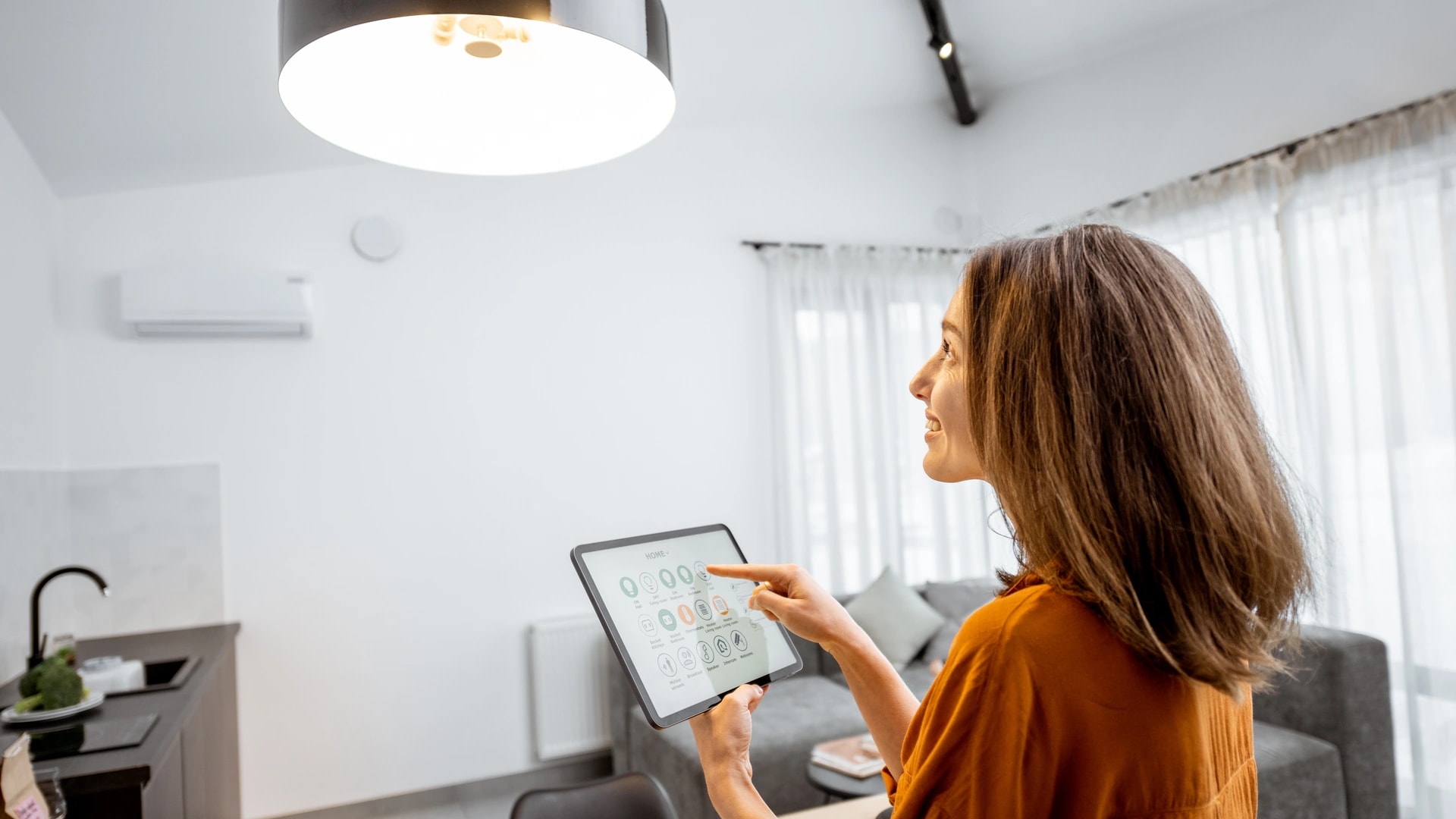
One scene should set the whole room for work: desk light to its camera setting, AC to your working setpoint, blinds angled against the sun, and a do not disturb signal for the rest of the house. One trigger, four devices.
All three major platforms build this with their own app, no installer needed. In Alexa you create a Routine, pick a trigger, then add each action. In Google Home you use the Automations tab for a simple flow. In Apple Home you build a Scene for the settings, then an Automation to fire it at a time or on a sensor.
Then build its mirror. An end of day scene drops the lights to an evening level, steps the AC back to an eco setpoint, and returns the blinds to their normal position. Without that second scene, work mode quietly runs all night.
- Trigger it with presence, not just a clock. A motion sensor at the desk stops the room running on a fixed schedule when you are out.
- Add a shared house signal. A hallway light in a set colour tells the family you are on a call, which is the cheapest automation in this whole guide.
- Start with two scenes, not ten. Build work mode and end of day, live with them for two weeks, then tune.
- Watch for clashes. A work mode scene and a general arrive home routine both setting the AC will fight each other.
Smart plugs are an easy way to pull a monitor, a lamp, or a printer into the same scene without changing anything in the wall. Our roundup of the best smart plugs in Dubai covers what to look for. The full per platform walkthrough is in our guide to smart home scenes and automations.
Renter versus owner: what to install
Renters should buy plug in gear that leaves no trace, and owners should wire the room once and stop thinking about it. The split is cleaner in a home office than almost anywhere else in the house.
| Layer | Renter, no drilling | Owner, wired |
|---|---|---|
| Network | Mesh node in the office, or a surface run cable in a skirting trunk | Cat 6A to the desk plus a dedicated access point on the same cable |
| Backup line | A 5G home wireless router as a standby[3] | A dual line router that fails over on its own |
| Lighting | Tunable white desk lamp or smart bulbs in existing fittings | Tunable white drivers and keypads wired behind the wall |
| Shading | Battery motorized roller blind, or a sheer curtain layer | Wired motorized tracks with a proper power feed |
| Climate | Plug in infrared AC controller for the split unit | Wired gateway into the villa's central or ducted system |
| Power | Small portable UPS under the desk | UPS in the network cupboard, covering the whole rack |
| Security | Router guest network for every smart device | Managed switch with real VLANs and firewall rules |
Real talk: an infrared AC controller sends the same signal as your original remote and touches nothing inside the unit, so it is not a modification and does not put a landlord's warranty at risk. A wired gateway into a villa system is different, and a licensed technician should fit that one.
If you are building or renovating, run the cable now. Pre-wiring during construction costs 60 to 70 percent less than retrofitting a finished home[10], and a home office is the easiest room in the plan to get right on paper.
How Dubai Smart Home builds a home office
We build the four layers as one system: the network, the lighting, the climate, and the shading, all running from a single app. That is the difference between a smart office and a drawer of separate gadgets with separate apps.
The job starts with a survey, not a quote. We check what the desk sits behind, what AC type the room has, and which way the window faces, because those three answers change the design. Then we pull the cable, fit the access point, set the lighting to a camera ready spec, and program the work mode scene before we leave.
Our engineers are in house and based in Dubai, and we do not subcontract. We have completed 100+ projects since 2016, we are rated 4.9/5 by Dubai homeowners, and every system works in English and Arabic. Enquiries are answered within 2 hours. See the full range of what we install at Dubai Smart Home.
A single room is a small job. A starter smart room runs AED 2,000 to 5,000 installed and is usually done in a day[10], so you can fix the office first and decide about the rest later.
Ready to stop the calls dropping? Book a free site visit and quote → or message an engineer on WhatsApp →. Tell us where your desk is and what is between it and the router, and we will tell you what the fix looks like.