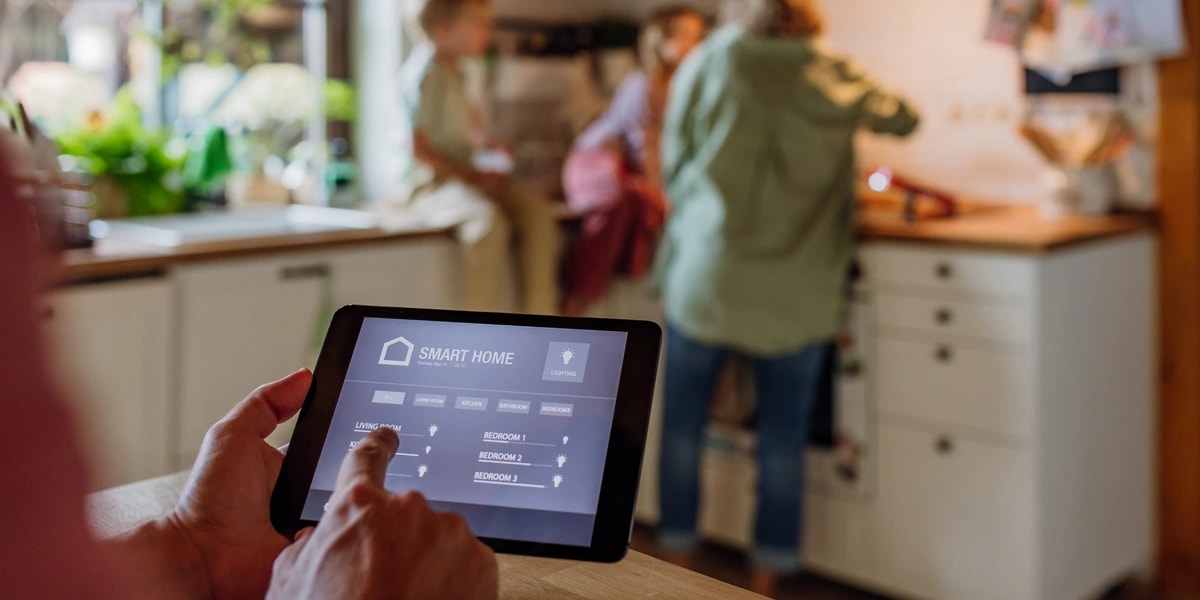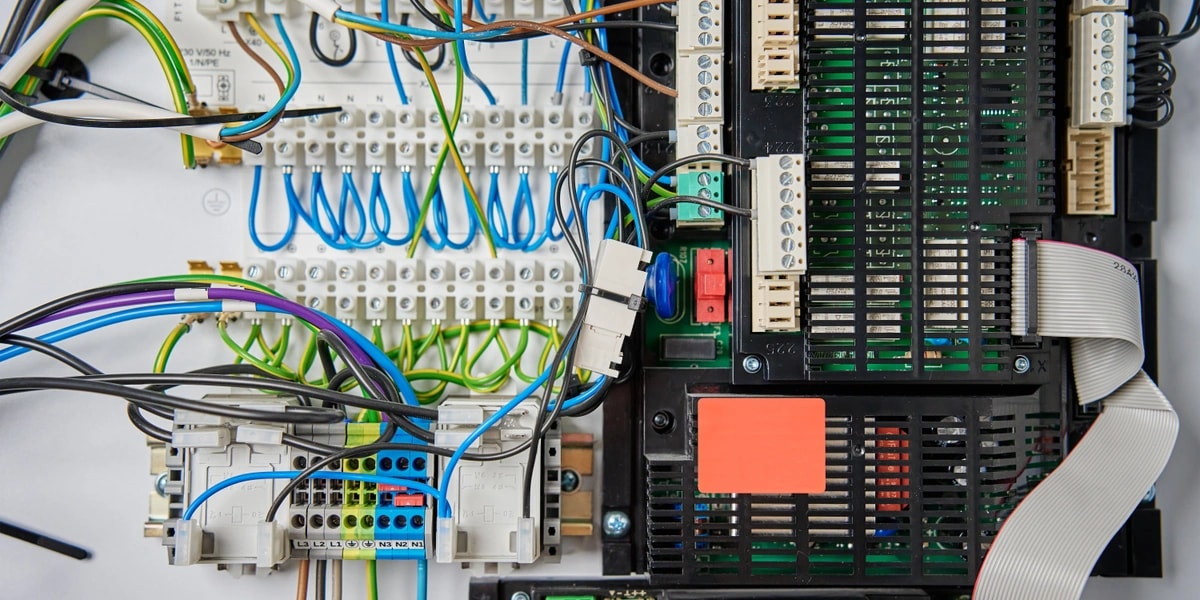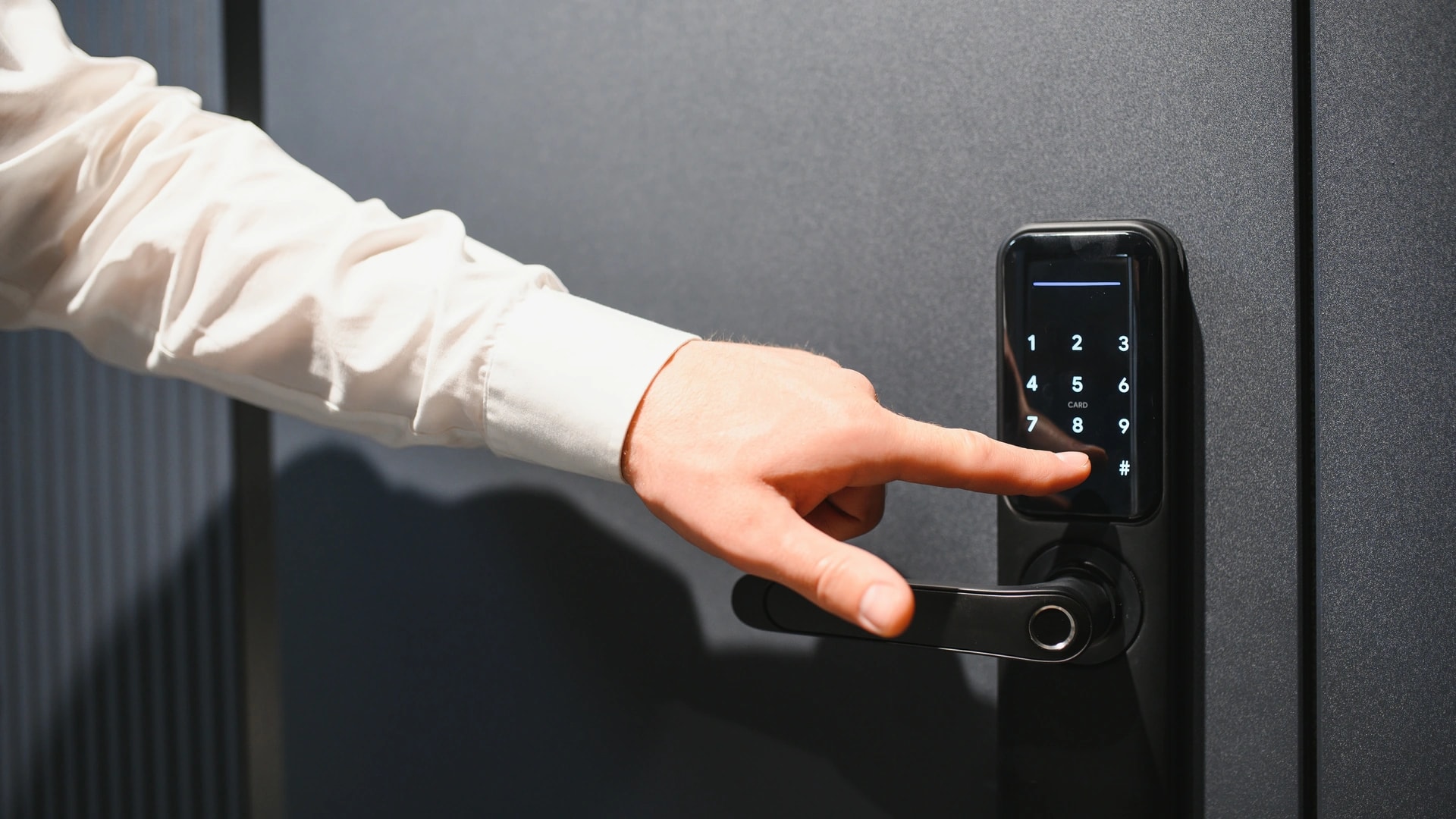
The honest answer has two halves. Dubai's grid almost never drops, so this is not a problem you will face often. When it does, what fails in your home is decided by how the system was built, not by luck.
We see the same pattern in DIY setups. Everything runs through one hub on a cloud service, and one blackout leaves a family without lights until someone works out the boot order. A wired system with local logic behaves nothing like that. This page sits inside our complete smart home guide for Dubai.
One correction up front, because most articles get it backwards. Standalone smart locks are barely affected by a power cut. Motorised gates are the hardware that genuinely stops.
How reliable is Dubai's power grid, really?
Very. DEWA recorded Customer Minutes Lost of 0.82 minutes per customer in 2025, the lowest figure in the world[1][2]. In plain English, that is about 49 seconds a year.
Customer Minutes Lost, or CML, is the average number of minutes a customer spends without power across a year. Regulators elsewhere call the same measure SAIDI.
| Year | Customer Minutes Lost per customer | Reported by |
|---|---|---|
| 2012 | 6.88 minutes | Gulf News and Khaleej Times, citing DEWA |
| 2022 | 1.19 minutes | Dubai Media Office, January 2024 |
| 2023 | 1.06 minutes | Dubai Media Office, January 2024 |
| 2024 | 0.94 minutes | Gulf News and Khaleej Times, citing DEWA |
| 2025 | 0.82 minutes, about 49 seconds | Gulf News and Khaleej Times, citing DEWA |
| Leading EU utilities | Around 15 minutes | DEWA's own comparison figure, same reports |
The Dubai Media Office release carrying the 2022 and 2023 figures names the driver. DEWA runs an Automatic Smart Grid Restoration System, a first for the region, which detects a fault, isolates it and restores supply without human intervention[3]. Most residents never notice.
0.82 minutes a year is roughly 49 seconds. That is the entire window your smart home has to survive on a DEWA-side fault.
Real talk: that is why this article does not try to scare you. What you need to know is which parts of your system pause for 49 seconds, and which parts need you to walk to the rack afterwards.
One honest caveat. DEWA's CML measures faults on DEWA's network, not inside your villa. DEWA has urged residents to check exposed connections, meter boxes and rooftop conduits before stormy weather[4]. If you want to know what your DEWA smart meter can and cannot tell you, that is a separate guide. That is so rain does not start an interruption on your side of the meter. Its emergency line is 991, and our sandstorm guide covers weather automation.

What happens inside your home the moment power drops?
Three things, easy to keep straight. Anything on mains stops. Anything on its own battery carries on. Anything cloud-based went the moment the router lost power. The table below is the whole article in one screen, and it is what we walk clients through before we quote a villa.
| Component | What happens when power drops | What happens on restore | What to specify if it matters |
|---|---|---|---|
| Standalone smart lock (own batteries) | Nothing. It was never on mains. Code, key and fingerprint work as normal[5]. | Unaffected throughout. | A mechanical key override, and a spare key kept outside the door it opens. |
| That lock's app and alerts | App unlock, alerts and voice stop, because the hub and router lost power, not the lock. | Return when hub and router are back online. | A small UPS on hub and router if you let staff or family in remotely. |
| Motorised gate (mains motor) | Stops. Keypad, remote and app all do nothing. | Resumes. Some models re-sync their position sensor first. | Know the manual release point and test it at handover. Battery backup on the motor for busy gates. |
| Mag-lock or electric strike on an access panel | Fail-safe unlocks. Fail-secure stays locked. A design choice, not chance. | Returns to its configured normal state. | On an escape route, hardware that never needs power to let someone out. Confirm with a licensed installer. |
| KNX lighting, AC and curtains | Bus voltage drops. Actuators hold or move to the safe state set in ETS. | Return to their configured recovery state. Wall switches work at once, because the logic sits in the wiring[6]. | Each important zone's power-fail and power-return behaviour, in writing. |
| Control4 or Crestron rack | Processor and rack go down until power or a UPS restores them[7]. | Keypads and scenes work once it reboots. Modem, then router, then controller. | Controller, switch, router and access points on one UPS. |
| Lutron HomeWorks schedules | A schedule due during the cut is skipped. | Skipped events do not fire late by default. Zones go to their set Power On Level, and some modules flash to full brightness first[8]. | Ask whether missed events are enabled for schedules you rely on. |
| Battery sensors (door, motion, leak) | Keep reporting on their own batteries. | Unaffected, once their hub is back up. | Nothing beyond normal battery replacement. |
| Wi-Fi cameras and cloud plugs | Stop the moment they, or their access point, lose power. | Return once both are powered and reconnected. | For a gate camera, put it, its access point and the recorder on a UPS. |
| Local NVR (video recorder) | Keeps recording on a UPS. Stops instantly without one. | Resumes. The outage window is missing from the timeline. | UPS runtime sized for recorder plus cameras. |
| Cloud voice assistants | Go silent, because the speech is processed off your property. | Return once speaker, router and internet are all back. | A UPS alone does not fix this. Keep wall keypads. |
| Home battery (for example Tesla Powerwall) | Detects the outage and switches the home to stored power, per Tesla, far faster than a generator restarts[9]. | Recharges from solar, or the grid, per its charge logic. | Agree which circuits it backs up. Capacity is finite and stacks per unit. |
Common mistake: reading that table and concluding you need backup power. Most Dubai homes do not. Read it as a specification checklist instead.
Battery-powered or mains-powered: the split that decides everything
Every device sits on one side of a single line: it either carries its own power or it does not. That line predicts outage behaviour better than the brand or the price.
Battery devices include door and window contacts, motion sensors, leak sensors and standalone smart locks. They keep sensing through a cut. What they lose is the ability to tell anyone, because their hub is on mains. Our protocols guide explains why those radios sip so little power.
Mains devices include your router, switch, access points, controller, cameras, motorised gates and curtains, and every wired lighting actuator. They stop. That is physics, not a defect.
A third group is worse off: mains-powered and cloud-dependent. A Wi-Fi plug needs the router up, the internet back and its maker's service reachable before it takes a command again.
From our projects: the villas that come through an outage cleanly share one trait. The rack, router and recorder sit on one UPS, and everything else is allowed to stop and restart.
Do smart locks work in a power cut?
Yes, almost always. A standalone smart lock on your front door or bedroom door was never wired to the mains, so a DEWA-side outage does not reach it. Its motor, keypad and radio all draw from AA or lithium cells inside the door.
Most outage articles get this backwards, and it changes what you should worry about. Your lock is one of the few things that does not care about the grid.
What a cut removes is the remote layer. App unlock, push alerts and voice unlock all stop, because the hub, router or internet path lost power. Walk to the door and the code still works.
Aqara, one of the lock brands we fit, documents the same from the other direction[5]. Its locks carry a hidden mechanical key override. They also carry a USB-C port that lets a power bank wake the keypad if the cells are flat. Local access at the door works even when the lock is offline. Our smart lock buying guide covers battery life and heat derating.
The one exception is a lock or reader wired into a mains-powered access-control panel. That is a different device, and it usually lives at the gate.
Motorised gates: the hardware that really does depend on power
A motorised gate stops dead. The motor is on mains power, so keypad, fob and app all do nothing until supply returns. If your car is inside and the gate is shut, that is a real problem in a way a smart lock never is.
Gate operators are built for this. Sliding and swing motors include a manual release near the motor housing, usually a key-operated lever, pedal or hand crank. It disengages the drive so you can move the gate by hand.
The catch is human. The release only helps if you know where it is, have its key, and can find it in the dark.
Real talk: ask your installer to show you the gate release at handover, then operate it yourself once. Two minutes in daylight beats twenty with a phone torch. That is standard on every smart gate and access control handover we run.
If the gate is your only vehicle access and you use it ten times a day, a small battery backup on the motor is worth pricing. Note that it sits outside a maintenance contract: our guide to smart home AMCs explains why you should ask whether physical equipment is covered rather than assume.
Fail-safe or fail-secure: what it means for a gate
These two words describe what electrified locking hardware does the instant it loses power. They apply only to mains-powered hardware: a magnetic lock or electric strike wired to an access-control panel. They have nothing to do with the battery lock on your bedroom door.
In a Dubai villa the decision shows up at the gate, the pedestrian side gate, the staff entrance or a plant room door. It is chosen at install time.
| Type | What it does when power is lost | Typical use | Getting out |
|---|---|---|---|
| Fail-safe | Unlocks automatically | Doors on a required escape route | Always allows exit, by design |
| Fail-secure | Stays locked | Doors where keeping people out matters more, such as a plant room or a store | Still allows exit from the inside through a mechanical handle or lever. It only blocks entry from outside |
The names mislead people. Fail-secure does not mean trapped: standard hardware still lets you push the lever from inside and walk out, because that mechanical override never needed power. What the choice really controls is entry.
Does your exit stay usable if the power is out?
It should not depend on power. Across the access-control and fire-safety industry, the settled principle is that a required escape route must let people out whether the electricity is on or not.
In the UAE, Dubai Civil Defence administers the UAE Fire and Life Safety Code of Practice, which includes a chapter on means of egress[10]. We will not quote a clause at you, and be wary of any installer who does so casually. A code exists, it covers escape routes, and your hardware sits under it.
Real talk: get this checked rather than reasoned out. Take the specific door, hardware and escape route to a licensed installer and have them confirm it against current Dubai Civil Defence requirements. Two habits cover most homes: know which doors on your escape route carry electrified hardware, and confirm each opens from the inside with no power and no app.
Want this checked on your own villa? Book a free site visit and quote →
Why KNX and Control4 behave differently from a cloud gadget stack
Because the thinking happens in a different place. In a wired system the logic lives in hardware on your property. In a cloud stack it lives on a server elsewhere, and every command takes a round trip.
KNX is a wired standard where the control logic sits in the actuators and the bus cable itself. The KNX Association is direct about it. Settings and data stay local, inside the home, and automations keep running with no Wi-Fi at all[6].
One honest limit. A KNX installation still needs its own power supply to hold bus voltage, so cutting the mains pauses the loads too. The difference is that nothing is lost. Actuators hold or move to the state your installer set in ETS, the KNX programming tool. They return to a defined state when voltage comes back, and wall switches work the second it does.
Control4 works the same way at the rack. It states plainly that its systems work locally without a subscription, and that its Connect add-on is what adds remote access, Apple integration and mobile alerts[7]. Lose the internet and you lose the remote layer, not the house.
A cloud-only stack has no such floor. Until hub, router and service are all back, nothing responds except by hand at the fitting.
Real talk: this is the internet question applied to a bigger event. Our internet speed guide covers a connection-only drop, and the local-versus-cloud test shows how to check your own setup.
What does a UPS on the rack actually buy you?
It buys the difference between a pause and a restart. A UPS, or uninterruptible power supply, is a battery in a box that carries connected gear through a short outage and shuts it down cleanly on a long one.
Against a 49-second DEWA event, a modest UPS on the comms rack means nothing in the house notices. The controller never reboots, the mesh never drops, cameras keep recording. What belongs on it, in order of value:
- Router, switch and access points. The whole path. Half a network is no network.
- The controller. Control4, Crestron or KNX IP gear, plus the KNX bus power supply.
- The NVR. Recording through the gap, rather than a hole in the timeline.
- The intercom and gate controller if access during an outage matters.
Sizing is what people get wrong. A UPS is rated for a load over a runtime, so a unit that carries a small rack for 20 minutes carries a bigger one for two. Ask for the runtime at your real load.
We spec this inside a home networking and IT build, because rack, cabling and backup are decided together[11]. Retrofitting a UPS into a finished rack with no spare socket is always more work.
Home batteries and generators: what they do, and do not, do
They carry appliances, not just electronics. A UPS keeps a rack alive for minutes. A battery or generator keeps lighting, AC and pumps alive for hours, at a different scale of budget.
Tesla describes Powerwall detecting an outage and switching the home to stored power in a fraction of a second. Tesla's own framing is over one hundred times faster than a typical standby generator restarting[9]. It lists lighting and plugs plus heavier loads: air conditioning, water pumps, water heaters, pool pumps and EV charging, subject to your load and unit count.
A generator works the other way round. It has to detect the outage, start and stabilise before a transfer switch hands it the load, so there is a real gap. In exchange it runs as long as it has fuel. Pairing the two needs an external transfer switch, and the generator does not charge the battery directly.
Real talk: against a 0.82-minute annual outage record, neither is a backup-power purchase the way it would be elsewhere. In Dubai the case for a battery is usually solar, with outage cover as the bonus.
It is not a bill-arbitrage case either. DEWA charges the same residential rate at every hour, so there is no cheap night rate to charge from. Our guide to which smart devices are worth it in Dubai works through that finding. A battery here earns its place as outage backup and as a way to use more of your own daytime solar in the evening.
We size and integrate this under energy management and solar, including which circuits are worth backing up. That decision matters more than the brand.
Does a home battery need DEWA approval?
It depends on whether solar is involved, and for the standalone case we cannot point you to a published process.
If the battery is part of a grid-tied solar system, you are inside DEWA's Shams Dubai net-metering programme, run through a DEWA-enrolled contractor. Our Shams Dubai solar guide walks through that end to end, including where battery storage sits inside it.
If the battery is standalone, with no solar and no export to the grid, there is no published DEWA approval workflow we can cite. We will not invent one. Treat any installer who describes a step-by-step process for it as guessing until they show you the document.
What to do instead: confirm current requirements directly with DEWA, or have a licensed electrical contractor confirm them for you, before you order hardware. That is a permitting question for a licensed professional, not an automation question for us.
What comes back in the wrong state when power returns?
Usually a light level, a schedule or a blind. The programming survives intact. What varies is the state each zone lands in when voltage returns, and that is set at install, not decided on the night.
Lutron publishes the clearest documentation on this, and the behaviours are typical of installed systems[8]. HomeWorks guidance describes four:
- Missed schedules stay missed. A Timeclock event due to fire while the system was down does not automatically run late, unless a programmer enabled missed events in Lutron Designer.
- Light levels follow a Power On Level. DIN Rail Power Module zones return to their last level by default, and that default is adjustable per zone.
- Some modules flash first. Remote Power Module loads that power up before the processor finishes booting use a separate Emergency setting. That can send a light briefly to full brightness before it settles.
- Logic resets. Contact closures return to their defined normal state, sequences reset to their first step, and variables return to their defaults.
KNX works the same way in principle. Each actuator carries one parameter for bus voltage failing and a separate one for it returning, both set in ETS. Hold the last position, or go to a defined level: the choice is yours, but only if someone asks for it.
Common mistake: assuming the defaults match how you live. A bedroom that returns to 100 percent brightness at 3am because the mains blinked is a defaults problem, not a fault. Ask for the power-on behaviour of every zone that could wake someone.
Check curtains too. A motor that lost power mid-travel may need one full open or close cycle to re-learn its limits.

Do schedules and the clock drift after an outage?
They can, depending entirely on whether the device keeps its own clock. This is a sharp dividing line between cheap hardware and installed systems, and it shows up days later rather than during the cut.
A budget Wi-Fi plug or bulb often has no onboard clock and no battery to keep one running. Lose power and it loses the time, so it has to reconnect to Wi-Fi, reach the internet and resync from a time server before its schedules mean anything. Until then a schedule can fire at the wrong moment, or not at all.
An installed system is far less exposed. The controller keeps time locally, so schedules resume on the property's own clock rather than waiting on a cloud service. Lutron's documented behaviour is the good version of this: the schedule is not confused about the time, it simply did not replay a missed event[8].
What to check the next morning: any automation tied to sunrise, sunset or prayer times, plus anything on a daily timer. If one of them ran at an odd hour, a clock resync is the usual explanation.
What if the internet comes back before, or after, the power?
Power almost always comes back first, and that ordering causes the messy recoveries. Your fibre line runs on its own supply, so your router can be powered up and still have no service for a while.
That gap is harmless for a wired system and awkward for a cloud one. KNX and Control4 are already running scenes and keypads locally[7]. A cloud gadget sits there flashing until its service is reachable.
Boot order is the practical fix, and it is worth taping inside the rack door:
- Modem or ONT first. Wait until its service light is steady.
- Router next, then the switch, then the access points.
- The controller last, once the network under it is stable.
Then give it time. Zigbee and Z-Wave devices re-form their mesh gradually, and in a large villa that takes a few minutes before every device reports in. Power-cycling things in the middle makes recovery longer, not shorter.
From our projects: most post-outage support calls are not faults. They are homeowners who rebooted in the wrong order, or checked the app before the mesh settled. A UPS on the rack removes both.
Lifts, water pumps and AC: where automation's role ends
They all stop, and automation does not power any of them. A control system schedules and monitors this equipment when it has power. It cannot supply power to it.
A villa lift stops at the nearest safe point per its own safety design. Villa lifts are not required to carry backup power the way a commercial building's lift is, and some need a manual reset after stopping mid-travel. Automation's job here is an alert telling you it happened.
Water pumps, booster and pool alike, restart when supply returns. They hold no state to recover, so schedules pick up as normal. Cooling stops if the compressor or district cooling supply stops, and a thermostat has no effect once the equipment behind it is off. Our guides to automating air conditioning and district cooling thermostats go deeper.
If any of these matter during an outage, that is a decision about which circuits a battery or generator carries. It is an electrical scope question, and it belongs in the design conversation.
Power cuts are not the reason to buy a smart home in Dubai. They are a reason to ask better questions about the one you are buying. Where does the logic live? What is on the UPS? What does each zone do when the lights come back?
We install and support 12 systems across Dubai villas and apartments, with in-house engineers and no subcontracting, rated 4.9/5 by Dubai homeowners. Ask us what your system would do in that 49-second window. Book a free site visit and quote → or message us on WhatsApp →. You can also start from the Dubai Smart Home homepage.